Windows 10 End of Support: Future-Proofing Your CAD Setup
Windows 10 is soon reaching end-of-support. Here’s why CAD users need to prepare now—and how BricsCAD Maintenance helps you stay up to date.
🚀 BricsCAD V27 is available now
BIM
Windows 10 End of Support: Future-Proofing Your CAD Setup
Windows 10 is soon reaching end-of-support. Here’s why CAD users need to prepare now—and how BricsCAD Maintenance helps you stay up to date.

BricsCAD BIM V25.2: New Tools for Smarter Workflows
BricsCAD BIM V25.2 packs in fresh features for real-world workflows. From IFC4 certification to clash detection and smarter point clouds, it’s all about building faster, cleaner, and with more confidence.
What IFC4 Certification Means for BricsCAD® BIM V25.2 Users
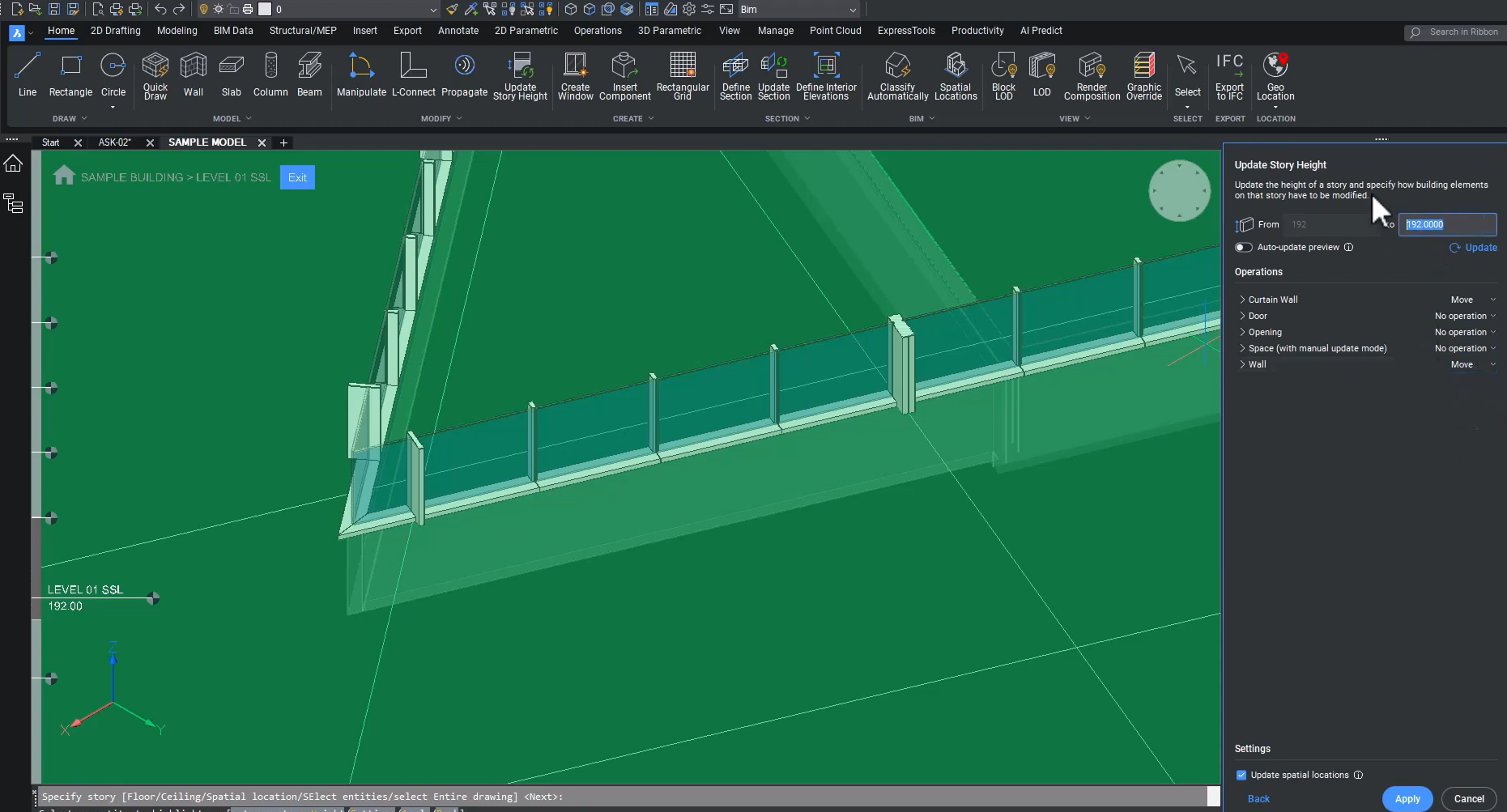
BricsCAD BIM V25.2 is IFC4 certified! Read along as we explore how subcontractors can benefit from improved data exchange, the latest IFC4 capabilities as certified by BuildingSmart International, new parametric controls over level height adjustments, and a new setting that lets you control how to represent and quantify multi-ply elements during data validation.
Get up to Speed with BricsCAD V25: What's changed since V23?
Are you still using BricsCAD V23? Then it's time to Get Up To Speed with BricsCAD V25! Since V23 we've added more features and enhancements for various import and export, dimensioning, drawing health management, and TIN surfaces tools. Read on to learn more!
Get up to Speed with BricsCAD V25: What can V22 users look forward to?
We've made numerous enhancements to BricsCAD since BricsCAD V22 to make your workflows better and faster! If you're still using BricsCAD V22, now is the perfect time to consider upgrading to V25.
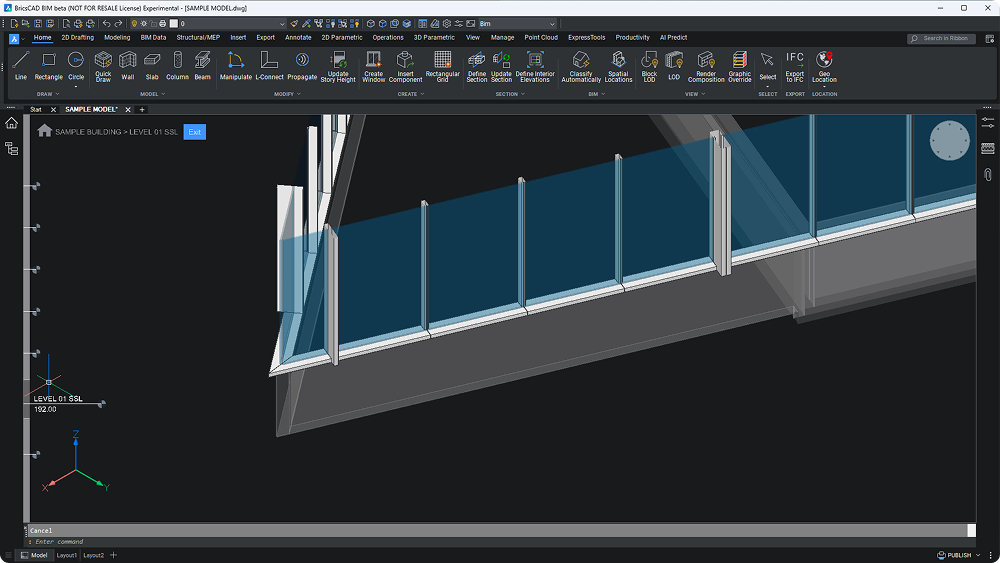
Bridging the Gap Between LOD, LOI, and the buildingSMART IDS with BricsCAD® BIM

Within a challenging Architecture, Engineering, and Construction (AEC) industry, achieving seamless collaboration and reducing inefficiencies have become essential goals. Building Information Modeling (BIM) has emerged as a powerful tool to address these needs, but success hinges on aligning Level of Detail (LOD) and Level of Information (LOI).
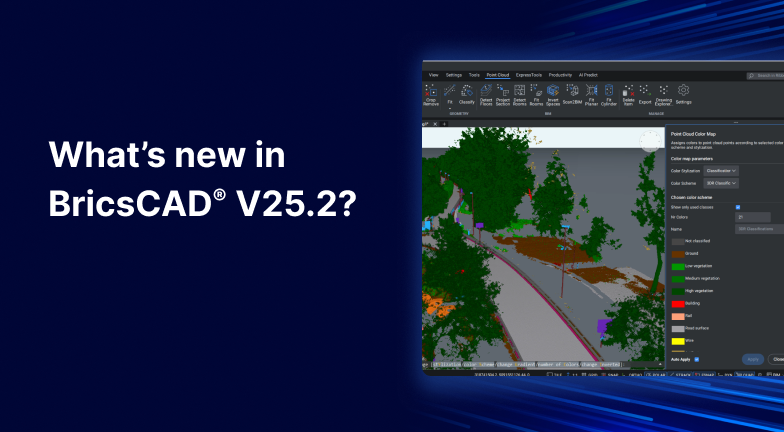
What's New in BricsCAD V25.2?
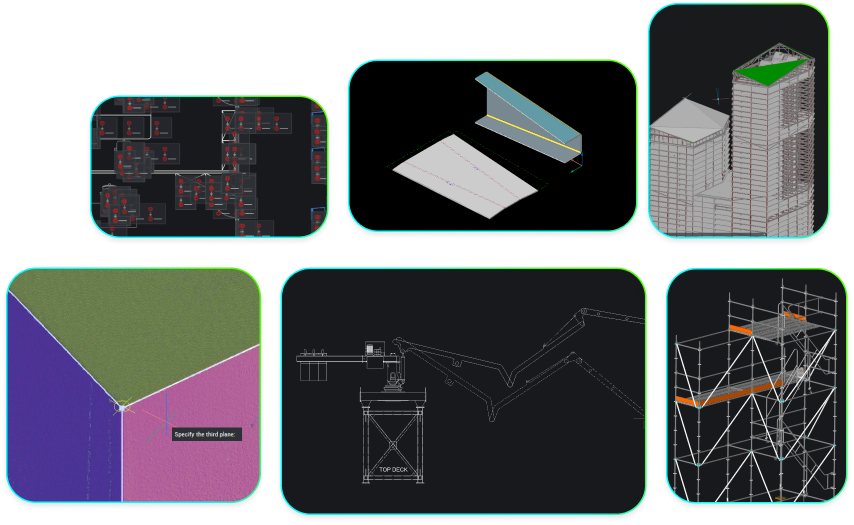
With the release of BricsCAD V25.2, we've added over 30 new and enhanced features to enrich everyday workflows for engineers, manufacturers, builders and surveyors. Whether you're working with 2D geometry or 3D models, these additions give you what you need to accelerate productivity.

BricsCAD Maintenance: What's the payoff?
You have probably heard of BricsCAD Maintenance, and wondered - what's the payoff? There are plenty of benefits to BricsCAD Maintenance. Including access to expert support and the latest updates to futureproof your CAD workflows, and last but not least, peace of mind!
Get up to Speed with BricsCAD V25 - What's changed since V21?
Are you using an older version of BricsCAD? Then, it's time to get up to speed and upgrade to BricsCAD V25! If you are a BricsCAD V21 user, there are a slew of new and enhanced commands that will speed up your workflows - ready and waiting for you in BricsCAD V25.

Simplifying BIM Deliveries with IDS in BricsCAD BIM V25
For professionals in the Architecture, Engineering, Construction, and Operations (AECO) industry accustomed to delivering projects through 2D CAD workflows, the rising expectations of participating in BIM (Building Information Modeling) project deliveries can seem daunting.

Get the most out of BricsCAD® with BricsCAD Maintenance

Maximize the value of your BricsCAD licenses with BricsCAD Maintenance! Our maintenance plan offers BricsCAD users an affordable solution so you can get the most out of BricsCAD with professional support and product updates.
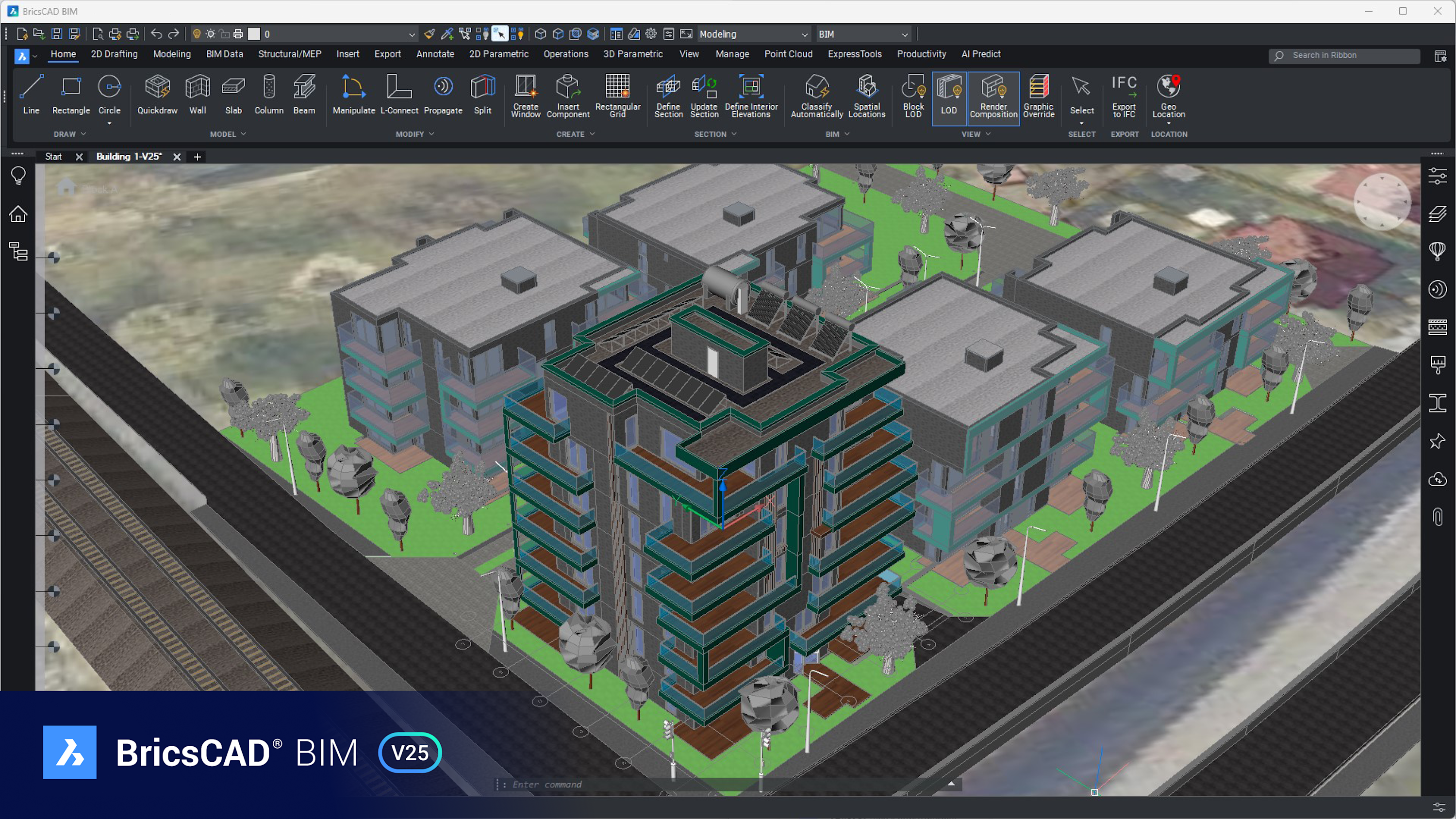
Understanding BIM and IFC Mandates: Bridging the Gap for AEC Professionals

The architecture, engineering, and construction (AEC) industry is rapidly evolving, driven by the construction industry's pressing need to enhance productivity, reduce waste, and enable seamless collaboration across project lifecycles. These challenges are further compounded by increasingly complex project demands. To address these issues, government agencies, industry regulators, and policymakers have turned to technology mandates as critical tools for driving change. Central to this effort are Building Information Modeling (BIM) mandates and Industry Foundation Classes (IFC) mandates.
Sign up to get tips & posts sent directly to your inbox
30 day trial