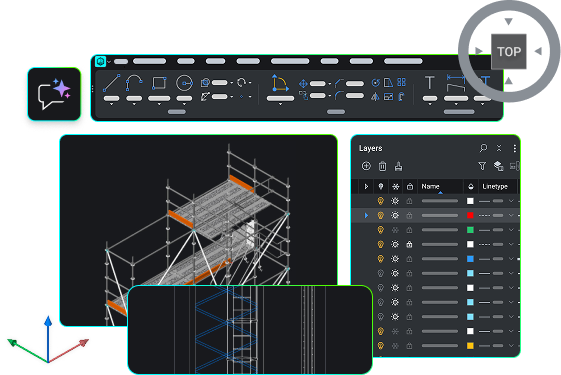
BricsCAD V27
New capabilities to accelerate the design-to-production process
Latest features
What’s new in BricsCAD V27
New and enhanced capabilities across general design, file creation and import, drawing optimization and editing, detailing and annotation, and publishing. Learn about the latest features that will help you reduce repetitive steps and move more smoothly from design to finished drawings.
Filter by:
BricsCAD Lite
ENHANCED
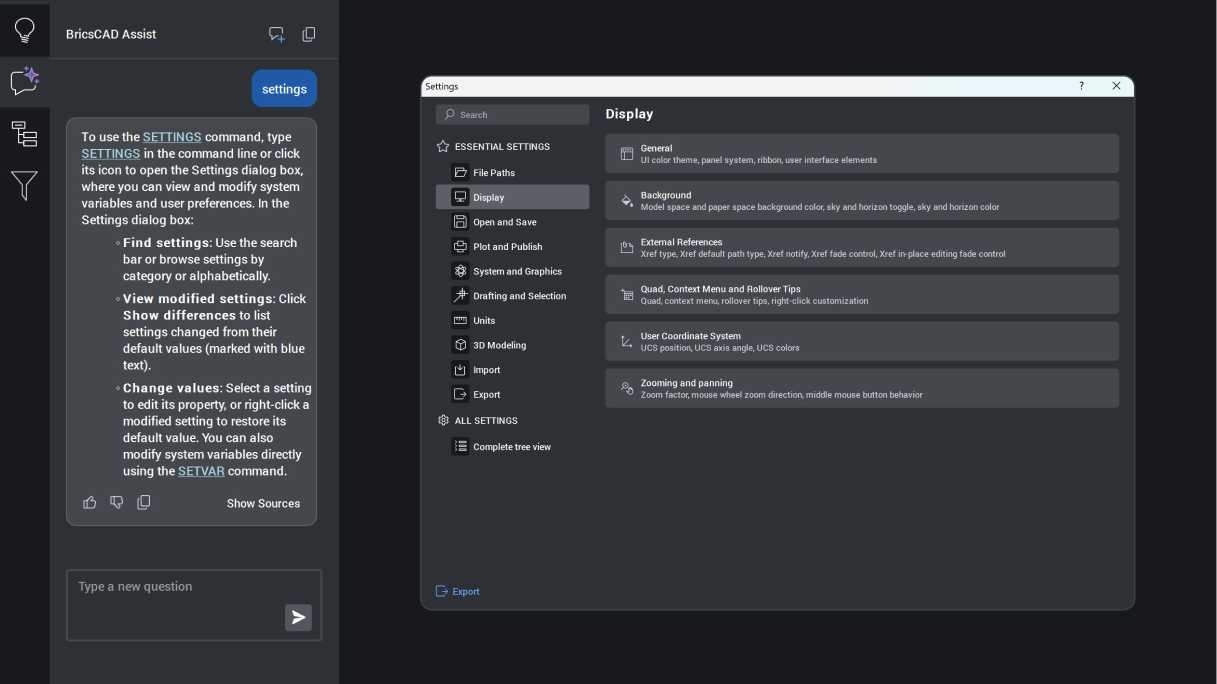
BricsCAD Assist
AI‑driven chat panel that helps users quickly find documentation, how‑to tips, and guidance, all integrated directly into the BricsCAD interface.
Unique to BricsCAD
BricsCAD Lite
experimental
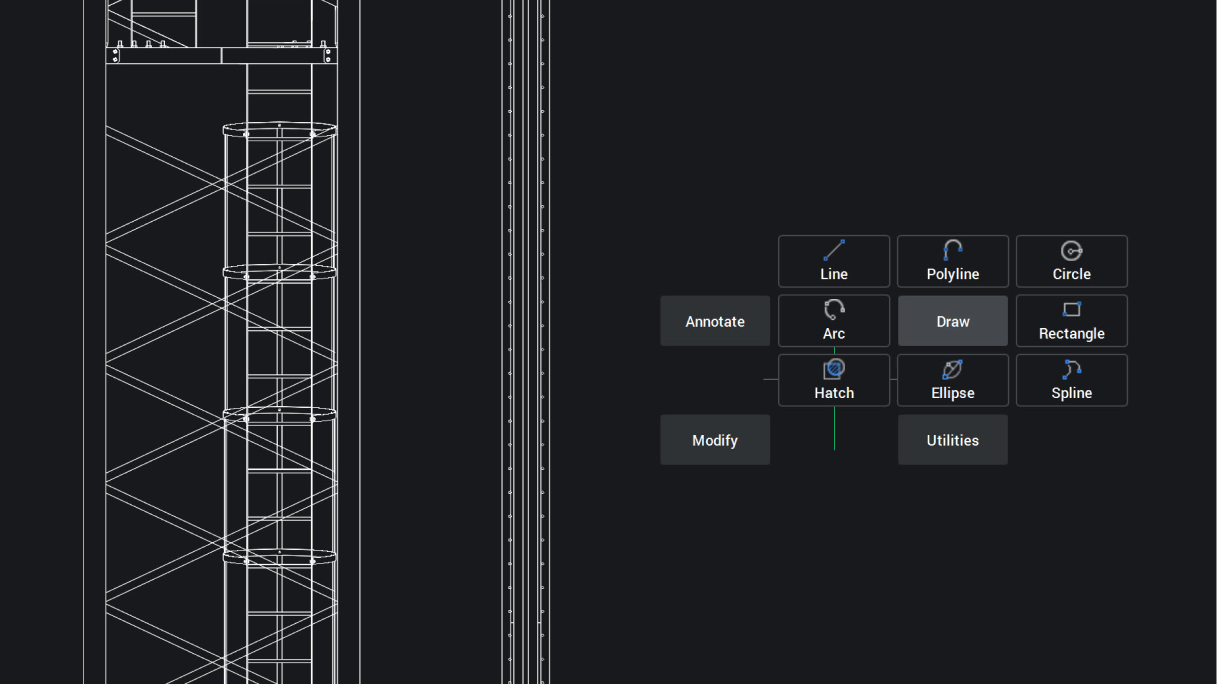
Quad Cursor marking menu
Quad now offers marking‑menu gestures for 2D entities, enabling faster, predictable interaction with context-relevant commands to boost productivity.
Unique to BricsCAD
BricsCAD Lite
NEW
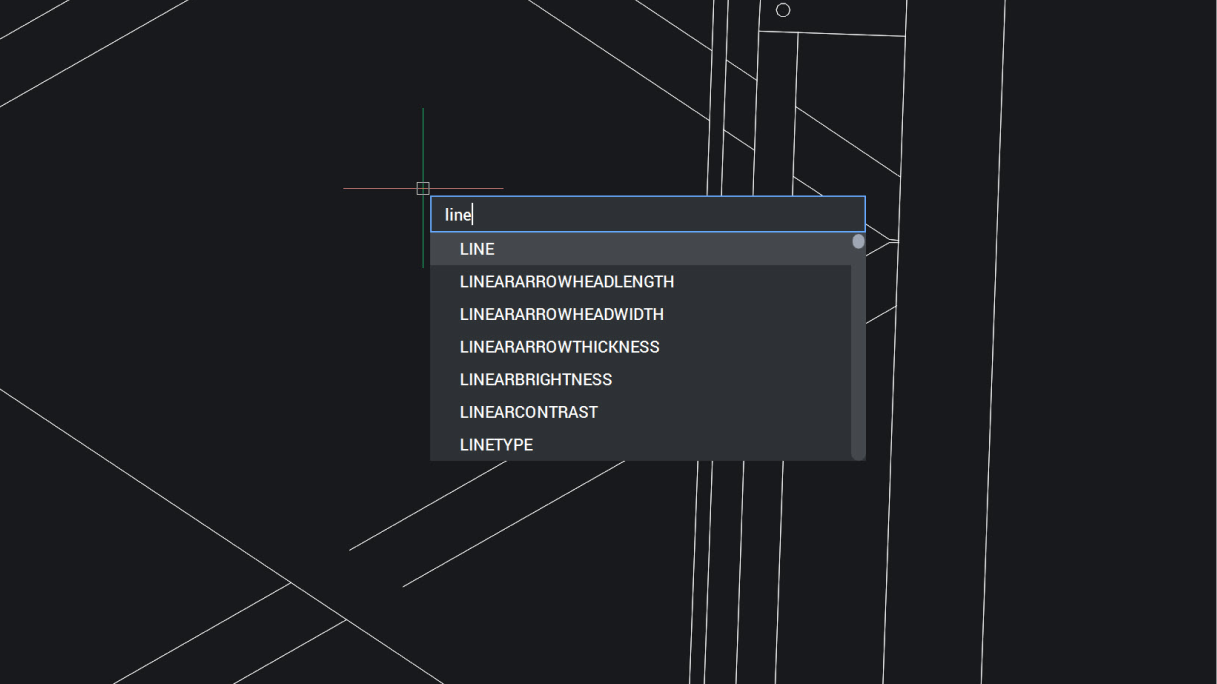
Dynamic input at cursor
Dynamic Input displays information at your cursor, so you can focus on your work instead of the command line offering faster, precise input.
BricsCAD Lite
ENHANCED
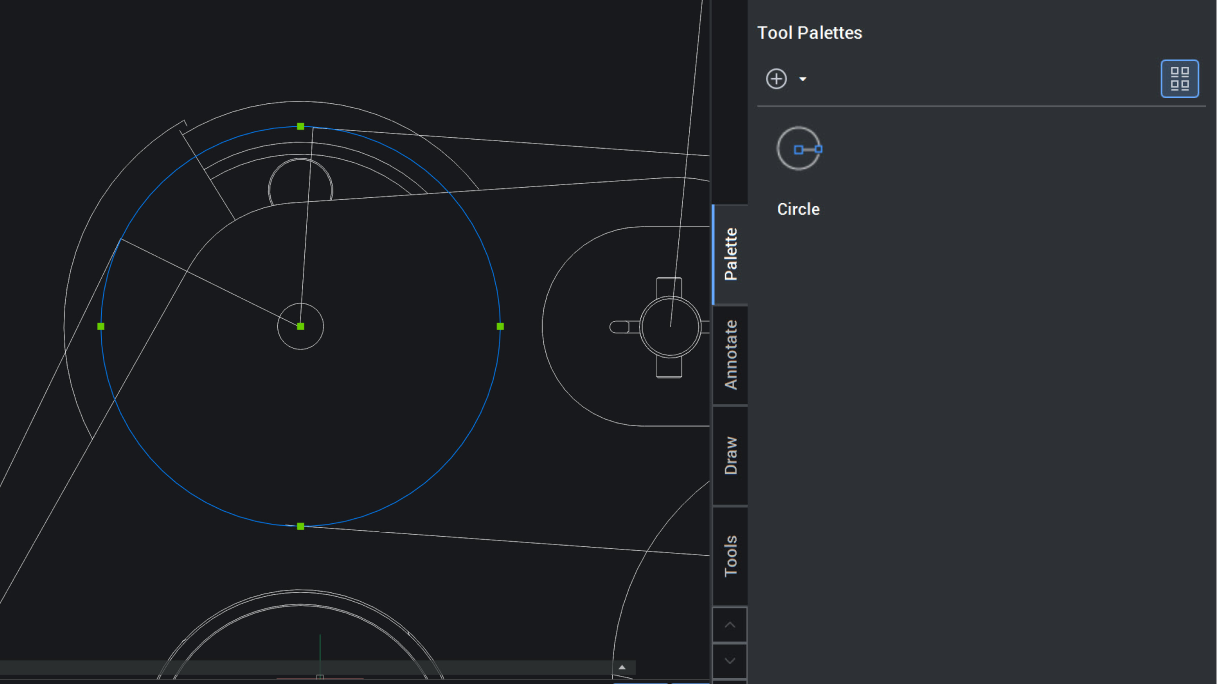
Customizable Tool Palettes
Quickly customize tool palettes directly from the model space, reducing setup time and effort for fast access to commonly used tools.
BricsCAD Pro
ENHANCED
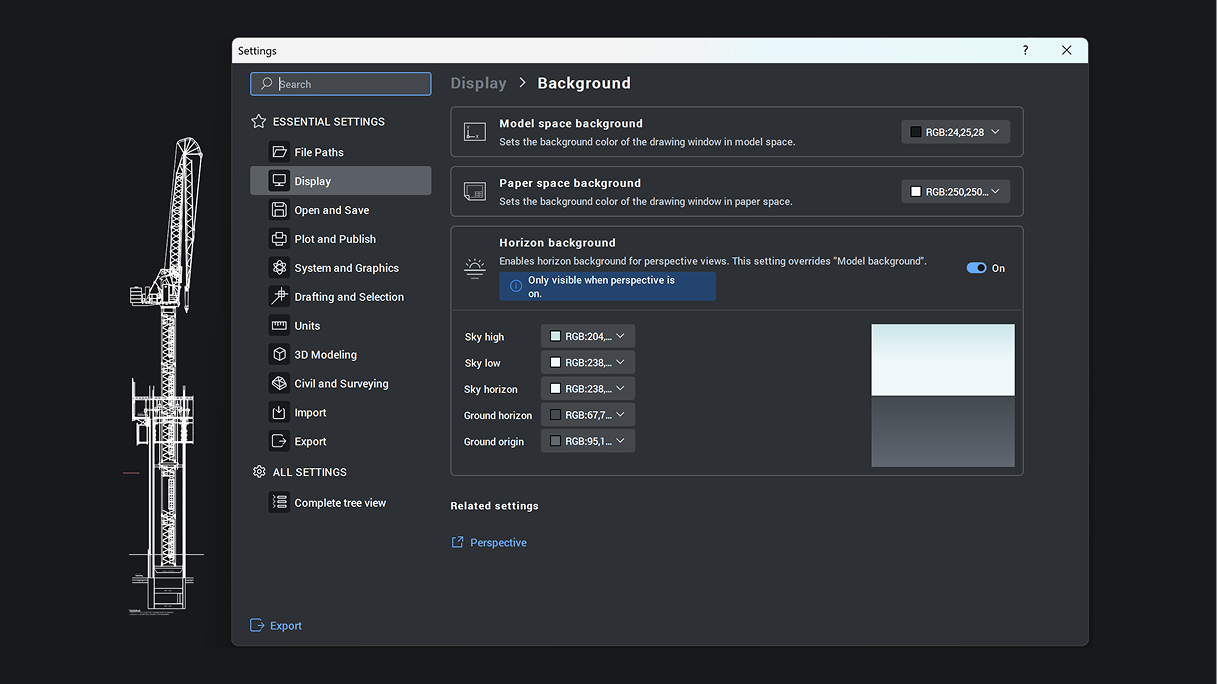
Settings dialog
Tabbed, searchable interface for essential settings. Option to view only changed settings and reset one by one or restore defaults completely.
BricsCAD V27.
Get the latest version