BricsCAD Lite
Essential 2D CAD - familiar, fast, and affordable.
Price starting from €330/year
* Free 30-day trial, no credit card required.
INCLUDED CAPABILITIES
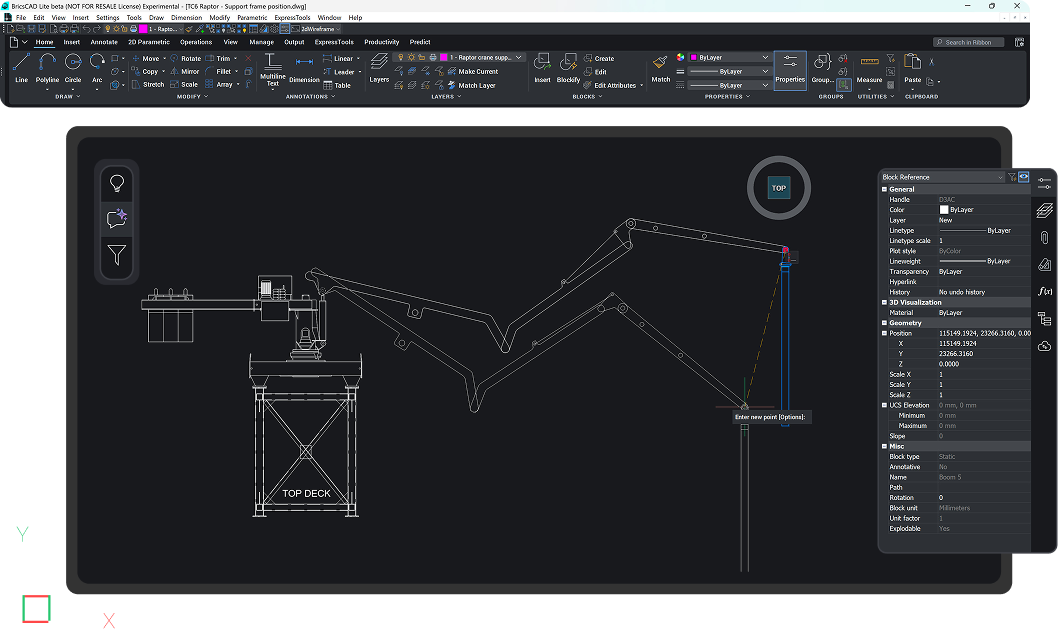
DWG-based CAD platform for design and drafting
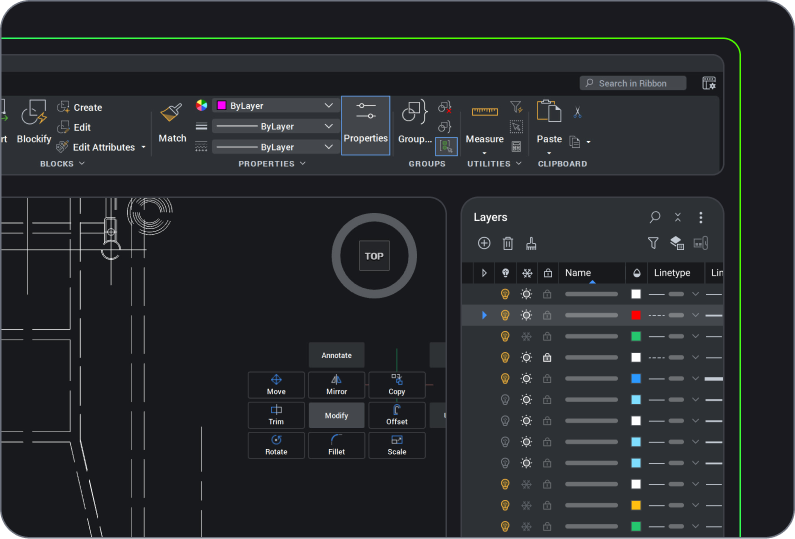
2D Drafting
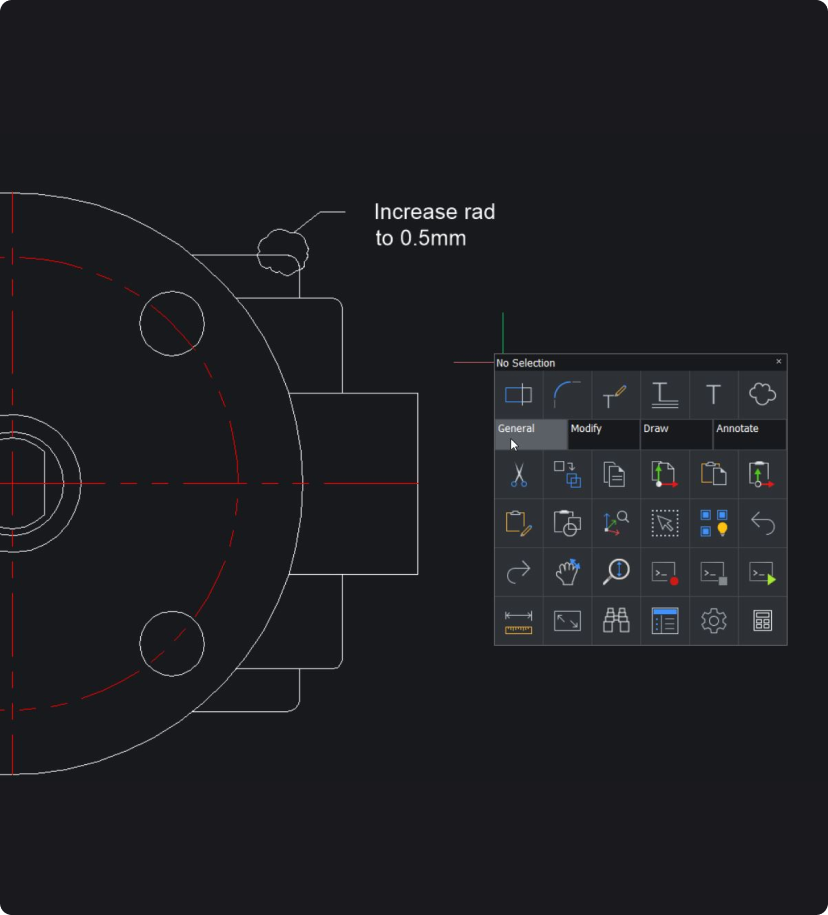
Quickly create detailed drawings with a comprehensive set of intelligent drafting tools.

handle industry-specific workflows.
BUY BRICSCAD
Buy BricsCAD the way you want
BricsCAD Lite
1 year subscription license
Including BricsCAD Maintenance
Pay yearly and enjoy full access to BricsCAD for 12 months, with the flexibility to renew and continue accessing the latest features.
Excluding local taxes or duties
* The benefits of BricsCAD Maintenance are always included in a subscription license price
3 years subscription license
Including BricsCAD Maintenance
Pay once every 3 years and lock in today’s price for the full term, with the flexibility to renew and continue accessing the latest features.
Excluding local taxes or duties
* The benefits of BricsCAD Maintenance are always included in a subscription license price
Lifetime perpetual license
Including BricsCAD Maintenance
Pay once and keep your BricsCAD version forever. Subscribe to BricsCAD Maintenance for expert product support and upgrades. BricsCAD Maintenance renewal price: €124 /year
Excluding local taxes or duties
* First year BricsCAD Maintenance is included in your perpetual license price
data exchange
Seamless integration and comprehensive compatibility
BricsCAD lets you exchange design data freely across all project stakeholders and all major file formats.
Supported file formats and integrations in BricsCAD Lite

DWG

AutoCAD®

DXF

DGN

MicroStation/
Bentley

Excel/
spreadsheet

STL

FBX

DWF/DWFx

SVG

Collada

OBJ

WMF/EMF

BMP

DWT
BENEFITS
DWG-based 2D CAD software
Lightweight platform to easily view, edit, mark up, and publish design data in multiple file formats.
Fully compatible with industry-standard DWG
Open and view DWG files of any size from legacy CAD drawings to complete data reviews, 2D drawings, and document publishing.

Familiar, user-friendly CAD
Transition seamlessly to a familiar user interface combining intuitive features for 2D design with flexible, cost-effective licensing options.

Comprehensive 2D drafting tools
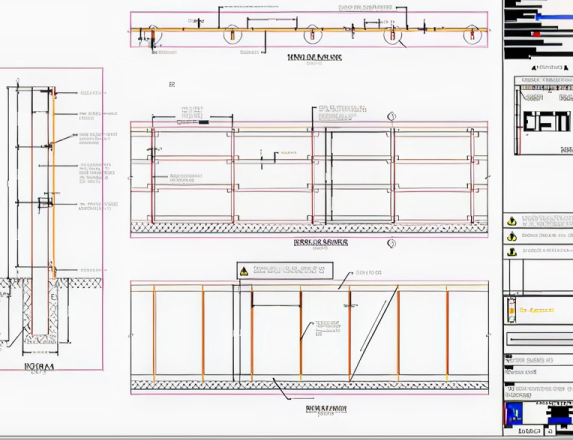
Rapidly create preliminary design schemes and layouts, easily referenced by colleagues also using BricsCAD products.

AI-driven productivity tools
Maximize productivity with BricsCAD unique commands, removing repetition from workflow tasks.







CAPABILITIES
What can you do with BricsCAD Lite?
Review and edit drawings
Quickly review and edit CAD data with multi-file compatibility using intelligent drafting tools for easy collaboration across teams.
Optimize drawings from clients and suppliers
Give occasional users a shareable license
Unlock the power of LISP
BUY BRICSCAD
All our CAD software
 €330/year
Essential 2D CAD - familiar, fast, and affordable.
 €710/year
Professional 2D & 3D CAD - powerful and flexible.
 €998/year
2D & 3D Mechanical CAD to document manufacturing processes.
 €1,060/year
2D & 3D CAD for building modeling and documentation.
 €1,176/year
Integrated 2D & 3D CAD for Mechanical, Building, and Surveying.
Get the most out of BricsCAD
Access expert product support and upgrades with the BricsCAD Maintenance program - assuring the lowest cost of ownership.
CUSTOMERS
Leading companies trust BricsCAD
 Source: www.g2.com/bricscad

“I would never go back after using BricsCAD! Overnight, I was able to cut down the time it would take to create 2D documentation of a design from 3 hours to 5 minutes.”
Carl James - Design Engineer, Independent Design House Ltd.


“BricsCAD offers licenses at a reasonable price and yet has the same functionality and stability as our previous CAD software.”
Masahiro Abe - Production Engineering Division, Mazda


"After a short period of adaptation, the transition to BricsCAD did not have any major difficulties. Same friendly environment and workspace; very few differences due to similar commands."
Davide Vinci - 3D Model Engineer and Data Management/Senior Piping Specialist, Ponterosso Comart S.p.A.
30 day trial
Start designing in BricsCAD today!