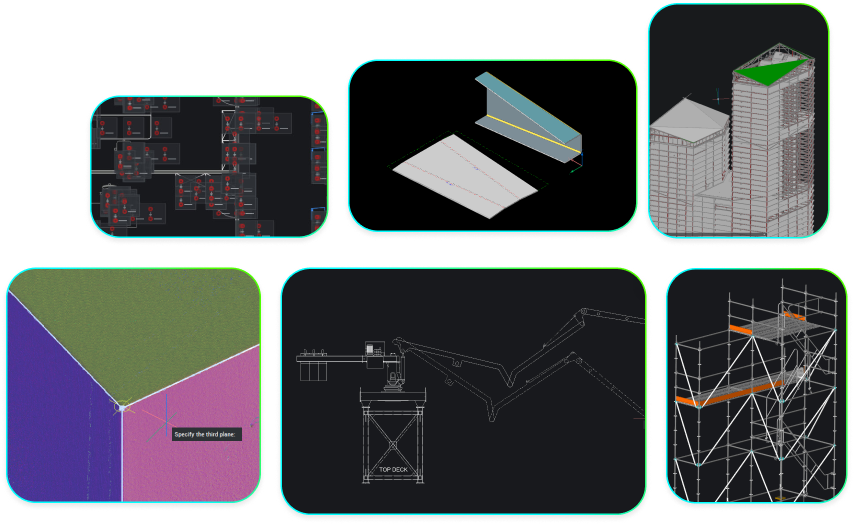
Mechanical toolset
2D & 3D Mechanical CAD to document manufacturing processes.
Price starting from €998/year
* Free 30-day trial, no credit card required.
CAPABILITIES
DWG-based CAD platform for mechanical design
Mechanical design
Create 3D assemblies and 2D detailed documentation of manufactured products.

Design for Manufacturing and Assembly (DFMA) Tools.
BUY BRICSCAD
Buy BricsCAD the way you want
BricsCAD Mechanical
1 year subscription license
Including BricsCAD Maintenance
Pay yearly and enjoy full access to BricsCAD for 12 months, with the flexibility to renew and continue accessing the latest features.
Excluding local taxes or duties
* The benefits of BricsCAD Maintenance are always included in a subscription license price
3 years subscription license
Including BricsCAD Maintenance
Pay once every 3 years and lock in today’s price for the full term, with the flexibility to renew and continue accessing the latest features.
Excluding local taxes or duties
* The benefits of BricsCAD Maintenance are always included in a subscription license price
Lifetime perpetual license
Including BricsCAD Maintenance
Pay once and keep your BricsCAD version forever. Subscribe to BricsCAD Maintenance for expert product support and upgrades. BricsCAD Maintenance renewal price: €374 /year
Excluding local taxes or duties
* First year BricsCAD Maintenance is included in your perpetual license price
data exchange
Seamless integration and comprehensive compatibility
BricsCAD lets you exchange design data freely across all project stakeholders and all major file formats.
Supported mechanical interchangeable formats, part of BricsCAD Pro
Discover all Bricscad Pro supported file formats

IGES

STEP

3D PDF

STL
Supported mechanical vendor file types, part of the Mechanical toolset
* requires the installation of the Communicator for BricsCAD library, now part of the BricsCAD Mechanical and BricsCAD Ultimate license.

AutoCAD Mechanical

Autodesk Inventor

Solidworks

CATIA

Creo

Siemens NX
Siemens Solid Edge
Siemens Parasolid
Siemens JT

SAT/SAB (ACIS)
BENEFITS
The fastest path to complete and accurate production materials
For creating 3D assemblies and 2D detailed documentation of manufactured products.
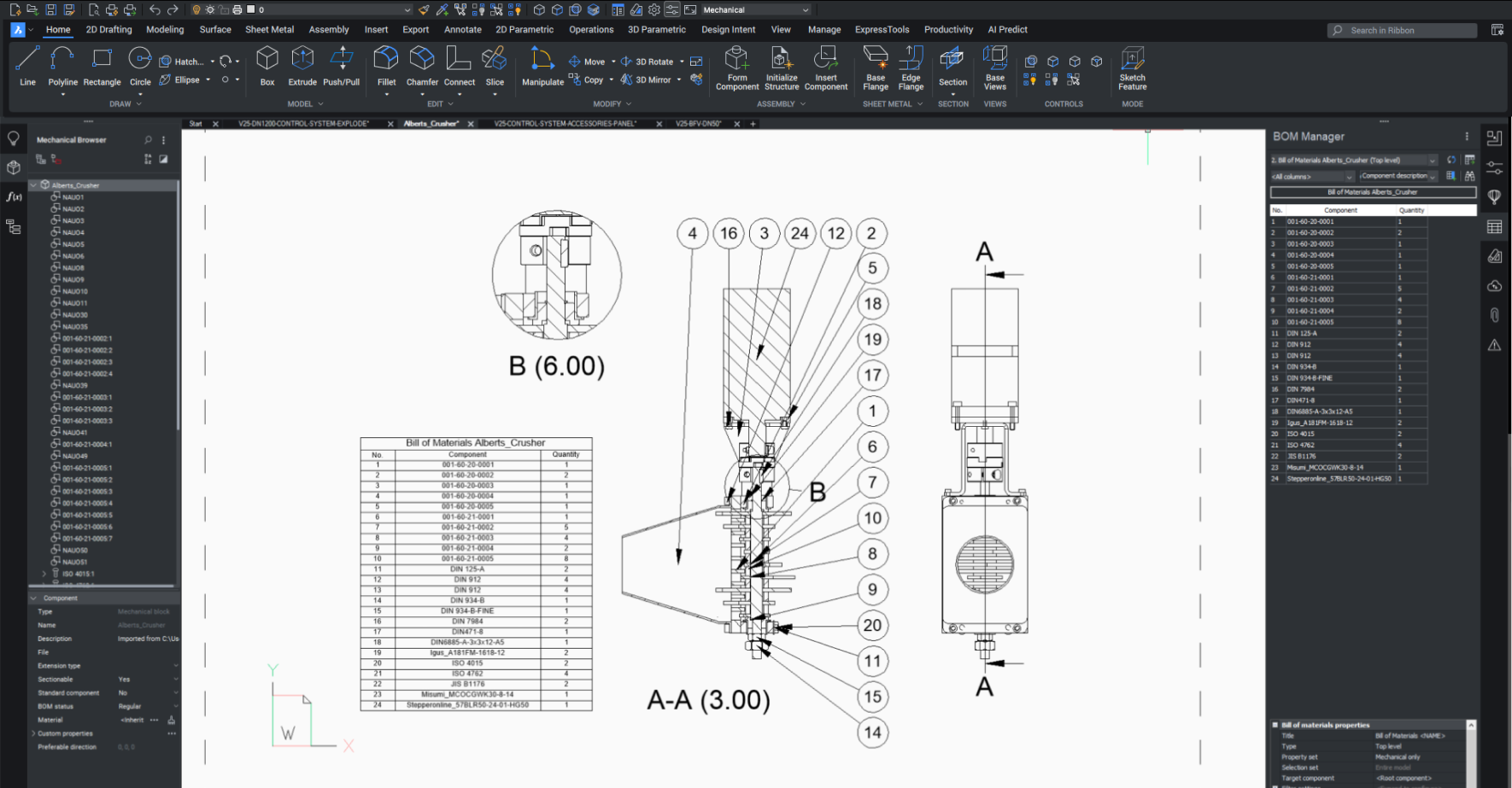

Fully compatible with industry-standard DWG
Easily open, edit, and reuse metadata and features in legacy CAD drawings, such as parts list and references, symbols, and annotations.

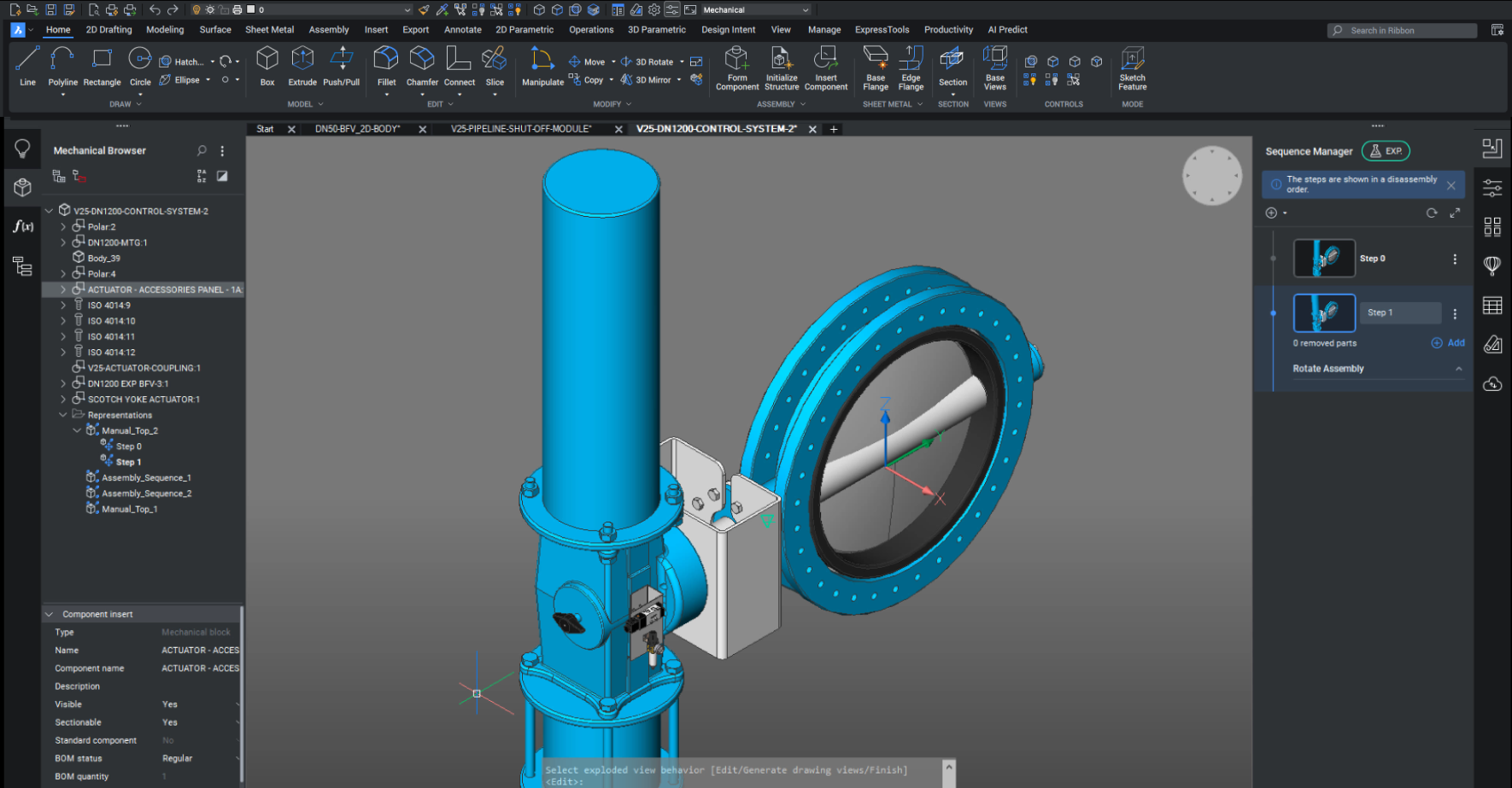
Mechanical Browser
Quickly view and modify parametric properties of mechanical parts and assemblies from a central panel.

Parametric standard parts
Build from a library of 30,000 standard mechanical components of 800+ different types, all with customizable parameters.

Bottom-up and top-down assembly design
Create complex hierarchies of parts and sub-assemblies using bottom-up or top-down design methods.
CAPABILITIES
What can you do with BricsCAD Mechanical?
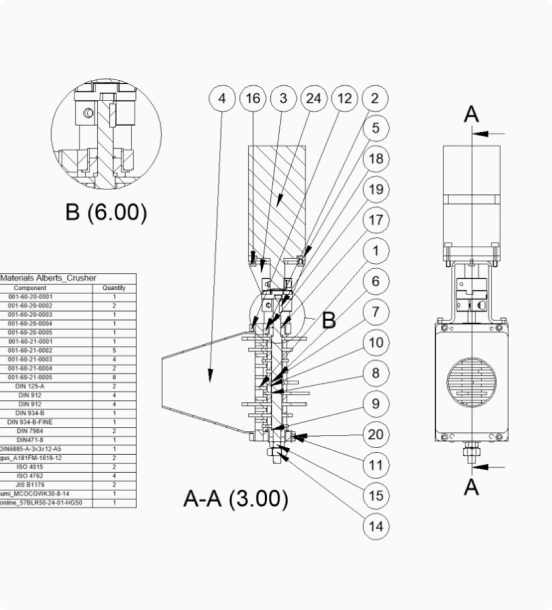
Generate fully associative BOMs
Create BOM and part lists automatically using the Block and Part Reference data.
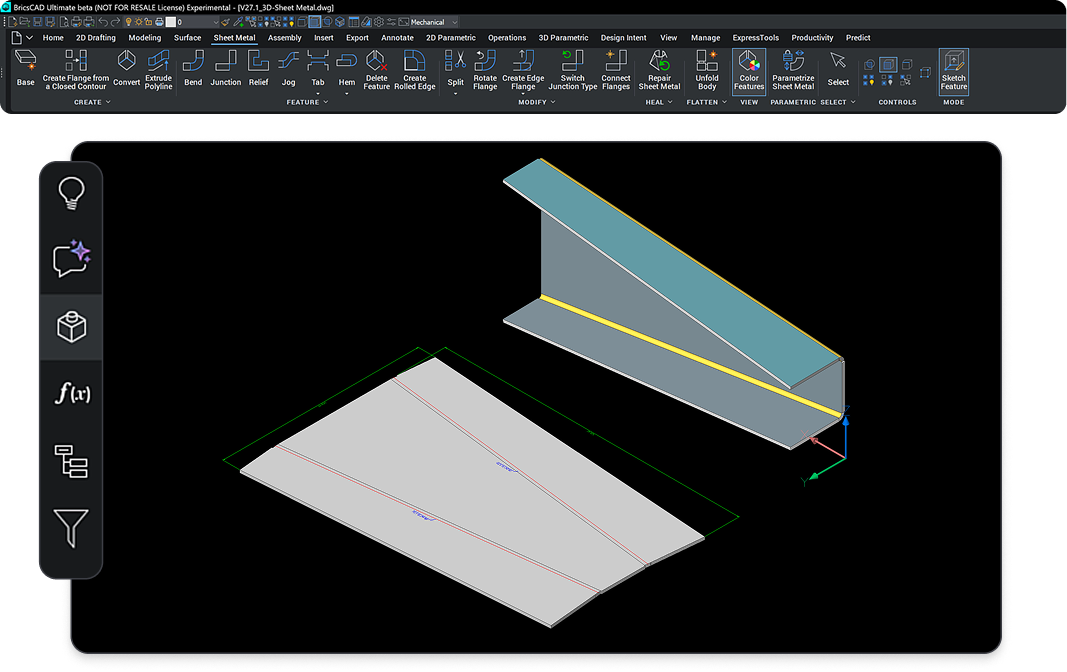
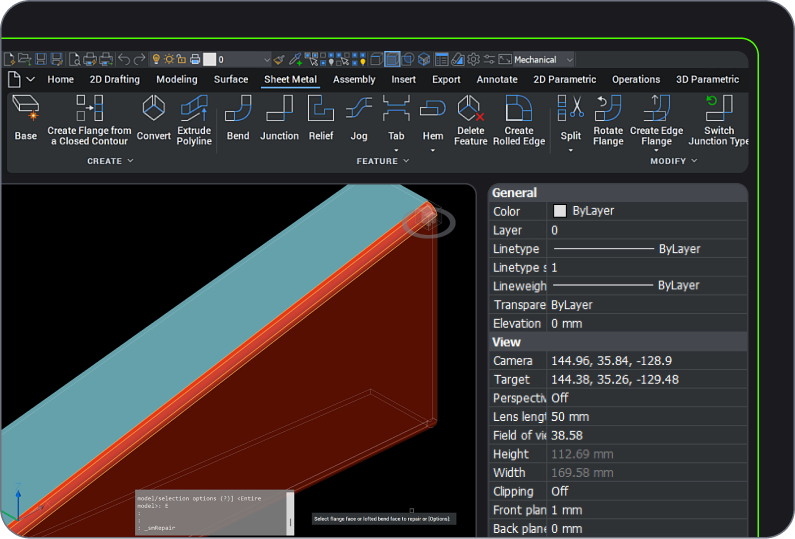
Automatically convert 3D entities to sheet metal
Translate 3D models to 2D documentation
Assembly inspection toolkit
ADD-ON
Communicator for BricsCAD
High-fidelity 3D CAD import/export
Seamlessly import models from other major CAD tools with this add-on
BUY BRICSCAD
All our CAD software
 €330/year
High-performing, compatible, and concise 2D drafting and detailing.
 €710/year
Professional 2D & 3D CAD - powerful and flexible.
 €998/year
2D & 3D Mechanical CAD to document manufacturing processes.
 €1,060/year
2D & 3D CAD for building modeling and documentation.
 €1,176/year
Integrated 2D & 3D CAD for Mechanical, Building, and Surveying.
Get the most out of BricsCAD
Access expert product support and upgrades with the BricsCAD Maintenance program - assuring the lowest cost of ownership.







CUSTOMERS
Leading companies trust BricsCAD
 Source: www.g2.com/bricscad


“BricsCAD Mechanical has enabled our team to set even higher standards for structural and mechanical drawings.”
Melvin Hamar de la Brethonière - Engineer
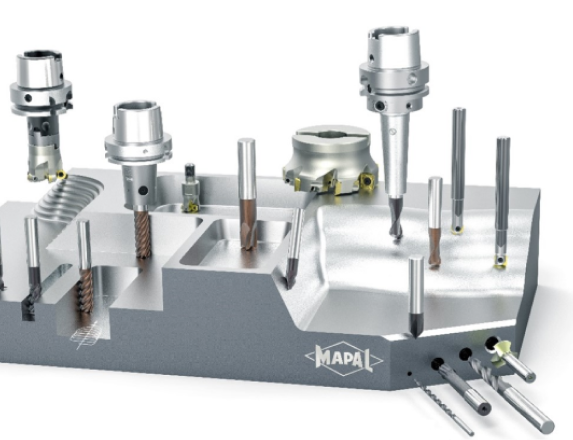

“The best method is to explore the 3D models with Communicator for BricsCAD to understand how to create (designs) effectively.”
Marcus Funk - Systems Administrator and Software Developer


“By fully automating (our files) with BricsCAD, we achieve short delivery times and improve customer satisfaction."
Masafumi Nakaseko - Assistant Manager of the Metal Forming Department
30 day trial
Start designing in BricsCAD today!