BricsCAD Pro
Professional 2D & 3D CAD - powerful and flexible.
Price starting from €710/year
* Free 30-day trial, no credit card required.
INCLUDED CAPABILITIES
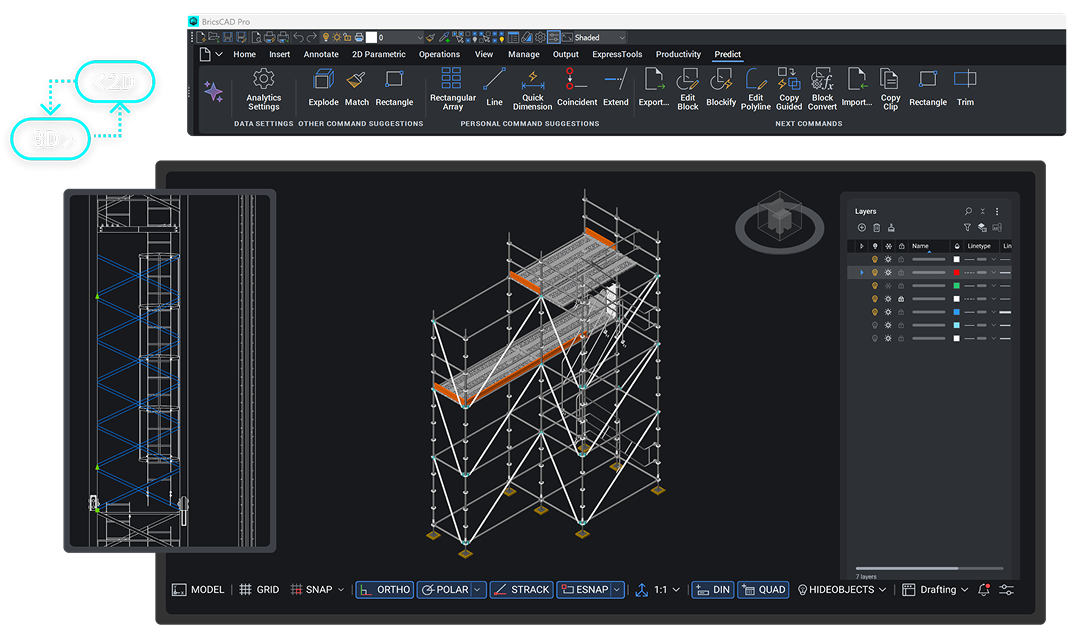
DWG-based CAD platform for design and drafting
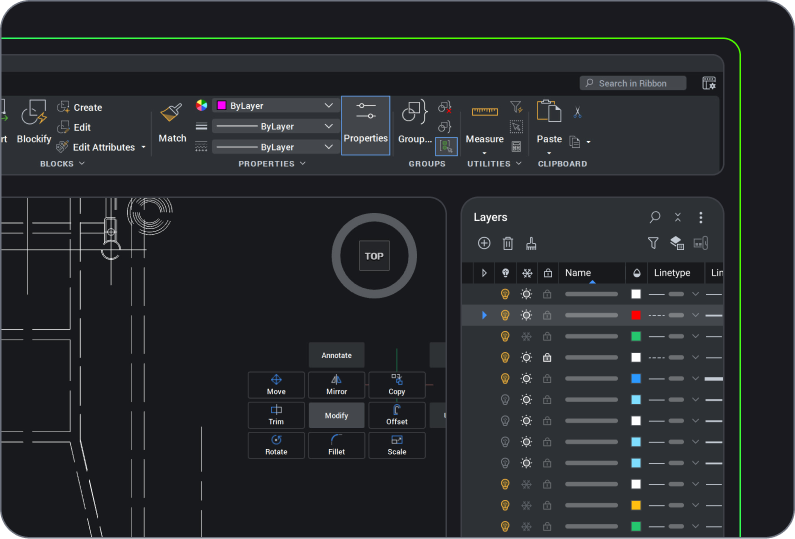
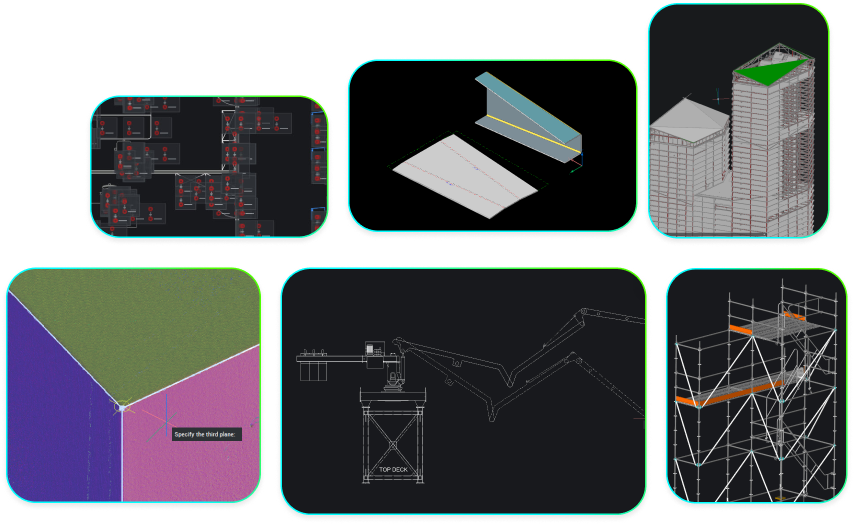
2D Drafting
Quickly create detailed drawings with a comprehensive set of intelligent drafting tools.

handle industry-specific workflows.
2D Drafting
2D Drafting
Quickly create detailed drawings with a comprehensive set of intelligent drafting tools.
handle industry-specific workflows.
3D Modeling
Land surveying
BUY BRICSCAD
Buy BricsCAD the way you want
BricsCAD Pro
1 year subscription license
Including BricsCAD Maintenance
Pay yearly and enjoy full access to BricsCAD for 12 months, with the flexibility to renew and continue accessing the latest features.
Excluding local taxes or duties
* The benefits of BricsCAD Maintenance are always included in a subscription license price
3 years subscription license
Including BricsCAD Maintenance
Pay once every 3 years and lock in today’s price for the full term, with the flexibility to renew and continue accessing the latest features.
Excluding local taxes or duties
* The benefits of BricsCAD Maintenance are always included in a subscription license price
Lifetime perpetual license
Including BricsCAD Maintenance
Pay once and keep your BricsCAD version forever. Subscribe to BricsCAD Maintenance for expert product support and upgrades. BricsCAD Maintenance renewal price: €266 /year
Excluding local taxes or duties
* First year BricsCAD Maintenance is included in your perpetual license price
data exchange
Seamless integration and comprehensive compatibility
BricsCAD lets you exchange design data freely across all project stakeholders and all major file formats.
Supported file formats and integrations, part of BricsCAD Pro

DWG

AutoCAD®

DXF

DGN

MicroStation/
Bentley

Excel/
spreadsheet

STL

FBX

DWF/DWFx

SVG

Collada

OBJ

WMF/EMF

BMP

DWT

Adobe/
Acrobat
3D PDF

Unreal Engine

STEP

IGES

Sketchup
Point Cloud formats supported, part of BricsCAD Pro

LAS/LAZ

E57

PTS/PTX
Leica Cyclone

RCP/RCS Autodesk ReCap

LGSX

ZFS

RDBX

RSP/PACK
Survey and GIS formats supported, part of BricsCAD Pro

SHP

KML

GML

LandXML
Leica JPRJ
BENEFITS
Combine 2D drafting and 3D modeling
High-performance professional CAD platform, offering intelligent productivity tools to drive workflow efficiency.
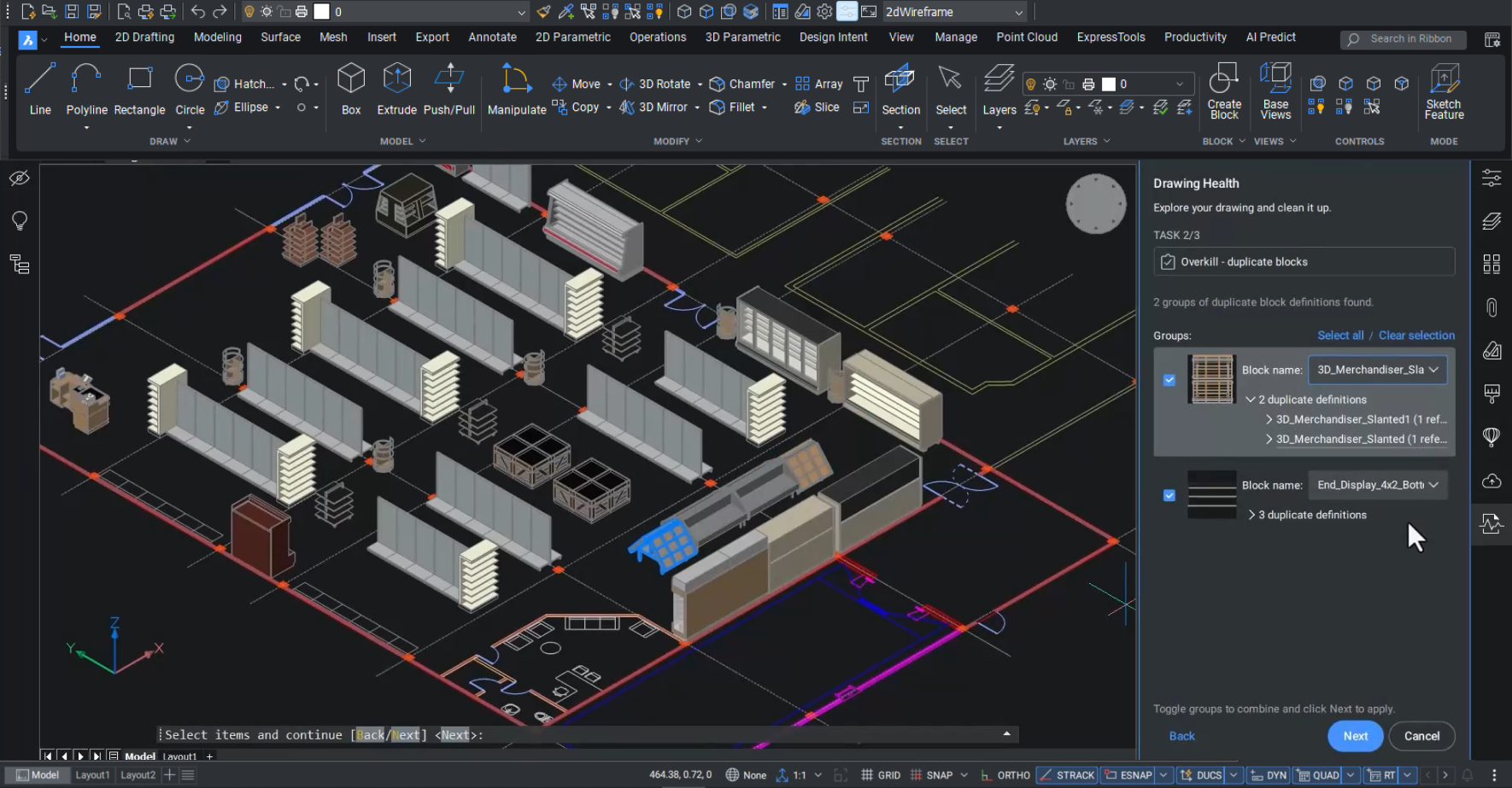
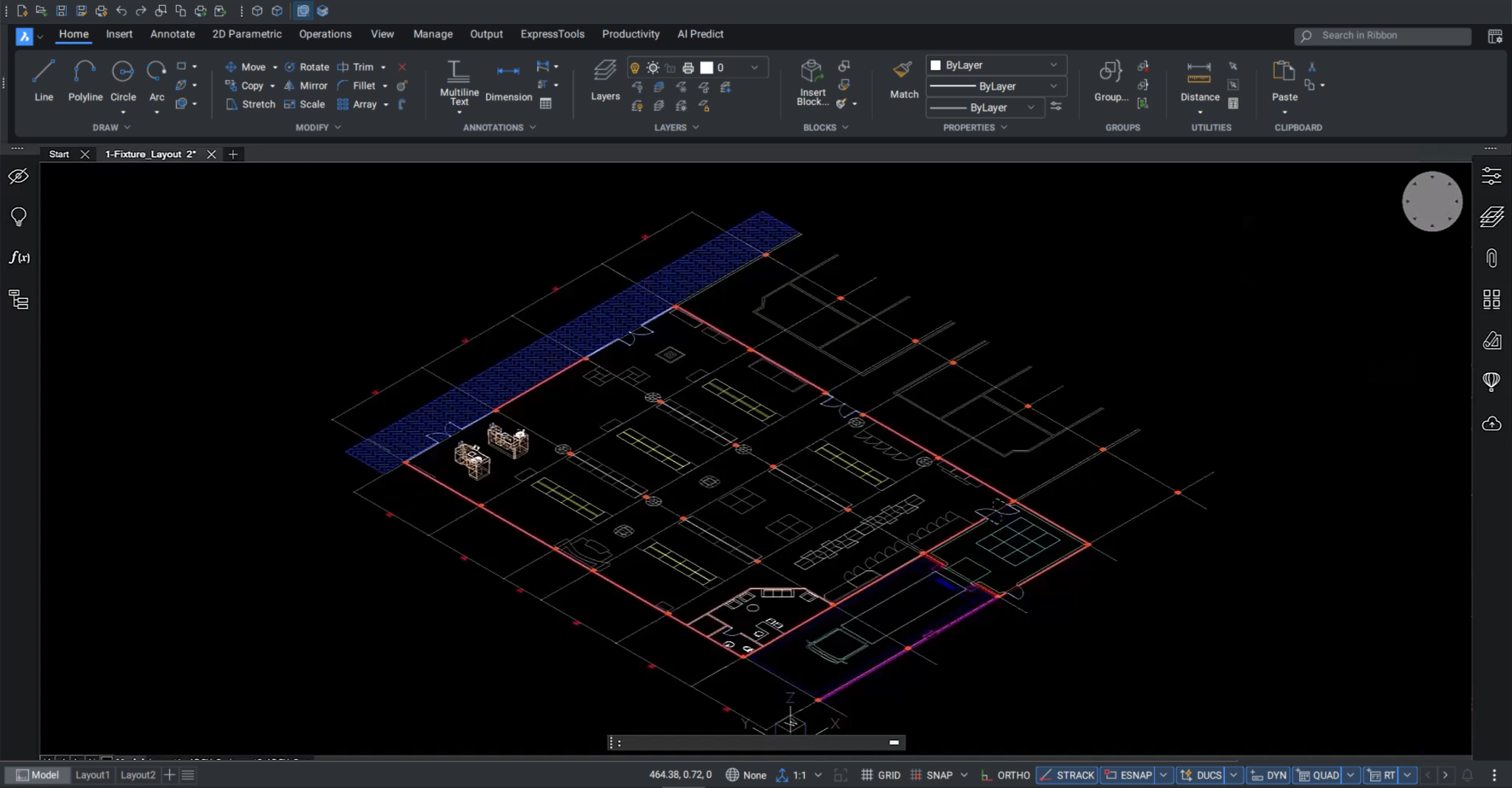
Fully compatible with industry-standard DWG
Optimize imported data with productivity tools to improve the quality, accuracy, and performance of DWG files.

Collaborative project workflows
Identify issues early in the design phase and communicate solutions with project stakeholders.

Advanced capabilities for 2D and 3D deliverables
Visualize designs in 2D and 3D with parametric solid modeling, TIN surface creation, and point-cloud visualization.

Comprehensive industry tools and partner apps
Choose from hundreds of high-quality, powerful partner apps to best manage your specific industry workflows.







CAPABILITIES
What can you do with BricsCAD Pro?
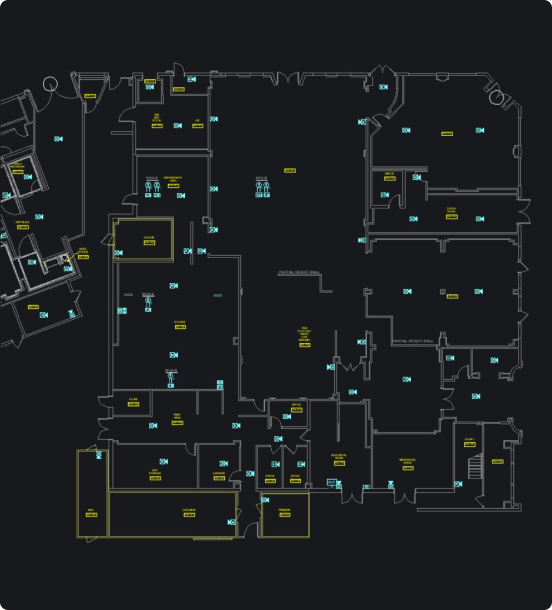
Design manufacturing-facility layouts
Optimize layouts for production facilities or retool existing ones in 2D or 3D, all with efficient and intelligent design tools to place equipment and make modifications simply and easily.
Fast and easy access to survey data
Create optimized TIN surfaces from point clouds
Validate 2D and 3D designs in a single platform
BUY BRICSCAD
All our CAD software
 €330/year
High-performing, compatible, and concise 2D drafting and detailing.
 €710/year
Professional 2D & 3D CAD - powerful and flexible.
 €998/year
2D & 3D Mechanical CAD to document manufacturing processes.
 €1,060/year
2D & 3D CAD for building modeling and documentation.
 €1,176/year
Integrated 2D & 3D CAD for Mechanical, Building, and Surveying.
Get the most out of BricsCAD
Access expert product support and upgrades with the BricsCAD Maintenance program - assuring the lowest cost of ownership.
CUSTOMERS
Leading companies trust BricsCAD
 Source: www.g2.com/bricscad


“In the past, we used several programs to combine 2D drawings into one composition. We can now use BricsCAD from initial sketches right through to final production models.”
Bart Veenstra - CAD engineer


“When I realized that BricsCAD offers everything I need in a CAD platform, yet for a much more reasonable price than that of our previous CAD provider, the decision was easy.”
Ben Bentley - Senior Design and Technical Manager


"The simple and intuitive handling of BricsCAD is especially nice for the first time. Even if you have never opened the program before, you know immediately.”
Viola Mc Kearney - Team Manager
30 day trial
Start designing in BricsCAD today!