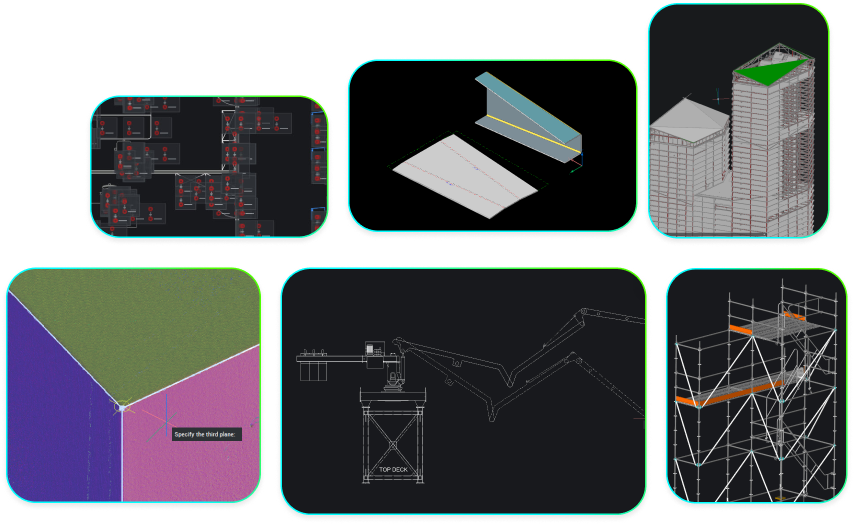
The real cost of letting your BricsCAD Maintenance lapse
Staying on BricsCAD Maintenance keeps you on the latest version, inside the upgrade window, fully supported, and clear of a costly rebuy.
🚀 BricsCAD V27 is available now
3D Modeling
The real cost of letting your BricsCAD Maintenance lapse
Staying on BricsCAD Maintenance keeps you on the latest version, inside the upgrade window, fully supported, and clear of a costly rebuy.
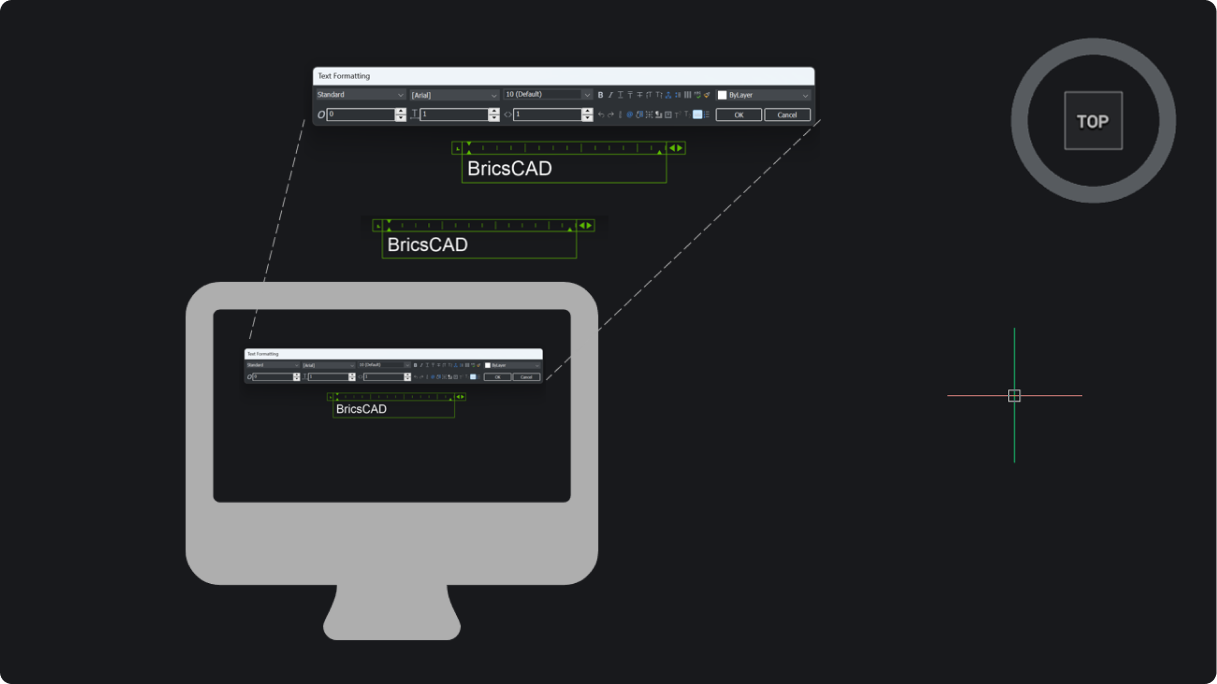
Get Up to Speed from BricsCAD V25 to V26: What’s Better for Your Workflow
BricsCAD V26 builds on V25 with clearer UI, sharper modeling control, smarter Mechanical and BIM tools, and more efficient survey workflows.
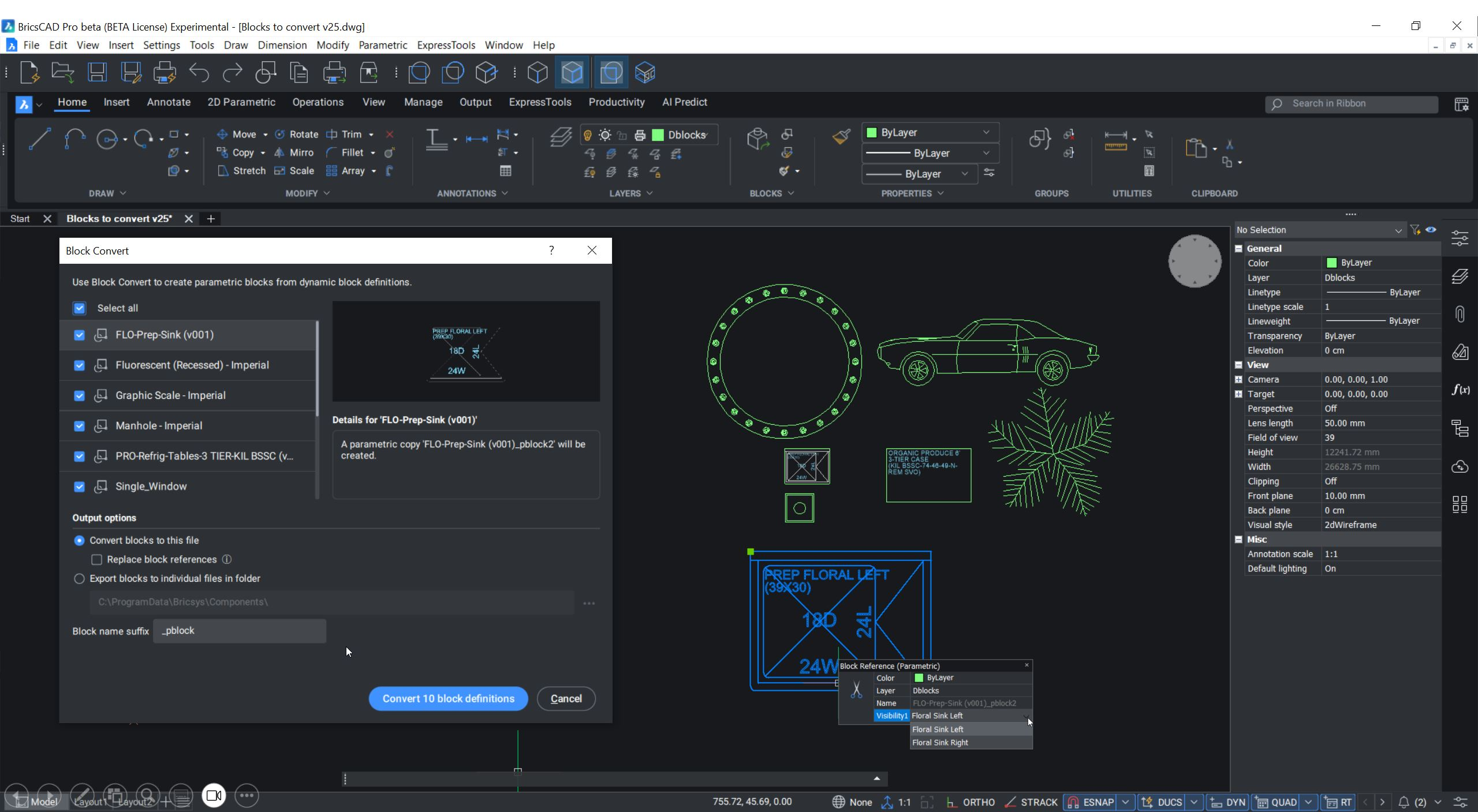
Smart CAD Software Doesn’t Think for You, But With You

How Bricsys is helping to redefine CAD intelligence through guided automation, where AI supports, rather than replaces, the designer’s creative process.
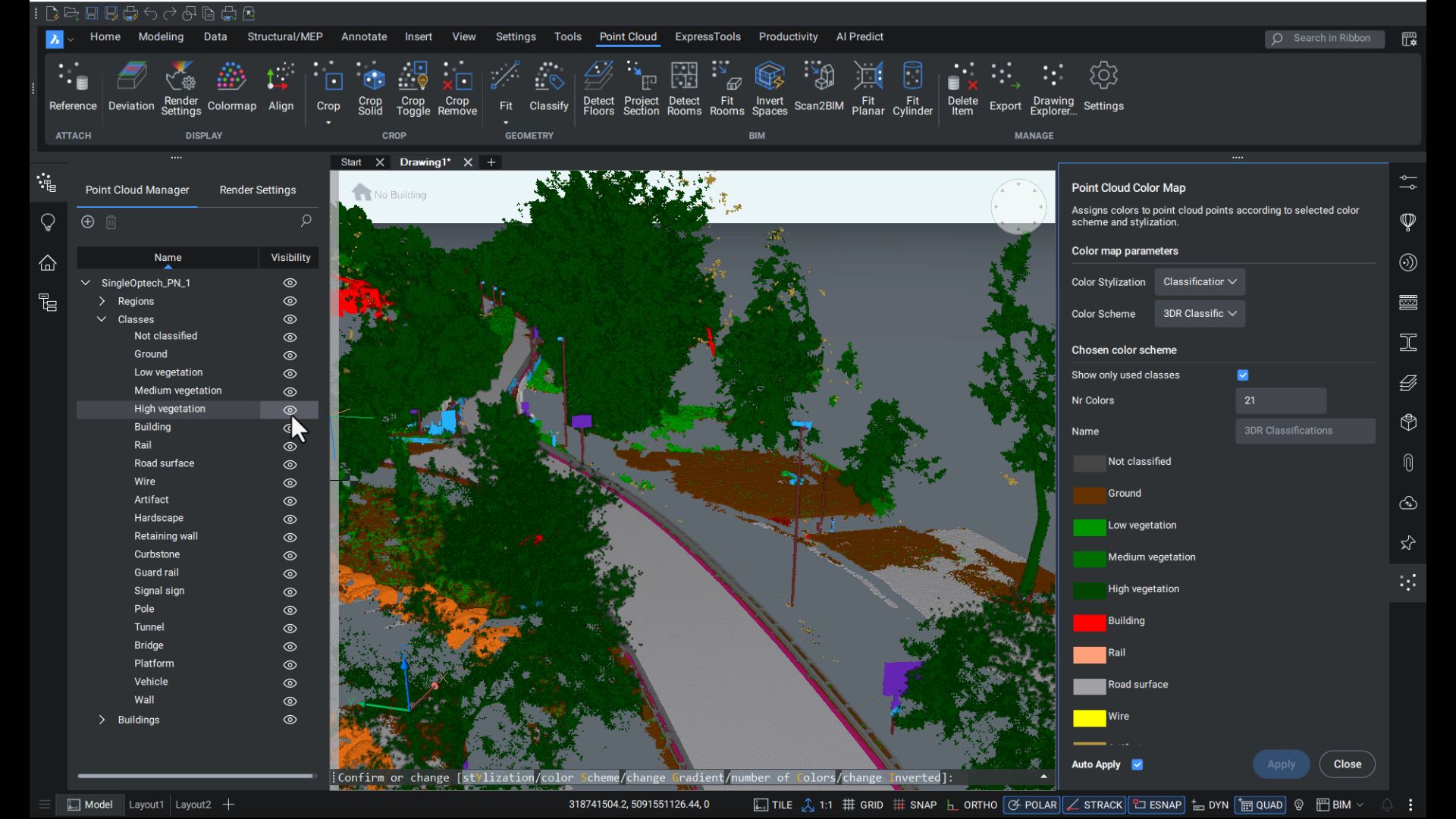
BricsCAD V25.2 Gives Point Clouds a Clearer View
Point clouds just got easier to work with in BricsCAD V25.2. Navigate scans with smarter bubble views, see more with the new X-ray color map, classify roads and construction data with precision, and tie everything together with better geolocation.

Get Up to Speed: What You’re Missing by Sticking with BricsCAD V24
If you're still working in BricsCAD V24, you're missing out on 20+ practical upgrades introduced in V25. Our latest version of BricsCAD features spreadsheet-style tables and survey data exchange, as well as IFC georeferencing, visual assembly tools, and smart automation. Here's a fast breakdown of the tools you'll start using on day one.
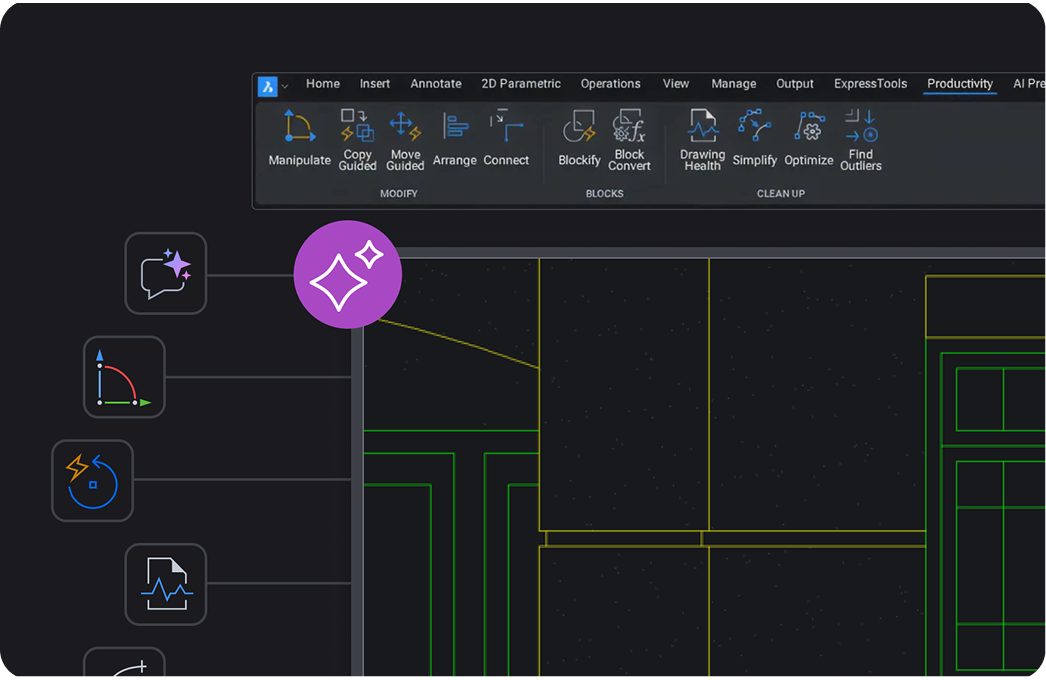
What Does “AI-Driven” Really Mean in CAD?
Wondering what “AI-driven” and “machine learning” tools actually do in CAD? This short explainer breaks down what these terms mean in plain language and how they can be used to spot patterns, automate edits, and optimize your everyday workflow.

What's Unique to BricsCAD V25.2? 11 Exclusive CAD Time-Savers
BricsCAD V25.2 delivers 11 exclusive features designed to streamline your daily workflows—from smarter PDF naming and live block previews to powerful COPYGUIDED enhancements and new AI-driven point cloud classification. These practical upgrades may be small, but they add up to big time savings.

Get up to Speed with BricsCAD V25: What's changed since V23?
Are you still using BricsCAD V23? Then it's time to Get Up To Speed with BricsCAD V25! Since V23 we've added more features and enhancements for various import and export, dimensioning, drawing health management, and TIN surfaces tools. Read on to learn more!
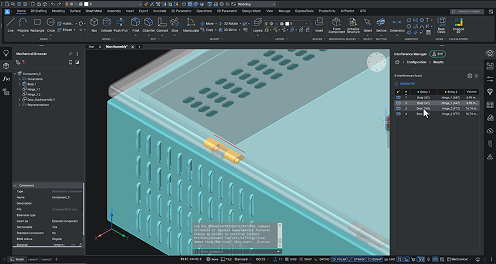
Automate and optimize sheet metal design for production with BricsCAD Mechanical V25.2
Reduce errors, improve productivity, and enhance your sheet metal design process from start to finish with BricsCAD Mechanical V25.2's automation and optimization tools. From importing a 3D solid to interference checking and generating 2D documentation, BricsCAD Mechanical V25.2 has the tools you need to create precise sheet metal designs!

Get up to Speed with BricsCAD V25: What can V22 users look forward to?
We've made numerous enhancements to BricsCAD since BricsCAD V22 to make your workflows better and faster! If you're still using BricsCAD V22, now is the perfect time to consider upgrading to V25.

Accelerate your workflows with BricsCAD Pro V25.2
We've made your workflows faster and better with the release of BricsCAD V25.2. You'll find plenty of features to accelerate menial and tedious tasks, from block insertion to publishing and printing - giving you more time to focus on and refine your designs.

Performance and Productivity improvements in BricsCAD® V25.2
Discover the wealth of performance and productivity improvements for drafters in BricsCAD V25.2. Many of our users are 2D drafters who often need to go from a 3D model to a 2D drawing, so we've added some enhancements to ensure their workflows are easier and steadier than ever!
Sign up to get tips & posts sent directly to your inbox
30 day trial