AI engineering tools
in Octave BricsCAD
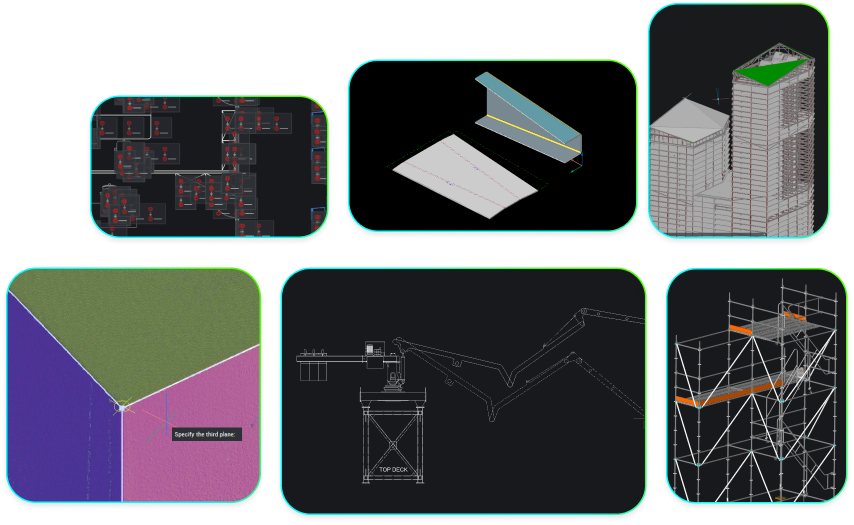
AI-assisted automation, built into your CAD.
* Free 30-day trial, no credit card required.
AI cad tools
How AI is changing engineering design
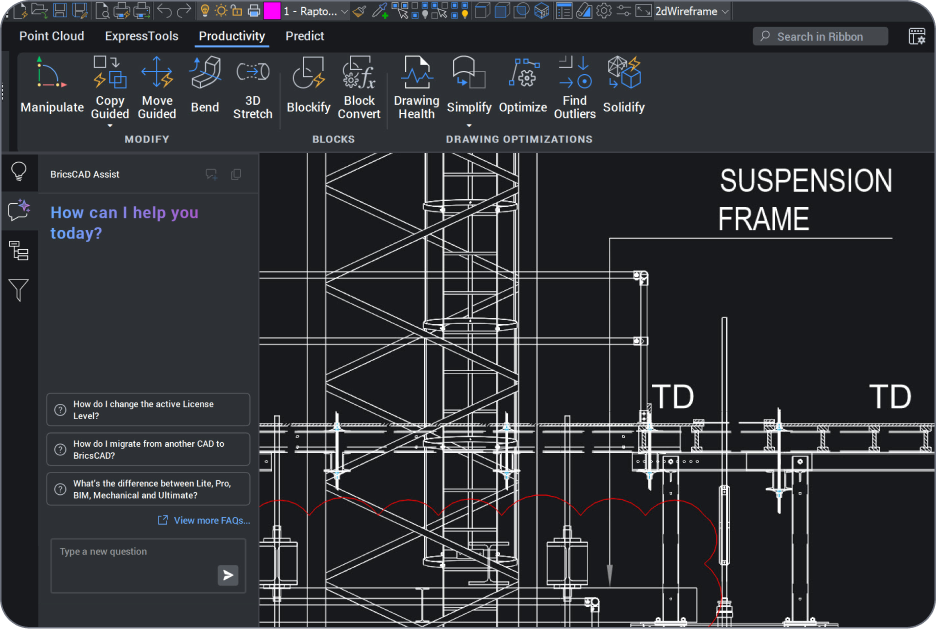
AI in engineering design means software that predicts your next command, automates repetitive drafting steps, and cleans up drawings automatically, so engineers spend less time on manual setup and more time on real design decisions. It augments engineering judgement, rather than replacing it entirely. Octave BricsCAD builds these tools into the CAD environment, with no separate plugin required.
AI Engineering Tools
AI-powered features in Octave BricsCAD
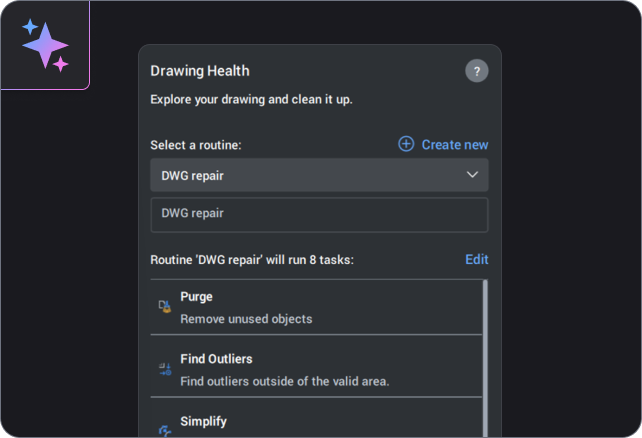
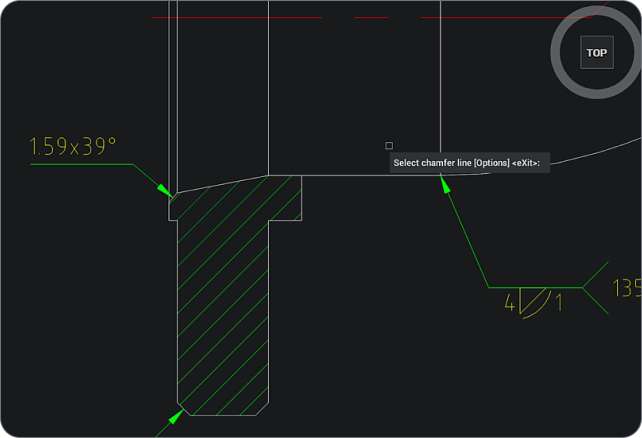
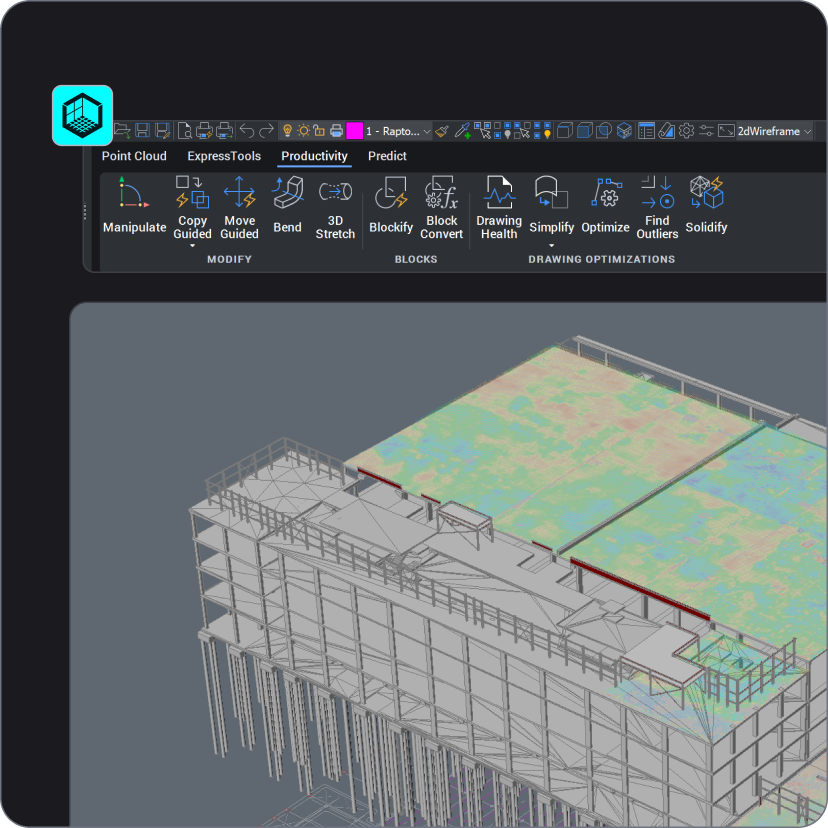
Octave BricsCAD combines automation and AI-assisted tools inside one native DWG environment: AI Predict suggests your next command, guided commands align geometry automatically as you work, and BIMIFY and BIMPROPAGATE speed up BIM classification and detailing. Drawing Health keeps files clean automatically too.
AI and automation
AI and automation, built in
Octave BricsCAD ships with command prediction, guided drafting and automated cleanup, at no extra cost.

On-device command prediction

Automated drafting alignment

One-pass drawing cleanup
Discover BricsCAD
CAD Software to suit your design needs
BricsCAD has designed the ultimate suite of tools to meet your design needs. From the earliest stages of 2D drafting to the finalized 3D models utilized for manufacturing or building, our robust set of products makes it easy to create a streamlined workflow.
 €330/year
High-performing, compatible, and concise 2D drafting and detailing.
 €710/year
Professional 2D & 3D CAD - powerful and flexible.
 €998/year
2D & 3D Mechanical CAD to document manufacturing processes.
 €1,060/year
2D & 3D CAD for building modeling and documentation.
 €1,176/year
Integrated 2D & 3D CAD for Mechanical, Building, and Surveying.
AI toolset
Everything you need for built-in AI
Command prediction, guided drafting, automated BIM detail and one-pass cleanup, all built into Octave BricsCAD.
AI Predict
A machine-learning model built into Octave BricsCAD suggests your next command as you work, with on-device predictions for the Quad menu and an optional cloud-based mode for broader personalized suggestions.
BIMIFY
BIMPROPAGATE
Guided commands
Drawing Health
AI features by tier
AI CAD tools by product tier
Octave BricsCAD groups AI-assisted tools into two categories, not a full matrix, so this stays accurate as tiers evolve.
Feature | Included in | What you can do |
|---|---|---|
AI Predict | Every tier | Get on-device next-command suggestions in the Quad menu; opt in for broader cloud-based suggestions. |
Guided commands | Every tier | Auto-align geometry to nearby entities while copying or moving, via Copy Guided / Move Guided. |
Drawing Health | Every tier | Run one pass to find and fix errors, repeated geometry, and unused data. |
BIMIFY | BIM toolset (BricsCAD BIM and Ultimate) | Auto-classify elements into BIM components; AI detects the discipline, rules handle the rest. |
BIMPROPAGATE | BIM toolset (BricsCAD BIM and Ultimate) | Scan for similar components and approve matching detail across them in one go. |
Need more help
You can’t find what you’re looking for?
From the official BricsCAD logo set to the latest press releases, we are here to help.

Check BricsCAD’s Help Center
Do you have specific questions? Search through help articles, tutorials and command references.

Contact Support
Didn’t find what you were looking for? Get in touch with BricsCAD support.

Get in touch with Sales
Questions about BricsCAD or which BricsCAD product level is right for your business? We are here to help. Please reach out and we will get in touch as fast as possible.
Get the Facts
Frequently Asked Questions
Does Octave BricsCAD have AI tools for mechanical engineers?
Octave BricsCAD's AI Predict and guided commands work across every discipline, including mechanical design.
What does AI-assisted mean in Octave BricsCAD?
Is BIMIFY powered by artificial intelligence?
Does using AI tools in Octave BricsCAD send my drawing data to the cloud?
Which Octave BricsCAD product includes AI tools?
Our clients
Engineering teams using AI-driven tools in Octave BricsCAD
 Source: www.g2.com/bricscad


Morrisroe’s engineers use guided commands and BIMPROPAGATE to reduce repetitive drafting on RC structures.
Morrisroe · Engineering, UK


“Tasks that originally required several hours of cleanup can now be completed in just a few minutes, with BricsCAD’s AI-driven tools. Over time, I also feel that my drawing speed has increased.”
Michael Liu, founder · Ming Jin Engineering, Taiwan


Catari has used Octave BricsCAD for over a decade to design scaffolding. Its guided commands, Copy Guided and Move Guided, help the team automate repetitive tasks and keep designs accurate.
Catari · Civil & Surveying, Portugal
30 day trial
Start designing in BricsCAD today!