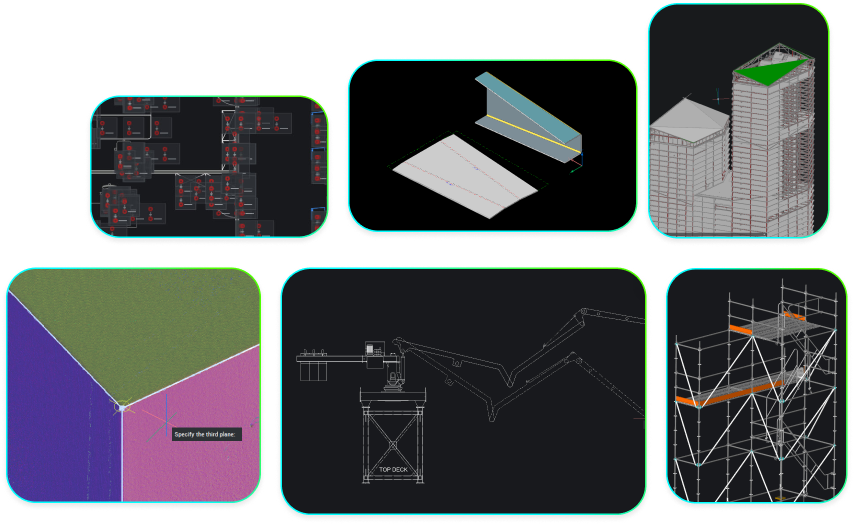
What is BricsCAD?
The true CAD alternative
Combining familiarity, flexibility, and performance to help the design industry break free from current platforms.



BRICSCAD WORKFLOW
The fastest path from design concept to complete and accurate production drawings


Initial Design
concept/model

Design Development
refine

Detailed Design
documentation
Production
make/build

Native .dwg or import any design format
A CAD platform based on industry standards so users can work with existing designs and those of their suppliers.

Advanced editing and optimization
A unified 2D and 3D design platform built for people who need to turn concepts into fully working designs, with precision and rigor.

Accurate detailing and annotations
Unique tools that intelligently automate your design processes to streamline, simplify, and enhance complex detailing and annotation tasks.

Automated drawing generation
Transform any design into production-ready deliverables with smart automations supercharging productivity.
CAD Capabilities
A DWG-based CAD platform with flexible product options
Choose from a set of professional CAD and modeling tools made for engineers, builders, designers, architects, and manufacturers.
 BricsCAD
Design Platform

2D drafting

3D modeling

Surveying
BIM

Mechanical
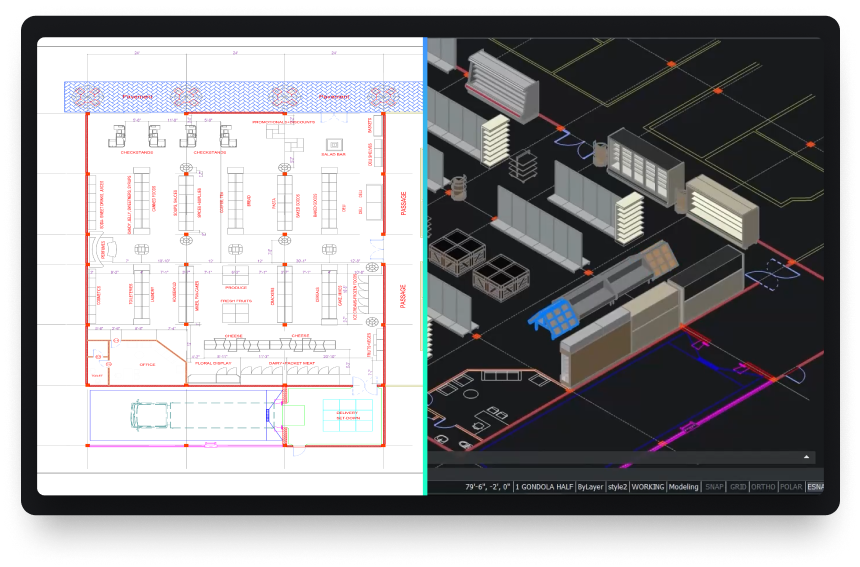
Powerful design platform
Quickly transform any design concept into production-ready deliverables.

customize
The open CAD platform built to scale across industries
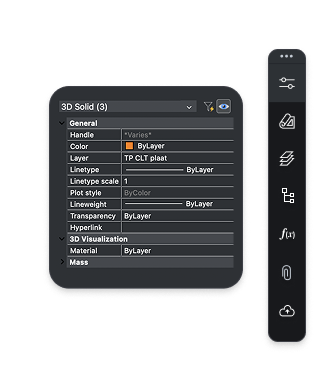
BricsCAD offers a robust application ecosystem and powerful customization options.
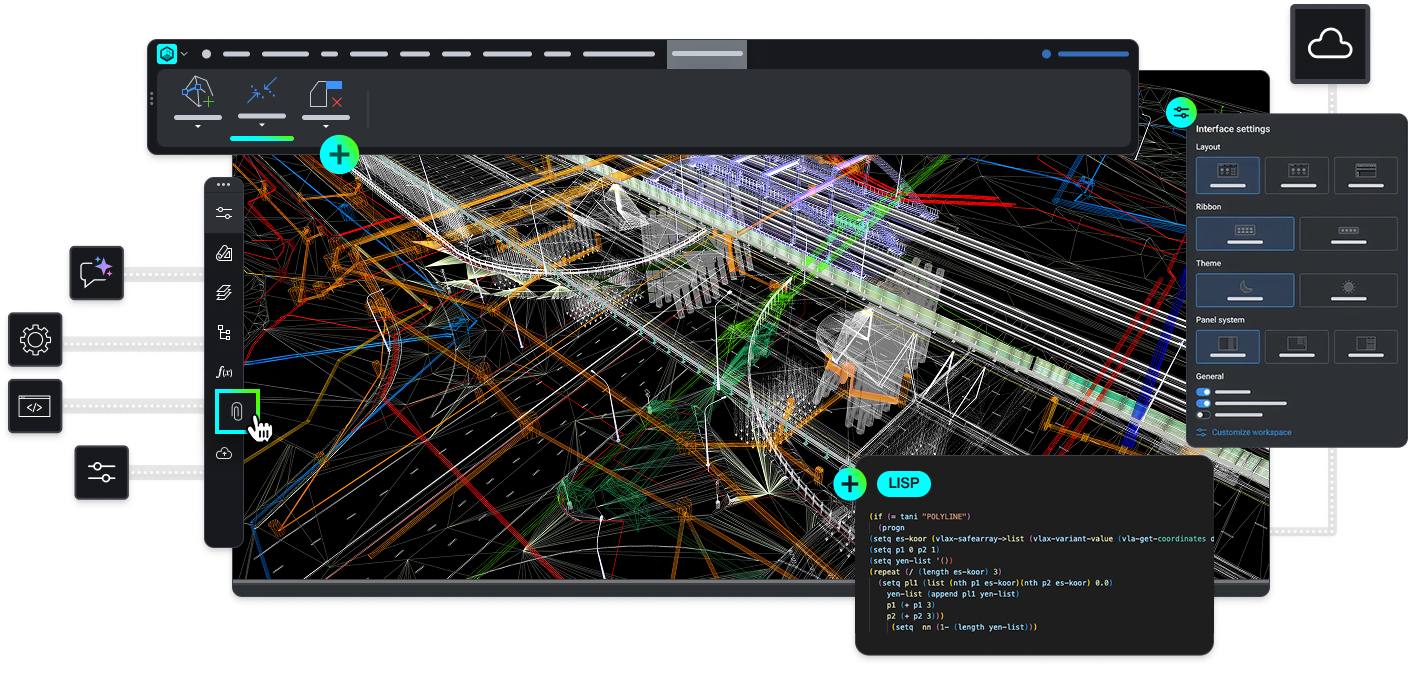

Add industry-specific toolsets with third party applications
Customize your package choosing from hundreds of add-ons developed by best-in-class partners.
Build on BricsCAD via LISP, .NET or BRX APIs
Design and build your own workflow automation tools using BricsCAD’s compatible APIs.

Automate everyday workflows with LISP
Reuse existing or create new LISP routines to bring new power to your workflows in BricsCAD.

Work the way you want in BricsCAD
Bring your current menus, command scripts, customizations and templates into BricsCAD.
data exchange
Seamless integration and comprehensive compatibility
BricsCAD lets you exchange design data freely across all project stakeholders and all major file formats.
DWG

AutoCAD®

DXF

DGN

MicroStation/
Bentley

Excel/
spreadsheet

STL

FBX

DWF/DWFx

SVG

Collada

OBJ

WMF/EMF

BMP

DWT
Extra supported file formats and integrations, part of BricsCAD Pro

Adobe/
Acrobat
3D PDF

Unreal Engine

STEP

IGES

Sketchup

Bentley ProjectWise

SHP

KML

GML

LandXML

Leica JPRJ
Extra supported Point Cloud formats, part of BricsCAD Pro

LAS/LAZ

E57
PTS/PTX
Leica Cyclone

RCP/RCS Autodesk ReCap

LGSX

ZFS

RDBX

RSP/PACK
Supported mechanical vendor file types, part of the Mechanical toolset

AutoCAD Mechanical

Autodesk Inventor

Solidworks

CATIA

Creo

Siemens NX
Siemens Solid Edge
Siemens Parasolid
Siemens JT

SAT/SAB (ACIS)
Supported BIM file types, part of the BIM toolset

IFC

Revit

Rhino

Navisworks
BCF
30 day trial
Start designing in BricsCAD today!