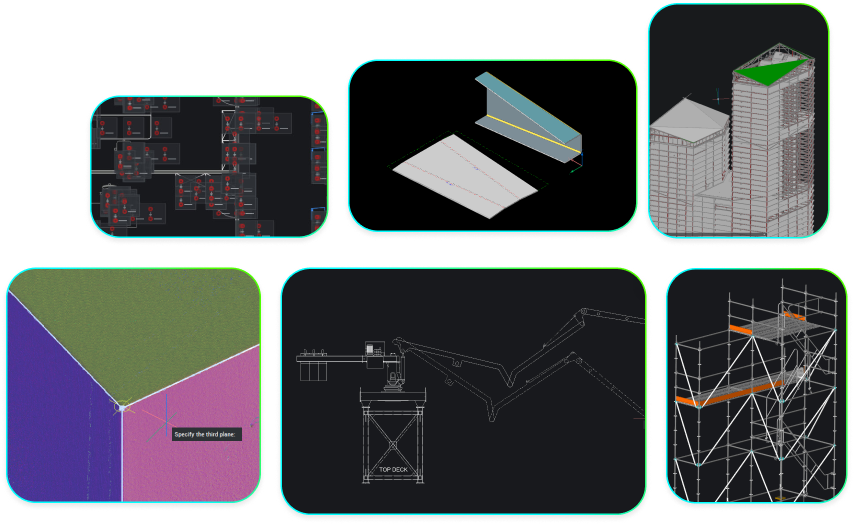
BIM toolset
2D & 3D CAD for building modeling and documentation.
Price starting from €1,060/year
* Free 30-day trial, no credit card required.
CAPABILITIES
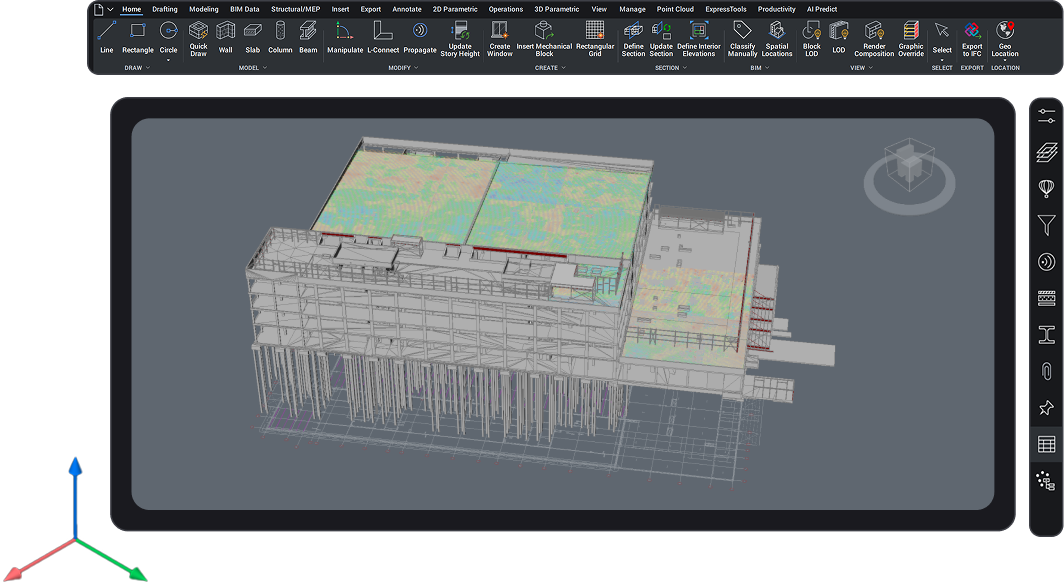
DWG-based CAD platform with BIM capabilities
Building documentation tools (BIM)
Modeling and detail production in a single DWG compatible platform.

BUY BRICSCAD
Buy BricsCAD the way you want
BricsCAD BIM
1 year subscription license
Including BricsCAD Maintenance
Pay yearly and enjoy full access to BricsCAD for 12 months, with the flexibility to renew and continue accessing the latest features.
Excluding local taxes or duties
* The benefits of BricsCAD Maintenance are always included in a subscription license price
3 years subscription license
Including BricsCAD Maintenance
Pay once every 3 years and lock in today’s price for the full term, with the flexibility to renew and continue accessing the latest features.
Excluding local taxes or duties
* The benefits of BricsCAD Maintenance are always included in a subscription license price
Lifetime perpetual license
Including BricsCAD Maintenance
Pay once and keep your BricsCAD version forever. Subscribe to BricsCAD Maintenance for expert product support and upgrades. BricsCAD Maintenance renewal price: €396 /year
Excluding local taxes or duties
* First year BricsCAD Maintenance is included in your perpetual license price
data exchange
Seamless integration and comprehensive compatibility
BricsCAD lets you exchange design data freely across all project stakeholders and all major file formats.
Supported BIM and construction formats, part of BricsCAD Pro
Discover all Bricscad Pro supported file formats

AutoCAD®

Sketchup

Unreal Engine

3D PDF

MicroStation/
Bentley

Bentley ProjectWise

Autodesk Forma
Supported BIM file types, part of the BIM toolset

IFC

Revit

Rhino

Navisworks
BCF
BENEFITS
The easiest path for CAD users to deliver BIM data
For designing, modeling, documenting, and detailing building designs in a single DWG platform.
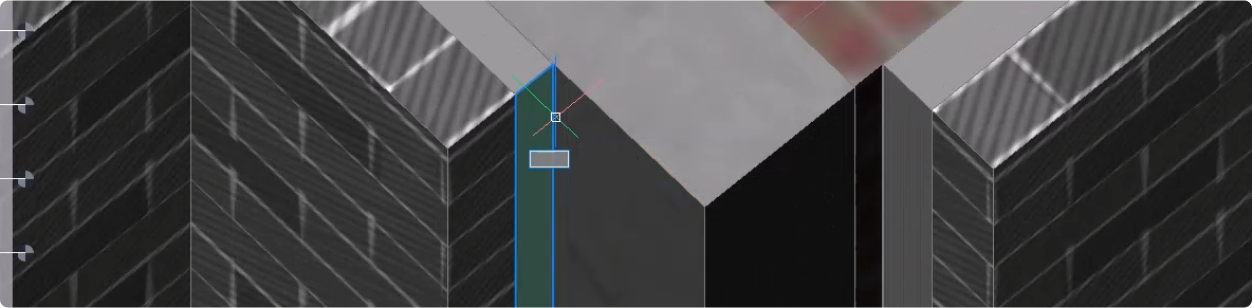

Fully compatible with industry-standard DWG
Open and edit DWG files of any size from legacy CAD drawings with ease in the transition to BIM.

AI-driven detailing
Incorporate complex 3D details throughout an entire model, improving accuracy and speed while reducing errors and preventing oversights.

Share IFC Data
Import assets, manipulate geometry, edit object data, and share work with other stakeholders in the industry-standard IFC format.

Easy and secure transition to BIM
Move easily between 2D and 3D, gradually adding 3D and BIM elements within a familiar CAD environment.
CAPABILITIES
What can you do with BricsCAD BIM?
Scan-to-BIM
View and process point-cloud data natively within BricsCAD BIM. Use AI-driven tools to accurately and efficiently convert building scans to modeled elements and shareable outputs.
From design details to shop drawings
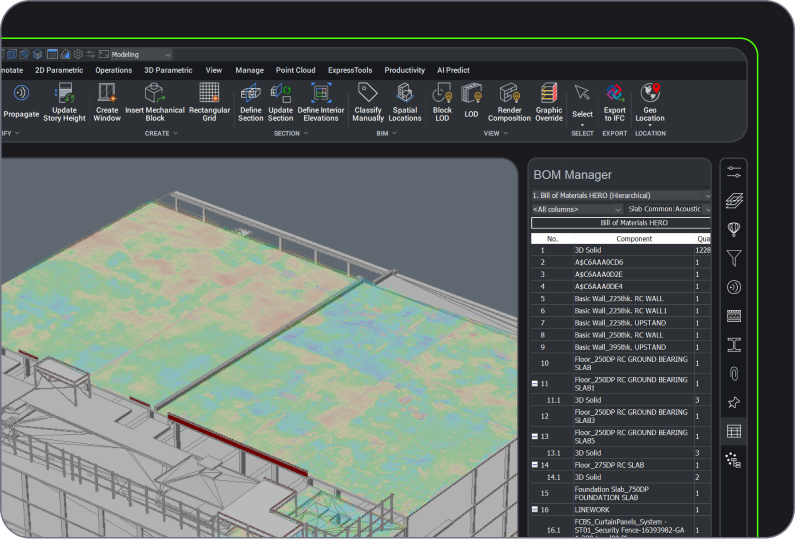
Model-based quantity takeoff
Flexibility to use 2D and 3D workflows

BUY BRICSCAD
All our CAD software
 €330/year
High-performing, compatible, and concise 2D drafting and detailing.
 €710/year
Professional 2D & 3D CAD - powerful and flexible.
 €998/year
2D & 3D Mechanical CAD to document manufacturing processes.
 €1,060/year
2D & 3D CAD for building modeling and documentation.
 €1,176/year
Integrated 2D & 3D CAD for Mechanical, Building, and Surveying.
Get the most out of BricsCAD
Access expert product support and upgrades with the BricsCAD Maintenance program - assuring the lowest cost of ownership.







CUSTOMERS
Leading companies trust BricsCAD
 Source: www.g2.com/bricscad


"BricsCAD BIM can do a lot—for example, model a site layout plan or make a plan of action for a worker. It is a very user-friendly program."
Dieter Froyen - Head of Work Preparation Construction


"When we switched to BricsCAD, many problems were solved by having a reliable platform. Out of the many CAD solutions, BricsCAD was the one always improving."
Michael Rock - Technical Director


“BricsCAD allows us to process and incorporate measured data, point clouds, landscape modeling, even noise processing, for one-stop scaffolding design.”
Kunihiko Takemura - General Manager of the Technical Department
30 day trial
Start designing in BricsCAD today!