Getting started with Bricsys® 24/7
Set up your first project quickly in Bricsys 24/7’s common data environment (CDE) for cloud collaboration. Project designers, engineers, managers, and contractors will find all the resources to simplify their workflows and streamline file updates in real time.

Online training
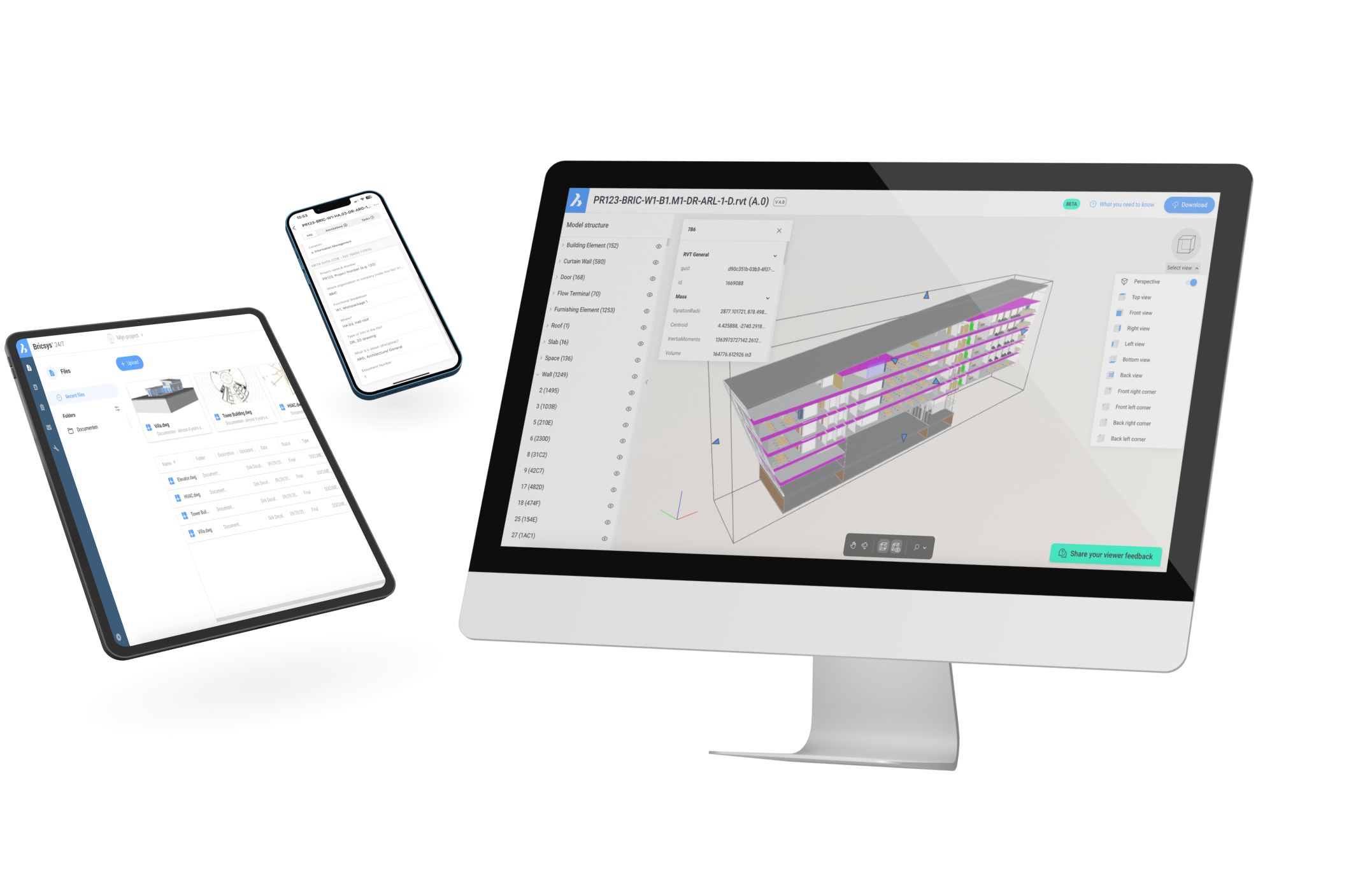
Learn how to manage documents and automate workflows in a cloud-based CDE

Help Center
A guide to setting up Bricsys® 24/7 step by step
Get started
Organizing your first project
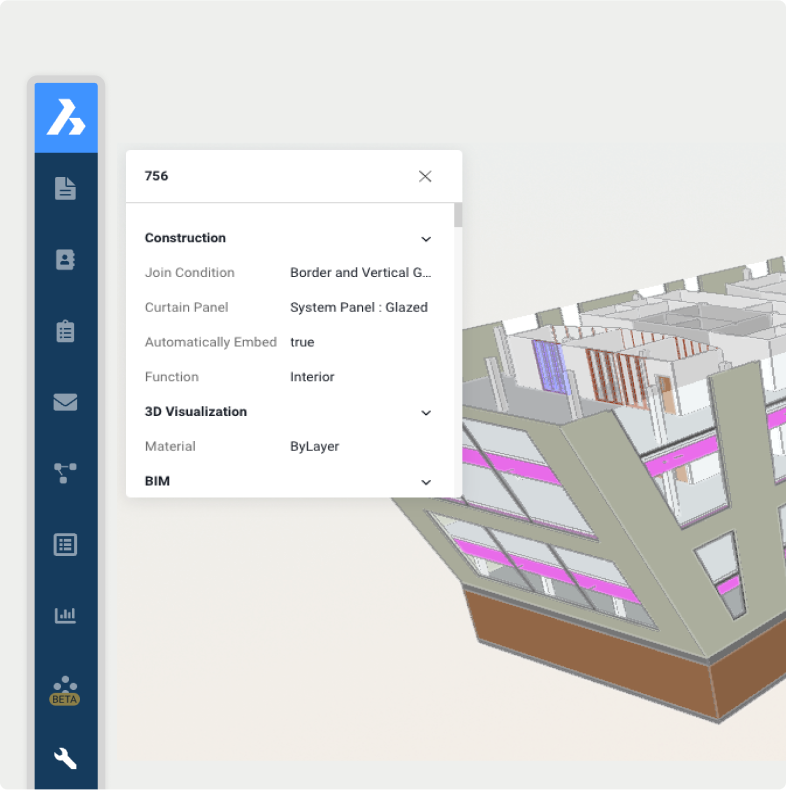
Collaborate confidently on your first CDE project with Bricsys 24/7, thanks to easy setup and alignment with ISO 19650 standards.



Downloads
Template library
Apply a file folder structure to suit your project's needs.





CONTENT
Explore our featured content
From product blog posts and news articles to customer success stories on Bricsys 24/7
6 Tips to set up your CDE
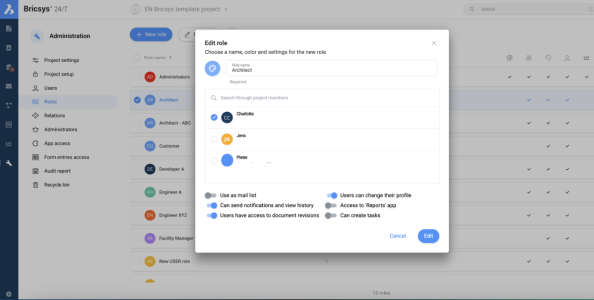
Managing a large project with diverse stakeholders? Seamless collaboration is your key to success.
BLOG

Franki Construct raised the bar for project collaboration with Bricsys® 24/7
Franki Construct used Bricsys 24/7 to deliver a complex Albert Canal project efficiently and on time.
Customer Stories
Bricsys 24/7 automates document management with Cooperlink CONNECT
Bricsys and Cooperlink CONNECT partner to auto-upload and archive SharePoint documents in Bricsys 24/7.
NEWSROOM
Help & Support
Get Bricsys 24/7 support
Bricsys Help Center
Consult our product documentation, FAQ’s, tutorials, lessons, and much more
Contact Support
Didn’t find what you were looking for? Get in touch with Bricsys support