Simple, yet powerful construction collaboration
A cloud-based common data environment for document management and workflow automation.


What is Bricsys® 24/7?
Bricsys 24/7 is a cloud-based common data environment for document management and workflow automation. Bricsys 24/7 offers role-based security and unlimited users to help ensure that the right document is in the right hands at the right time.
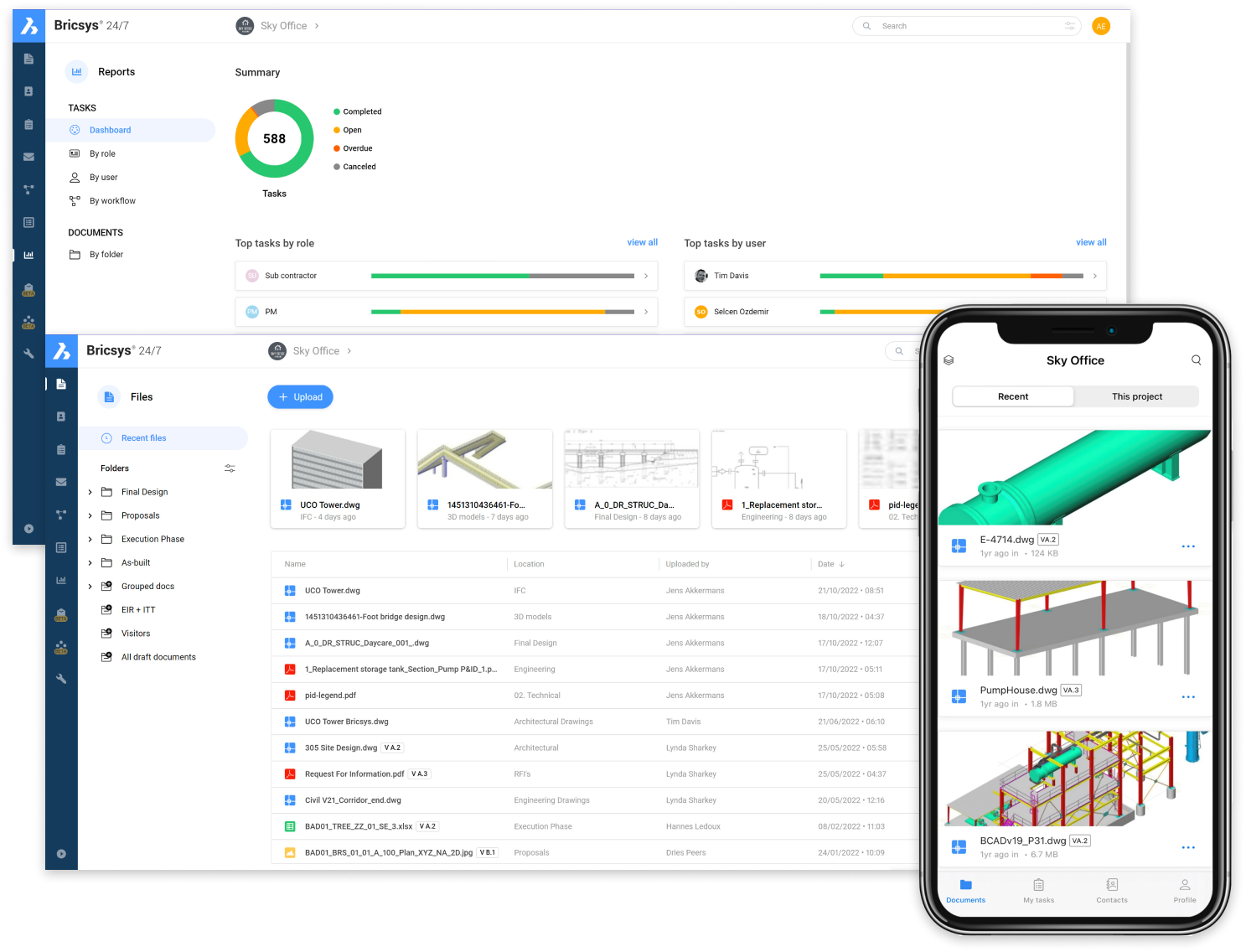
Document management
Easy-to-use document management and hosting platform for your construction projects.
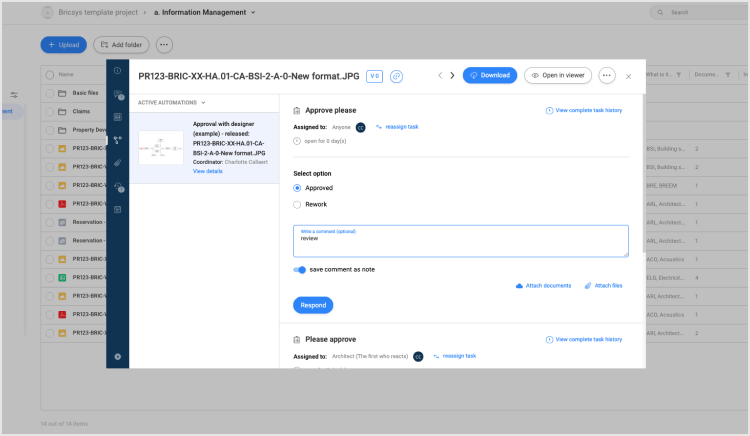
Project management information system
As a project management information system, utilizing our automated workflows and custom forms to handle project management tasks.
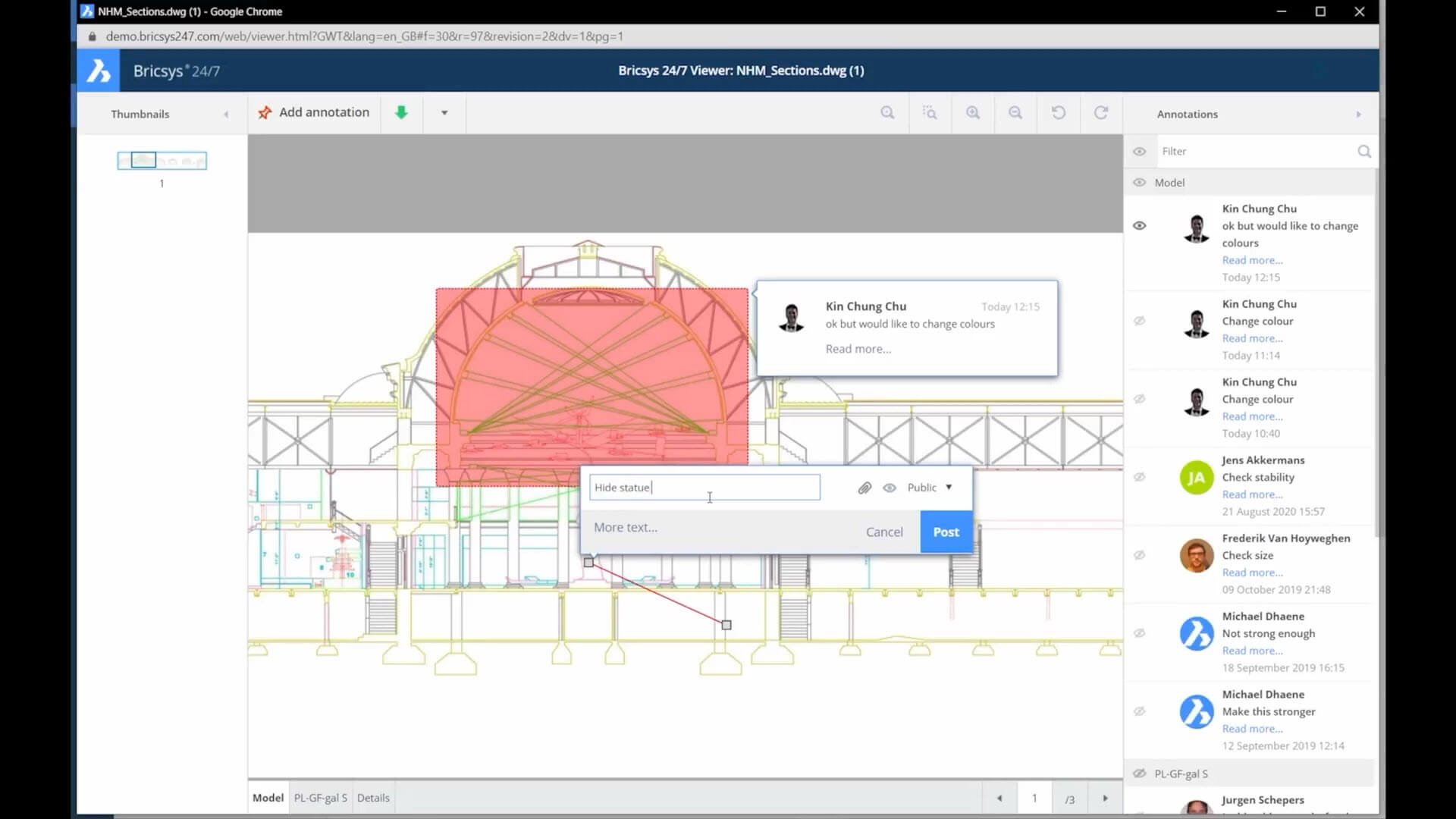
Common data environment
Or as a common data environment for all contract documents, drawings, and project workflows enabling transparency for all stakeholders and bridging the design and construction phases.
Users and roles
Role-based access control for all project members such as general contractors, subcontractors, architects, councils, designers, developers, consultants, and more.
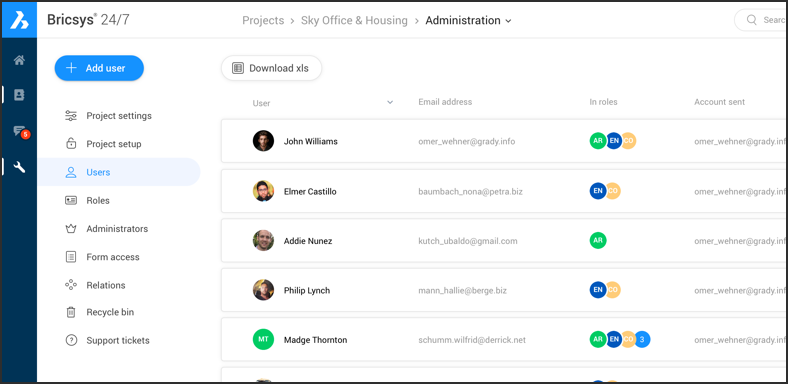
Unlimited project users
Add unlimited users to your projects. Every project member can access the Bricsys 24/7 file store, with their access rights based on their role in the project.
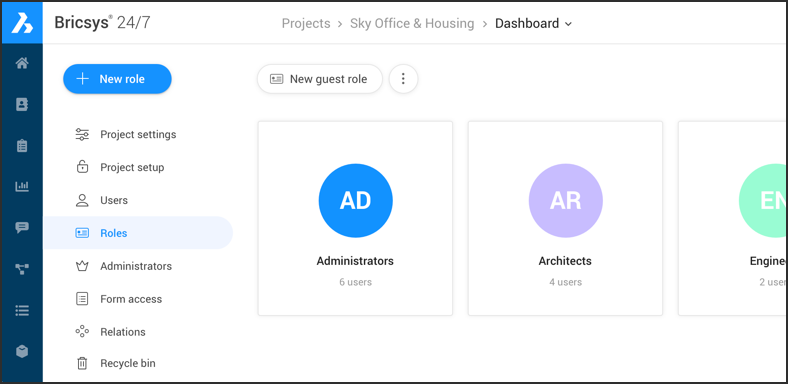
Role-based project permissions
Role-based permissions ensure that each user can access the files, folders and applications that they need without security risks. Roles can be built on the fly, using 24/7’s table-based admin panel.
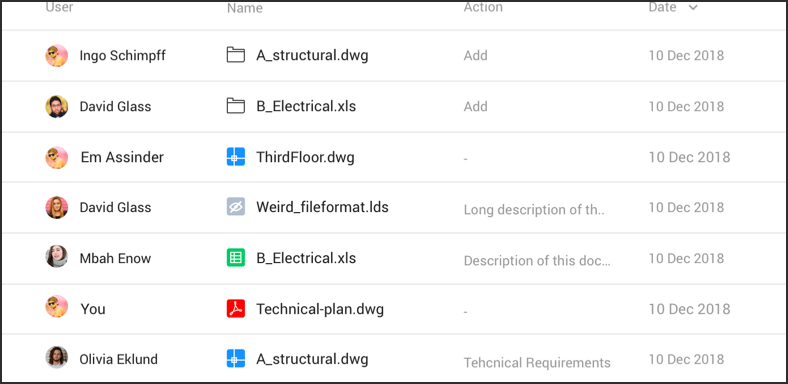
Detailed audit reports
Every file action is recorded and tracked securely, to ensure that the total history of a document is available to administrators and process auditors.
Automate Document Workflows
Create, edit and manage workflows to automate common document management and release tasks.

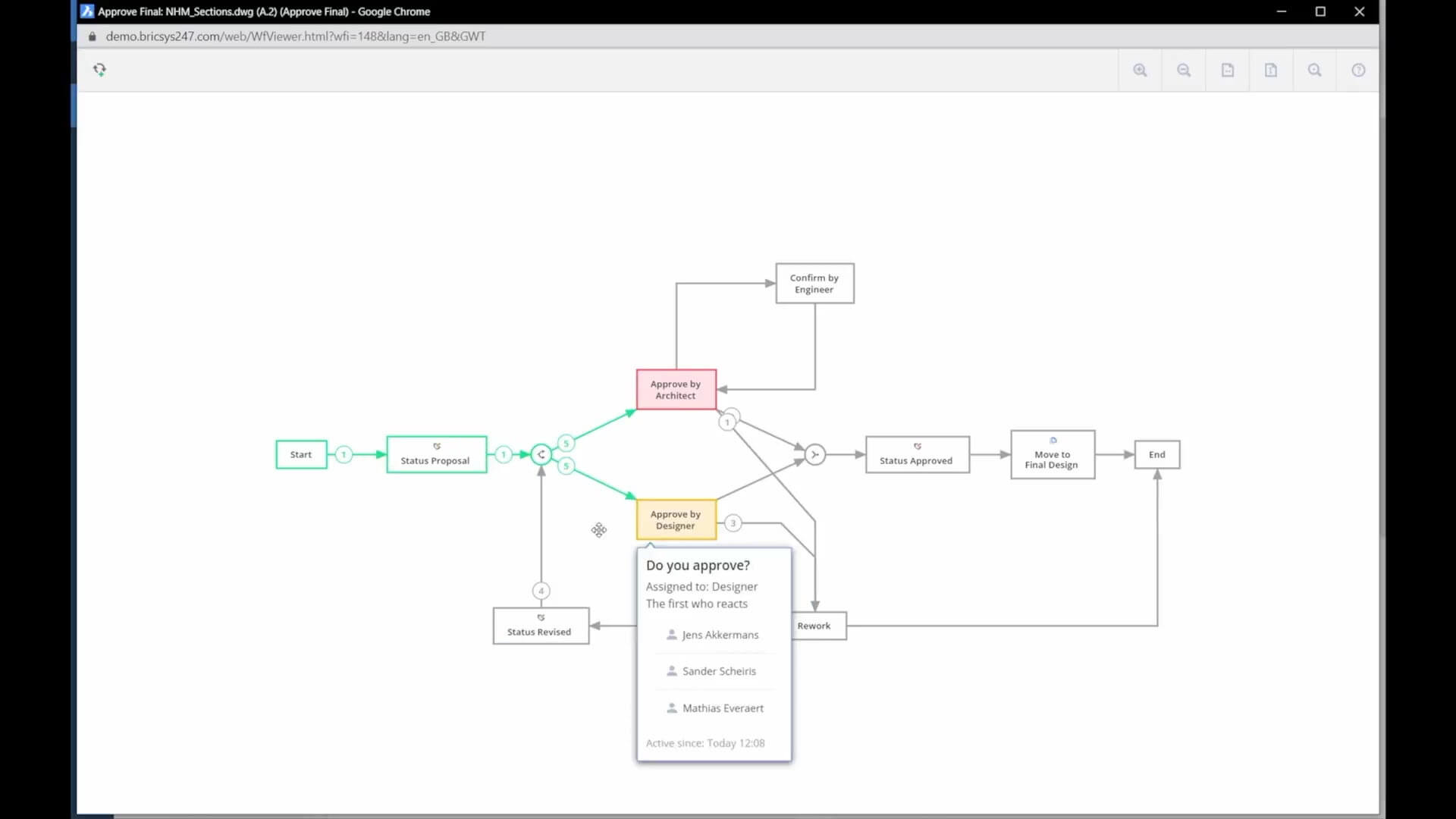
Create workflows
Workflow automation is simple in 24/7 with the graphical workflow editor. Adding documents to a workflow folder automatically enters them into the workflow. There is no easier way to ensure project management compliance.
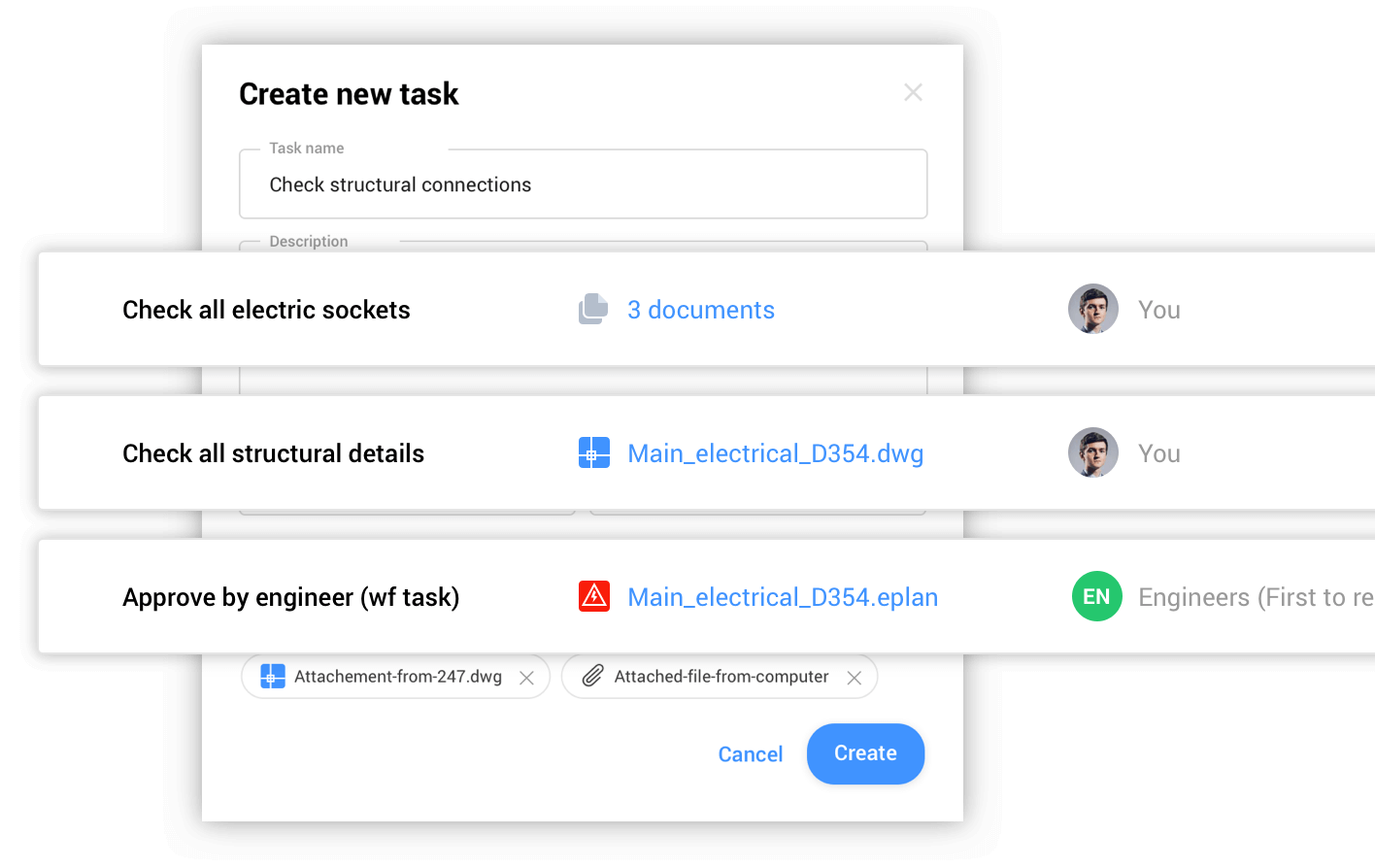
Assign tasks
Tasks in a workflow can be automatically assigned by role, with automatic, time-based escalation rules.
Track status
The tasks app gives project managers an overview of current project status in real-time.
Related blog posts
No items found