Working with BIM Tags in BricsCAD: A course on creating clearer building documentation
This BricsCAD Learning course covers everything from creating custom BIM tags to automating their placement.
🚀 BricsCAD V27 is available now
No hay filtros seleccionados
Working with BIM Tags in BricsCAD: A course on creating clearer building documentation
This BricsCAD Learning course covers everything from creating custom BIM tags to automating their placement.

What does DWG-native CAD mean, and why does it matter?
DWG-native CAD helps teams make the most of existing drawings, collaborate across platforms and adopt new tools without disrupting established workflows.

Connect BricsCAD to your PLM/PDM workflows with Maintenance
Connect BricsCAD with Autodesk® Vault® Pro and Bentley® ProjectWise® through Octave-built PLM/PDM connectors.

What’s unique to Octave BricsCAD V26.2? 10 exclusive capabilities
BricsCAD V26.2 includes 10 unique capabilities designed to reduce repetitive work, streamline complex tasks, and help you work more efficiently.

Point Clouds in BricsCAD: A course on turning scan data into CAD and BIM workflows
Learn how to import, process, explore, and model point cloud data in BricsCAD.
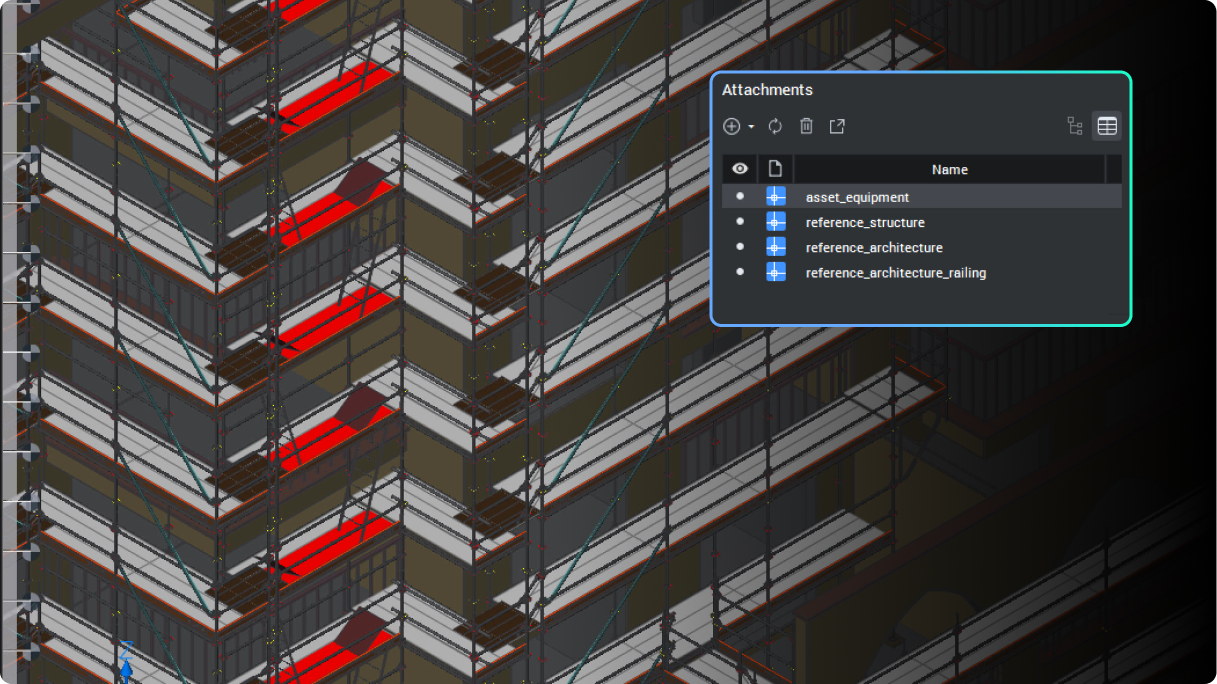
BricsCAD's BIM toolset Q&A: Per seat, per job
BIM adoption no longer has to be a bet-the-business decision.

13 mejoras para el dibujo 2D en BricsCAD V26 que debería conocer
Octave BricsCAD V26 incorpora varias mejoras que optimizan el dibujo 2D cotidiano, permitiéndole completar los dibujos de forma más eficiente.

BricsCAD's survey toolset Q&A: One DWG environment, from field to finish
Octave BricsCAD's land surveying tools take survey teams from raw field data to finished, standards-based drawings without leaving DWG.

El verdadero coste de dejar caducar el mantenimiento de BricsCAD
Mantener activo el Mantenimiento de BricsCAD le permite utilizar la versión más reciente, permanecer dentro del periodo de actualización, contar con soporte completo y evitar una recompra costosa.
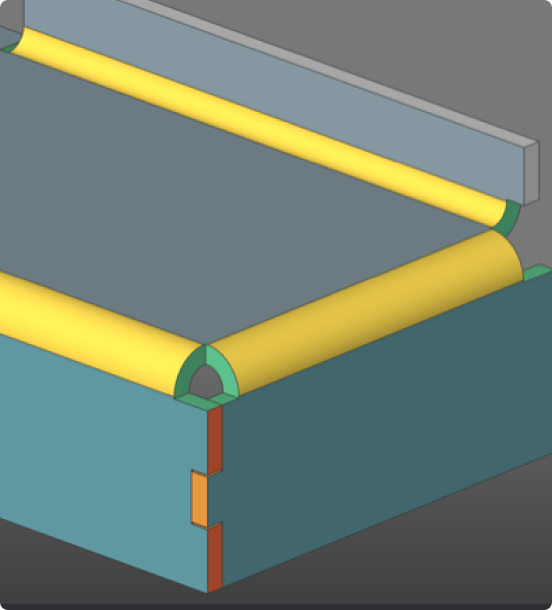
Preguntas y respuestas sobre BricsCAD Mechanical: obtenga capacidades 3D sin cambiar de plataforma
Descubra cómo BricsCAD Mechanical ayuda a los equipos de fabricación a pasar al 3D sin abandonar sus flujos de trabajo DWG.
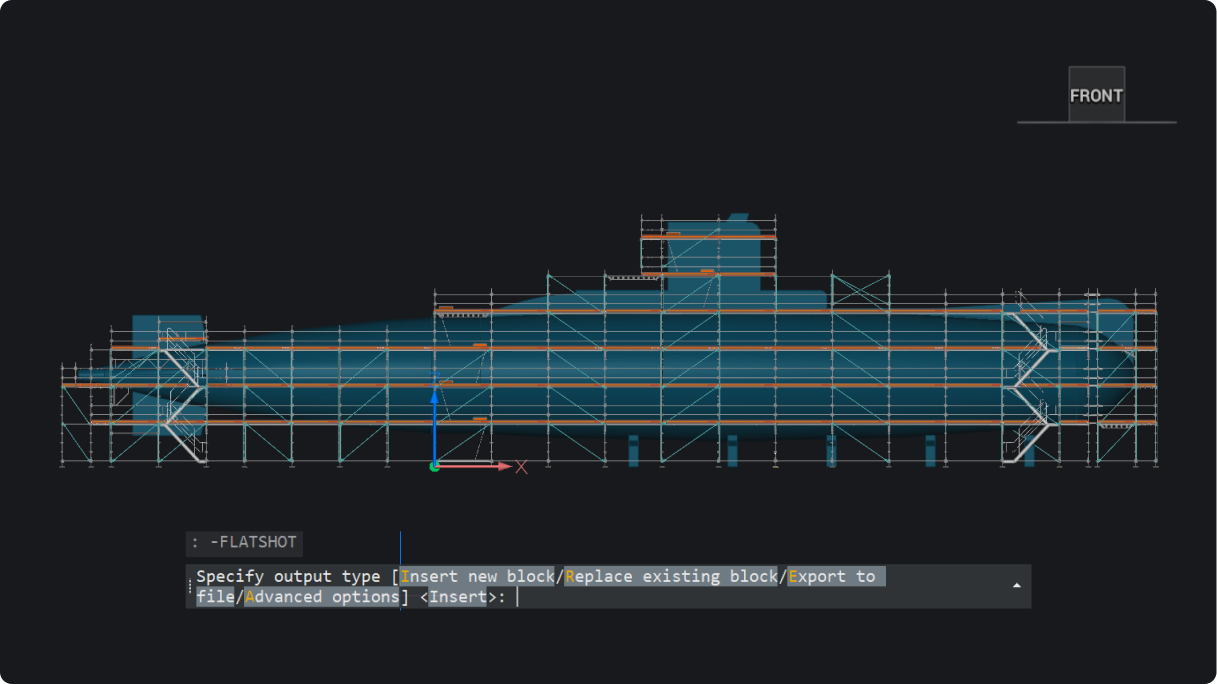
Novedades de BricsCAD V26.2: 30 funciones nuevas y mejoradas
30 funciones nuevas y mejoradas para flujos de trabajo más rápidos y fluidos en proyectos 2D, BIM, mecánicos y topográficos.
ProjectWise® para BricsCAD: Un curso sobre gestión de archivos, versiones y colaboración
Aprende a gestionar los datos de proyectos en ProjectWise®, directamente dentro de BricsCAD y sin complicaciones.
Regístrate para recibir consejos y publicaciones directamente en tu bandeja de entrada
30 días de prueba