歡迎加入我們的直播。BricsCAD V27 即將於 00:00:00

立即註冊

搜尋

BricsCAD® V25 發表

為您的工作流程探索更多智慧型功能。

觀看所有課程
V25 新增

深度課程

觀看 BricsCAD® V25 分組研討會

探索最新的 CAD 和 BIM 軟體與工具集的實際應用。與 Bricsys 的產品專家一起學習如何從智慧型工具和熟悉的功能中獲得更多。

Filter on:
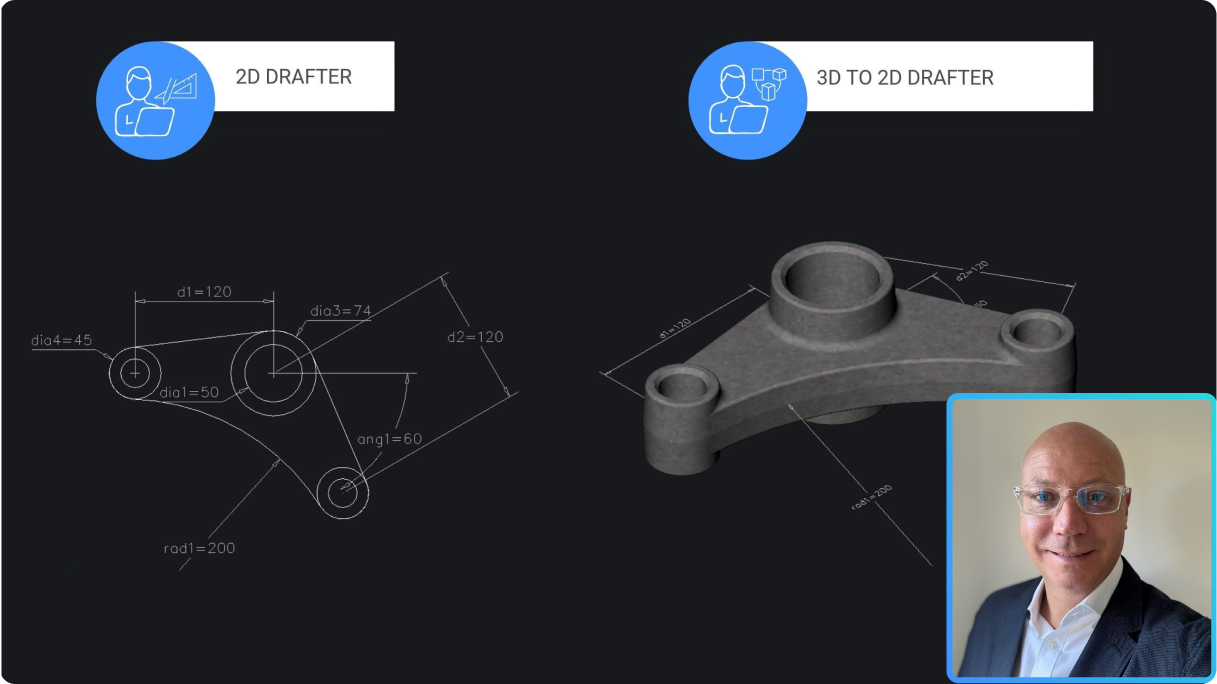
Comparison of 2D drafter and 3D to 2D drafter workflows in BricsCAD, showing a mechanical part drawing and 3D model.

Pro / Lite

效能與生產力改善

了解 BricsCAD V25.2 如何針對最常見的工作流程指令進行可用性強化。
V25.2 發佈

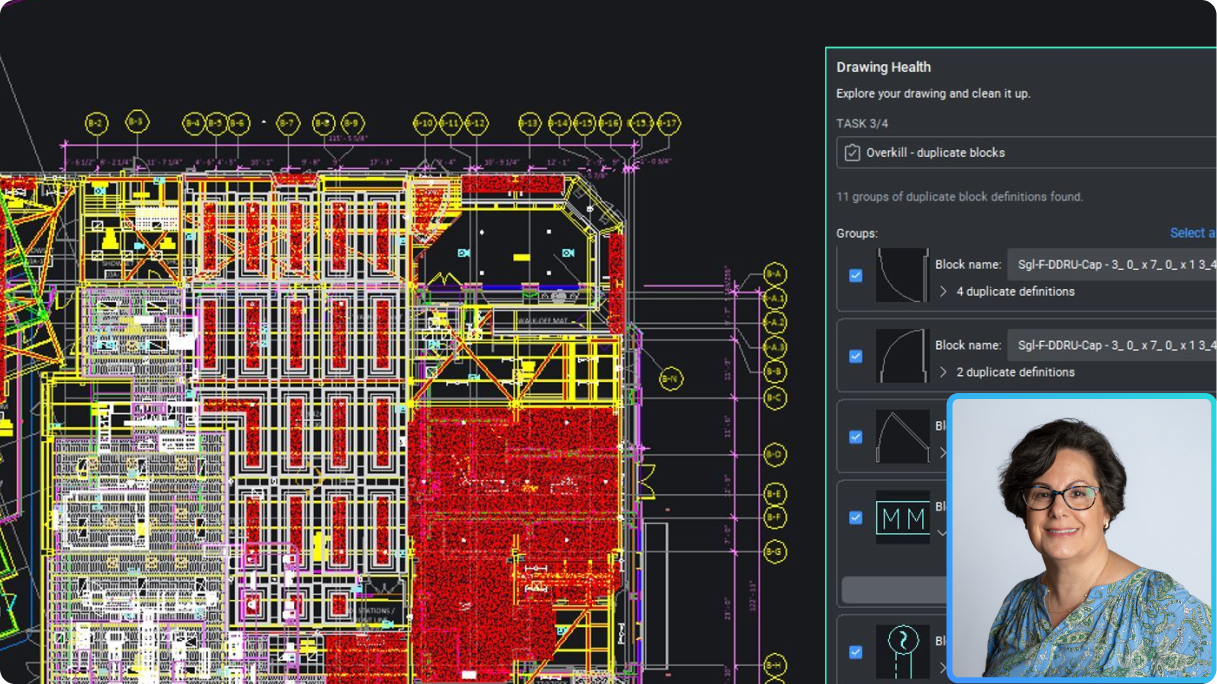
BricsCAD interface showing a complex floor plan with the Drawing Health panel open, identifying duplicate blocks, and a woman's headshot overlay.

Pro / Lite

更精確的細節和發佈

利用細部處理和出版增強功能,更快速地建立專業的詳細輸出。
V25.2 發佈

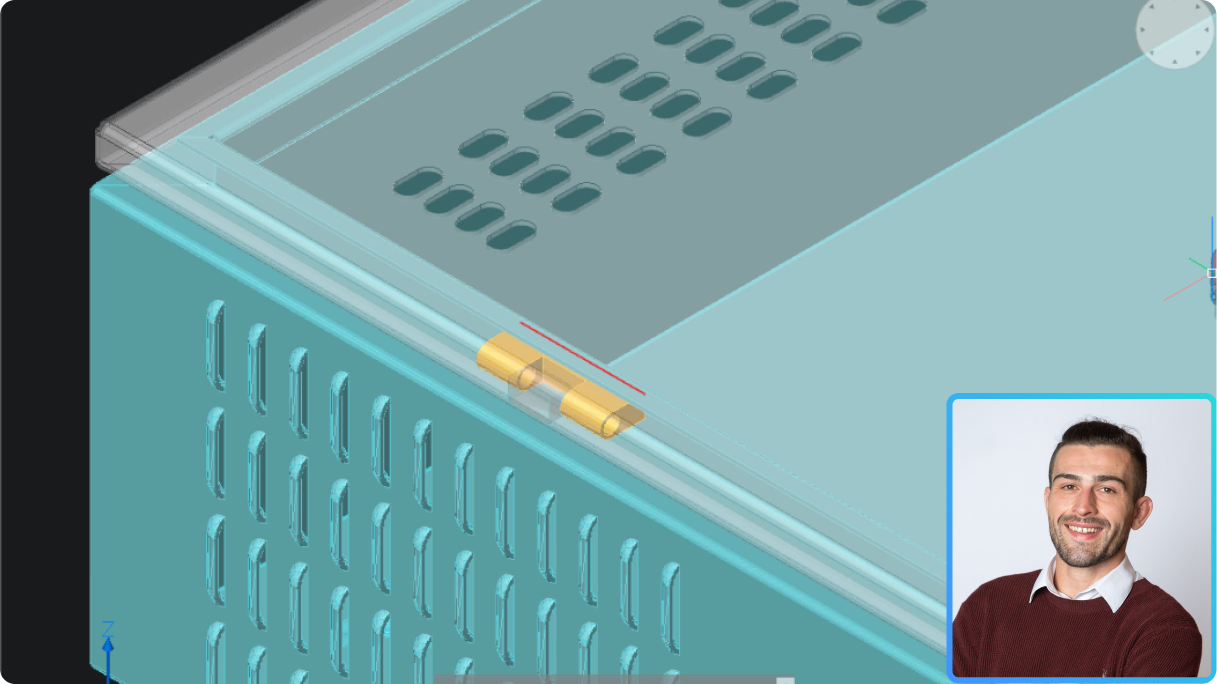
BricsCAD 3D model of a ventilated enclosure with a highlighted gold hinge component, alongside a headshot of a smiling man.

機械

自動化並最佳化從鈑金設計到生產的流程

輕鬆將 3D 模型轉換為鈑金,驗證和最佳化裝配,並製作 2D 文件。
V25.2 發佈

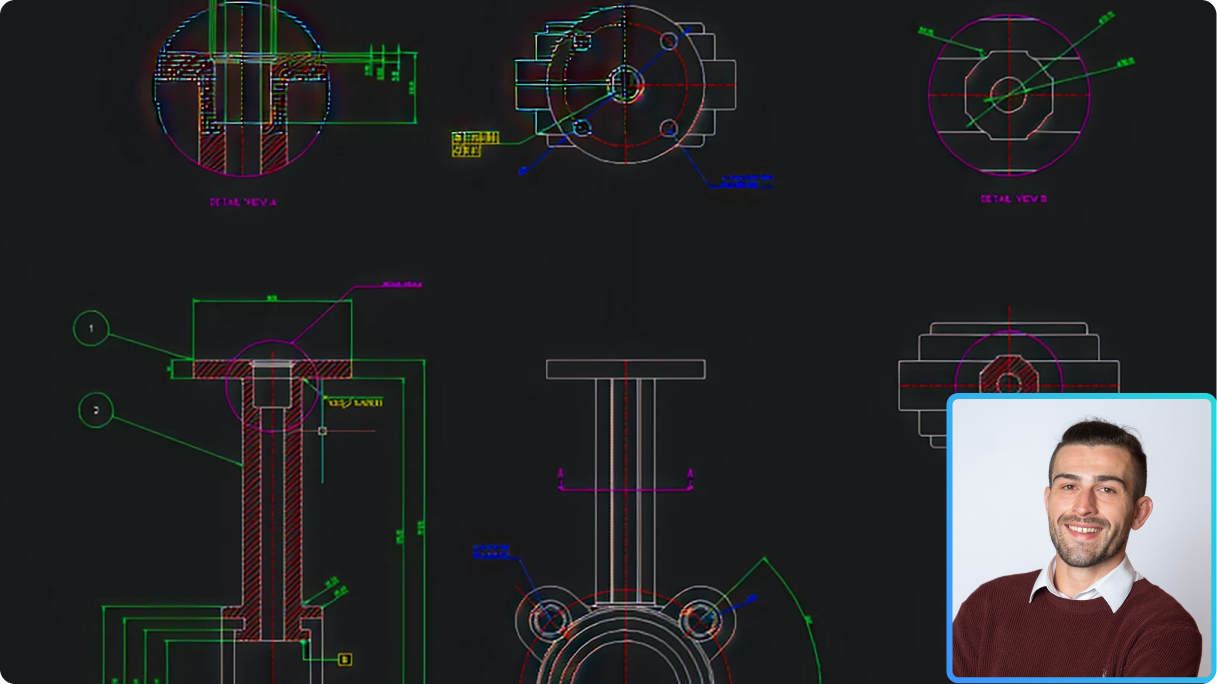
BricsCAD interface showing mechanical CAD drawings with detail views of a flanged component, alongside a photo of a smiling man.

機械

製造商的 2D 機械設計與繪圖

探索 BricsCAD V25.2 全新的增強型 2D 圖面機械符號與註解,現在更整合了 2D FEA 註解以改善設計分析。
V25.2 發佈

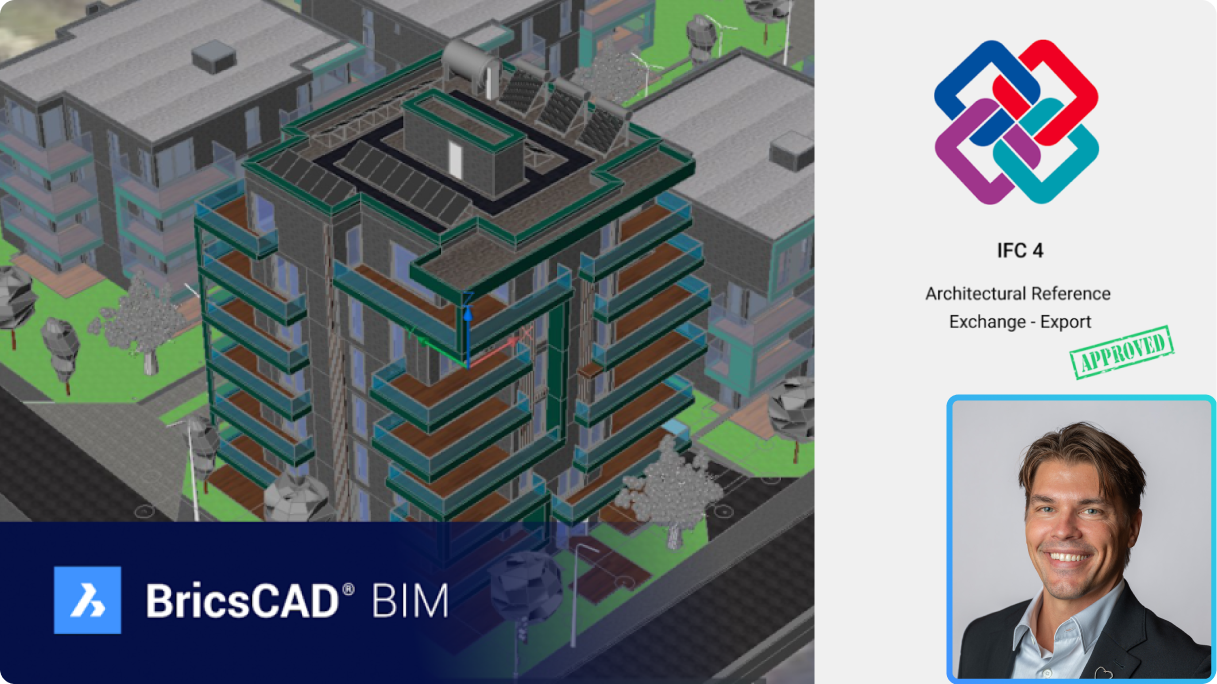
BricsCAD BIM 3D building model with IFC 4 Architectural Reference Exchange Export approved certification and a man's headshot.

BIM

IFC4 認證對 BricsCAD BIM 使用者的意義

瞭解 BricsCAD BIM 的 IFC4 認證如何改善資料交換,並擴大 AEC 分包商參與 BIM 投標的機會。
V25.2 發佈

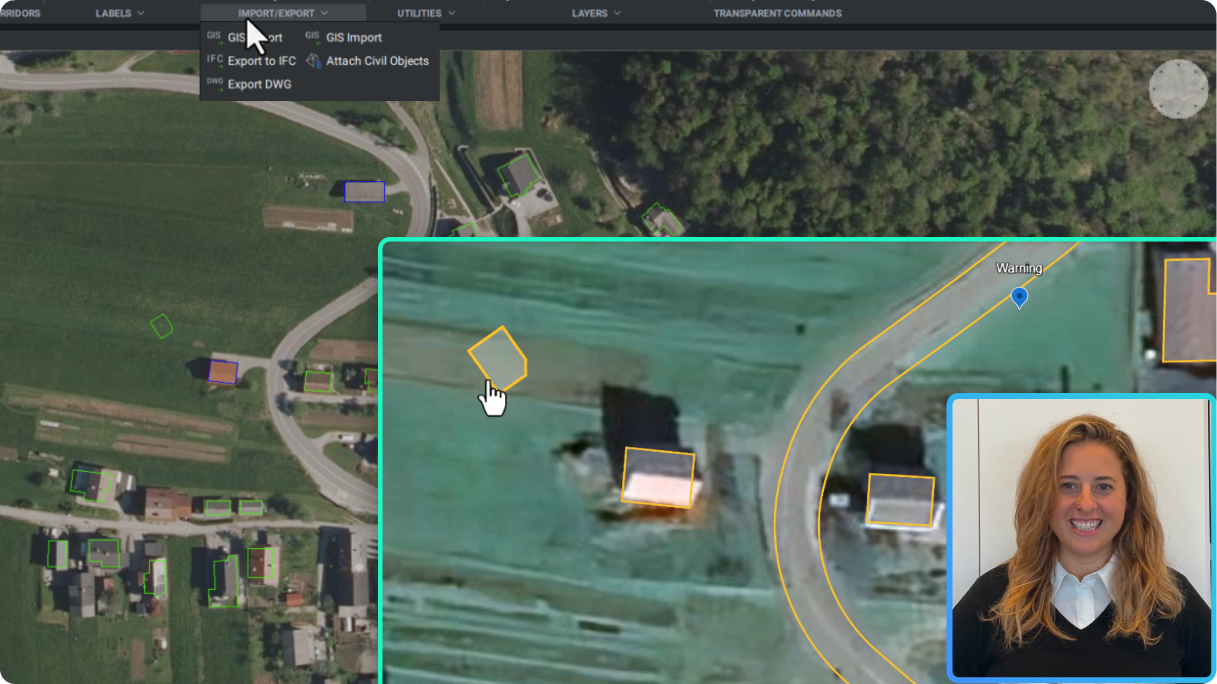
BricsCAD interface showing a GIS aerial map with building outlines, an open Import/Export menu, and a presenter in the corner.

土木&測量

使用 Google Earth 的 KML/KMZ 資料格式,與 GIS 資料進行更好的協作

透過匯入和匯出 KML 或 KMZ 格式的 GIS 資料,更有效地與非 CAD 使用者溝通專案資料。
V25.2 發佈

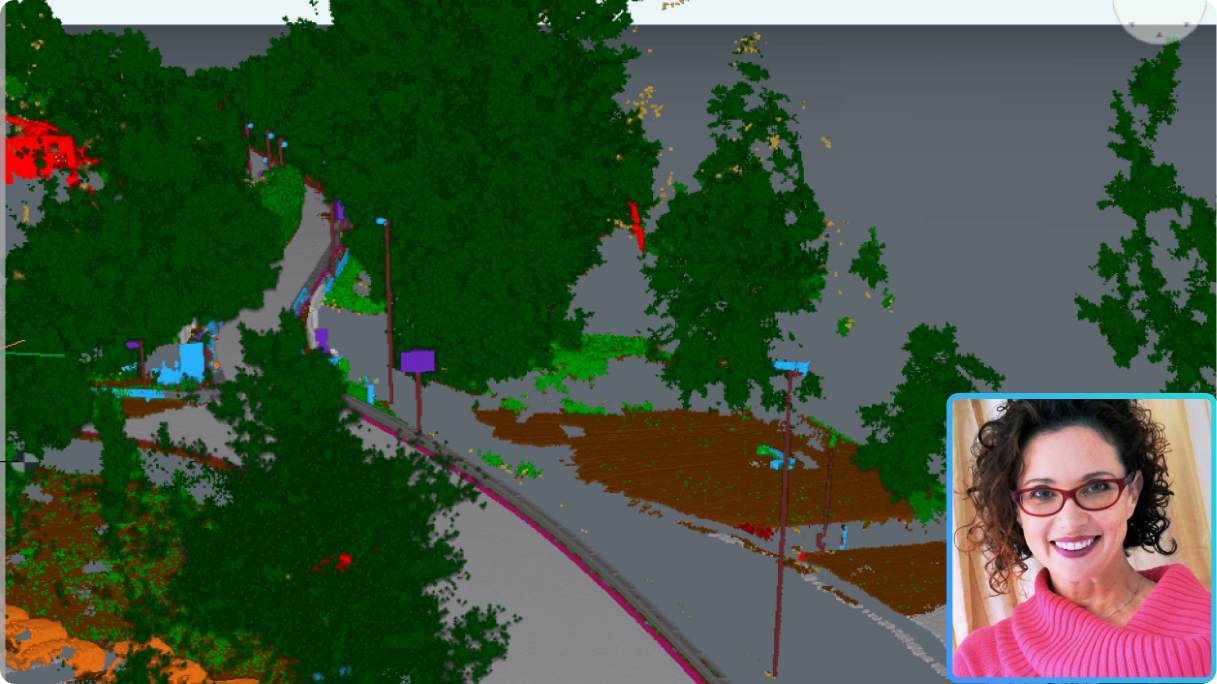
BricsCAD point cloud of a road with classified vegetation and objects, with a presenter's photo inset in the corner.

Pro / Lite

在 BricsCAD® 中使用點雲

我們同級最佳的點雲工具現在變得更好 - 氣泡檢視、X光色彩圖、新的分類器模型和地理位置都有增強。
V25.2 發佈

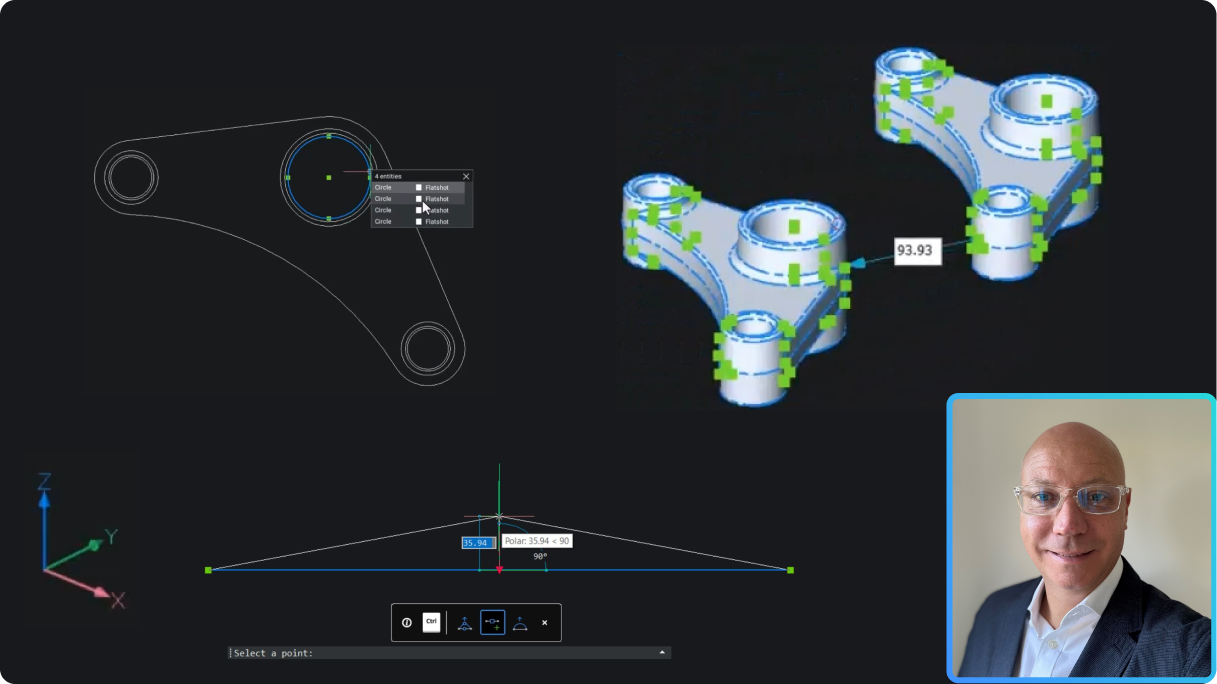
BricsCAD interface showing a 2D mechanical linkage drawing and a 3D fidget spinner model with a presenter inset.

Pro / Lite

BricsCAD Pro V25.2 為 2D 和 3D 使用者提供哪些新功能?

增強的 2D/3D 視覺效果、改良的 3D 斷面以及新的生產力功能。
V25.2 發佈

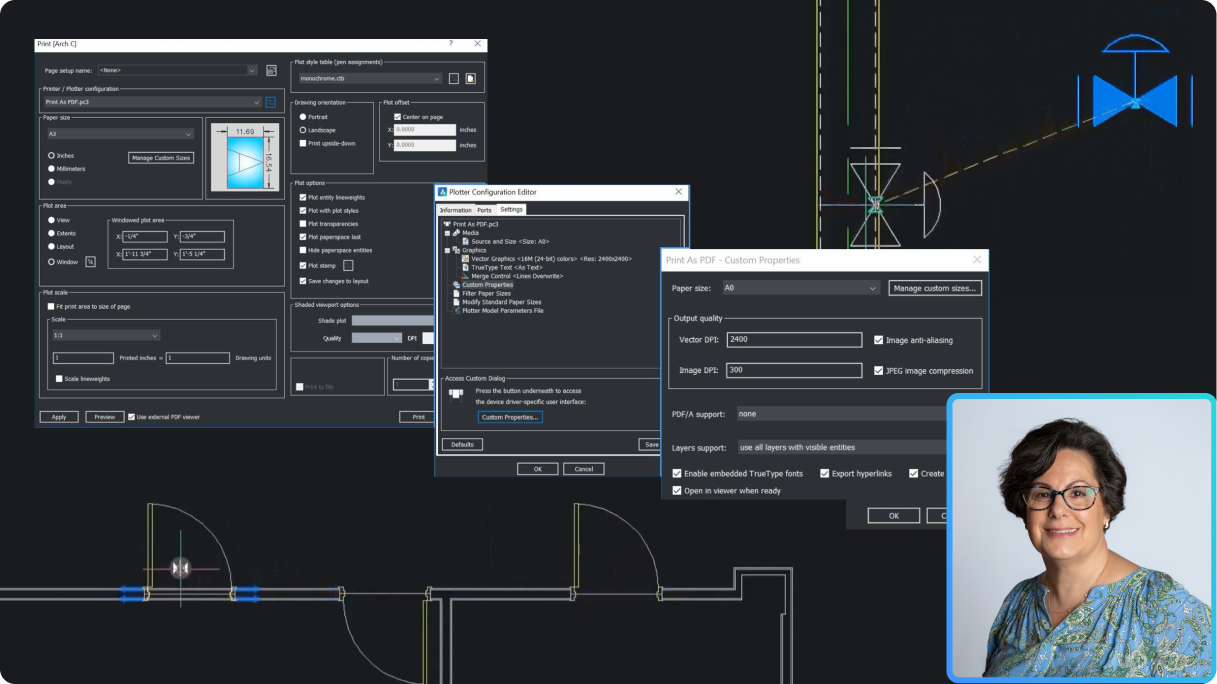
BricsCAD interface showing Print and Plotter Configuration dialogs for PDF export, with a CAD drawing and a woman's portrait inset.

Pro / Lite

使用 BricsCAD Pro V25.2 加速您的工作流程

利用 BricsCAD Pro V25.2 的智慧型工具增強功能,以及複製引導和動態圖塊等新功能,提升生產力。
V25.2 發佈

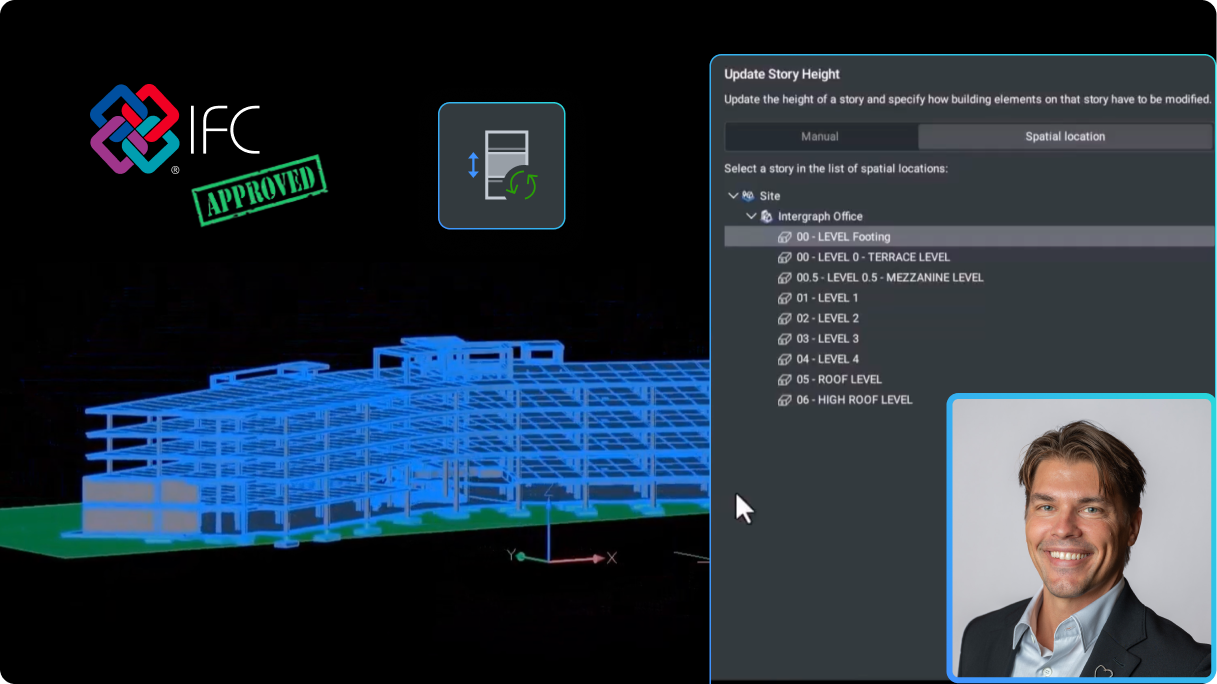
BricsCAD BIM interface showing a 3D building model with an Update Story Height panel, IFC Approved logo, and a man's headshot.

BIM

BricsCAD BIM V25.2 有哪些新功能?

IFC4 認證和 BricsCAD 獨有的新建模功能,由使用者反饋所推動。
V25.2 發佈

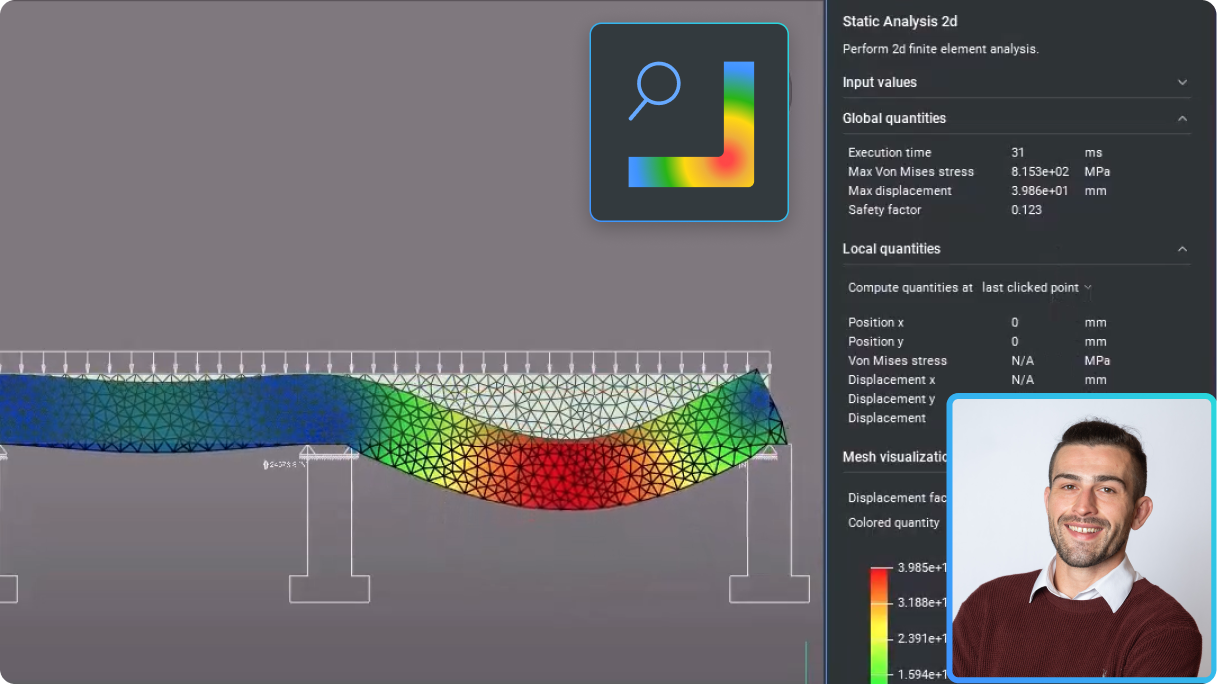
BricsCAD interface showing a 2D finite element static analysis of a beam with a stress heatmap and analysis panel.

機械

適用於2D繪圖師的 BricsCAD 機械 V25.2 有哪些新功能?

利用全新的增強功能,在 2D 環境中簡化製造工作流程。
V25.2 發佈

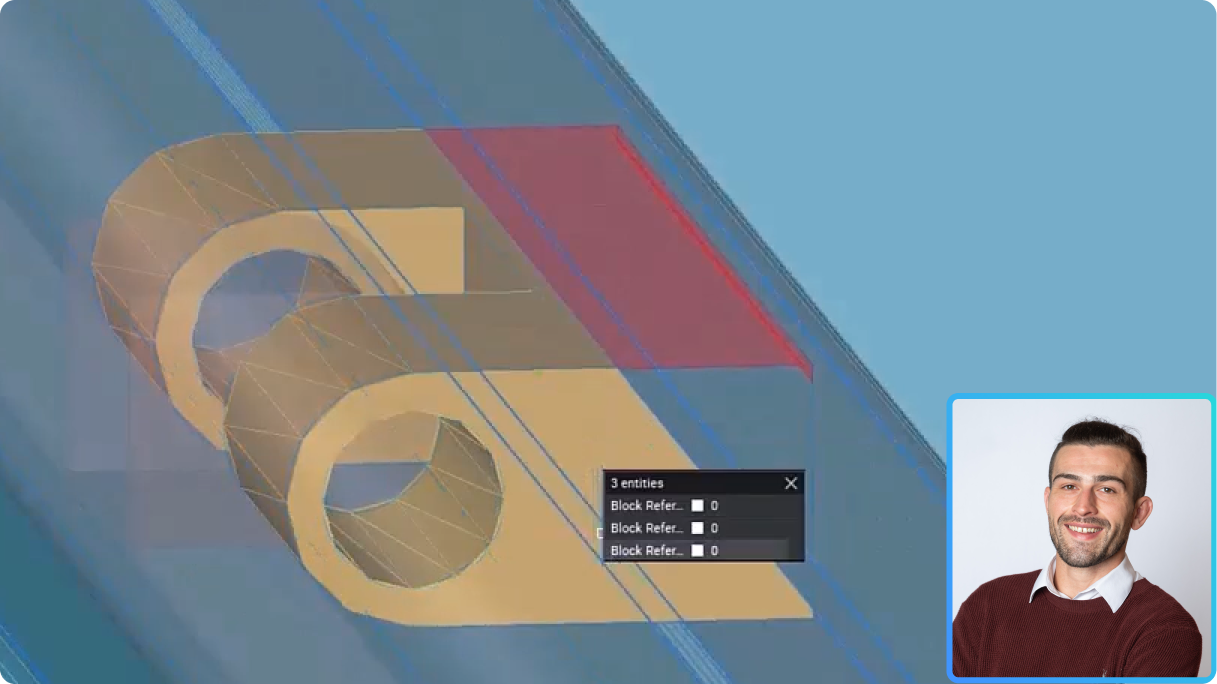
BricsCAD 3D model of mechanical parts with a properties panel showing 3 block references, and a man's headshot inset.

機械

BricsCAD 機械 V25.2 為 3D 至 2D 工作流程提供哪些新功能?

探索新的增強功能,改善並簡化製造商在 3D 環境中的工作流程。
V25.2 發佈

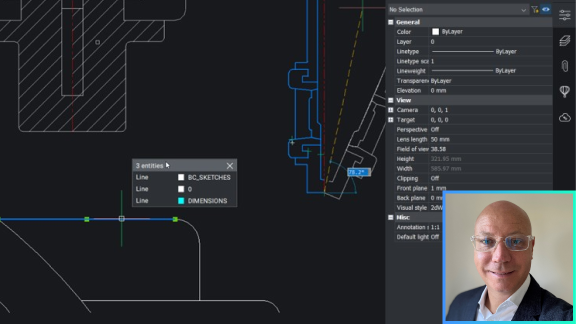
BricsCAD interface showing a 2D drawing with a properties panel and layer selection popup, alongside a man's headshot photo.

Pro / Lite

加速 2D 製圖

學習如何利用新的增強功能快速完成常見的 2D 繪圖任務,讓 2D幾何圖形變得更聰明、更容易。
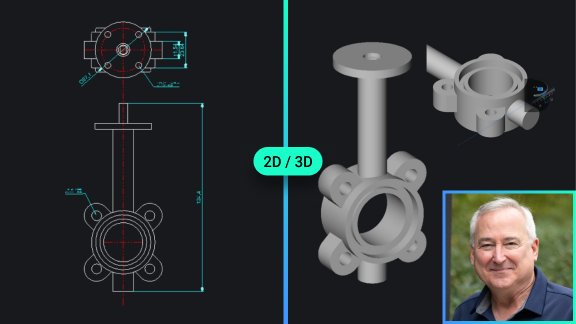
BricsCAD interface showing a 2D technical drawing and 3D model of a gate valve, with a portrait photo of a man.

Pro / Lite

BricsCAD® Lite/Pro V25 的新功能

發現最新的、客戶導向的更新,以增強性能,使 BricsCAD 成為基於 DWG 的 CAD 的最聰明的選擇。
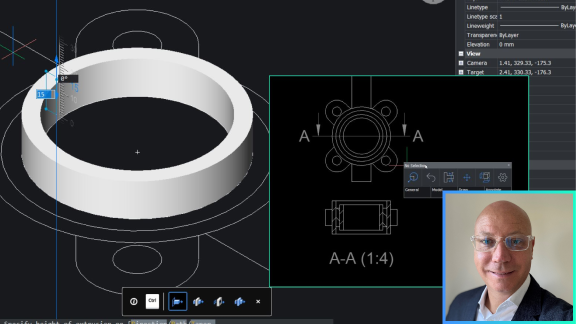
BricsCAD interface showing a 3D ring/flange model alongside a 2D cross-section drawing, with a man's portrait inset.

Pro / Lite

使用 3D 改善建立圖面的工作流程

2D 最快的方法就是 3D 。學習如何在 BricsCAD Pro 中重新利用您的 2D CAD 資料,並利用 3D 的強大功能來建立詳細的圖面視圖。
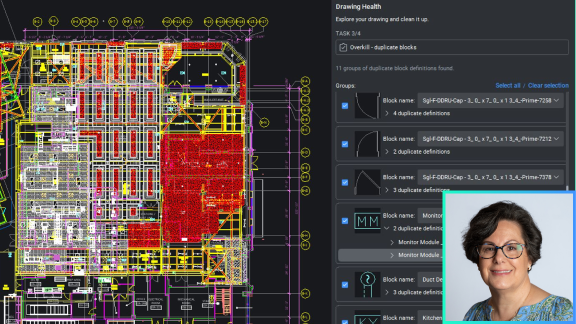
BricsCAD Drawing Health panel showing duplicate blocks in a complex floor plan, with a woman's portrait overlaid in the corner.

Pro / Lite

巧妙處理多種來源的 DWG

最佳化匯入資料的繪圖效能。瞭解為何 BricsCAD 領先業界的 DWGHEALTH 工作流程可確保卓越的效能。
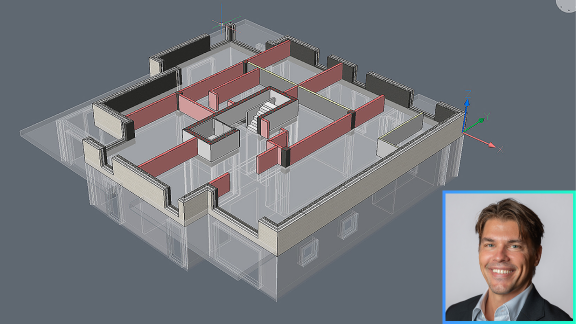
3D BIM building model in BricsCAD showing a floor plan with walls and rooms, alongside a headshot of a smiling man.

BIM

利用智慧型自適應 3D 建模,有效率地變更設計

看看 BricsCAD BIM 的雙向 2D CAD 到/從 3D BIM 的工作流程如何使設計迭代變得更簡單。
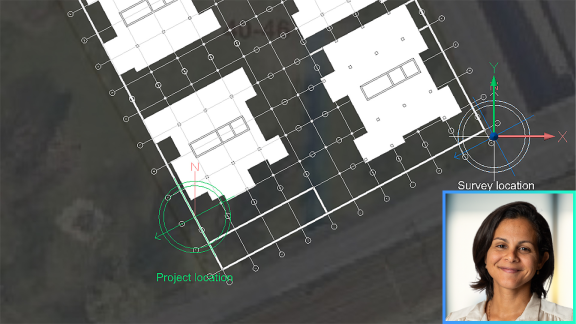
BricsCAD interface showing a building floor plan on a satellite map with project and survey location markers, and a woman's photo inset.

BIM

BricsCAD® BIM V25 的新功能

觀看為何 BricsCAD 強大的 BIM 建模軟體是設計逼真度和開放式 BIM 授權的最佳選擇。
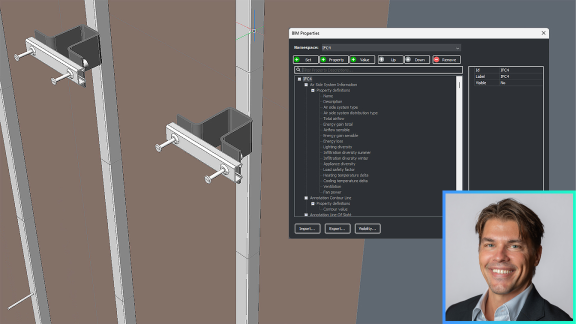
BricsCAD BIM interface showing a 3D structural model with the BIM Properties panel open, and a man's headshot in the corner.

BIM

根據協定的 LOD 和 LOI 標準進行精確的 BIM 資料交換

探索如何在 BricsCAD BIM 的使用者介面中,利用 buildingSMART 的資訊遞送規範 (IDS) 建立正確的 LOD 和 LOI。
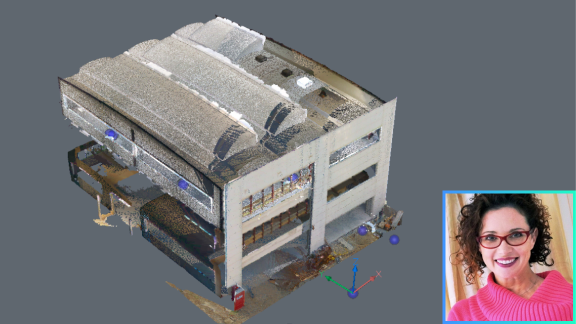
Point cloud scan of a multi-story building in BricsCAD, with a small inset photo of a smiling woman in the corner.

BIM

在 BricsCAD V25 中更精明地使用點雲資料

從增加的資料匯入選項到改良的渲染技術,探索客戶導向的點雲功能強化。
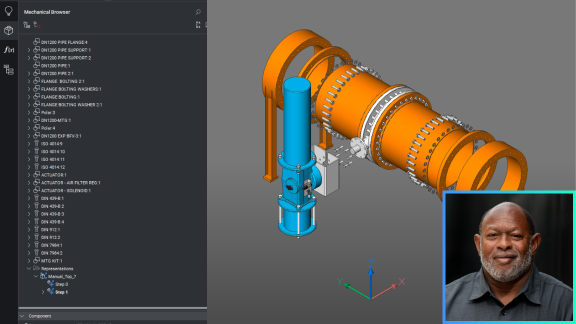
BricsCAD interface showing a 3D mechanical assembly model of an industrial pipe system with a Mechanical Browser panel open.

機械

BricsCAD® 機械 V25 的新功能

深入介紹 BricsCAD 機械 V25 的直觀工具和功能,探索最新的製造 CAD 軟體。
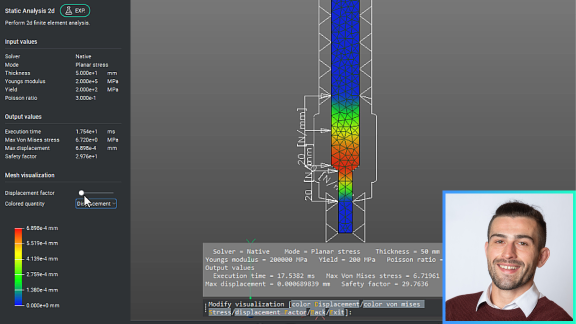
BricsCAD Static Analysis 2D panel showing finite element stress analysis of a mechanical part with color-coded displacement visualization.

機械

快速且熟悉的 2D 機械設計與繪圖

透過增加的 AutoCAD® 使用者熟悉度與全新的 2D FEA 功能,深入瞭解 2D 機械設計與繪圖工作流程。
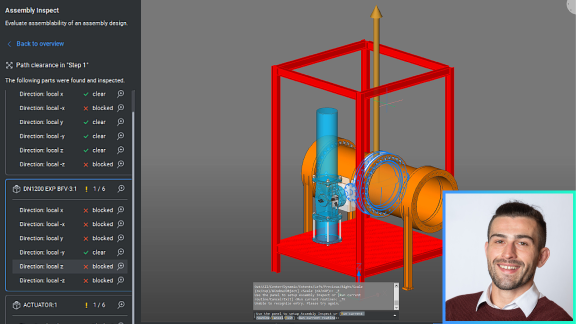
BricsCAD Assembly Inspect panel showing path clearance analysis of an industrial valve assembly in a red frame structure.

機械

為何要選擇 BricsCAD® 機械 V25 來優化設計?

探索增強的 DfMA 工具集: BMSEQUENCE 可輕鬆拆解,BMASSEMBLYINSPECT 可檢查刀具運動,並確保路徑間隙。
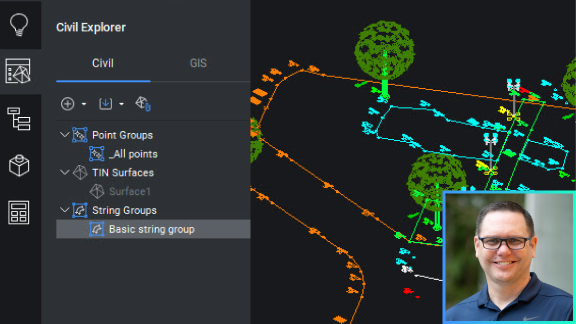
BricsCAD Civil Explorer panel showing TIN Surfaces and String Groups alongside a colorful civil engineering site drawing.

土木&測量

BricsCAD® Pro V25 的新功能 - 土木/測量工具

探索 BricsCAD 內為測量師和土木工程師提供的新工具,加快工作流程和協作。
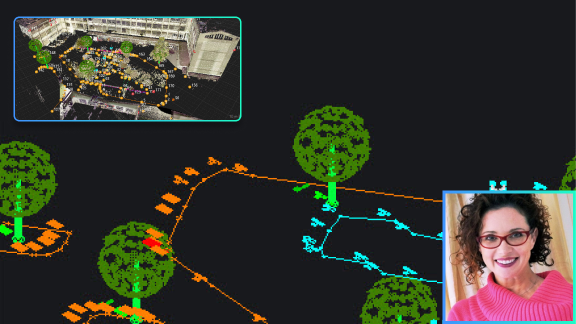
A CAD point cloud scan of an outdoor area with trees and pathways, an aerial view inset, and a woman's photo in the corner.

土木&測量

從 Leica 測量儀器快速輕鬆存取資料

使用單鍵匯入功能,簡單快速地將 Leica 測量資料匯入 BricsCAD,而不會遺失延伸資料。
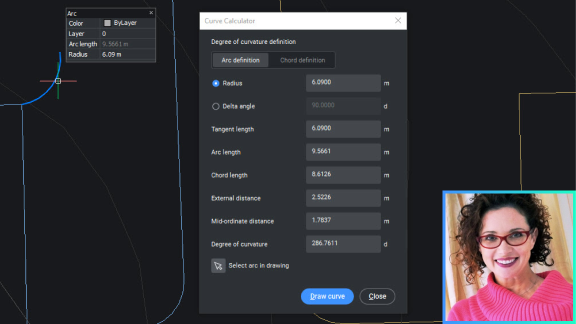
BricsCAD interface showing the Curve Calculator dialog with arc definition parameters, alongside a portrait photo of a smiling woman.

土木&測量

測量師用的繪圖與標籤工具

探索 BricsCAD 中專為測量師工作方式設計的直覺式工具,減少重複性工作並提高生產力。
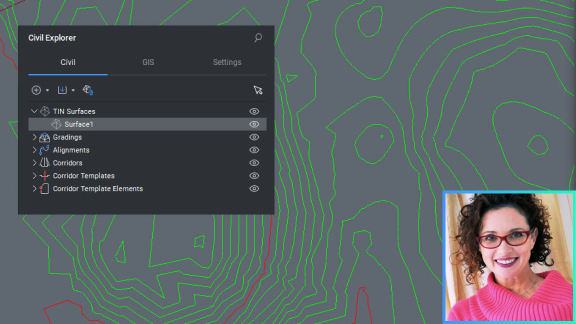
BricsCAD Civil Explorer panel showing TIN Surfaces, with a contour map drawing and a woman's photo in the corner.

土木&測量

三角網曲面平滑

瞭解 BricsCAD 的智慧型工具如何平滑您的三角網曲面,以更精確地呈現建模中的地形。
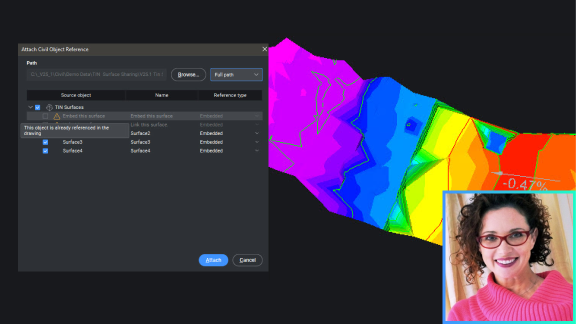
BricsCAD interface showing the Attach Civil Object Reference dialog over a colorful terrain surface model, with a woman's photo inset.

土木&測量

在圖面之間共用三角網曲面資料

瞭解三角網曲面如何在圖面之間動態共用,減少檔案大小並釋放平行工作流程。