BricsCAD Pro
專業級 2D 與 3D CAD - 強大且靈活。
價格最低 €710/年
* 免費試用 30 天,無需信用卡。

內建功能
基於 DWG 的 CAD 平台 用於設計和繪圖
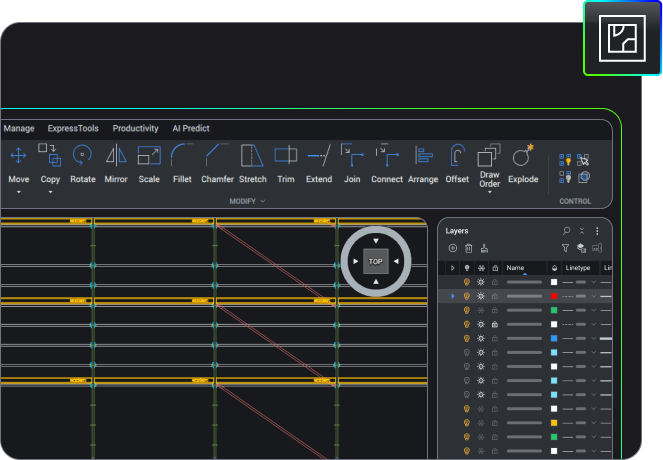
2D 製圖
使用一套全面的智慧型繪圖工具快速建立詳細圖面。

在單一應用程式中使用統一的指令集建立二維幾何、修改現有資料,以及註解檔案。
透過 LISP 自訂,並執行現有的 LISP 程式碼,以處理特定產業的工作流程。
2D 製圖
2D 製圖
使用一套全面的智慧型繪圖工具快速建立詳細圖面。
在單一應用程式中使用統一的指令集建立二維幾何、修改現有資料,以及註解檔案。
透過 LISP 自訂,並執行現有的 LISP 程式碼,以處理特定產業的工作流程。
3D建模
土地測量工具








福利
結合 2D 繪圖與 3D 建模
高效能的專業 CAD 平台,提供智慧型生產力工具,提升工作流程效率。
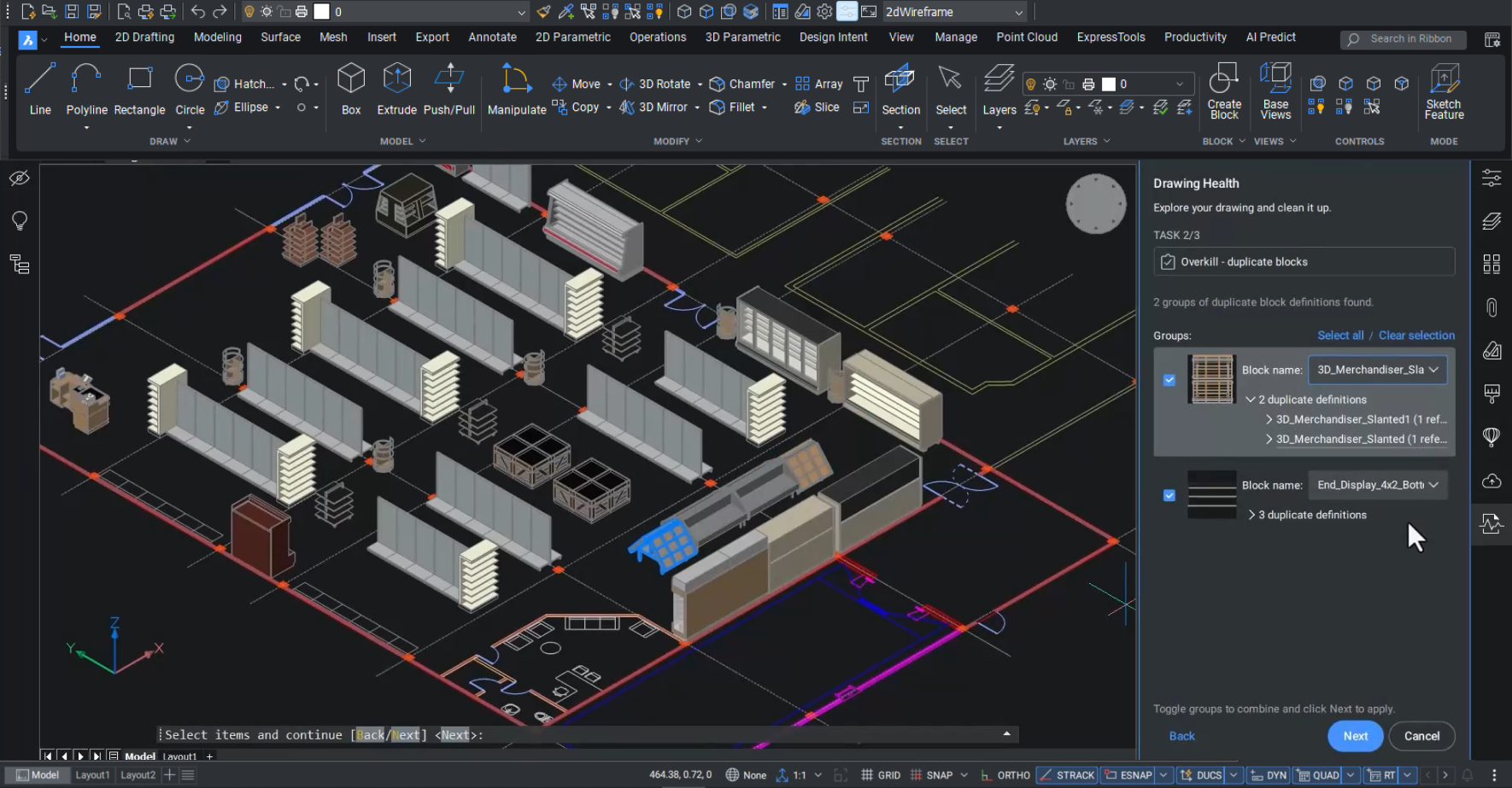
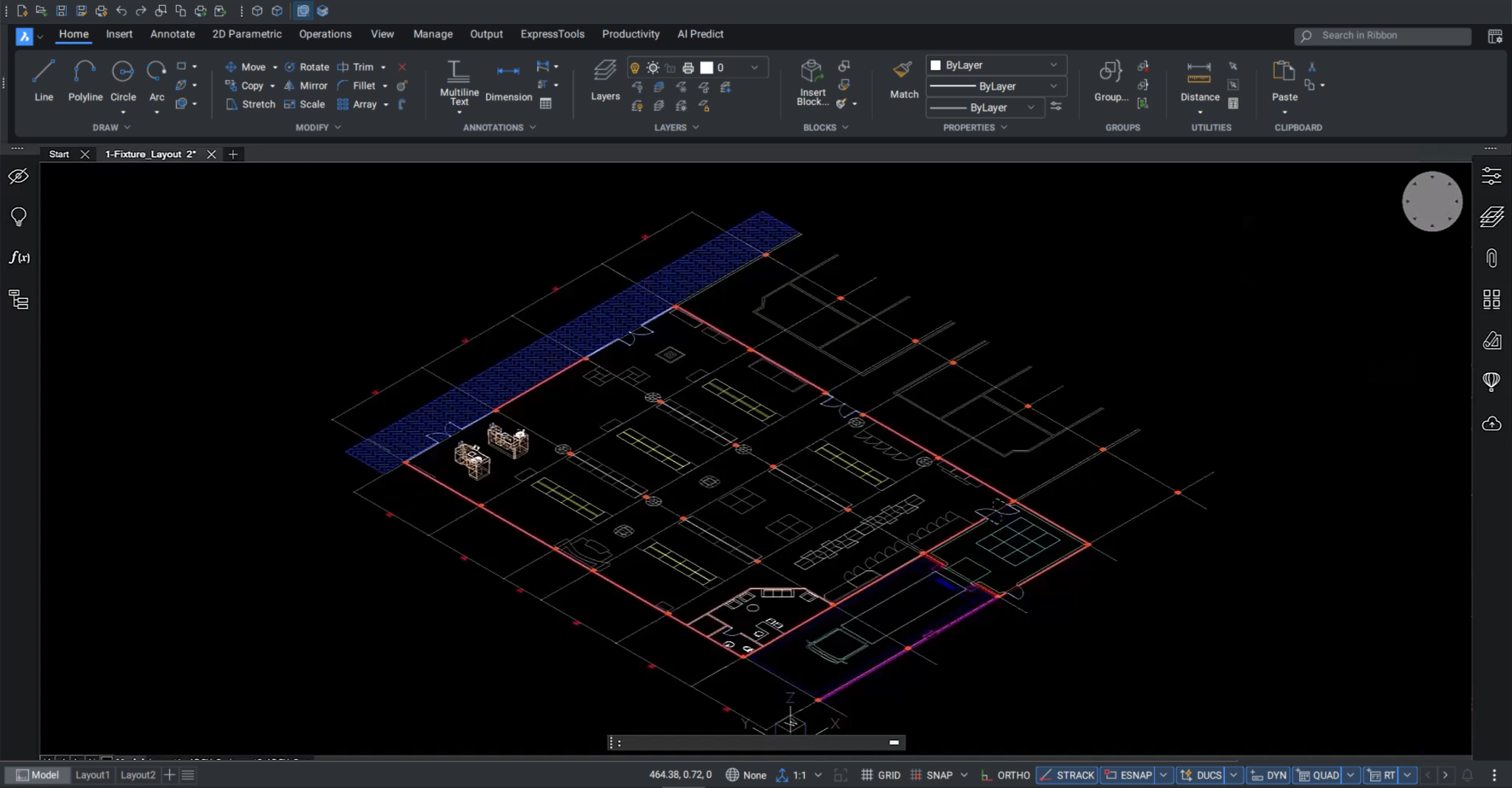

完全相容於業界標準 DWG
使用生產力工具優化匯入的資料,以改善 DWG 檔案的品質、準確性和效能。

協同專案工作流程
在設計階段及早發現問題,並與專案利害關係人溝通解決方案。

2D 和 3D 交付的先進功能
利用參數化實體建模、三角網曲面建立和點雲可視化功能,以 2D 和 3D 的方式可視化設計。

全面的產業工具與合作夥伴應用程式
從數百個高品質、功能強大的合作夥伴應用程式中選擇,以最佳方式管理您特定的產業工作流程。
能力
使用 BricsCAD Pro 可以做什麼?
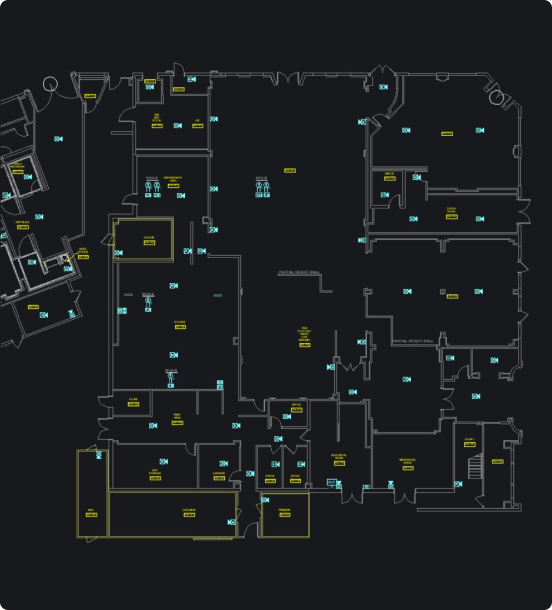
設計生產設施的配置
以 2D 或 3D 最佳化生產設備的配置,或重新裝配現有設備,所有這些都可透過高效率的智慧型設計工具,簡單輕鬆地放置設備和進行修改。
快速方便地存取測量資料
從點雲建立最佳化的三角網曲面
在單一平台上驗證 2D 和 3D 設計
購買 BRICSCAD
我們所有的 CAD 軟體
 €330/年
高性能、相容和簡潔的 2D 製圖和細部設計
 €710/年
專業級 2D 與 3D CAD - 強大且靈活。
 €998/年
2D 與 3D 機械 CAD 用於記錄製造流程。
 €1,060/年
2D與3D CAD系統,適用於建築模型建構與文件製作。
 €1,176/年
整合式 2D 與 3D CAD,適用於機械、建築及測量領域。
Item 1 of 5
充分利用 BricsCAD
透過 BricsCAD 維護方案,即可享有專業的產品支援與升級服務——確保最低的擁有成本。
客戶
領先企業信賴 BricsCAD






30 天試用
今天就開始使用 BricsCAD 進行設計吧!
可用於