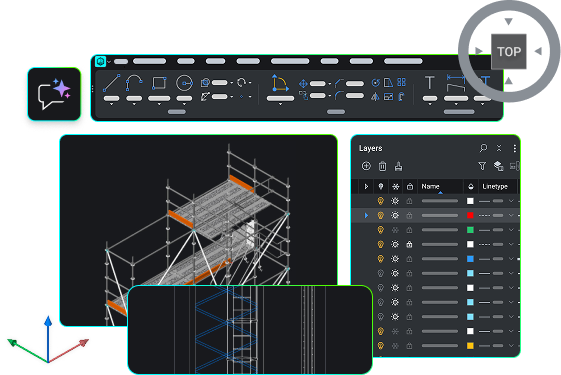
🚀 BricsCAD V27 現已推出

查看最新消息

搜尋

BricsCAD V27

加速從設計到生產流程的新功能

加速從設計到生產流程的新功能

觀看所有課程
免費試用 BricsCAD V27

最新功能

BricsCAD V27 新增什麼

涵蓋一般設計、檔案建立與匯入、圖面最佳化與編輯、細部繪製與註解,以及發佈等各方面的全新與強化功能。了解這些最新功能,它們將協助您減少重複步驟,並更順暢地從設計階段過渡到完成圖面。

篩選條件:
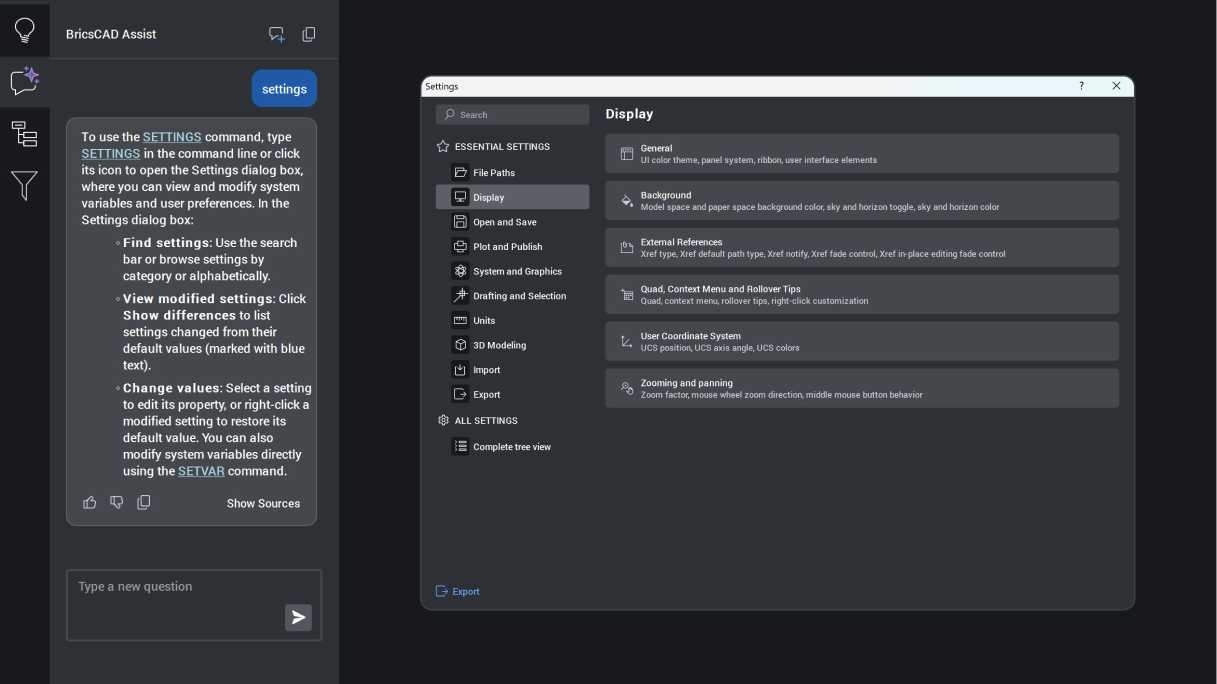
BricsCAD Assist panel explaining the Settings command, with the Settings dialog open showing Display options.

BricsCAD Lite

增強

BricsCAD Assist

AI‑driven chat panel that helps users quickly find documentation, how‑to tips, and guidance, all integrated directly into the BricsCAD interface.

Unique to BricsCAD
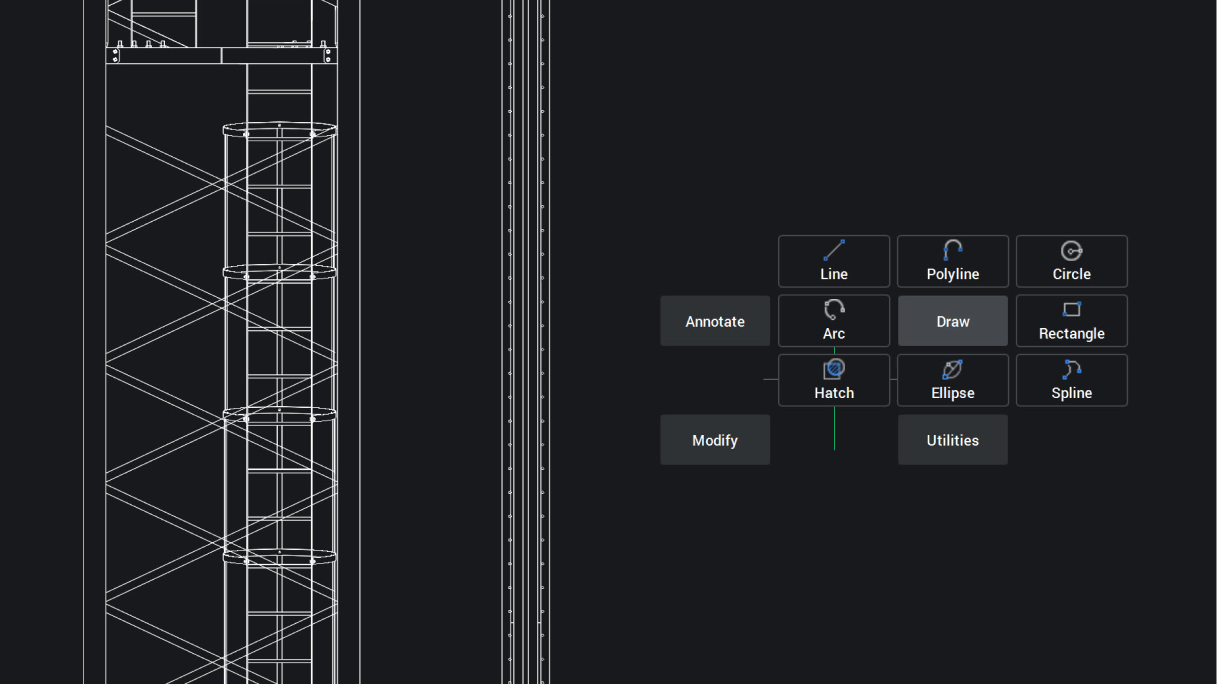
BricsCAD interface showing a 2D structural tower drawing with a Draw toolbar displaying Line, Polyline, Circle, Arc, Rectangle, Hatch, Ellipse, and Spline tools.

BricsCAD Lite

實驗性

導航游標標記功能表

「導航」現已為 2D 物件提供標記功能表手勢功能,透過與上下文相關的指令,實現更快速且可預測的互動,從而提升工作效率。

BricsCAD 特有
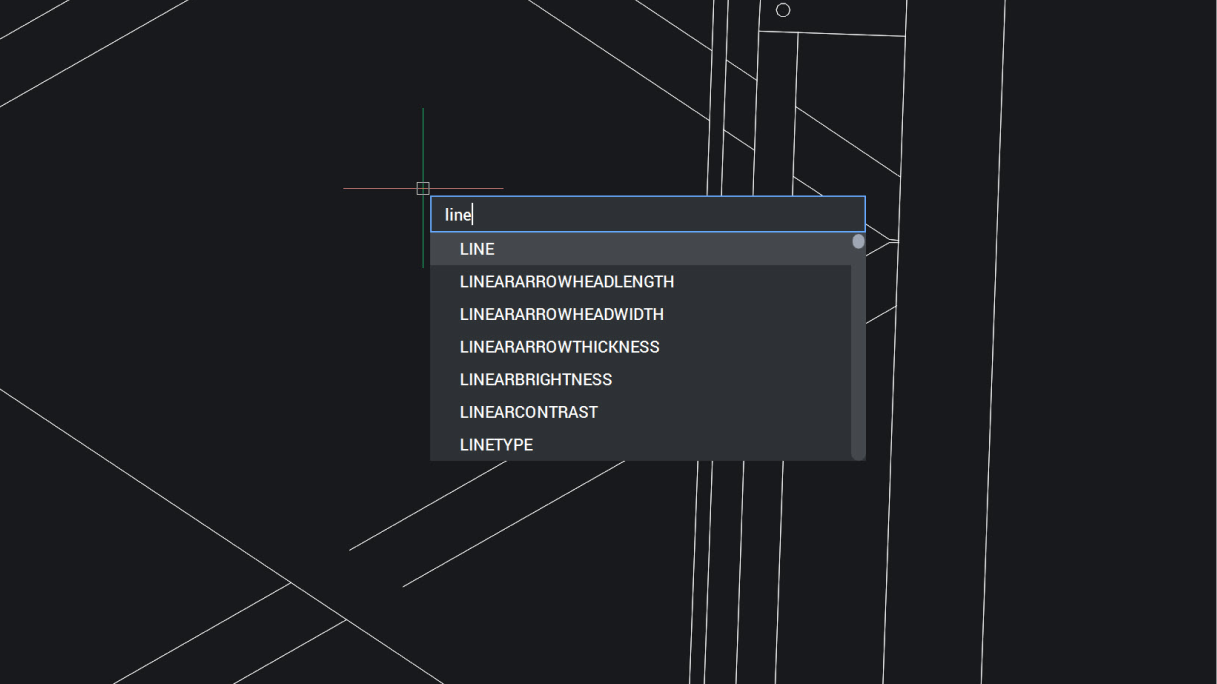
BricsCAD interface showing a command autocomplete dropdown with "line" typed, suggesting LINE and related commands.

BricsCAD Lite

新增

游標處的動態輸入

「動態輸入」會在游標位置顯示資訊,讓您能專注於工作,而非盯著指令行,從而實現更快、更精準的輸入。
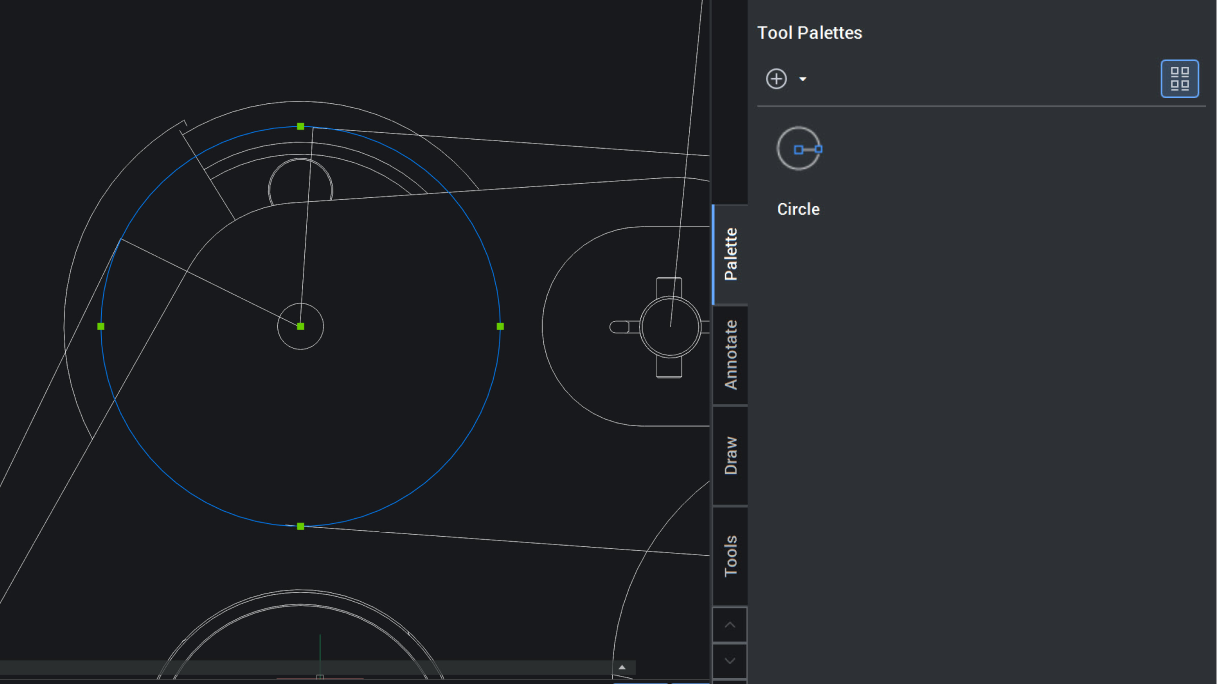
BricsCAD interface showing a 2D mechanical drawing with circles and the Tool Palettes panel open displaying a Circle tool.

BricsCAD Lite

增強

可自訂的工具選項板

可直接在模型空間中快速自訂工具選項板,減少設定時間與精力,以便快速存取常用工具。
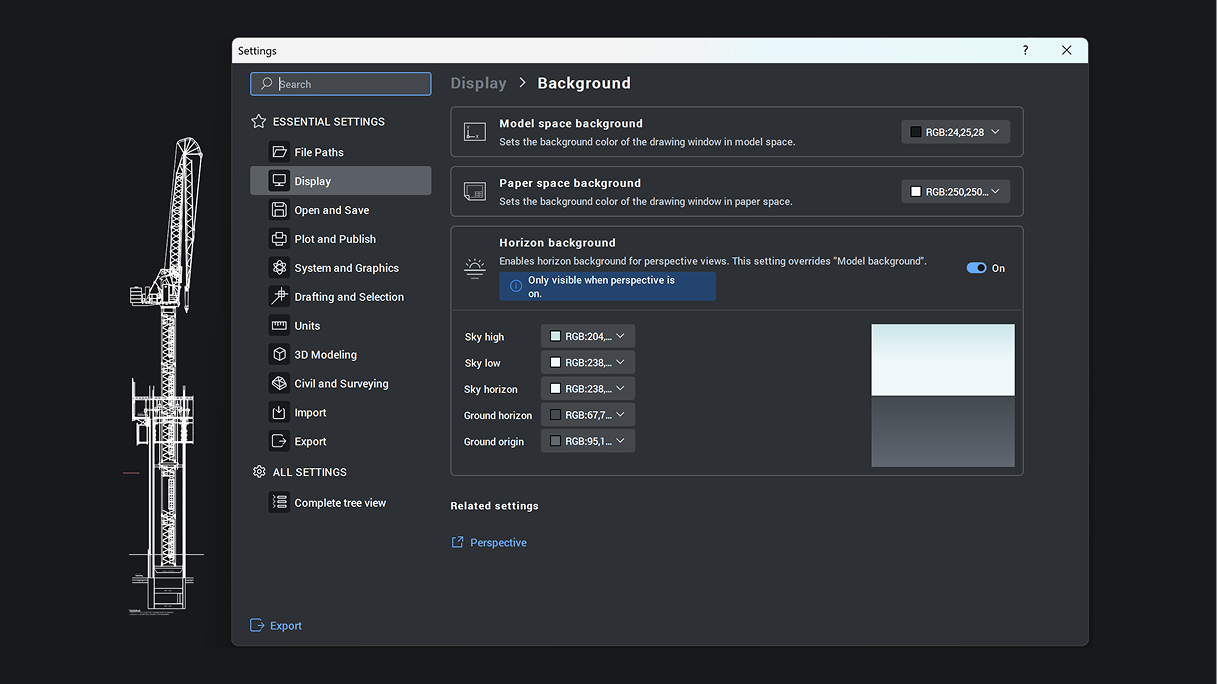
BricsCAD Settings panel showing Display Background options with horizon background color controls enabled.

BricsCAD Pro

增強

「設定」對話框

採用分頁式、可搜尋的介面,用於管理重要設定。可選擇僅顯示已變更的設定,並逐一重設,或完全還原為預設值。

BricsCAD V27

取得最新版

可用於 Microsoft, Mac 和 Linux 圖示

免費試用30天
立即購買
BricsCAD V27 - Available now!