歡迎加入我們的直播。BricsCAD V27 即將於 00:00:00

立即註冊

搜尋

2026年10月20日,16:00 - 17:00 中歐時間

BricsCAD V27

參加我們的線上活動,了解我們的最新版本如何幫助您更快、更流暢地從設計到最終圖紙的轉換。

* 英語活動
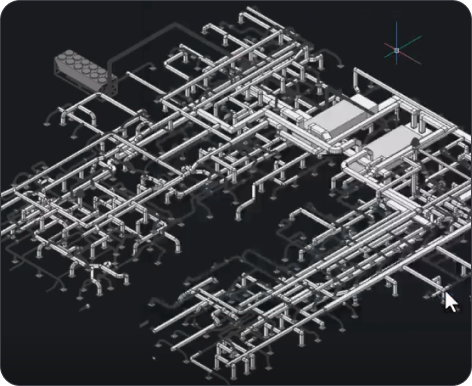
BricsCAD 3D CAD model showing a complex isometric piping and mechanical system layout on a dark background.
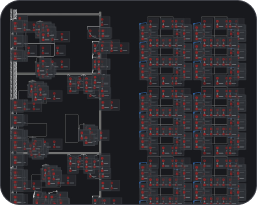
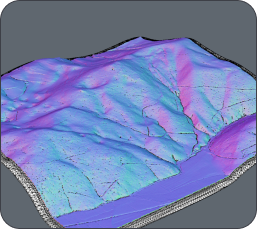
BricsCAD interface showing a dark-themed CAD drawing with floor plans and building layouts displayed in red and white lines.3D terrain model with colorful surface visualization in shades of purple, blue, and pink, showing elevation and topographic details.
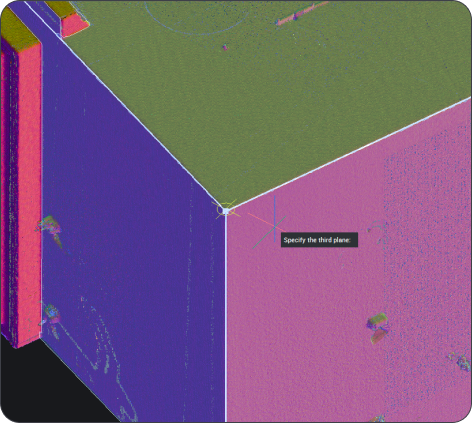
BricsCAD 3D point cloud scan of a building corner with a "Specify the third plane" prompt visible.
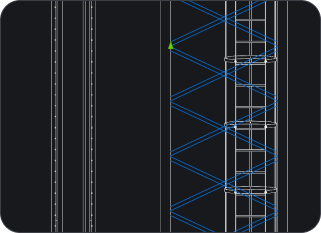
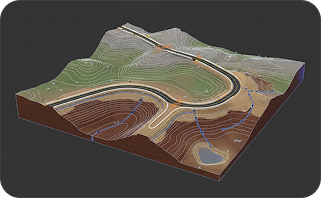
CAD drawing showing vertical structural elements with diagonal bracing patterns highlighted in blue on a dark background.3D terrain model showing an open-pit mine with winding roads, contour lines, and geological layers on a dark background.

線上發佈

您將學到什麼

A magnifying glass icon with a bell inside, suggesting notifications or alerts, on a dark background.

如何在 CAD 中加快工作速度

了解 BricsCAD V27 根據客戶回饋所做的改進,包括更快的 2D 效能、更智慧的繪圖健康工具、增強的尺寸標註、動態輸入等等。

White magnifying glass icon centered on a dark rounded rectangle background, representing a search function.

如何將更多工作流程串聯起來

探索針對您團隊常用資料與檔案格式的擴充支援功能,以及經過優化的相容性,讓您能更輕鬆地將現有的圖面、模型和圖庫匯入 BricsCAD。

White outline icon of two people on a dark background, representing a group or community.

V27 的實際運作模樣

請觀看我們各項產品的現場示範,一窺「BricsCAD 協助」的風采,並由我們的產品團隊直接為您解答疑問。

註冊

在發佈會上預留您的位置!

了解為何 BricsCAD V27 是真正的 CAD 替代方案。