BricsCAD。以更低成本,交付更多成果。9 月 30 日前立享 85 折優惠⏰

取得優惠

搜尋

BricsCAD® V23
的新功能

我們的最新版本帶來了您所喜愛的工具和功能的改進,以及新的功能和使用者介面,將極大地提高您的生產力。

下載 BricsCAD

* 開始30天免費試用,無需信用卡

BricsCAD V23.2 splash screen with logo, version number, and an abstract blue wave graphic.

改進的功能和相容性

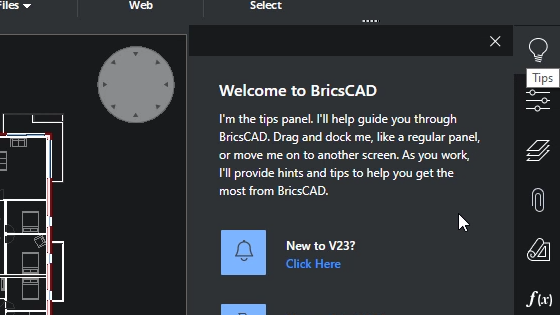
BricsCAD welcome tips panel overlay on a floor plan drawing, introducing the tips feature and a "New to V23?" prompt.

增強

開箱即用的新體驗

改進使用者體驗,為新安裝的 BricsCAD 提供直觀的設定
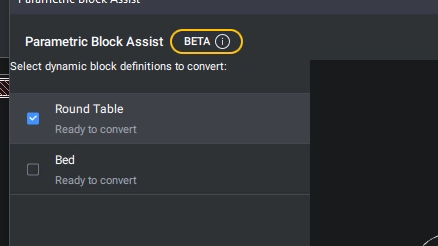
BricsCAD Parametric Block Assist panel in beta, showing Round Table and Bed blocks ready to convert.

新增

動態圖塊轉換器

PARAMETRICBLOCKASSIST 指令可將動態圖塊轉換為 BricsCAD 的卓越參數式圖塊。(測試版)
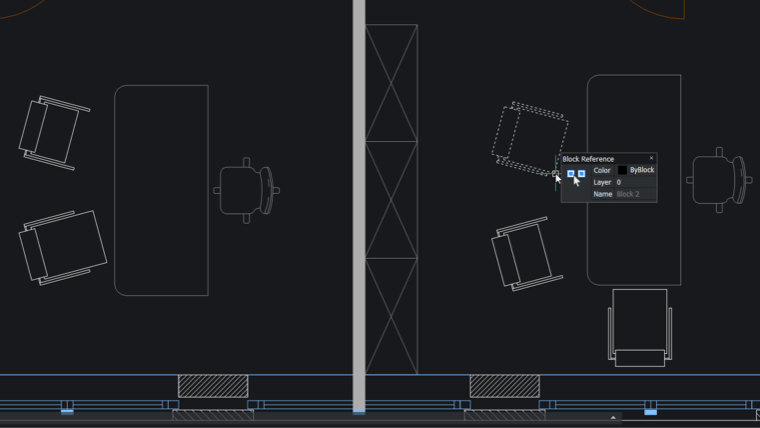
BricsCAD interface showing a 2D floor plan with furniture blocks and a Block Reference properties panel displaying Block 2.

新增

2D 幾何的參數圖塊化

「參數圖塊化」指命令現在可以識別具有 2D 參數、約束和翻轉線的參數化塊的普通 2D 幾何變體。
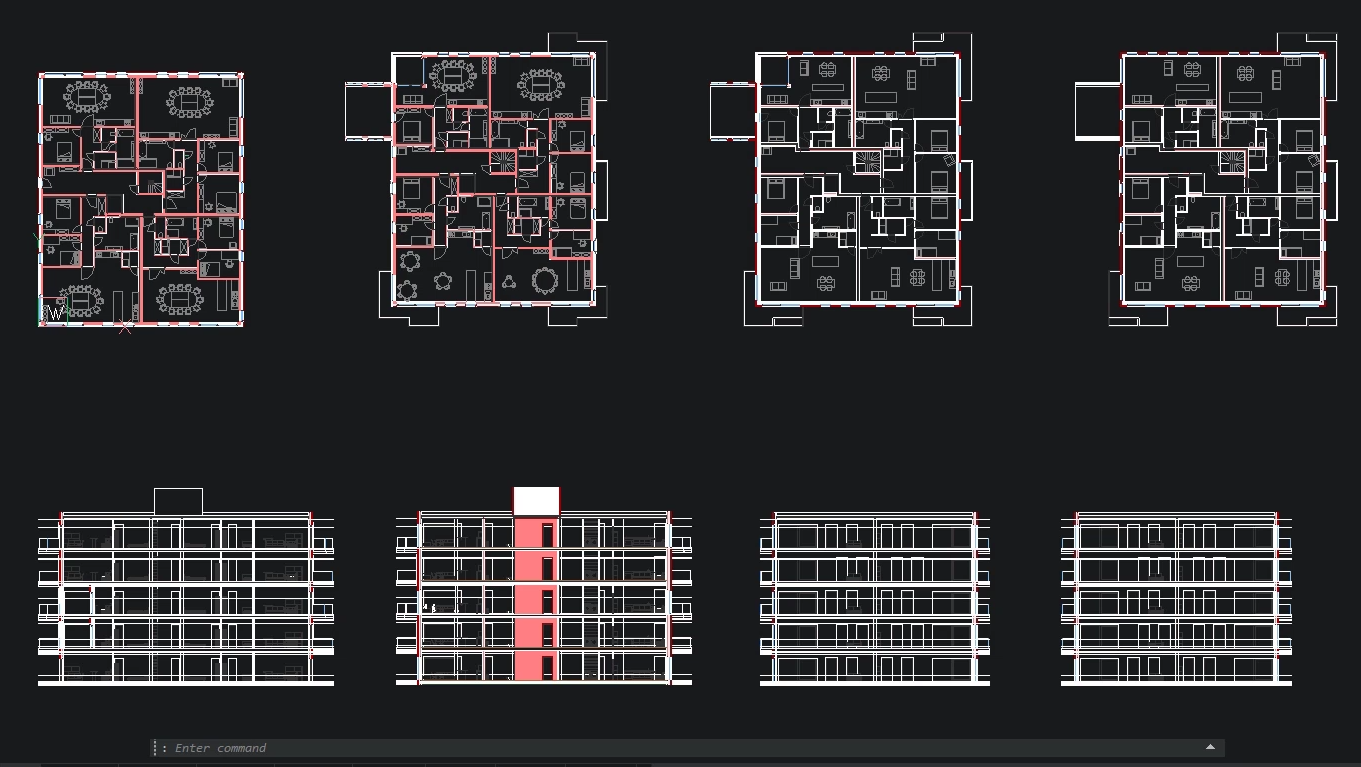
BricsCAD interface showing multiple building floor plans and facade elevations with highlighted sections in red.

增強

大型表格性能

提高處理大型表格時的可用性和性能

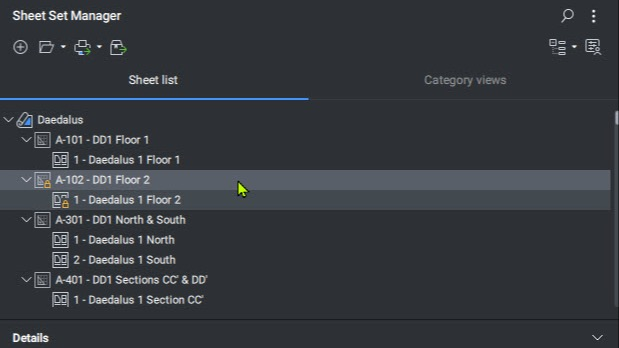
BricsCAD Sheet Set Manager panel showing a sheet list for the Daedalus project with floor plans and sections.

增強

圖紙集管理員

SHEETSET 指令提供各種新的、省時的功能。

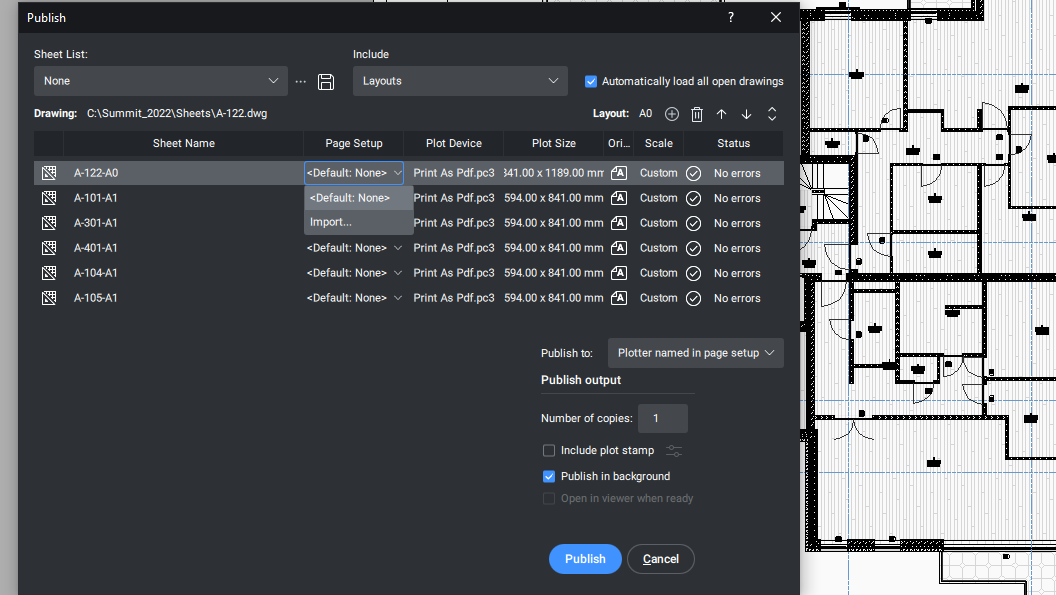
BricsCAD Publish dialog showing multiple architectural sheet layouts being configured for PDF output.

增強

「發佈」對話框

使用「發佈」對話框時的最新使用者體驗

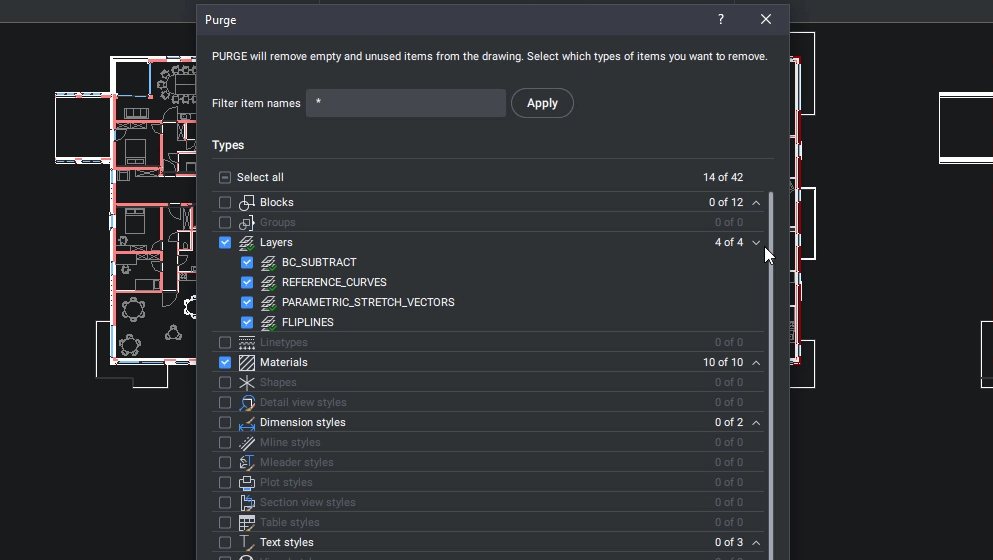
BricsCAD Purge dialog showing options to remove unused layers, materials, and blocks from a floor plan drawing.

新增

「清除」對話框

通過新的對話框功能提高 PURGE 指令的可用性

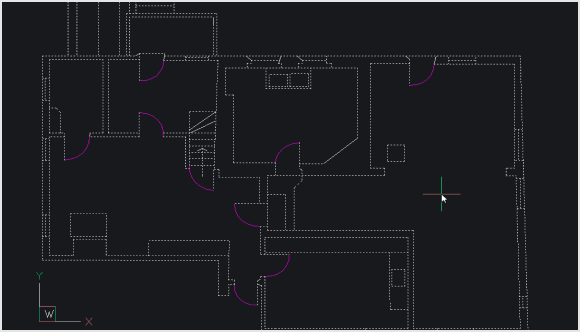
BricsCAD CAD interface displaying a 2D architectural floor plan with rooms, walls, and door swings on a dark background.

增強

最佳化 2D

對 OPTIMIZE 指令的改進,可以更快、更有效地修復弧和線之間的小縫隙

新工具、功能和性能增強
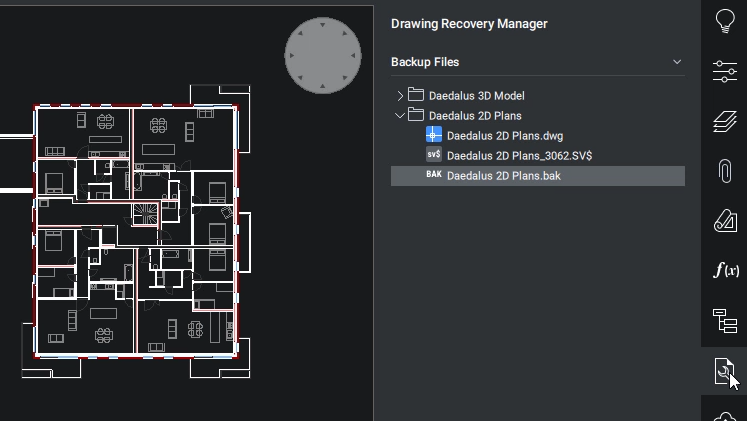
BricsCAD Drawing Recovery Manager showing backup files for a 2D floor plan with multiple rooms and corridors.

新增

圖面修復管理員

DRAWINGRECOVERY 指令可讓您在發生意外問題時快速復原圖面的保證。
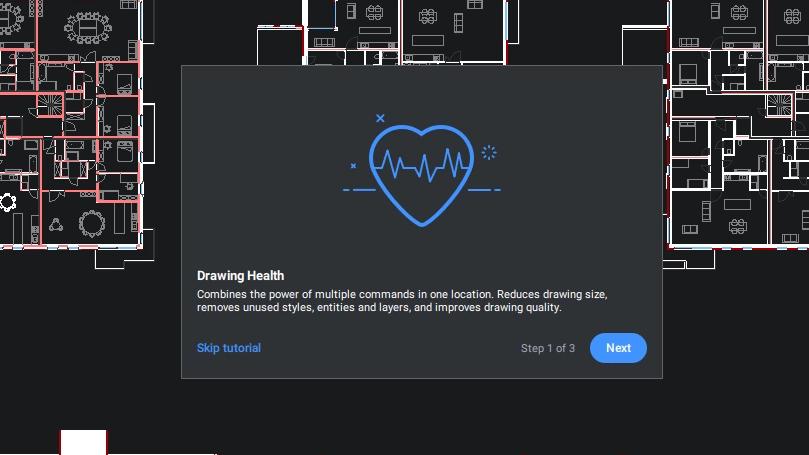
BricsCAD Drawing Health tutorial popup, step 1 of 3, with a heart icon overlay on a floor plan drawing.

新增

圖面健康管理

將所有現有的最佳化工具彙集到一個方便的位置,可更容易保持圖面健康。
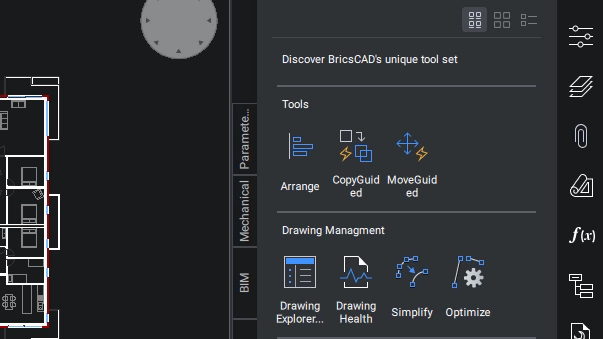
BricsCAD interface showing a floor plan drawing alongside a tools panel with Arrange, CopyGuided, MoveGuided, and Drawing Management options.

增強

改進的「工具選項板」

「工具選項板」指令現在具有「工具選項板」面板的新使用者體驗。
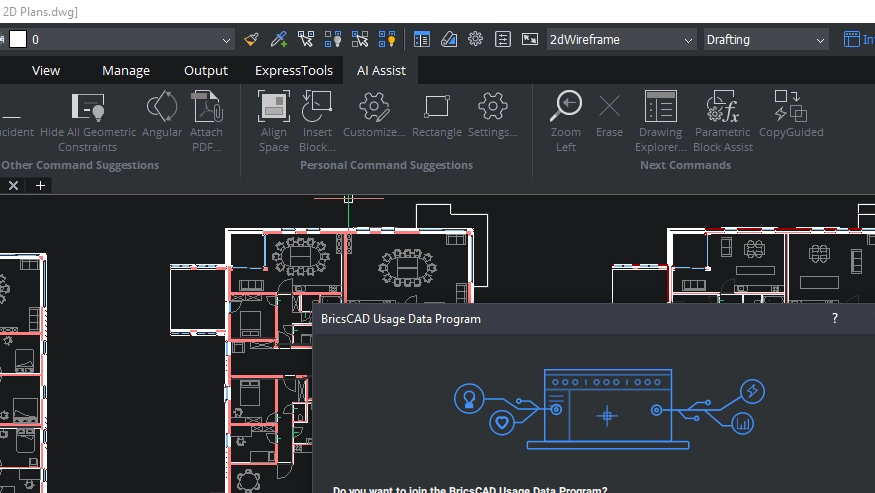
BricsCAD interface showing a 2D floor plan with a Usage Data Program dialog box overlaying the drawing.

新增

指令輔助功能區面板

由人工智慧驅動的輔助功能區面板根據典型的工作流程模式,建議使用者接下來可能需要的指令。
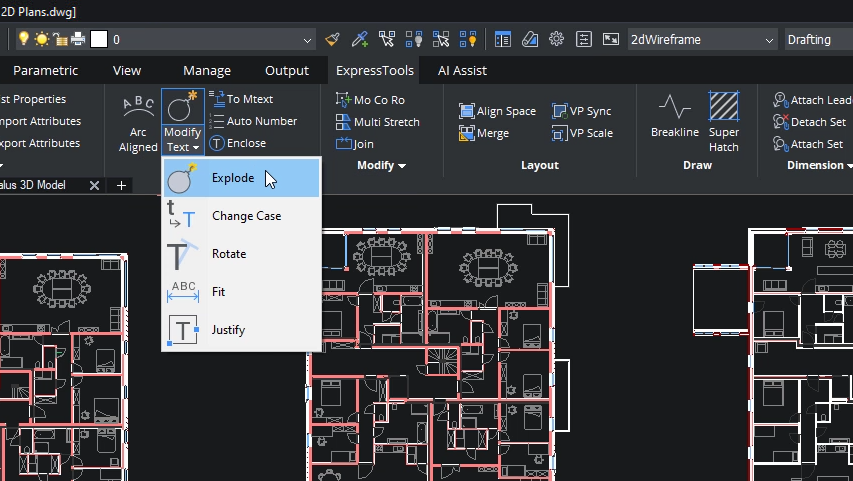
BricsCAD interface showing a 2D floor plan with the Modify Text dropdown menu open, highlighting the Explode option.

新增

快捷工具

「快捷工具」是一個受歡迎的第三方應用程式,現在已成為BricsCAD的本機功能。
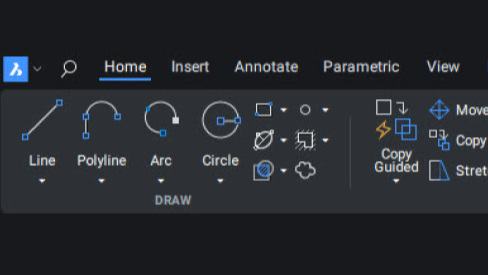
BricsCAD toolbar showing the Home tab with Draw tools including Line, Polyline, Arc, and Circle icons on a dark interface.

新增

功能區 (Qt)

BricsCAD 的功能區使用者介面已完全重新設計,以提供更好的使用者體驗。

最佳化的指令和工作流程
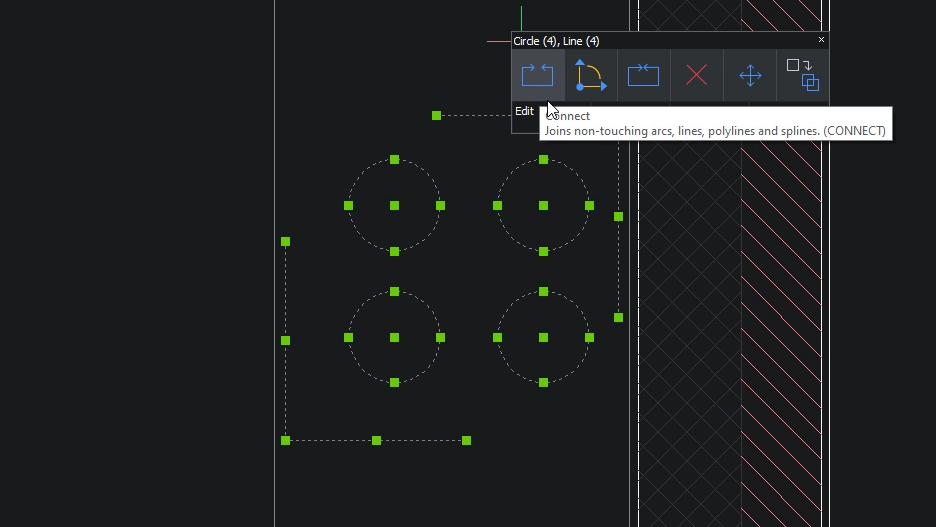
BricsCAD interface showing four selected circles with a Connect tool tooltip explaining it joins non-touching arcs, lines, polylines and splines.

新增

CONNECT

CONNECT 指令連接兩個不接觸的圖元。

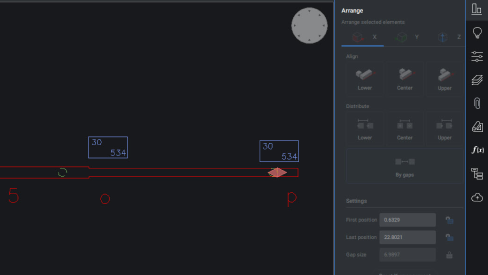
BricsCAD interface showing the Arrange panel with two dimension annotations aligned along a horizontal line in a 2D drawing.

增強

ARRANGE

新的使用者介面和性能增強功能提高 ARRANGE 指令的實用性。
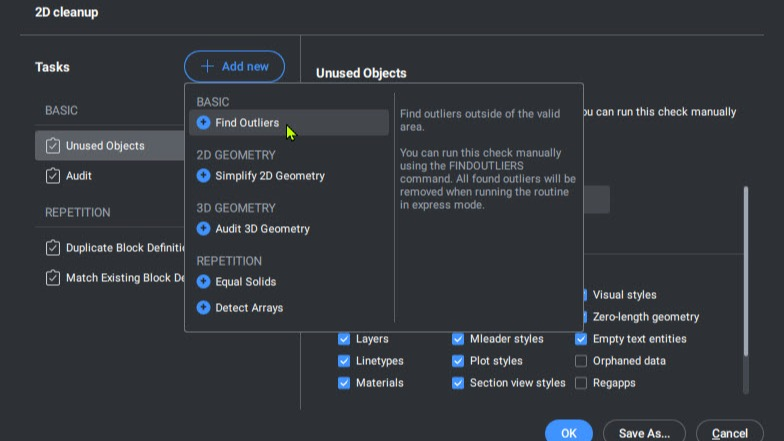
BricsCAD 2D Cleanup panel showing the Add New task dropdown menu with options like Find Outliers and Simplify 2D Geometry.

增強

FINDOUTLIERS

FINDOUTLES 指令可協助使用者尋找位於其主要繪圖區域之外的雜散資料,從而改善圖面效能。
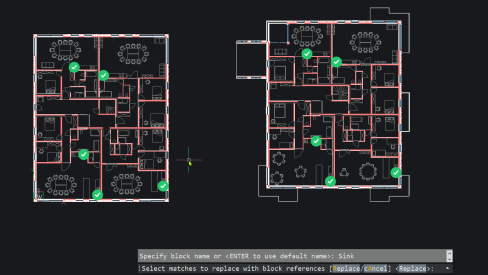
BricsCAD interface showing two office floor plans with block references highlighted, and a command prompt for replacing sink blocks.

增強

圖塊化

由於我們的新型對稱檢測引擎,「圖塊化」可以更準確地檢測重複元件。