
Telecom Network Design
Innovative telecom network design tools.
第三方應用程式
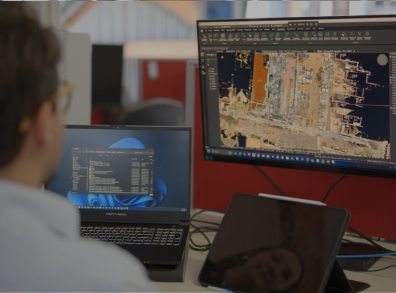
What is spatialNET?
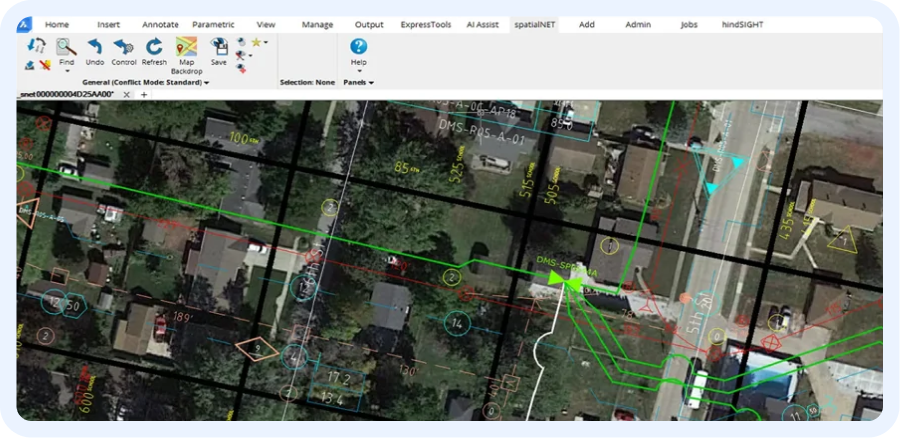
Industry leading network design and maintenance tools give power and control to the people who plan and design networks. The system provides seamless network modelling for all OS and ISP fiber, coax and copper network architectures. spatialNET is the tool of choice for some of the largest network operators in the world.
- Seamless OPS and ISP integration
- Complete fiber, coax or copper network design
- Underground duct and aerial support connectivity
- Fiber wavelength management
- Automated drafting tools
- RF and HFC network levelling and recalculation tools
- Integrated background maps
Solutions
Searching for the best Network Design solution?
Meet
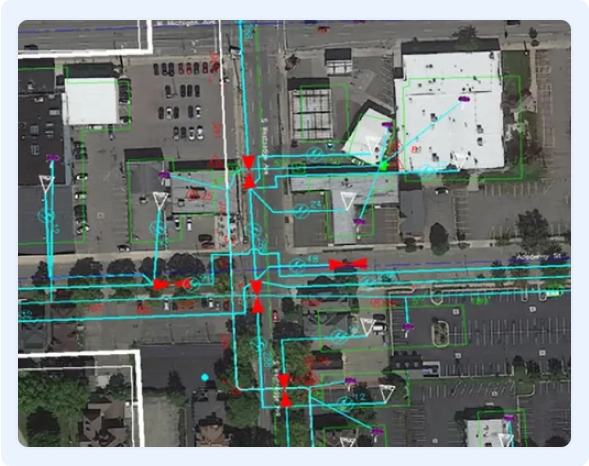
Modeling common equipment types (e.g., nodes, splitters, splice cases) as they appear in the network.
功能
spatialNET’s core capabilities include:

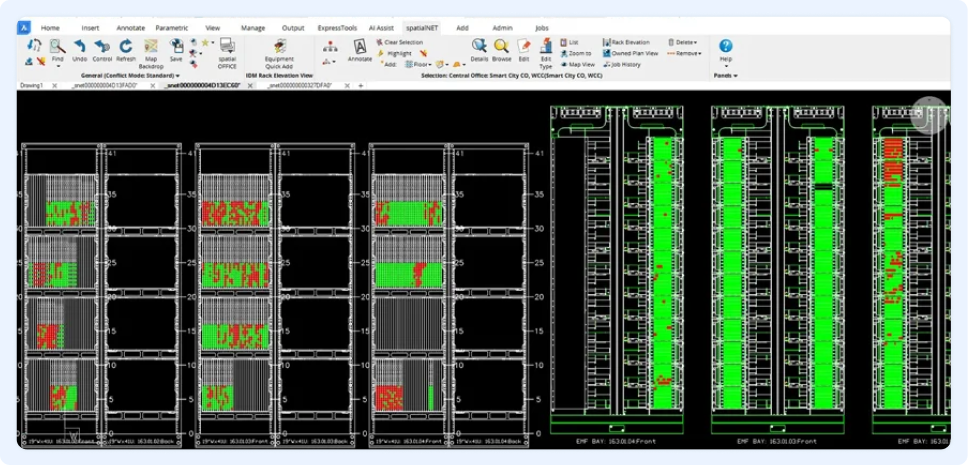
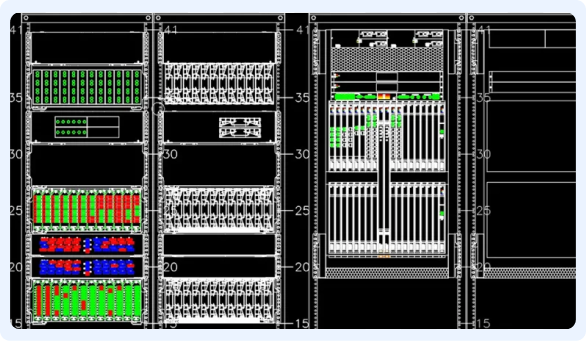
Modeling all passive and electronic equipment and inside plant electronics from origination/termination points to the optical wavelength level.

Supporting all major transmission architectures

Capturing aerial and underground infrastructure such as poles, cable supports, manholes, conduits, and direct-buried trenches.

Maintaining relationships between transmission and support networks, ensuring all connected elements are traceable.

Providing landbase tools to import or model streets, addresses, political, commercial, and service boundaries from scratch.

Including specialized wizard tools for the design and drafting of each network type.
Compatibility
Compatible with industry standard data formats
spatialNET running on BricsCAD is native dwg, 100% compatible DWG files along with other industry standard data formats.
spatialNET demonstrates the power and flexibility of seamlessly integrating best-in-class commercials like BricsCAD® in advanced fiber planning and design applications.
Easy Swich to BricsCAD
Switch to BricsCAD and save
The easiest and best thing you will do this year
Read, write and save to .DWG
BricsCAD's .dwg compatibility ensures the rapid creation of design documentation, significantly enhancing the overall 2D drawing workflow.
You can open and save .dwg files directly in BricsCAD, delivering the highest compatibility with AutoCAD®.

Save money with our flexible licensing
Unlike other CAD software, BricsCAD offers the most flexible CAD licensing model. Choose between perpetual licenses or subscriptions, network or standalone. Or mix them together to get an environment that makes sense for you.
Best of all? A BricsCAD perpetual license is about half the price of a yearly subscription of AutoCAD®.

Experience enhanced performance
2.7x faster opening 500+ DWG files
2.8x faster running advanced LISP routine
BricsCAD leverages multi-core CPUs to accelerate drawing loads, speed up detail view creation and rendering. We stay lean and fast to ensure excellent performance of our state-of-the-art hardware.
Get started in just one hour, be productive within a day
BricsCAD's familiar CAD environment is fully compatible with AutoCAD® 2022's command, script, macro, and menu. Your current menus, scripts, and LISP routines will run correctly immediately. There is no need to change your printers, templates, blocks, or sheet sets; just bring them into BricsCAD, and you'll feel right at home!

Work smarter with intelligent, AI-powered CAD tools
BricsCAD® isn’t just an AutoCAD® alternative – it’s a rapidly evolving CAD software that incorporates artificial intelligence and machine learning algorithms to help improve your workflows.
Point-and-go configuration
In BricsCAD, all your standard configurations and custom apps still work (i.e., CTB/STB files, layer states, templates, utilities, etc.). Just point BricsCAD to their location on your servers or copy them to the appropriate BricsCAD folder on your local machine.
Want to learn more
Related content
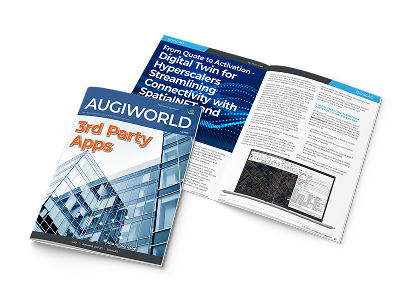
Digital Twin for Hyperscalers streamlining Connectivity with spatialNET and BricsCAD
SpatialNetworX explores how Digital Twin network inventories empower hyperscalers to streamline infrastructure, dissolve silos, and accelerate AI-driven, cross-vendor network builds.

SpatialNetworX®: Leading Telecommunications GIS Solutions
SpatialNET® demonstrates the power and flexibility of seamlessly integrating best-in-class commercials like BricsCAD in advanced fiber planning and design applications.
Contact us
我們如何協助您?
請聯絡 Bricsys,為您的轉包商工作流程找到最佳的 CAD 升級。
選擇BricsCAD可以降低成本,進行無縫協作,提高效率。我們的客戶支援團隊會在每一個步驟中協助您。
我們的客戶
受到全球CAD用戶的信賴








「我們希望所有的專案團隊...都能使用 BricsCAD,因此該軟體的易用性和易學性是非常重要的,而我們發現它正是如此。此外,在一個平台上整合 2D、3D 和 BIM,可以讓一個人成長為建模師。」
Dieter Froyen,工作準備主管, Willemen Groep,比利時
30 天試用
今天就開始使用 BricsCAD 進行設計吧!
