BricsCAD Lite
基本的 2D CAD - 熟悉、快速和价格合理。
价格从 €330/年 起。
* 免费试用 30 天,无需提供信用卡资料。

包含的功能
基于 DWG 的 CAD 平台 用于设计和绘图
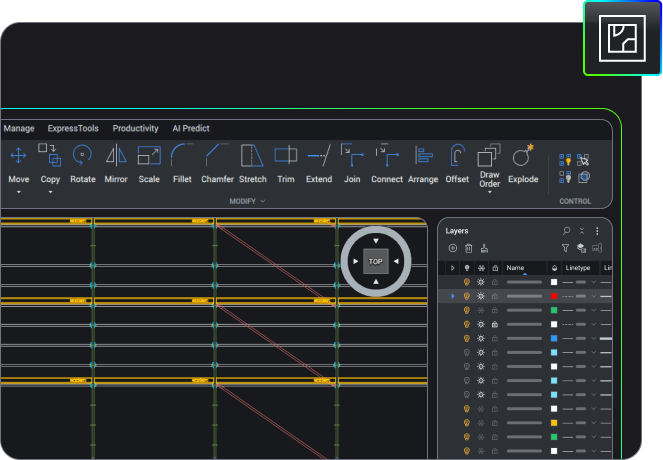
2D 制图
使用一套全面的智能绘图工具快速创建详细图纸。









好处
基于 DWG 的 2D CAD 软件
轻量级平台,可轻松查看、编辑、标记和发布多种文件格式的设计数据。
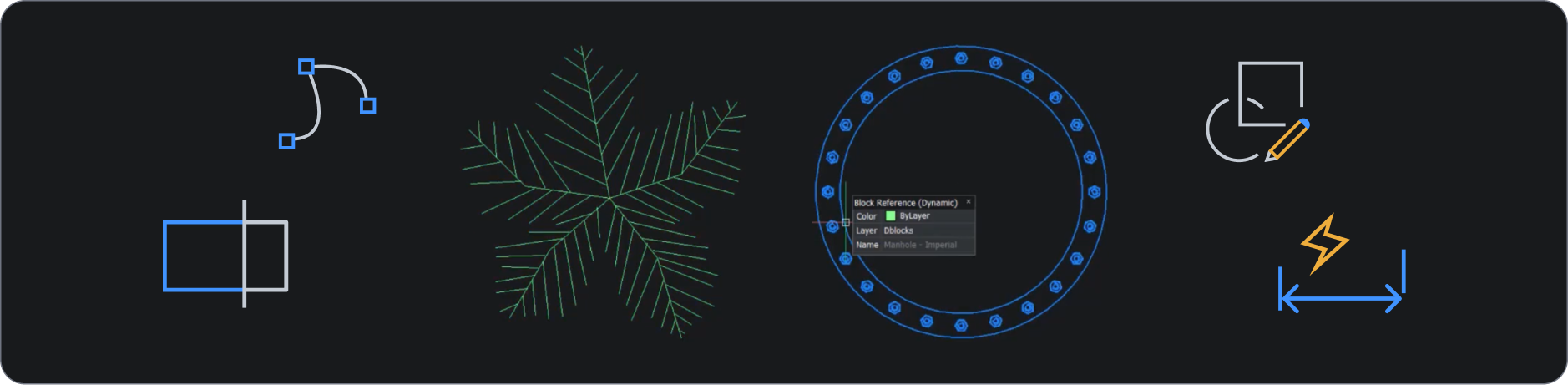

与行业标准 DWG 完全兼容
打开并查看任意大小的 DWG 文件,从传统 CAD 图纸到完整的数据审查、2D 图纸和文档发布。

熟悉且用户友好的 CAD
无缝过渡到熟悉的用户界面,将直观的 2D 设计功能与灵活、经济高效的许可选项相结合。

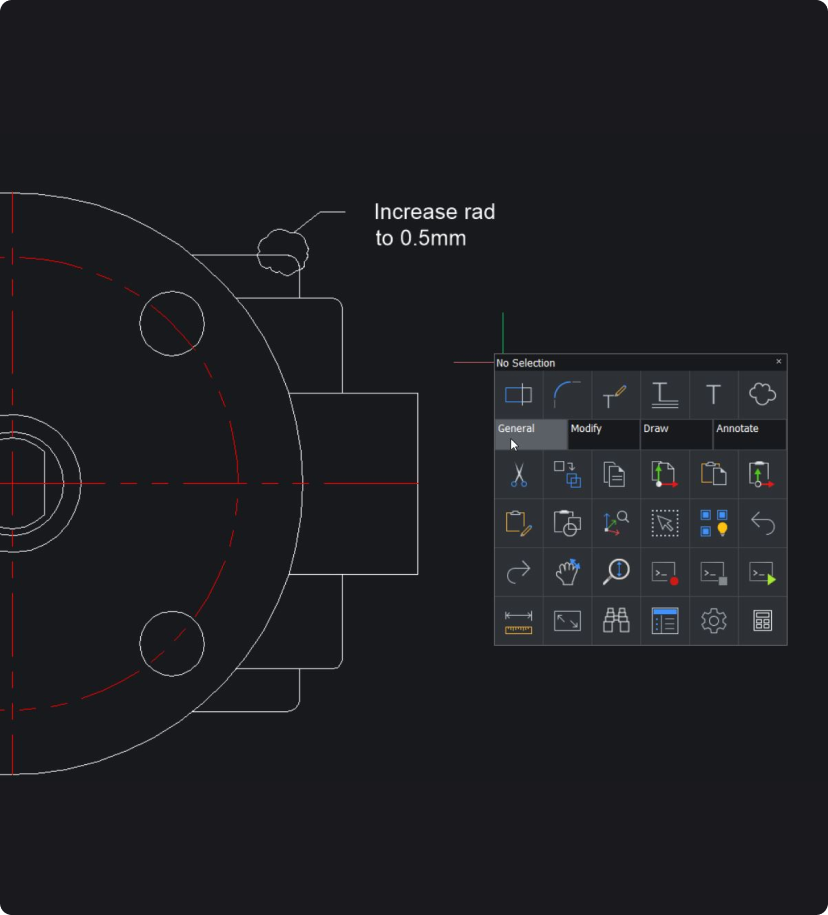
全面的 2D 绘图工具
快速创建初步设计方案和布局,方便使用 BricsCAD 产品的同事轻松参考。

人工智能驱动的生产力工具
使用 BricsCAD 独特的指令最大限度地提高生产力,消除工作流程任务中的重复。
功能
您可以用 BricsCAD Lite 做什么?
审查和编辑 2D 图纸
使用智能绘图工具快速审查和编辑具有多文件兼容性的 CAD 数据,以便轻松实现团队间协作。
优化来自客户和供应商的图纸
为临时用户提供可共享的许可证
释放 LISP 的强大功能
购买 BRICSCAD
我们所有的 CAD 软件
 €330/年
基本的 2D CAD - 熟悉、快速和价格合理。
 €710/年
专业 2D 及 3D CAD - 功能强大及灵活授权方式。
 €998/年
2D 及 3D 机械 CAD 用于记录制造过程。
 €1,060/年
用于建筑建模的 2D 及 3D CAD 文档。
 €1,176/年
集成 2D 及 3D CAD 用于机械、建筑及勘测。
充分利用 BricsCAD
通过 BricsCAD Maintenance 计划获得专家产品支持和升级服务,确保最低拥有成本。
顾客
领先的公司信任 BricsCAD
 Source: www.g2.com/bricscad

"用过 BricsCAD 后,我再也不会回到过去了!一夜之间,我得以将创建设计二维文档所需的时间从 3 小时缩短到 5 分钟。"
Carl James - Independent Design House Ltd. 设计工程师



“经过短暂的适应期后,过渡到 BricsCAD 并没有遇到任何重大困难。同样友好的环境和工作空间;由于命令相似,所以差别很小。”
Davide Vinci - 3D 模型工程师及数据管理/高级管道专家,意大利 Ponterosso Comart S.p.A

30 天试用
今天就开始使用 BricsCAD 展开您的设计之旅!