欢迎收看直播。BricsCAD V27 发布 00:00:00

现在注册

查找

2026 年 10 月 20 日,16:00 - 17:00(中欧时间)

BricsCAD V27

参加我们的线上活动,了解我们的最新版本如何帮助您更快、更流畅地从设计到最终图纸的转换。

* 活动以英语举办
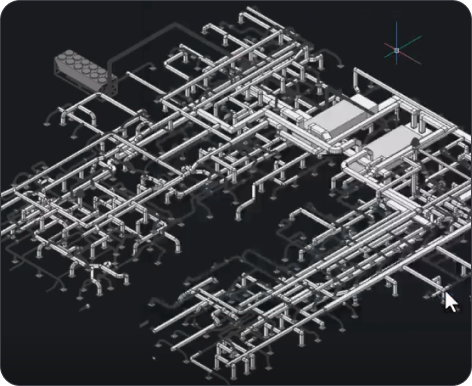
BricsCAD 3D CAD model showing a complex isometric piping and mechanical system layout on a dark background.
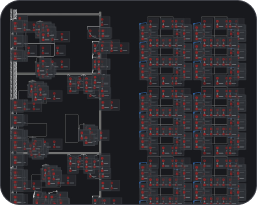
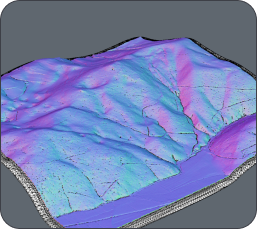
BricsCAD interface showing a dark-themed CAD drawing with floor plans and building layouts displayed in red and white lines.3D terrain model with colorful surface visualization in shades of purple, blue, and pink, showing elevation and topographic details.
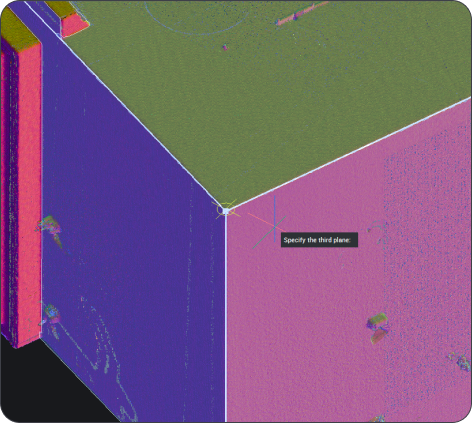
BricsCAD 3D point cloud scan of a building corner with a "Specify the third plane" prompt visible.
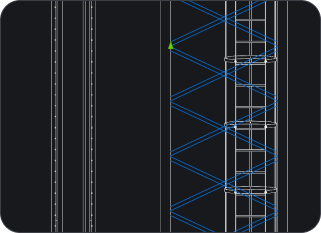
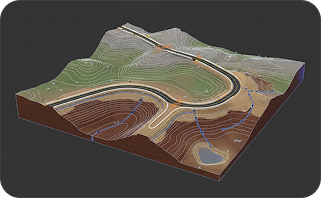
CAD drawing showing vertical structural elements with diagonal bracing patterns highlighted in blue on a dark background.3D terrain model showing an open-pit mine with winding roads, contour lines, and geological layers on a dark background.

在线发布

你将学到什么

A magnifying glass icon with a bell inside, suggesting notifications or alerts, on a dark background.

如何在 CAD 中更快地工作

了解 BricsCAD V27 根据客户反馈所做的改进,包括更快的 2D 性能、更智能的 Drawing Health 工具、增强的尺寸标注、动态输入等等。

White magnifying glass icon centered on a dark rounded rectangle background, representing a search function.

如何将更多工作流程连接起来

探索对团队使用的数据和文件格式的扩展支持,以及改进的兼容性,使将现有图纸、模型和库导入 BricsCAD 变得更加容易。

White outline icon of two people on a dark background, representing a group or community.

V27 实际运行效果

观看我们所有产品的现场演示,了解 BricsCAD Assist,并直接向我们的产品团队提问。

注册

在发布会上保留您的位置

了解为什么 BricsCAD V27 是真正的 CAD 替代方案。