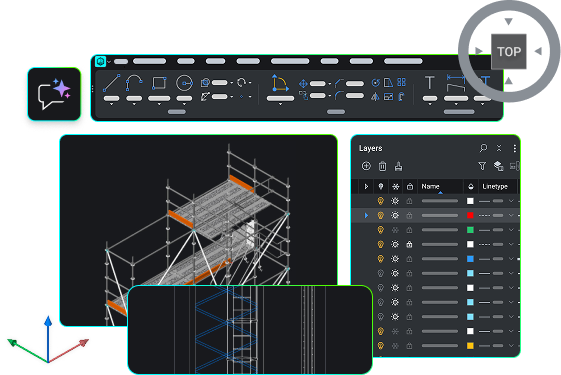
🚀 BricsCAD V27 现已推出!

查看最新内容

查找

BricsCAD V27

加速设计到生产过程的新能力

加速设计到生产过程的新能力

观看所有会议
免费试用 BricsCAD V27

最新功能

BricsCAD V27 有哪些新功能

在通用设计、文件创建和导入、绘图优化和编辑、细节处理和注释以及发布等方面,新增和增强了功能。了解最新功能,这些功能将帮助您减少重复步骤,并更顺利地从设计过渡到最终图纸。

筛选条件:
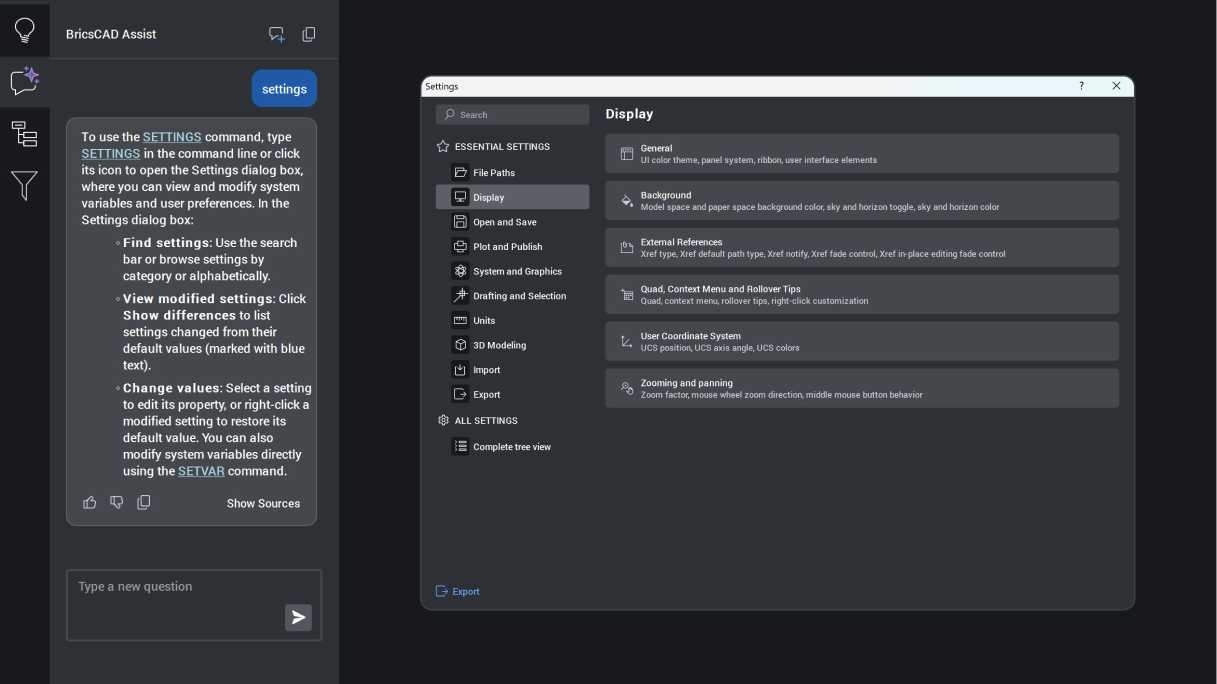
BricsCAD Assist panel explaining the Settings command, with the Settings dialog open showing Display options.

BricsCAD Lite

增强

BricsCAD Assist

AI‑driven chat panel that helps users quickly find documentation, how‑to tips, and guidance, all integrated directly into the BricsCAD interface.

Unique to BricsCAD
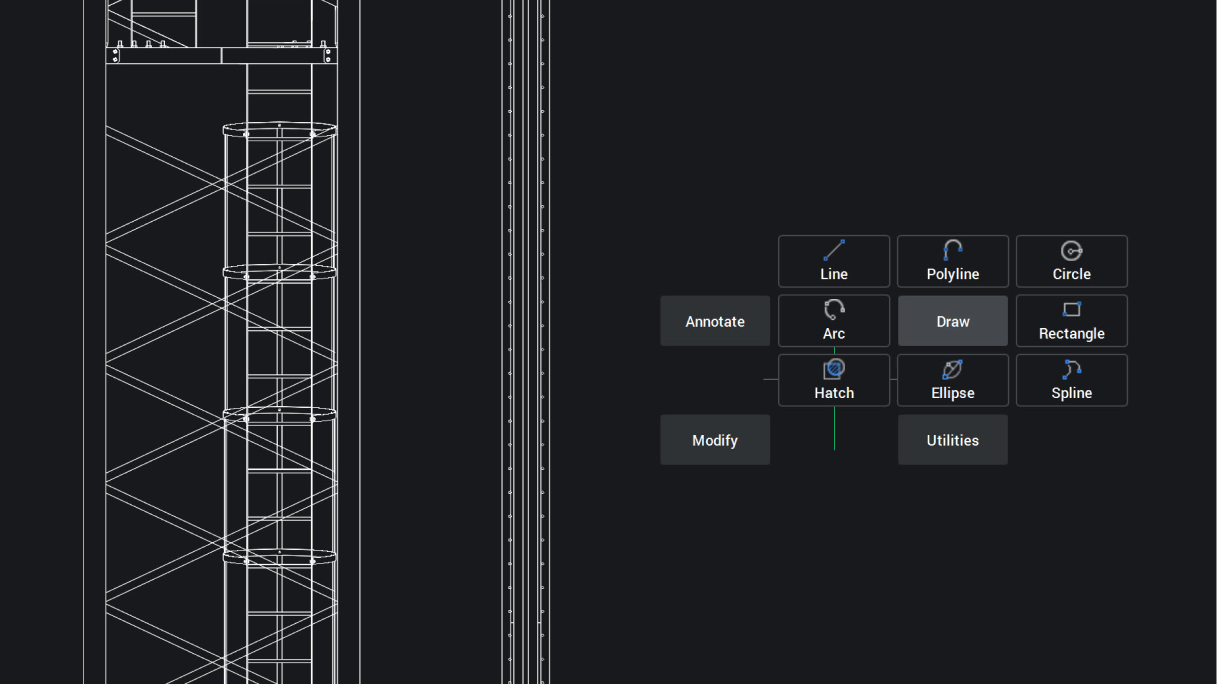
BricsCAD interface showing a 2D structural tower drawing with a Draw toolbar displaying Line, Polyline, Circle, Arc, Rectangle, Hatch, Ellipse, and Spline tools.

BricsCAD Lite

实验性的

Quad 游标快捷选单

Quad 现已针对 2D 图元支援标记选单手势,能以可预期的更高速率执行情境相关指令,进一步提升工作效率。

BricsCAD 独有的
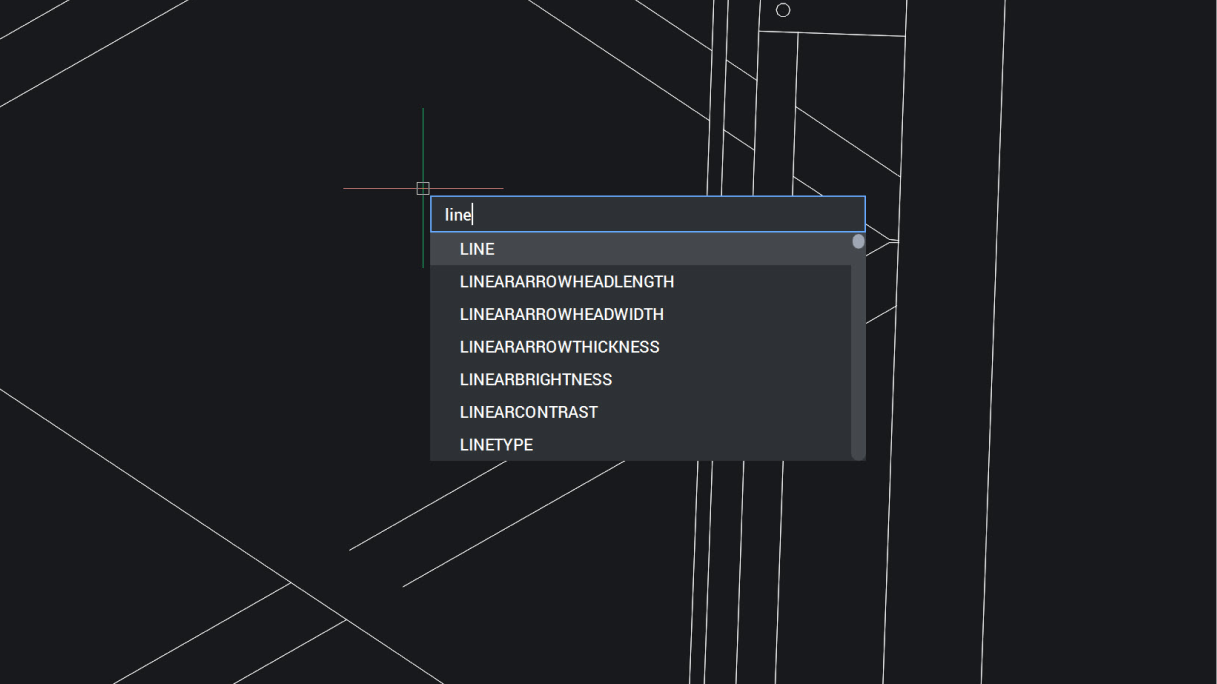
BricsCAD interface showing a command autocomplete dropdown with "line" typed, suggesting LINE and related commands.

BricsCAD Lite

NEW

光标位置动态输入

动态输入会在光标处显示信息,让您可以专注于工作而不是命令行,从而提供更快、更精确的输入。
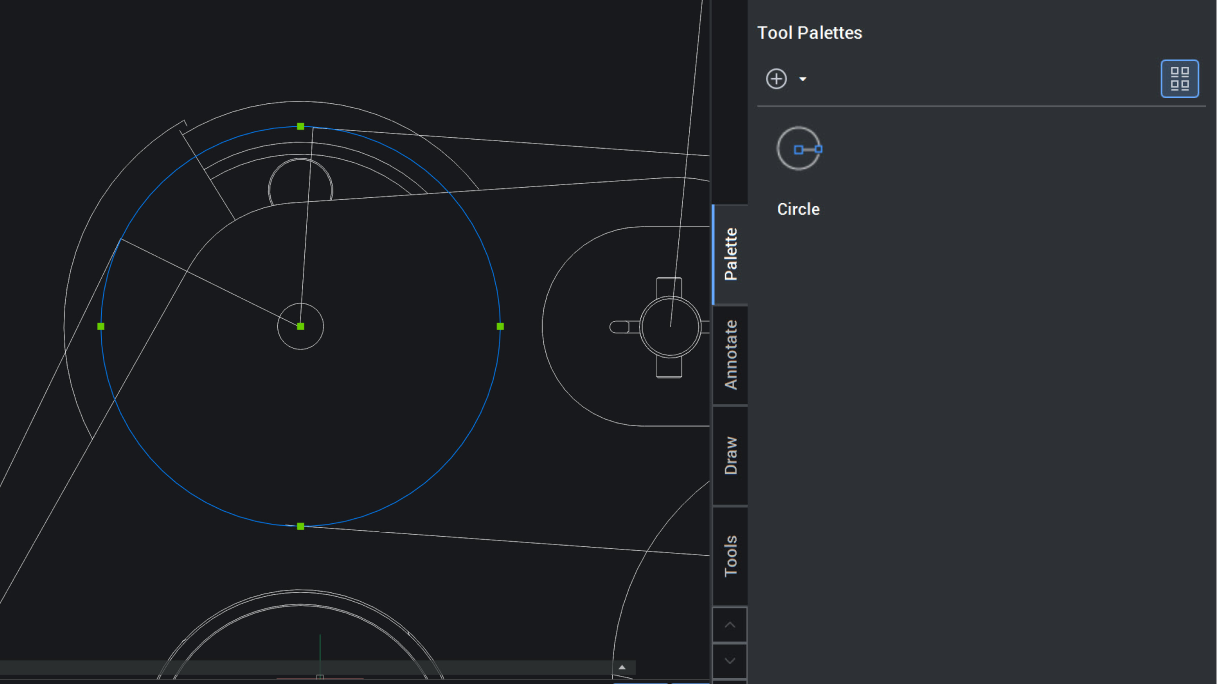
BricsCAD interface showing a 2D mechanical drawing with circles and the Tool Palettes panel open displaying a Circle tool.

BricsCAD Lite

增强

可自定义工具面板

支援直接在模型空间中快速设置工具面板,大幅省去设定繁琐步骤,轻松快速存取常用功能。
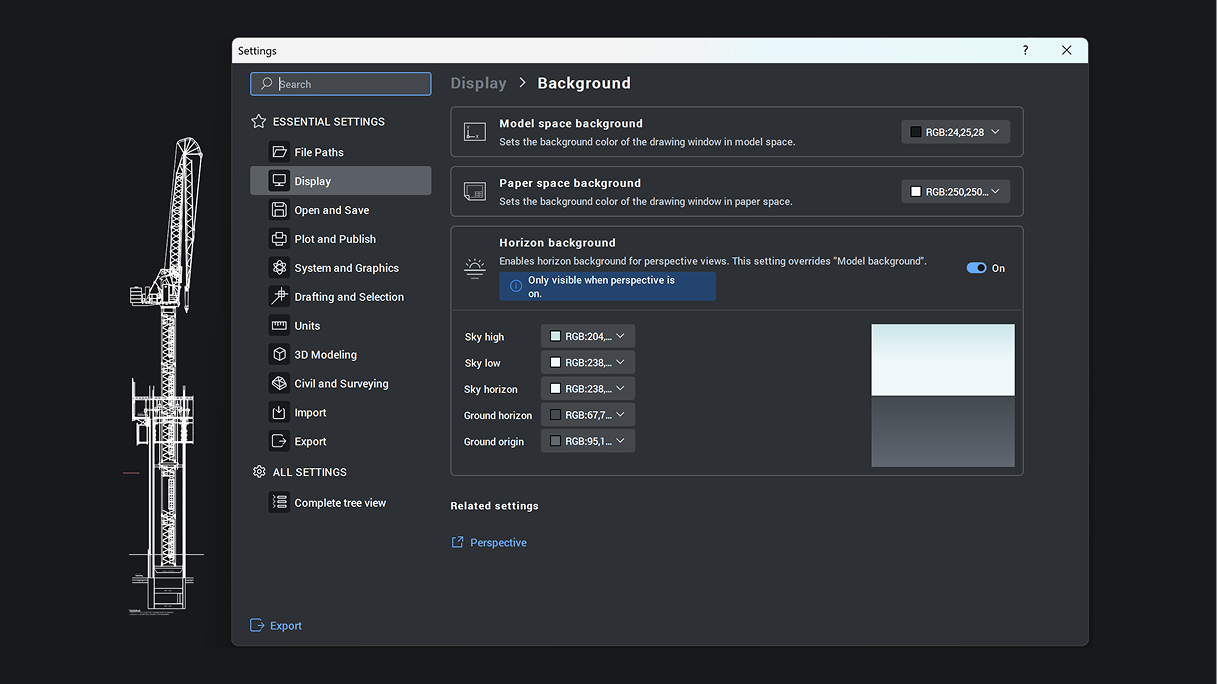
BricsCAD Settings panel showing Display Background options with horizon background color controls enabled.

BricsCAD 专业版

增强

设置对话框

带有标签页和可搜索功能的界面,方便进行基本设置。可以选择仅查看已更改的设置并逐个重置,或者完全恢复默认设置。

BricsCAD V27

取得最新版本

适用于 微软、Mac 和 Linux 徽标

免费试用 30 天
立即购买
BricsCAD V27 - Available now!