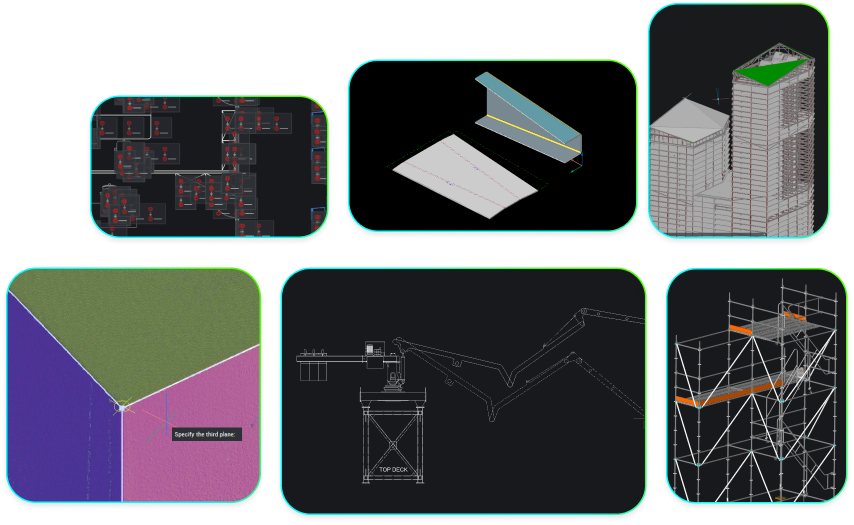
机械工具集
2D 及 3D 机械 CAD 用于记录制造过程。
价格从 €998/年 起。
* 免费试用 30 天,无需提供信用卡资料。
功能
基于 DWG 的 CAD 平台 用于机械设计
机械设计
创建制造产品的 3D 组件和 2D 详细文档。

购买 BRICSCAD
以您想要的方式购买 BricsCAD
BricsCAD Mechanical
1 year subscription license
包括 BricsCAD Maintenance
Pay yearly and enjoy full access to BricsCAD for 12 months, with the flexibility to renew and continue accessing the latest features.
价格不含地方税或征费
* The benefits of BricsCAD Maintenance are always included in a subscription license price
3 years subscription license
包括 BricsCAD Maintenance
Pay once every 3 years and lock in today’s price for the full term, with the flexibility to renew and continue accessing the latest features.
价格不含地方税或征费
* The benefits of BricsCAD Maintenance are always included in a subscription license price
Lifetime perpetual license
包括 BricsCAD Maintenance
Pay once and keep your BricsCAD version forever. Subscribe to BricsCAD Maintenance for expert product support and upgrades. BricsCAD Maintenance renewal price: €374 /year
价格不含地方税或征费
* First year BricsCAD Maintenance is included in your perpetual license price
数据交换
无缝集成,全面兼容
BricsCAD 允许您在所有项目利益相关者和所有主要文件格式之间自由交换设计数据自由交换设计数据。
支持的机械可互换格式,是 BricsCAD Pro 的一部分
了解 Bricscad Pro 支持的所有文件格式

IGES

STEP

3D PDF

STL
支持的机械供应商文件类型,属于机械工具集的一部分
* 需要安装 Communicator for BricsCAD 库,该库现在是 BricsCAD Mechanical 和 BricsCAD Ultimate 许可证的一部分。

AutoCAD Mechanical

Autodesk Inventor

Solidworks

CATIA

Creo

Siemens NX
Siemens Solid Edge
Siemens Parasolid
Siemens JT

SAT/SAB (ACIS)
好处
获取完整、准确生产材料的最快途径
用于创建制造产品的 3D 组件和 2D 详细文档。
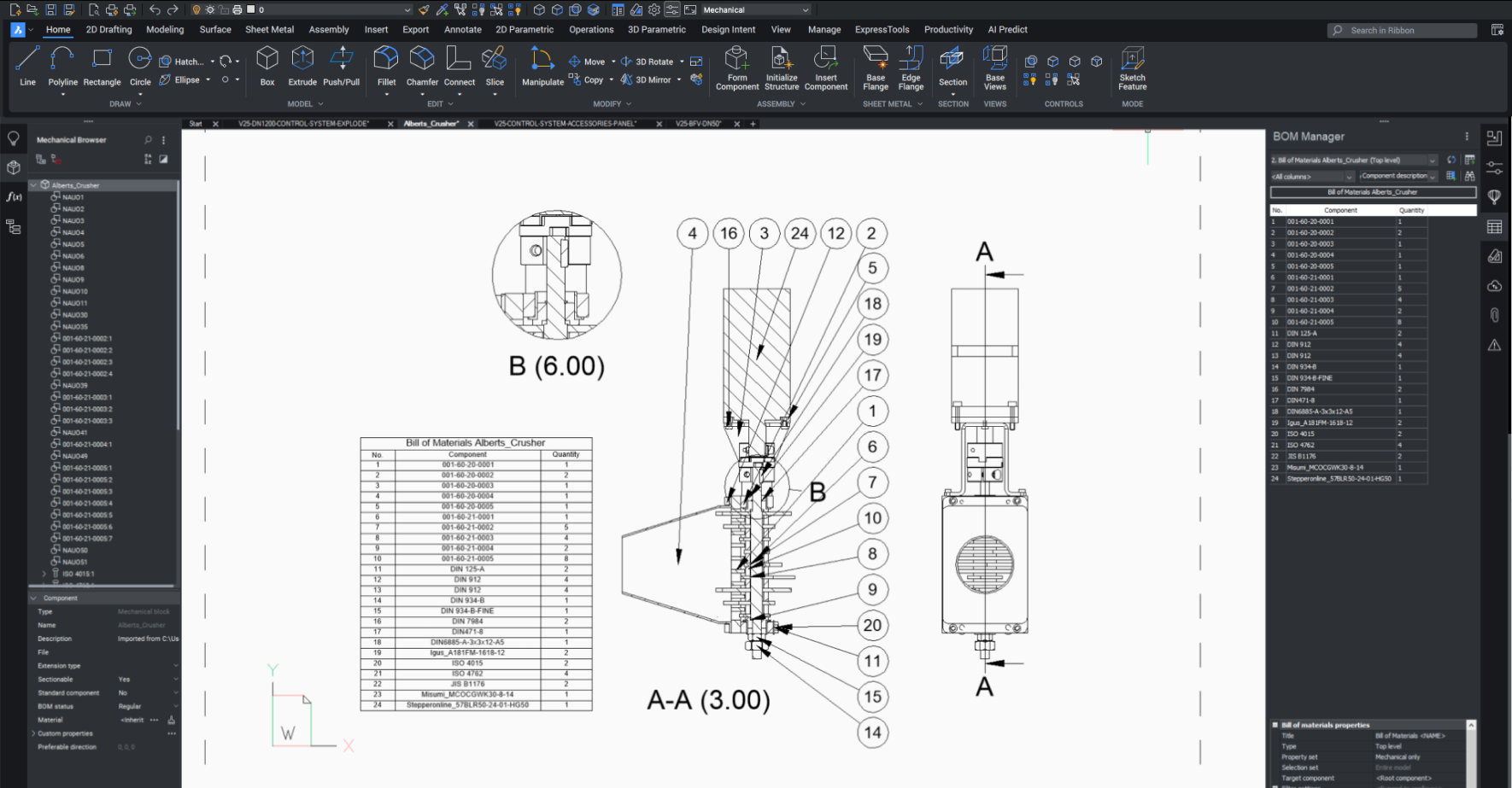

与行业标准 DWG 完全兼容
轻松打开、编辑和复用在 AutoCAD® Mechanical 中创建的工程图中的元数据和功能,例如零件清单和参考、符号和注释 。

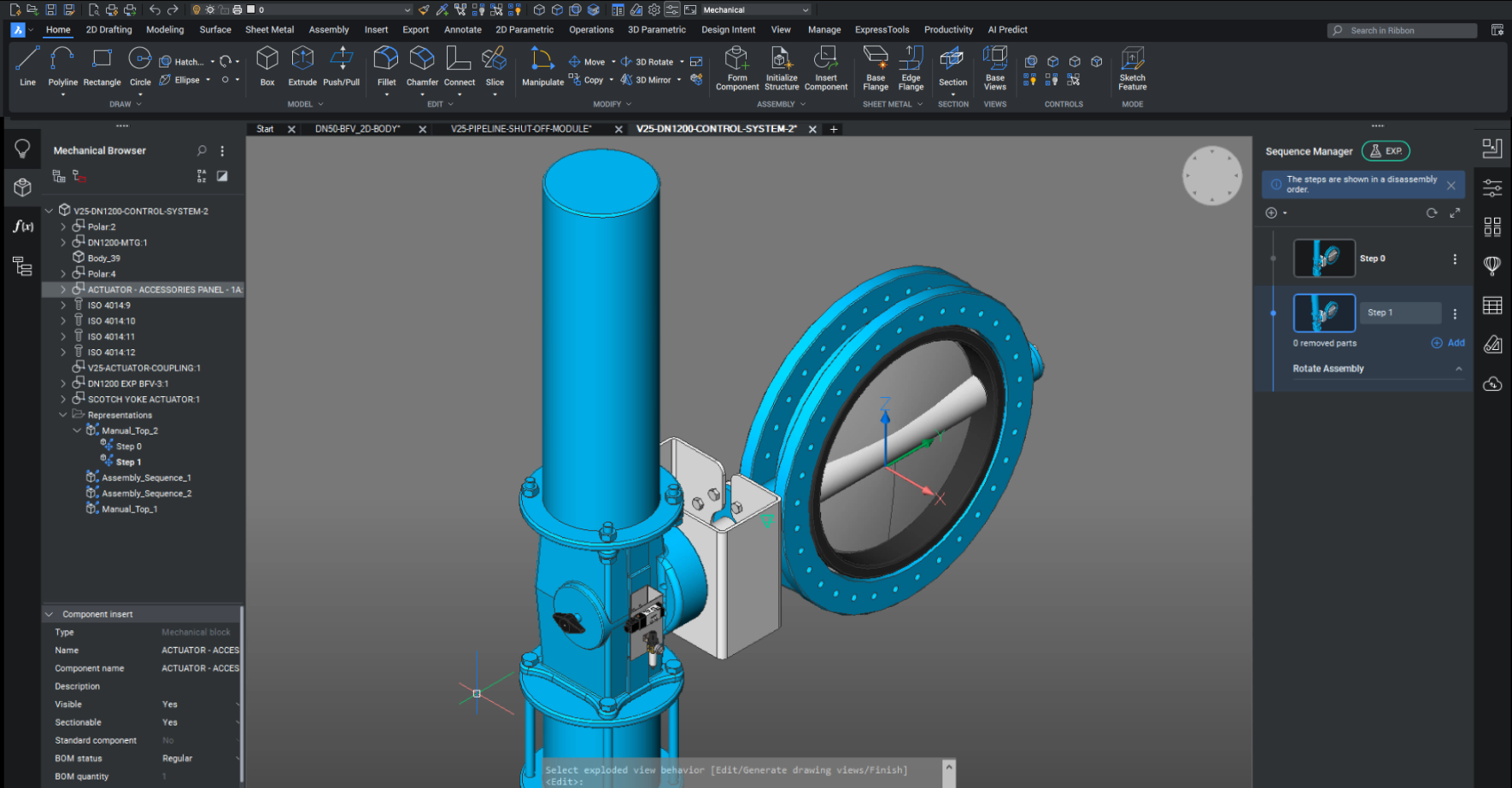
机械浏览器
从中央面板快速查看和修改机械零件和组件的参数属性。

参数标准零件
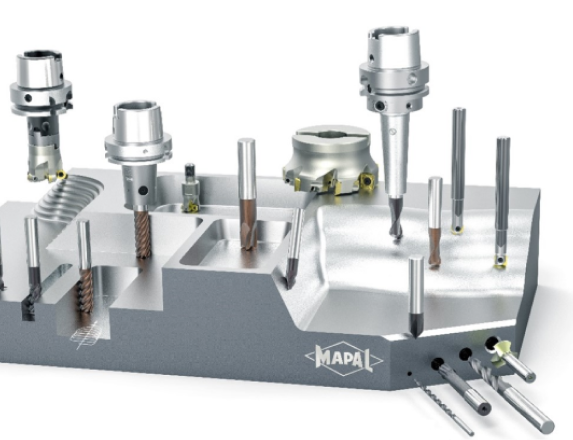
BricsCAD Mechanical 包含 30,000 种标准机械零件的库,这些零件有 800 多种不同类型,所有零件均具有可自定义的参数。

自下而上和自上而下的装配设计
BricsCAD Mechanical 用户可以使用自下而上或自上而下的设计方法来创建零件和子装配体的复杂层次结构。
功能
使用 Mechanical 工具集可以做什么?
生成完全关联的 BOM
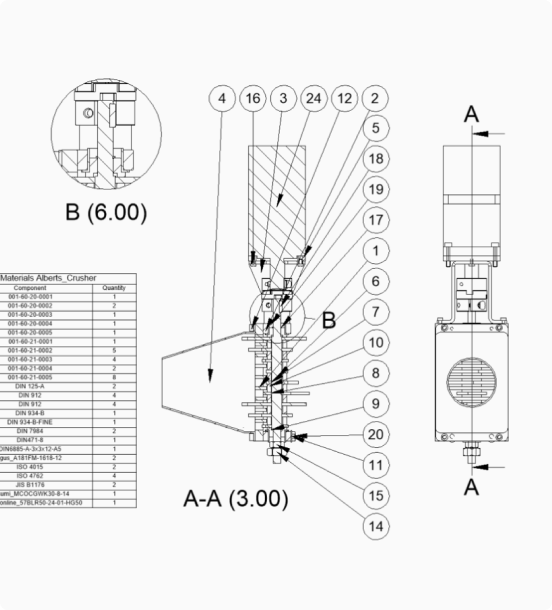
使用块和零件参考数据自动创建 BOM 和 AutoCAD® 机械零件清单。
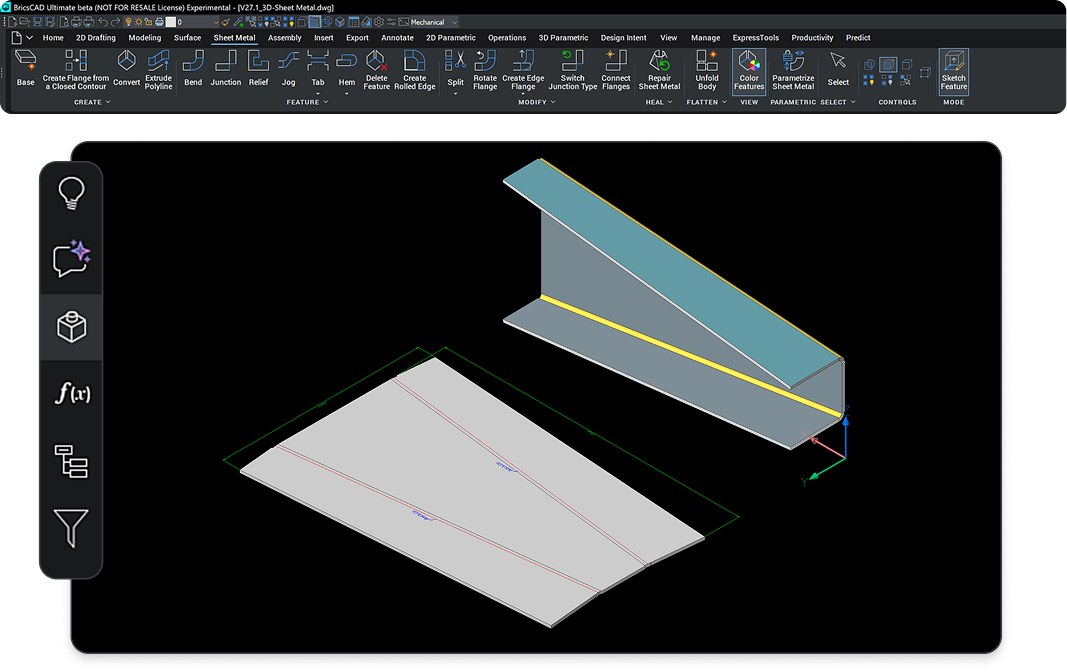
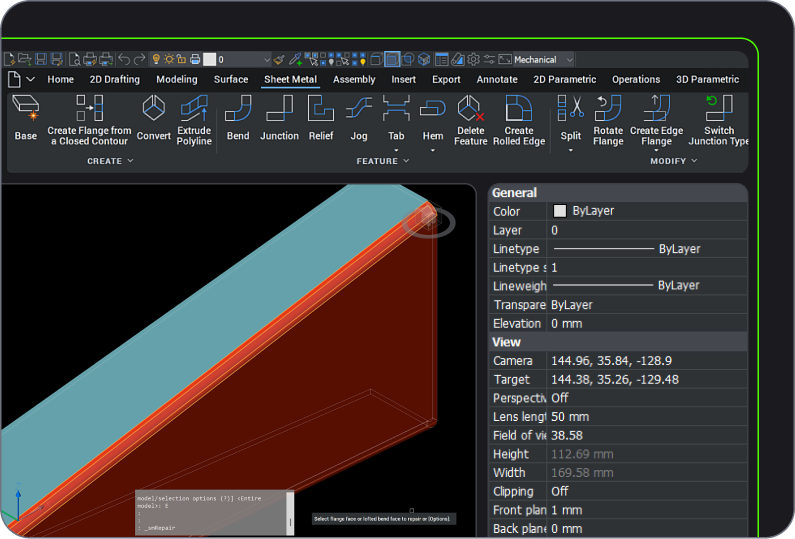
自动将 3D 实体转换成钣金
然后可以手动改进或更改特征以快速实现您想要的形式。
将 3D 模型转换为 2D 文档
使用完整的装配文档工作流工具包生成各种输出,非 3D 专家也可以轻松使用。
装配检查工具包
BricsCAD Mechanical 还包括一系列易于使用的制造和装配设计 (DFMA) 工具,可帮助生产专业人员优化他们的流程。







顾客
领先的公司信任 BricsCAD
 Source: www.g2.com/bricscad





30 天试用
今天就开始使用 BricsCAD 展开您的设计之旅!