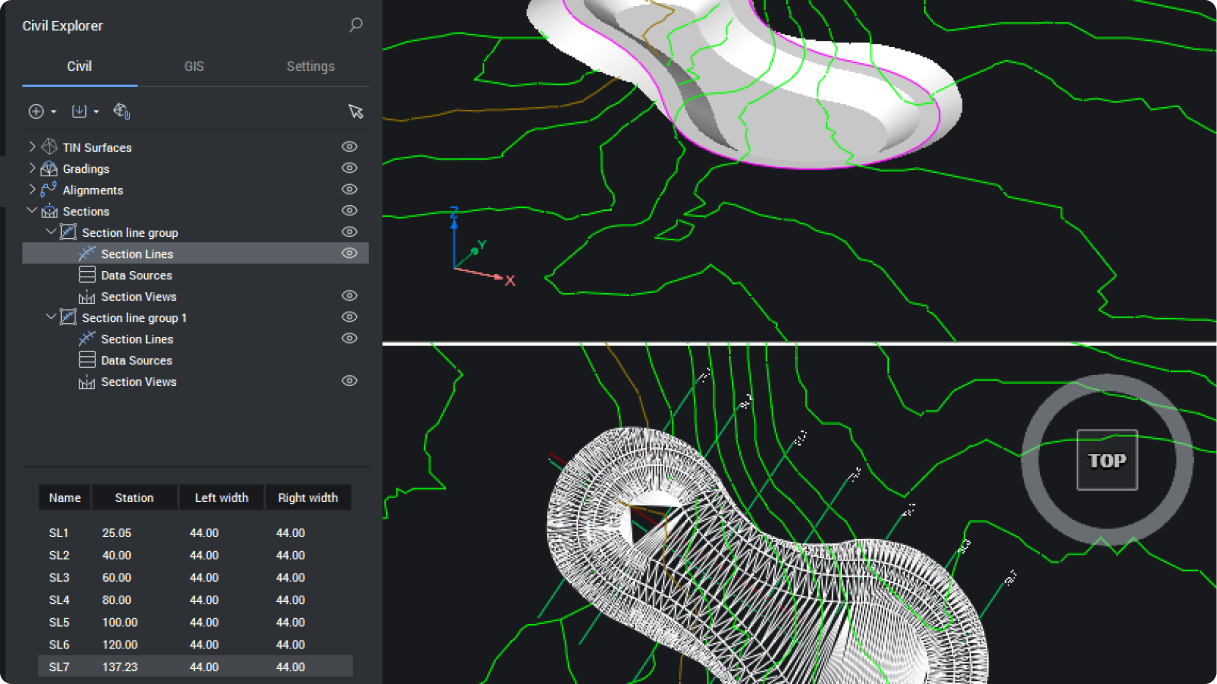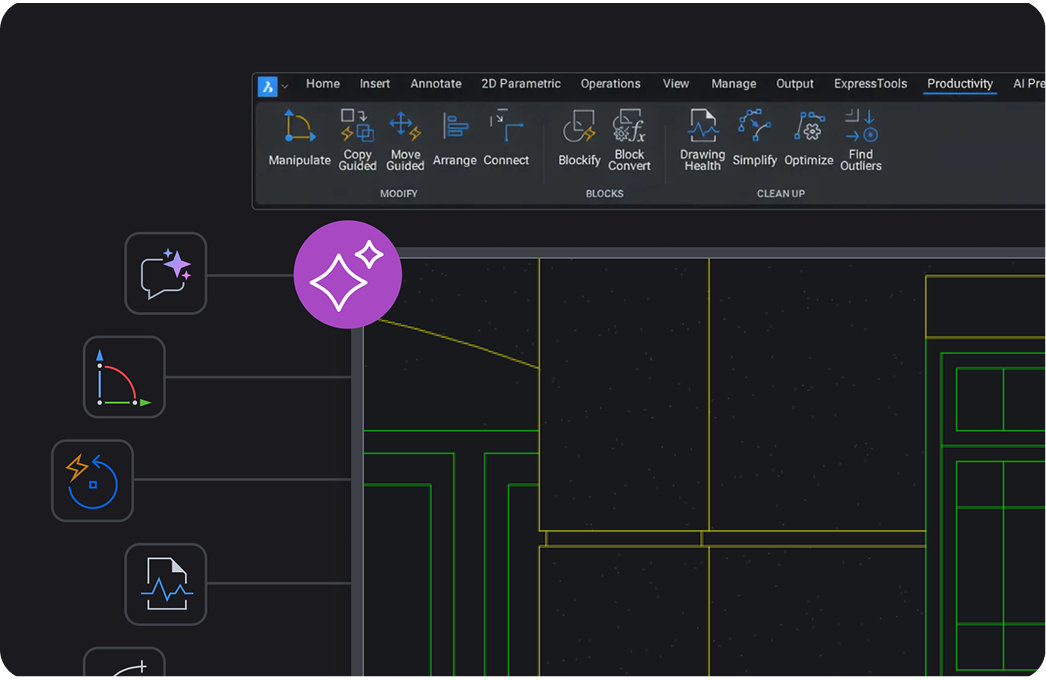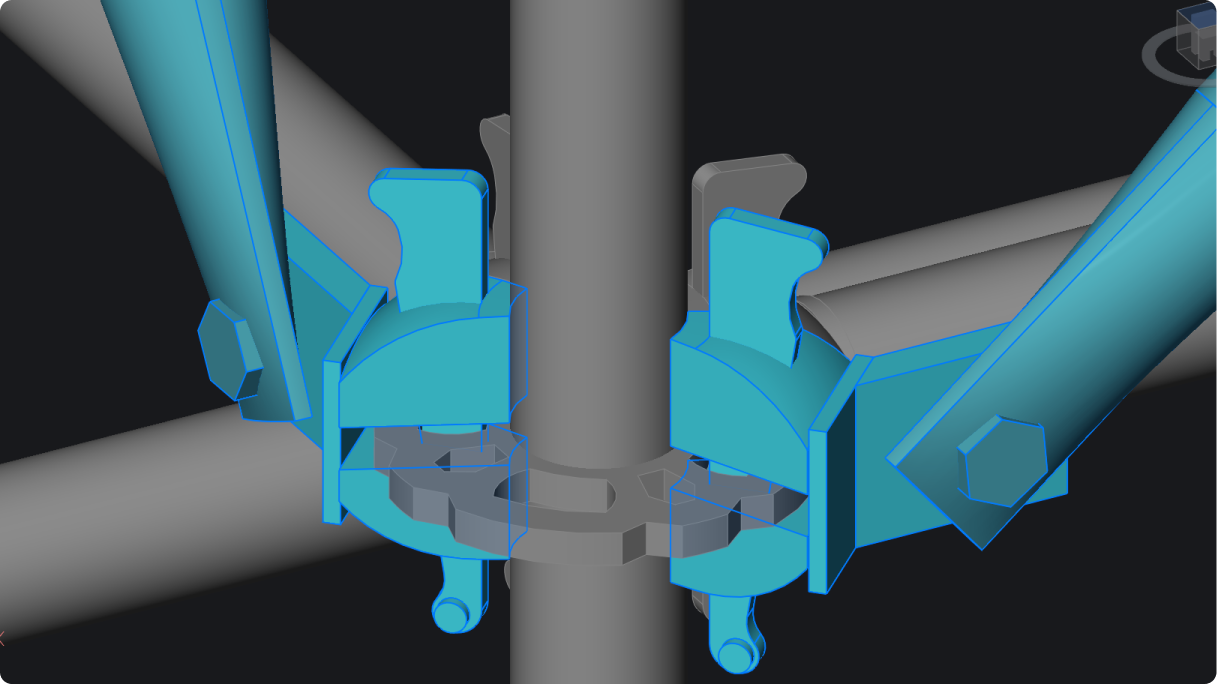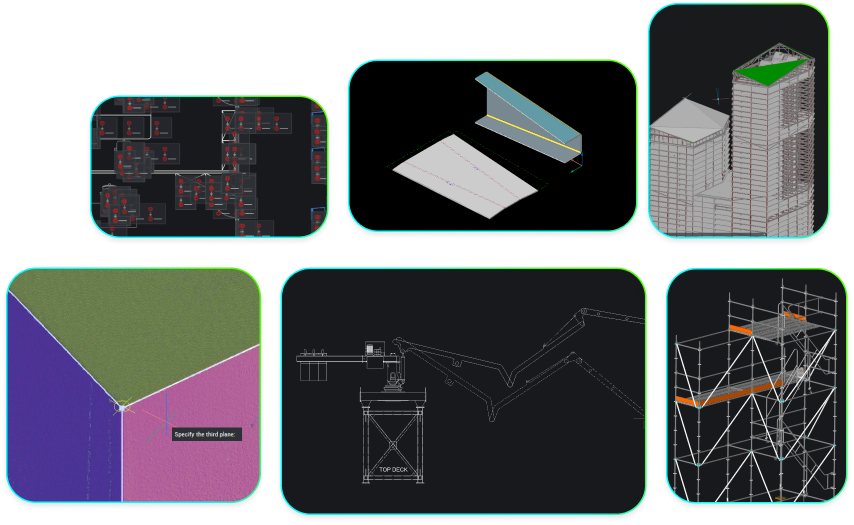
Octave BricsCAD V26 提供 18 项独家功能,从更快的三维编辑和更智能的图块重用,到改进的点云处理和开放式 BIM 对齐,可消除日常工作流程中的摩擦。这些实用的更新为您节省了点击次数、寻找变通方法的时间以及重新创建辛勤工作的时间,从而体现了它们的价值。

对所有组件边缘进行圆角和倒角

在一次操作中对所选三维实体的所有边缘应用圆角或倒角。无需逐个选择边缘,只需选择实体并应用即可。

BricsCAD 3D model of an industrial assembly with orange beams, a vertical pipe, and a red bracket, with Fillet command active.

通过命令行生成平面图

通过命令行直接创建 3D 几何图形的 2D 表示。这对自动化、脚本和可重复的文档工作流程非常有用。

BricsCAD interface showing a front view of a submarine 3D model with scaffolding, and the FLATSHOT command active in the console.

从剖面创建块 – 新功能

直接从截面平面生成 2D 截面图块,跳过手动跟踪,直接进行可用的绘图输出。

BricsCAD interface showing the Create Section/Elevation dialog over a 3D structural model with pipes and metal framework.

集中点云管理 – 增强功能

通过预览、缩略图和搜索管理点云。您可以快速定位数据集,使大型项目井井有条。

BricsCAD Point Cloud Cache Manager showing a colorized 3D building scan with file details and cache status listed.

地理位置的高级设置 – 增强功能

用于定义和编辑地理位置的简化界面意味着在处理地理参考图纸时可以减少摩擦。

BricsCAD Geographic Location dialog showing GIS coordinates for Ghent, Belgium, with a BIM model visible in the background.

通过命令行进行地理位置定位 – 新功能

通过命令行或脚本设置或更新地理数据,并在各项目中实现位置设置标准化或完全自动化。

BricsCAD interface showing a 3D isometric model of a multi-level building with scaffolding and the GEOGRAPHICLOCATION command active.

字体映射方法 – 增强功能

改进后的字体替换规则可确保在不同系统和图纸上显示一致的文本。

A file explorer showing BricsCAD support files, with the fontalt font map file selected and its contents displayed on the right.

插入针对块类型标准化的菜单 – 增强功能

用一个统一的界面插入所有区块类型,可减少混乱,保持工作流程的可预测性。

BricsCAD Insert Block dialog showing an arched structure block with insertion point, scale, and rotation settings.

图形资源管理器块搜索 – 新功能

搜索和管理整个绘图区块。您可以更快地找到现有内容,而不是重新创建。

BricsCAD interface showing the Blocks panel with a list of block definitions and their properties for a DWG file.

使用 “快速选择” 更快地选择几何体 – 增强功能

增强的过滤功能允许选择多种实体类型,使您能够更有效地建立和完善选择集。

BricsCAD interface showing a 2D drawing with slots and a selected line, with a properties panel displaying color options.

IFC4x3 支持分类和导出 – 新功能

支持 IFC4x3 分类和导出意味着能更好地与基础设施和工厂工作流程保持一致。

IFC 4.3 logo featuring interlocking colorful squares in blue, red, purple, and teal on a light blue background.

在创建块定义对话框中运行 Blockif – 增强功能

在创建图块时,检测重复的几何图形并将其转换为可重复使用的图块,帮助你减少重复并自动清理图纸。

BricsCAD Create Block Definition dialog showing options for block name, base point, entities selection, and behavior settings.

2D 几何约束符号分组 – 新功能

对约束符号进行分组,提高清晰度和性能,使复杂的参数化绘图保持可读性。

CAD drawing showing a complex PCB or mechanical panel layout with repeated modular components, circular cutouts, and connector symbols.

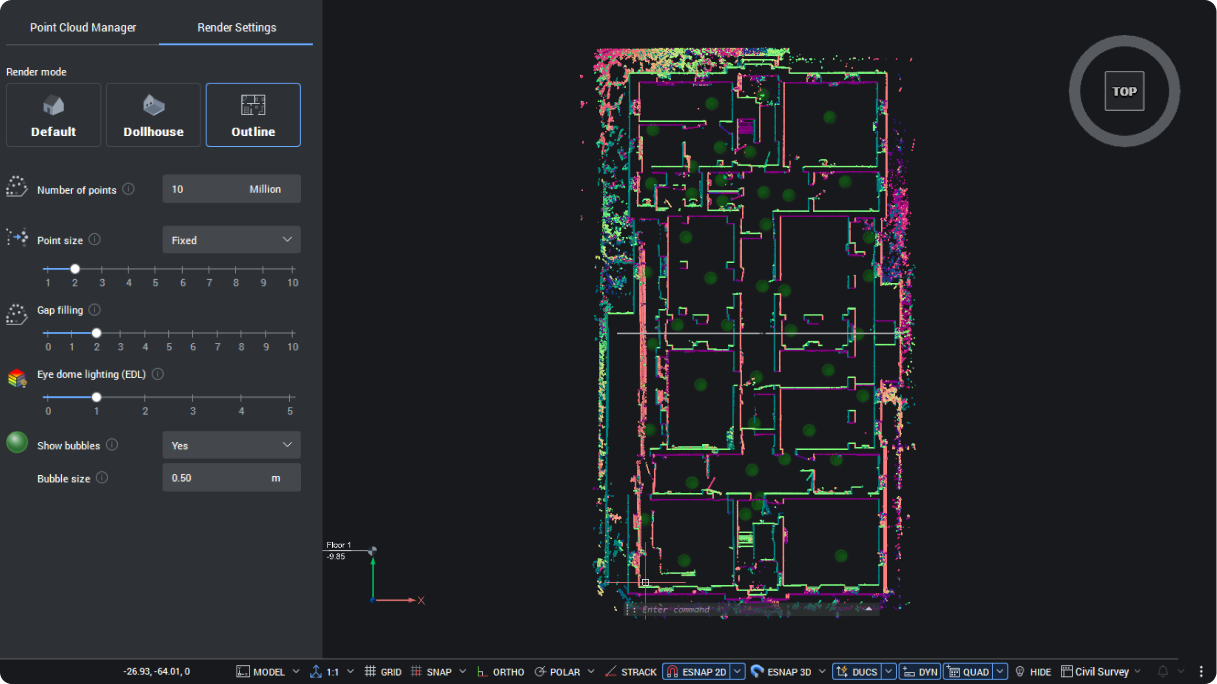
渲染模式的轮廓 – 新功能

使用轮廓过滤器突出显示点云的外部形状,在处理密集扫描数据时提高可见度。

BricsCAD interface showing a colorful point cloud scan of a building floor plan in Outline render mode, top view.

通过共享数据进行项目协作 – 增强功能

访问共享的项目数据(如空间位置和构成)可帮助您更高效地跨团队和跨学科开展工作。

BricsCAD Spatial Locations Manager showing a building hierarchy tree and structure_equipment properties panel alongside a 3D building model.

基于行业的项目分类和协调 – 增强功能

根据行业标准分类系统调整项目数据,提高项目和利益相关者之间的一致性。

BricsCAD BIM interface showing a "Classify As BIM Element" dialog with Civil Elements expanded over a 3D building model.

建筑构件的 BIM 块 – 增强功能

创建或转换图块为具有嵌入数据的 BIM 感知组件,在单一工作流程中结合几何体和信息。

BricsCAD interface showing a 3D BIM model of a multi-story building with a properties panel displaying block reference details.

点云上的二维折线追踪 – 新功能

只需最少的输入,即可直接在点云上描画多段线,并快速将扫描数据转化为可用的几何图形。

BricsCAD interface showing a top-view point cloud scan of an interior space with command line prompts visible at the bottom.

有意义的升级,持久的胜利

BricsCAD V26 注重实际改进,消除日常工作中的摩擦。这 18 项独家功能使您已经使用的工具更快、更清晰、更易于控制。

了解 V26 的所有新功能

这些只是 BricsCAD V26 中众多新功能和增强功能中的一小部分。查看 V26 的完整功能列表,了解还有哪些改进。如果您还没有试用过 BricsCAD V26 ,请 立即试用 。