欢迎收看直播。BricsCAD V27 发布 00:00:00

现在注册

查找

BricsCAD ® V25 发布

探索适合您工作流程的更多智能功能。

观看所有会议
V25 中的新功能

深入讨论

观看 BricsCAD® V25 分组会议

探索最新的 CAD 和 BIM 软件和工具集。与 Bricsys’  的产品专家一起了解如何从智能工具和熟悉的功能中获得更多收益。

Filter on:
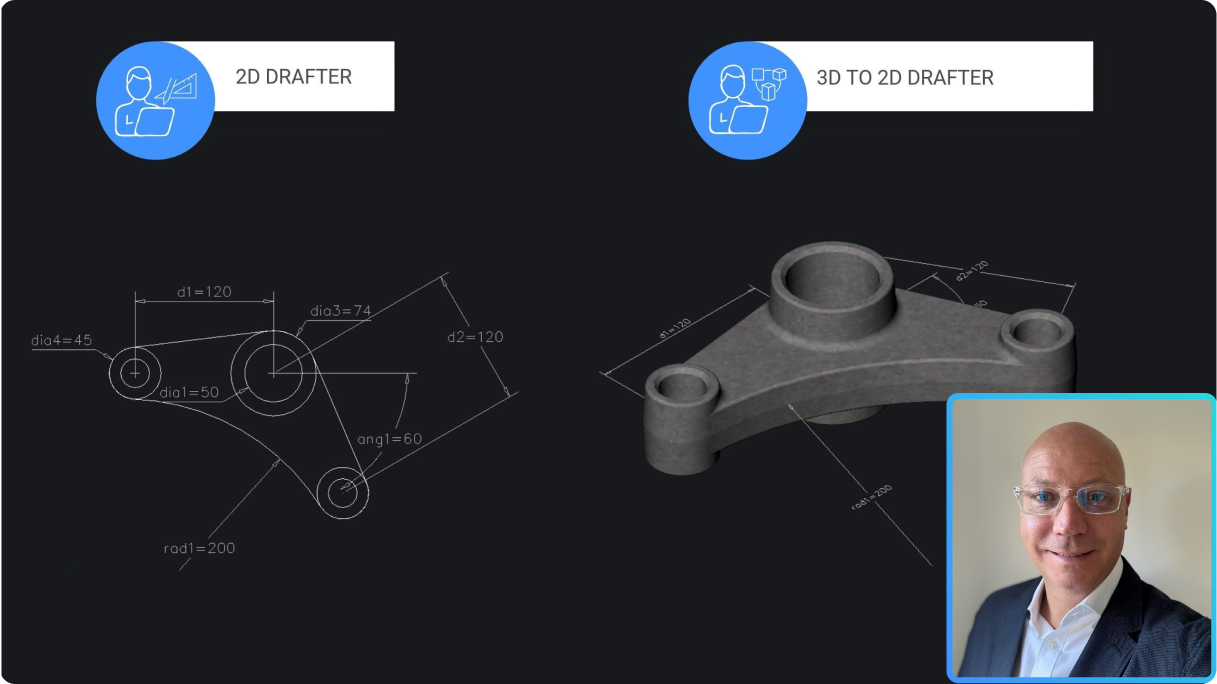
Comparison of 2D drafter and 3D to 2D drafter workflows in BricsCAD, showing a mechanical part drawing and 3D model.

Pro / Lite

性能和生产力改进

了解 BricsCAD V25.2 如何解决最常见工作流指令的可用性增强问题。
V25.2 发布

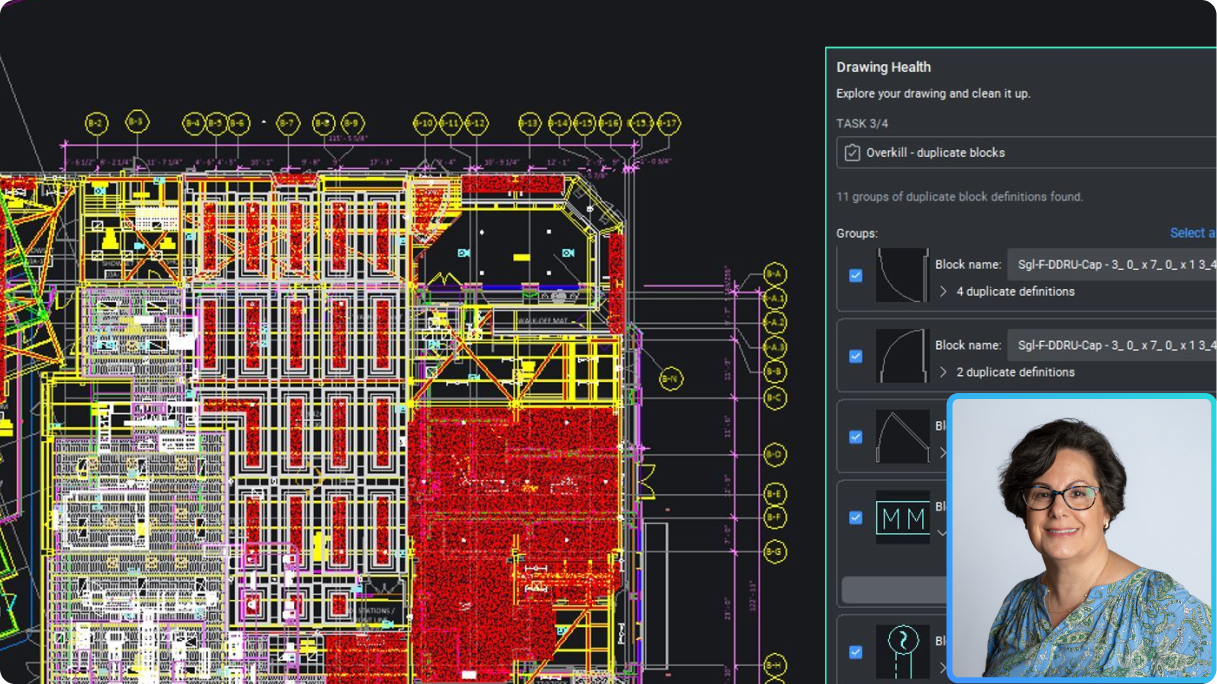
BricsCAD interface showing a complex floor plan with the Drawing Health panel open, identifying duplicate blocks, and a woman's headshot overlay.

Pro / Lite

更准确地描述和发布

利用细节和发布增强功能更快地创建专业的详细输出。
V25.2 发布

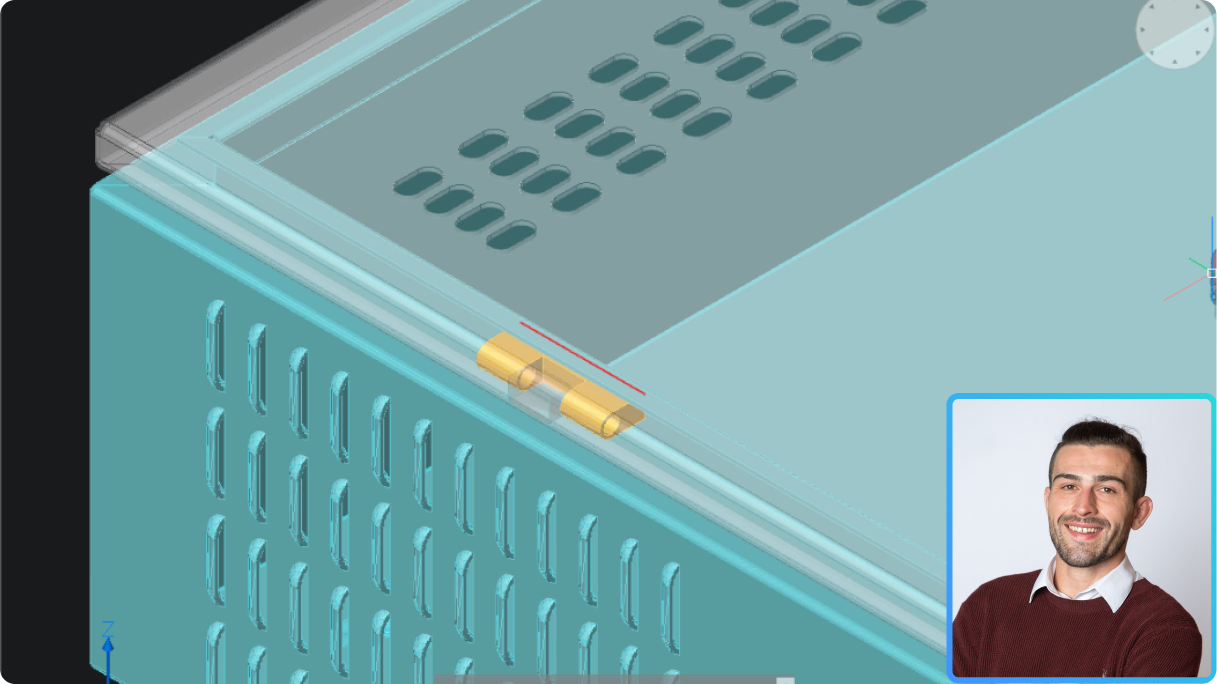
BricsCAD 3D model of a ventilated enclosure with a highlighted gold hinge component, alongside a headshot of a smiling man.

Mechanical

自动化并优化钣金设计以进行生产

轻松将 3D 模型转换为钣金、验证和优化装配,并生成 2D 文档。
V25.2 发布

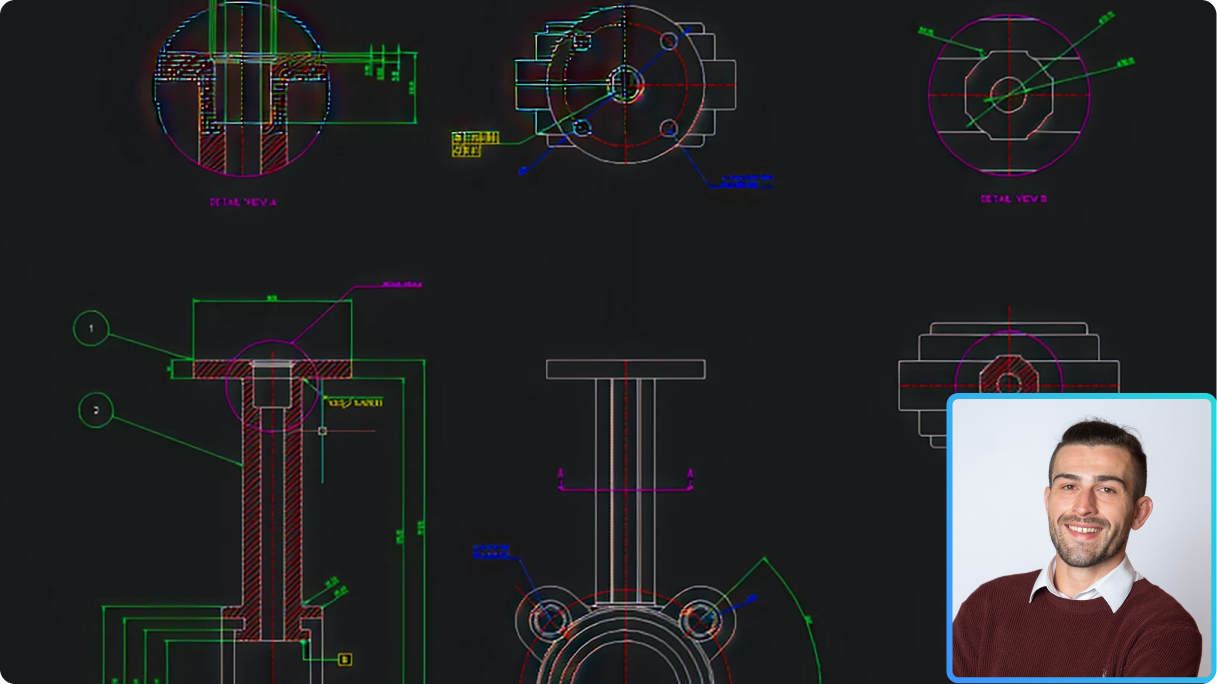
BricsCAD interface showing mechanical CAD drawings with detail views of a flanged component, alongside a photo of a smiling man.

Mechanical

为制造商提供 2D 机械设计和绘图

探索 BricsCAD V25.2 针对 2D 图纸的全新和增强的机械符号和注释,现在集成了 2D FEA 注释以改进设计分析。
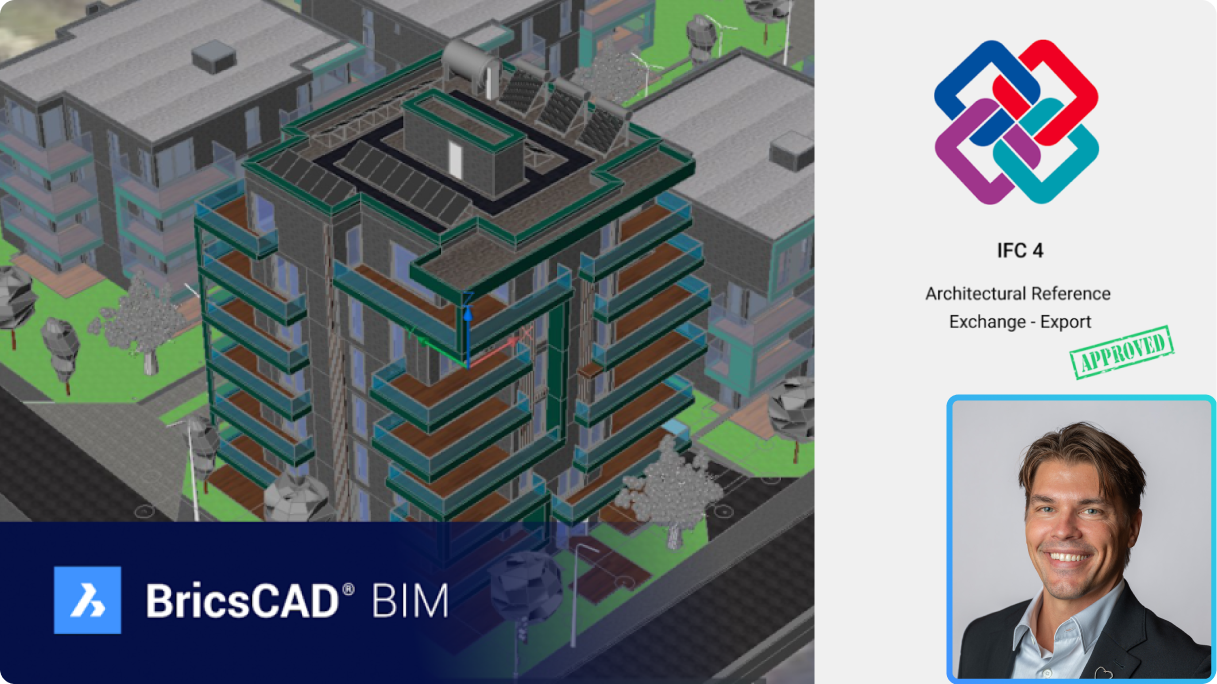
V25.2 发布

BricsCAD BIM 3D building model with IFC 4 Architectural Reference Exchange Export approved certification and a man's headshot.

BIM

IFC4 认证对 BricsCAD BIM 用户意味着什么

了解 BricsCAD BIM 的 IFC4 认证如何改善数据交换并扩大 AEC 分包商参与 BIM 招标的权限。
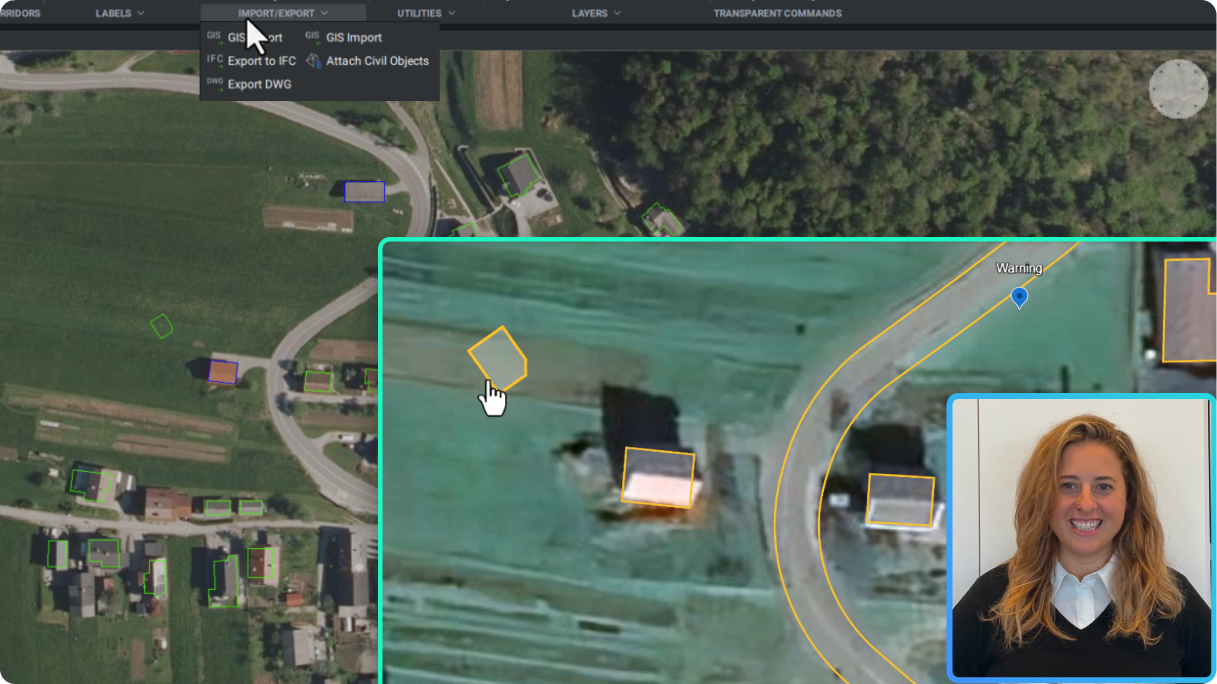
V25.2 发布

BricsCAD interface showing a GIS aerial map with building outlines, an open Import/Export menu, and a presenter in the corner.

土木与测量

使用 Google Earth 的 KML/KMZ 数据格式,更好地与 GIS 数据协作

通过导入和导出 KML 或 KMZ 格式的 GIS 数据,与非 CAD 用户更有效地传达项目数据。
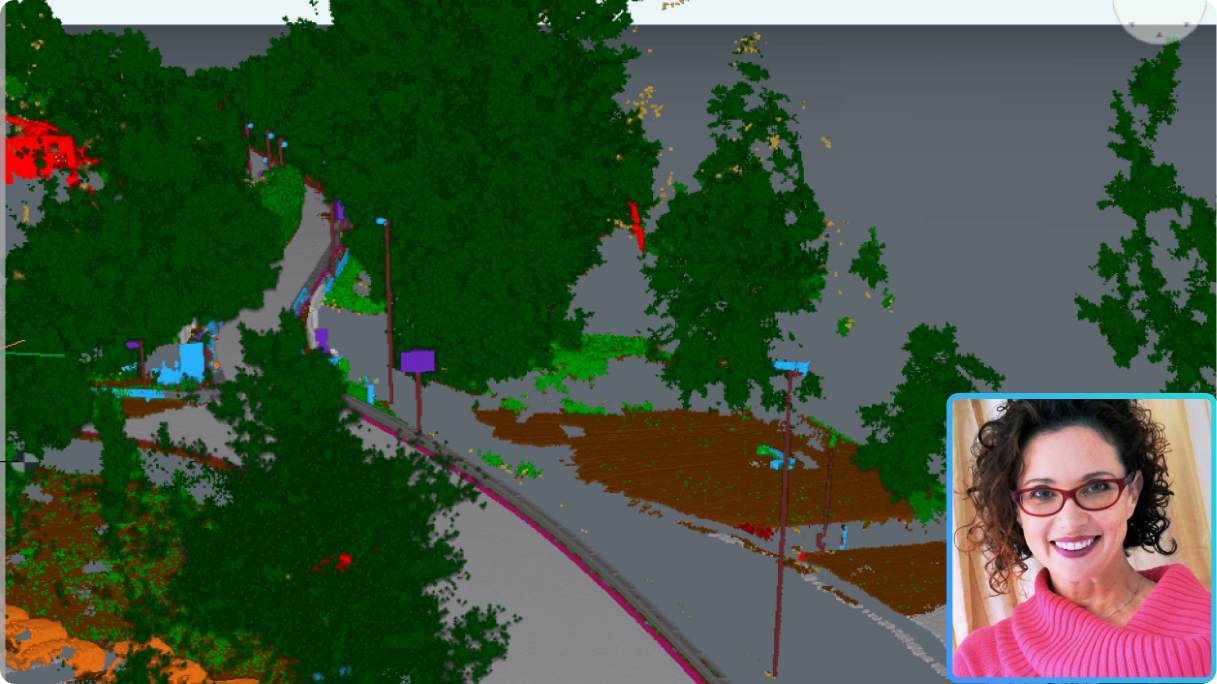
V25.2 发布

BricsCAD point cloud of a road with classified vegetation and objects, with a presenter's photo inset in the corner.

Pro / Lite

在 BricsCAD® 中使用点云

我们一流的点云工具现在更加出色—气泡视图、X 射线色图、新分类器模型和地理定位均得到了增强。
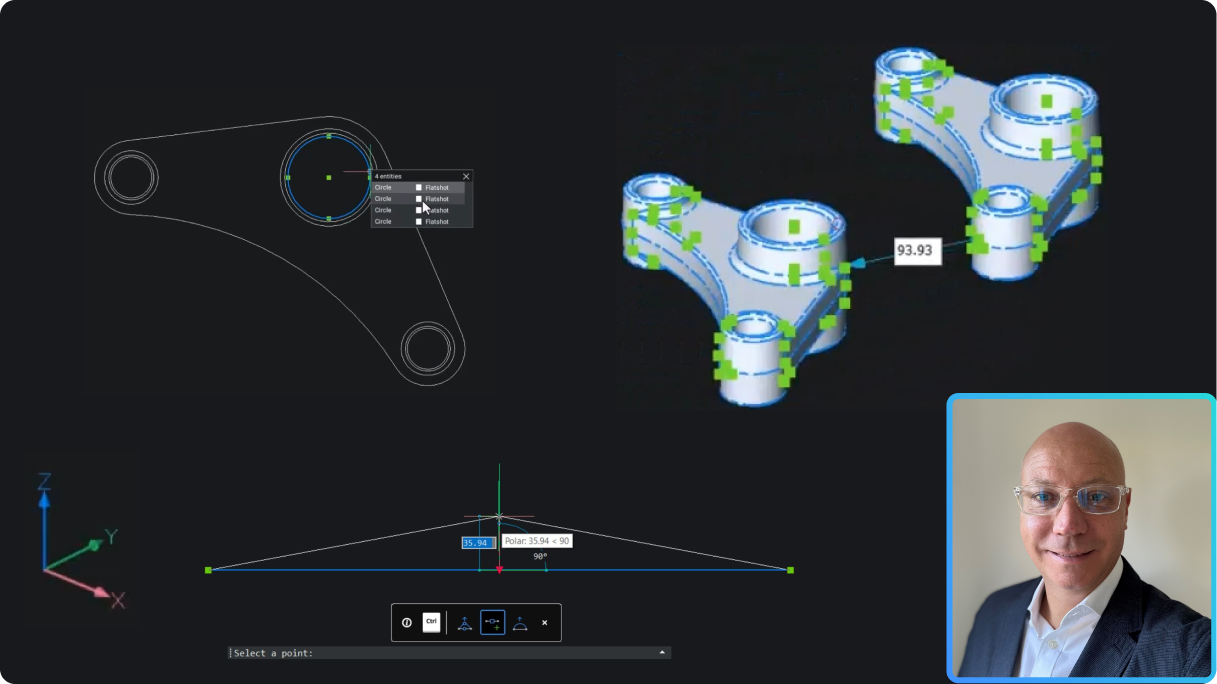
V25.2 发布

BricsCAD interface showing a 2D mechanical linkage drawing and a 3D fidget spinner model with a presenter inset.

Pro / Lite

BricsCAD Pro V25.2 对 2D 和 3D 用户有哪些新功能?

增强的 2D/3D 可视化、改进的 3D 切片以及新的生产力功能。
V25.2 发布

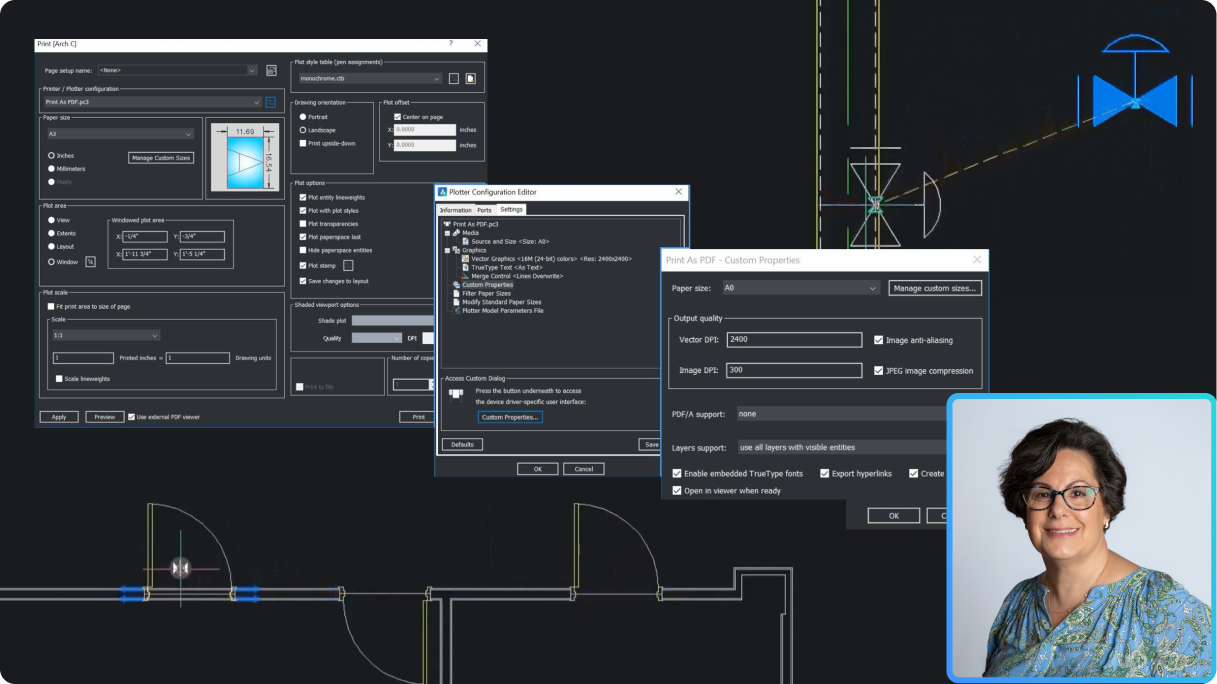
BricsCAD interface showing Print and Plotter Configuration dialogs for PDF export, with a CAD drawing and a woman's portrait inset.

Pro / Lite

使用 BricsCAD Pro V25.2 加速您的工作流程

利用 BricsCAD Pro V25.2 的智能工具增强功能和 CopyGuided 和动态块等新功能来提高生产力。
V25.2 发布

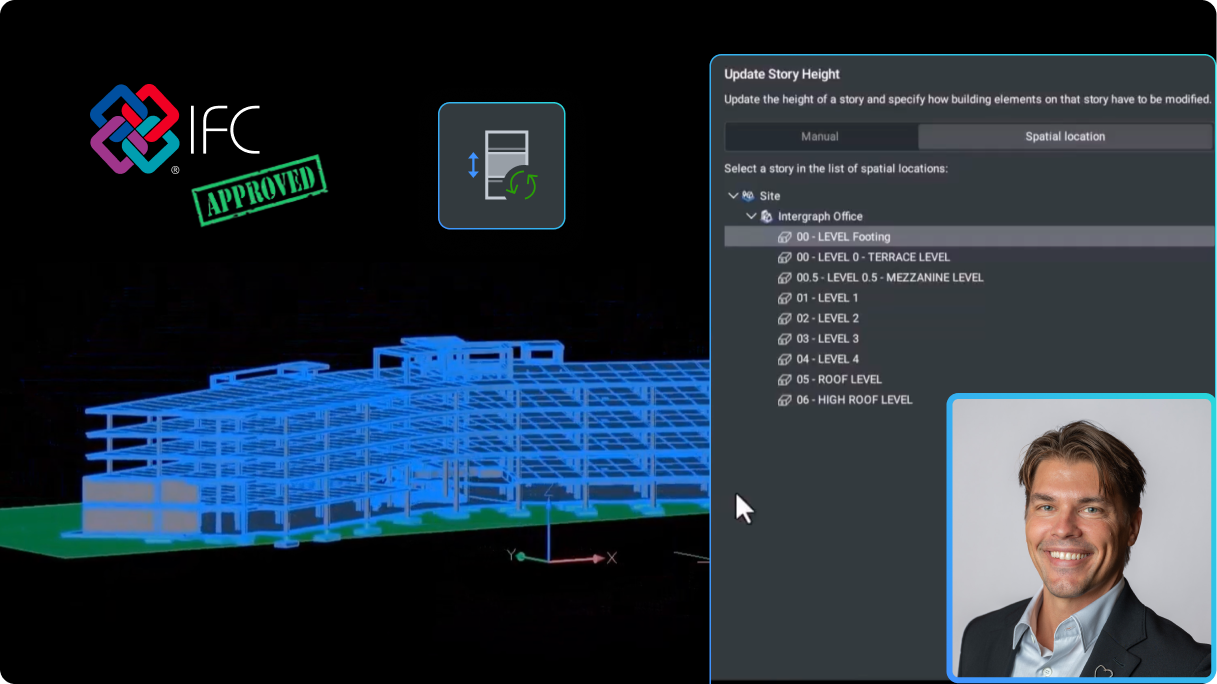
BricsCAD BIM interface showing a 3D building model with an Update Story Height panel, IFC Approved logo, and a man's headshot.

BIM

BricsCAD BIM V25.2 有什么新功能?

IFC4 认证和 BricsCAD 独有的全新建模功能,由用户反馈驱动。
V25.2 发布

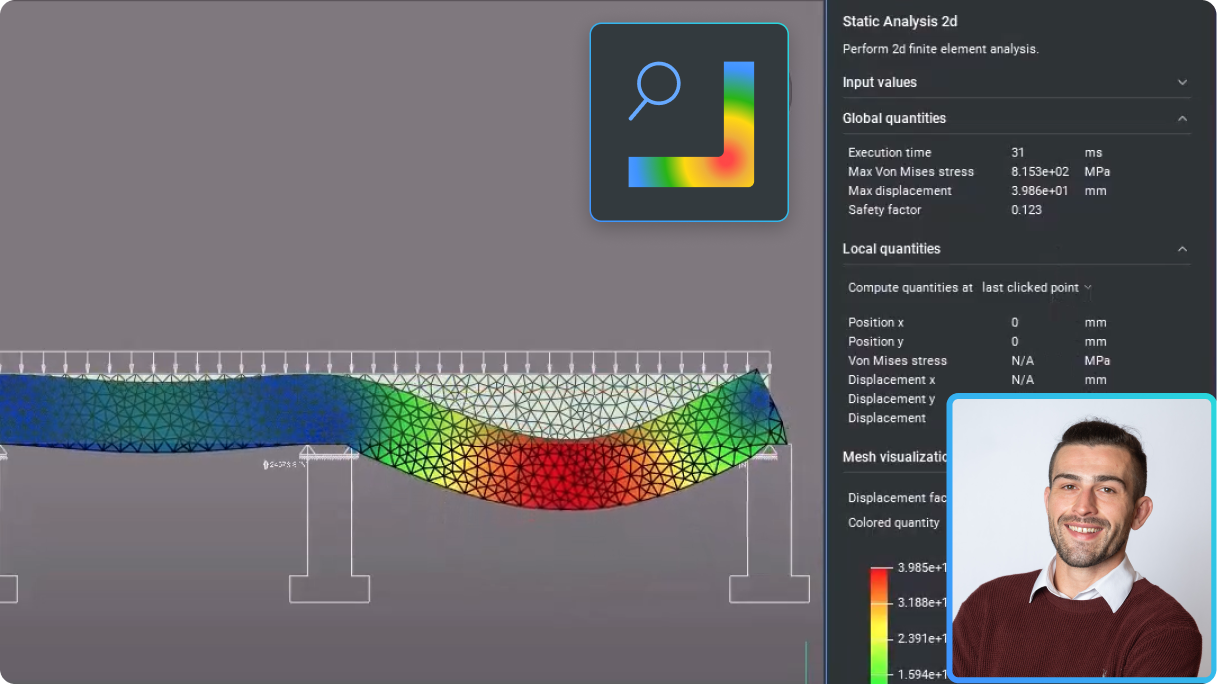
BricsCAD interface showing a 2D finite element static analysis of a beam with a stress heatmap and analysis panel.

Mechanical

BricsCAD Mechanical V25.2 对于 2D 绘图员来说有哪些新功能?

利用新功能和增强功能简化 2D 环境中的制造工作流程。
V25.2 发布

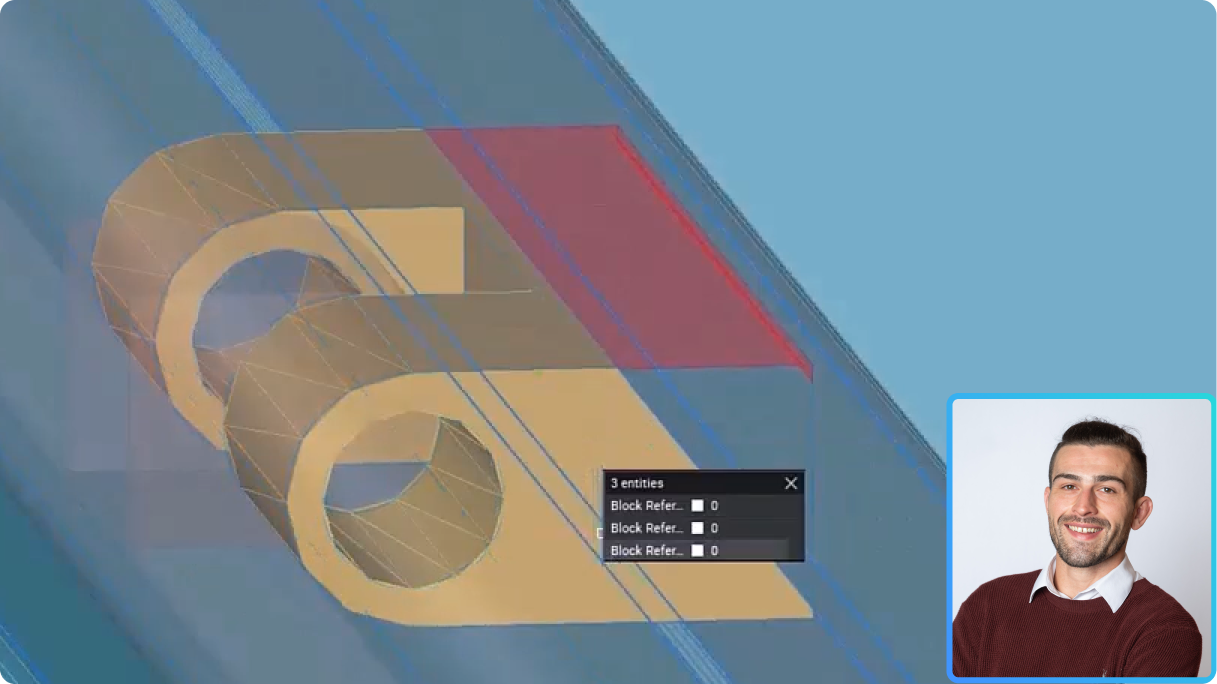
BricsCAD 3D model of mechanical parts with a properties panel showing 3 block references, and a man's headshot inset.

Mechanical

BricsCAD Mechanical V25.2 中针对 3D 到 2D 工作流程有哪些新功能?

探索新的和增强的功能,以改善和简化 3D 环境中制造商的工作流程。
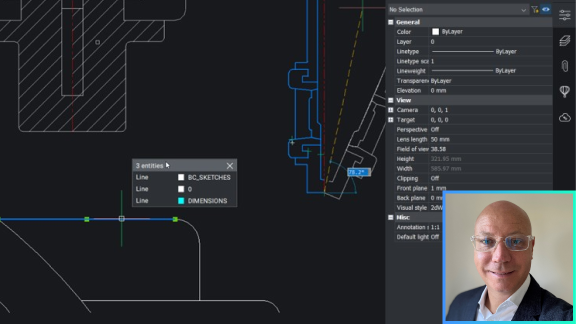
V25.2 发布

BricsCAD interface showing a 2D drawing with a properties panel and layer selection popup, alongside a man's headshot photo.

Pro / Lite

加速 2D 绘图

了解如何使用新的和增强的功能快速完成常见的 2D 绘图任务,从而使 2D 几何图形更加智能、更加简单。
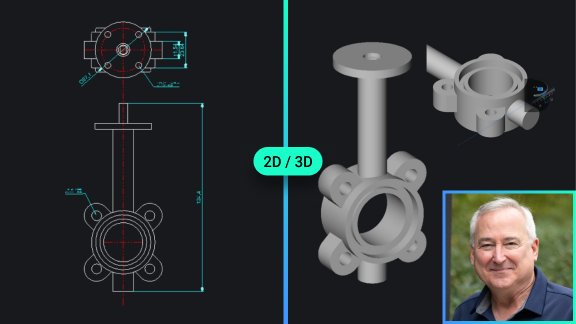
BricsCAD interface showing a 2D technical drawing and 3D model of a gate valve, with a portrait photo of a man.

Pro / Lite

BricsCAD® Lite/Pro V25 有哪些新功能

发现最新的、客户驱动的更新以提高性能,使 BricsCAD 成为基于 DWG 的 CAD 的最明智选择。
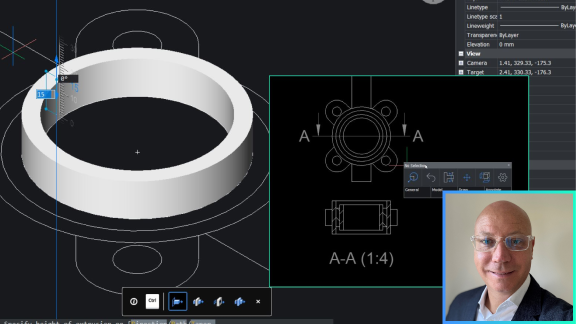
BricsCAD interface showing a 3D ring/flange model alongside a 2D cross-section drawing, with a man's portrait inset.

Pro / Lite

使用 3D 改进绘图工作流程

最快的 2D 化方式就是3D。了解如何重新利用您的 2D CAD 数据并利用 BricsCAD Pro 中的 3D 功能来创建详细的绘图视图。
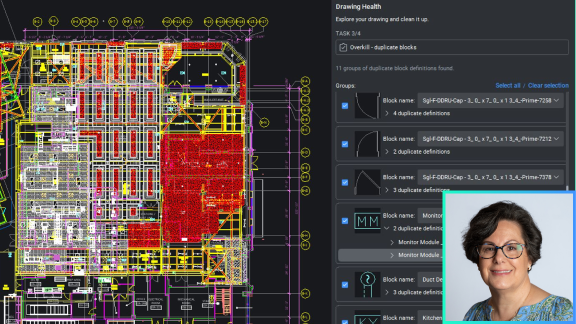
BricsCAD Drawing Health panel showing duplicate blocks in a complex floor plan, with a woman's portrait overlaid in the corner.

Pro / Lite

智能处理来自多个来源的 DWG

优化导入数据的绘图性能。了解 BricsCAD 业界领先的 DWGHEALTH 工作流程为何能确保卓越的性能。
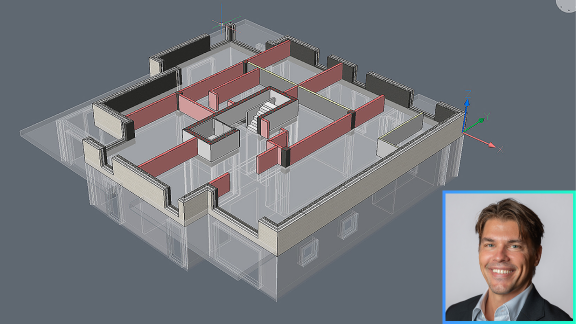
3D BIM building model in BricsCAD showing a floor plan with walls and rooms, alongside a headshot of a smiling man.

BIM

通过智能、自适应的 3D 建模实现高效的设计变更

了解在 BricsCAD BIM 的双向 2D CAD 与 3D BIM 之间的工作流程中,设计迭代如何变得更简单。
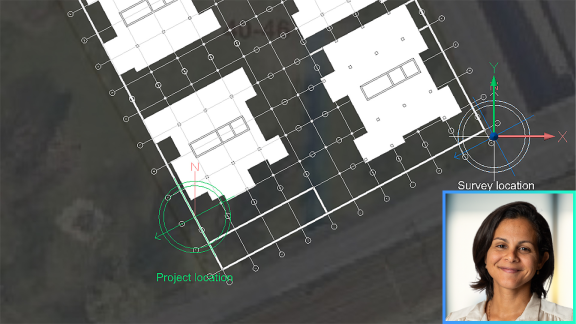
BricsCAD interface showing a building floor plan on a satellite map with project and survey location markers, and a woman's photo inset.

BIM

BricsCAD® BIM V25 有哪些新功能

了解为什么 BricsCAD 强大的 BIM 建模软件是设计保真度和开放 BIM 创作的最佳选择。
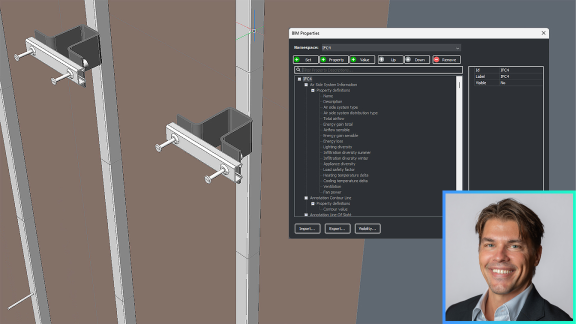
BricsCAD BIM interface showing a 3D structural model with the BIM Properties panel open, and a man's headshot in the corner.

BIM

根据商定的 LOD 和 LOI 标准进行精确的 BIM 数据交换

了解如何在 BricsCAD BIM 的用户界面中使用 buildingSMART 的信息交付规范 (IDS) 构建正确的 LOD 和 LOI。
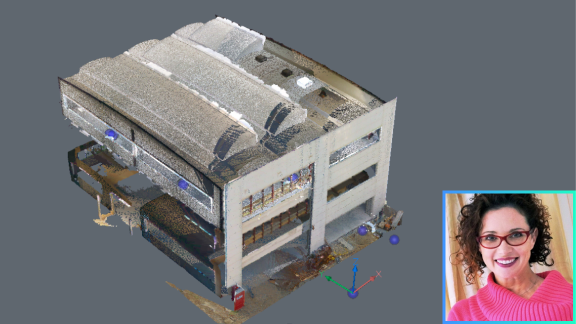
Point cloud scan of a multi-story building in BricsCAD, with a small inset photo of a smiling woman in the corner.

BIM

在 BricsCAD V25 中更智能地使用点云数据

探索点云功能中客户驱动的增强功能,从增加的数据导入选项到改进的渲染技术。
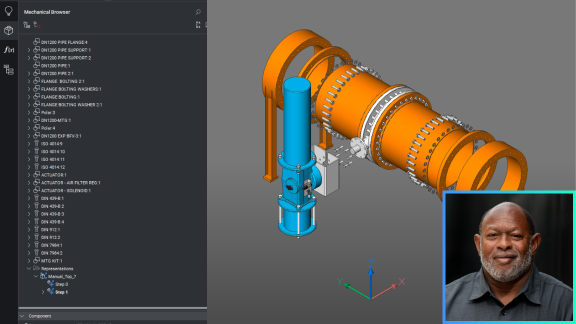
BricsCAD interface showing a 3D mechanical assembly model of an industrial pipe system with a Mechanical Browser panel open.

Mechanical

BricsCAD® Mechanical V25 中的新功能

探索最新的制造 CAD 软件,并深入了解 BricsCAD Mechanical V25 的直观工具和功能。
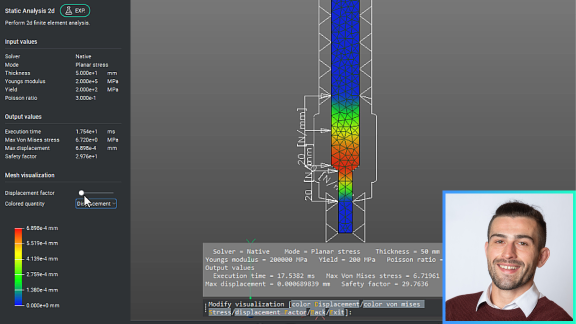
BricsCAD Static Analysis 2D panel showing finite element stress analysis of a mechanical part with color-coded displacement visualization.

Mechanical

快速熟悉的二维机械设计和绘图

通过增强的 AutoCAD® 用户熟悉度和新的 2D FEA 功能来了解 2D 机械设计和绘图工作流程。
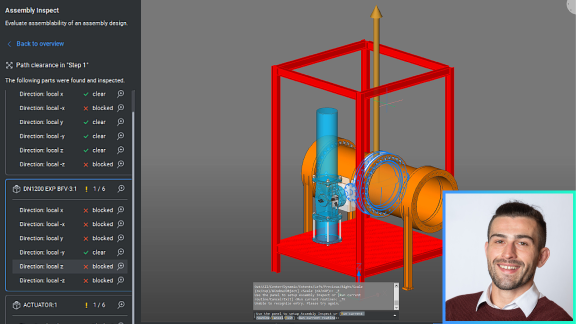
BricsCAD Assembly Inspect panel showing path clearance analysis of an industrial valve assembly in a red frame structure.

Mechanical

为什么选择 BricsCAD® Mechanical V25 进行设计优化?

探索增强的 DfMA 工具集:BMSEQUENCE 用于轻松拆卸,BMASSEMBLYINSPECT 用于工具运动,并确保路径间隙。
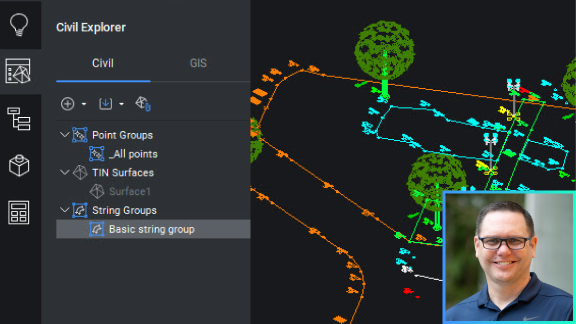
BricsCAD Civil Explorer panel showing TIN Surfaces and String Groups alongside a colorful civil engineering site drawing.

土木与测量

BricsCAD® Pro V25 中的新功能 - 土木工程/测量工具

探索 BricsCAD 中为测量员和土木工程师提供的新工具,以加快工作流程和协作。
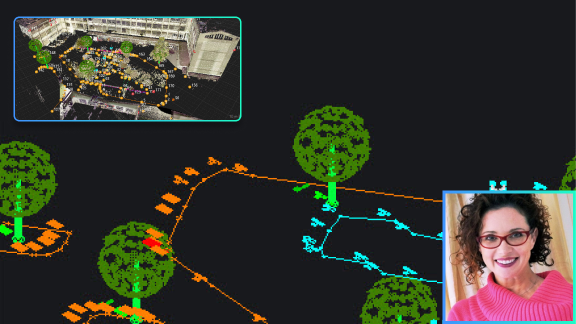
A CAD point cloud scan of an outdoor area with trees and pathways, an aerial view inset, and a woman's photo in the corner.

土木与测量

快速、轻松地访问徕卡测量仪器的数据

使用一键导入可简单快速地将徕卡测量数据导入 BricsCAD,而不会丢失扩展数据。
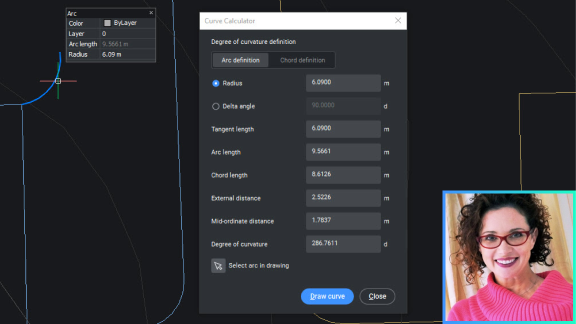
BricsCAD interface showing the Curve Calculator dialog with arc definition parameters, alongside a portrait photo of a smiling woman.

土木与测量

测量员的绘图和标记工具

探索 BricsCAD 中专为测量员工作方式设计的直观工具,减少重复任务并提高生产力。
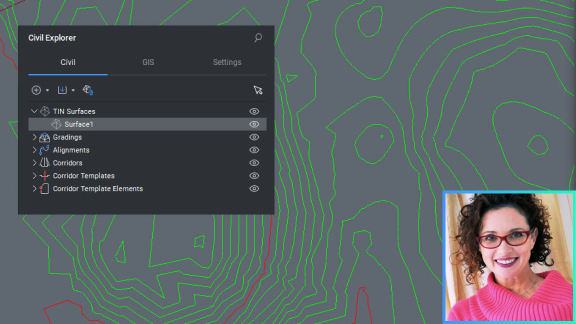
BricsCAD Civil Explorer panel showing TIN Surfaces, with a contour map drawing and a woman's photo in the corner.

土木与测量

TIN 表面平滑

了解 BricsCAD 的智能工具如何平滑您的 TIN 表面以更准确地表示正在建模的地形。
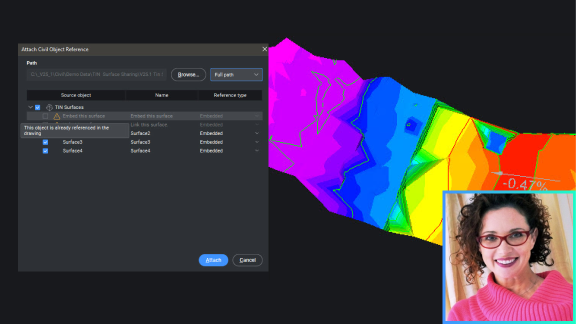
BricsCAD interface showing the Attach Civil Object Reference dialog over a colorful terrain surface model, with a woman's photo inset.

土木与测量

在图纸之间共享 TIN 表面数据

了解如何在图纸之间动态共享 TIN 表面,从而减小文件大小并解锁并行工作流程。