BricsCAD。以更低成本,交付更多成果。9 月 30 日前立享 85 折优惠。⏰

获取优惠

查找

隐藏所有筛选条件清除筛选器

未选择任何筛选器


BricsCAD Learning  - Point Cloud Essentials

Point Clouds in BricsCAD: A course on turning scan data into CAD and BIM workflows

Learn how to import, process, explore, and model point cloud data in BricsCAD.

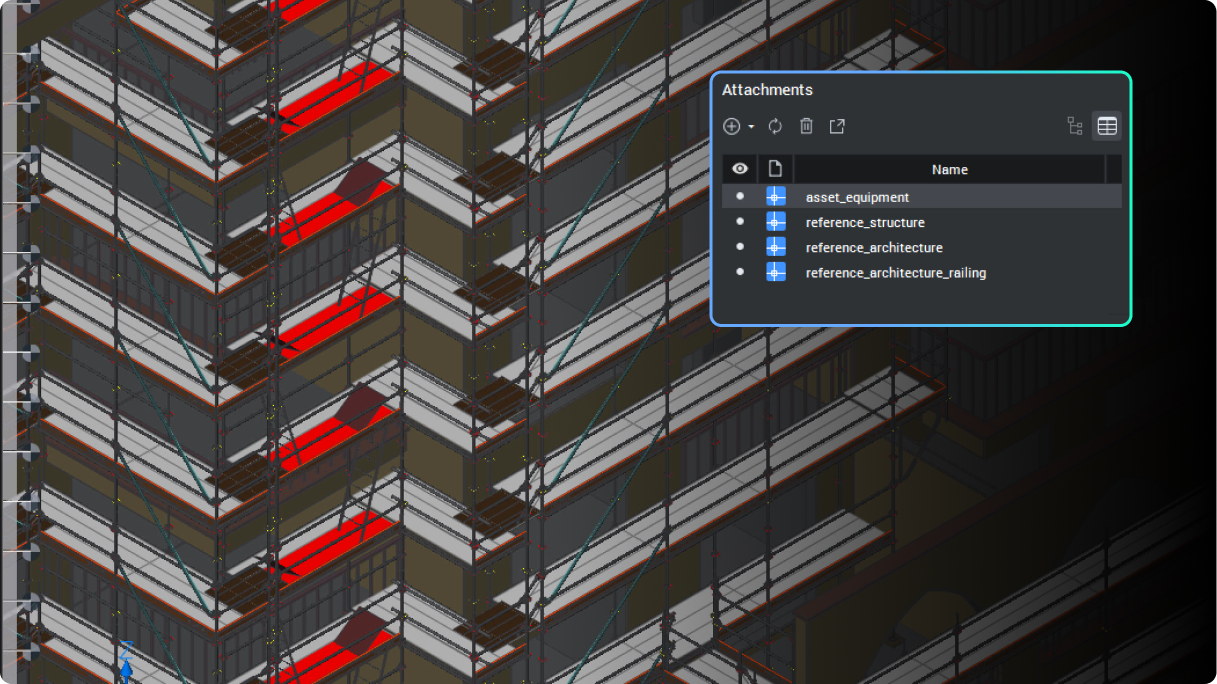
Reference geometry using IFC

BricsCAD's BIM toolset Q&A: Per seat, per job

BIM adoption no longer has to be a bet-the-business decision.

Notification to improve drawing health

13 upgrades for 2D drafting in BricsCAD V26 you should know about

Octave BricsCAD V26 introduces several upgrades that streamline everyday 2D drafting, enabling you to complete drawings more efficiently.

Auto Mapping Sets for point style assignment and management

BricsCAD's survey toolset Q&A: One DWG environment, from field to finish

Octave BricsCAD's land surveying tools take survey teams from raw field data to finished, standards-based drawings without leaving DWG.

Stacking coins

The real cost of letting your BricsCAD Maintenance lapse

Staying on BricsCAD Maintenance keeps you on the latest version, inside the upgrade window, fully supported, and clear of a costly rebuy.

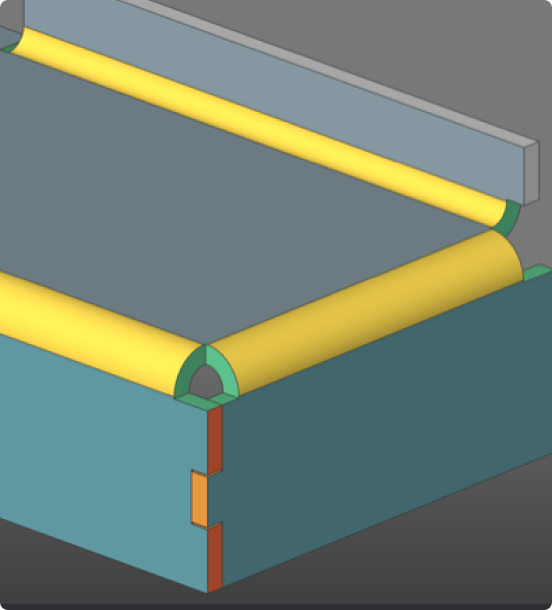
3D CAD model showing a structural assembly with yellow cylindrical rods resting on teal and gray rectangular components with green connectors.

BricsCAD Mechanical Q&A: Get 3D capability without the platform switch

Find out how BricsCAD Mechanical helps manufacturing teams move into 3D without leaving their DWG workflows behind.
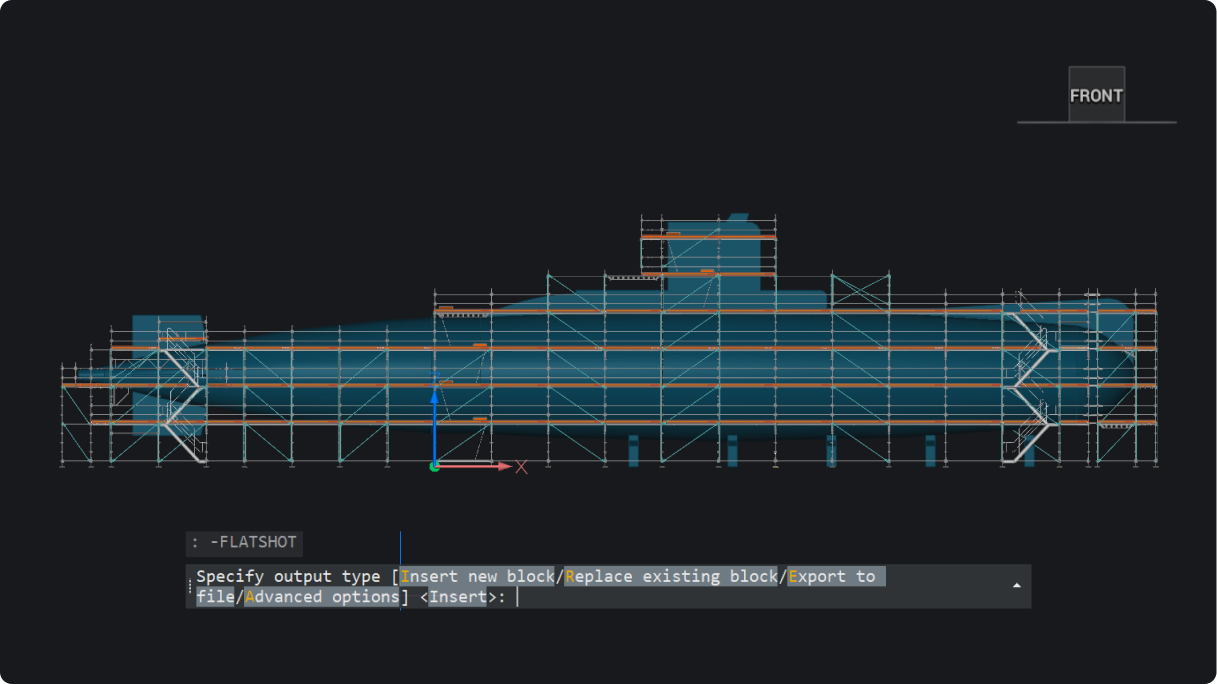
Flatshot through command line

What’s new in BricsCAD V26.2: 30 new and enhanced features

30 new and enhanced features for faster, smoother workflows across 2D, BIM, mechanical, and survey projects.

Projectwise for BricsCAD course

ProjectWise® for BricsCAD: A course on managing files, versions, and collaboration

Learn how to manage project data in ProjectWise®, directly inside BricsCAD and without the confusion.

Faster performance for BIM sections

Octave BricsCAD V26 为分包商提供了哪些新功能?

BricsCAD BIM V26 通过在一个统一的环境中连接项目数据,使分包商保持一致。

Opengraph - FAQ

BricsCAD 常见问题解答:关于许可、维护、兼容性等问题的 12 个解答

从试用和许可到维护、更新和集成, 以下是用户最常向我们询问的一些答案。

Outline for Render mode

Octave BricsCAD V26 有哪些独特之处?您在其他地方找不到的 18 种 CAD 功能

Octave BricsCAD V26 具有 18 项独家功能,可减少重复步骤,使日常 CAD 工作流程更快、更轻松。

BricsCAD AI driven tools hero image

走进 Octave BricsCAD 的人工智能:10 个问题,10 个直截了当的答案

清晰解答 BricsCAD 中人工智能驱动工具的工作原理,从预测命令到图形清理和引导编辑。

注册 ,以便我们通过电邮直接发送新的文章和提示给您

30 天试用

立即开始
在 BricsCAD 中进行设计!

免费试用 BricsCAD
Six BricsCAD views showing scaffolding structures, a 2D elevation drawing, pipe joints, and a 3D building model.