라이브 방송에 참여하세요. BricsCAD V27 출시 00:00:00

지금 등록

검색

왜 BricsCAD인가?
CAD의 강력한 대안

혁신적인 기능과 친숙한 인터페이스를 갖춘 강력하고 비용 효율적인 CAD 플랫폼입니다.
BricsCAD 다운로드
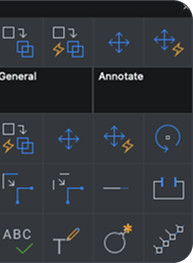
BricsCAD toolbar icons showing General and Annotate tool categories with various command icons in a dark UI panel.
BricsCAD interface showing the Home tab with 2D drawing tools including Line, Polyline, Rectangle, Circle, Hatch, and Ellipse.
A BricsCAD properties panel showing a Section Object with ByLayer color, Staircases layer, and Clip display enabled.
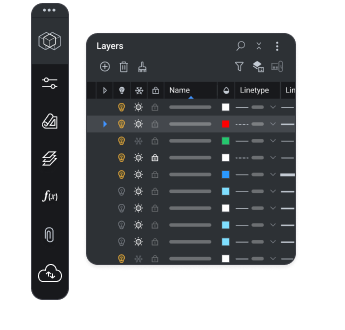
BricsCAD Layers panel showing a list of layers with visibility, color, and linetype settings in a dark UI.
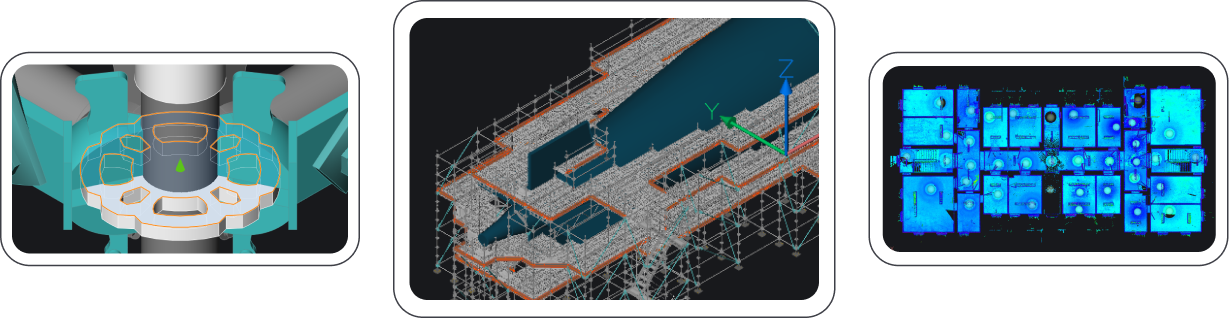
Three BricsCAD views: a mechanical part, an isometric industrial structure, and a blue-toned floor plan layout.

쉬운 학습

상상만 하던 원활한 플랫폼 전환

BricsCAD가 현재 CAD 솔루션을 대체하는 경우, 원활한 시작과 마이그레이션이 중요합니다. 지체 없이 원활한 도입이 핵심입니다.

BricsCAD interface showing the Home toolbar with Draw and Modify tools, feature icons, and a Layers panel with linetype settings.

친숙한 인터페이스와 명령어

사용자가 빠르고 자신 있게 익숙해질 만큼 친숙하게 느끼는 CAD 소프트웨어입니다. 숙련된 CAD 사용자는 최소한의 교육만으로 BricsCAD를 능숙하게 사용할 수 있습니다.
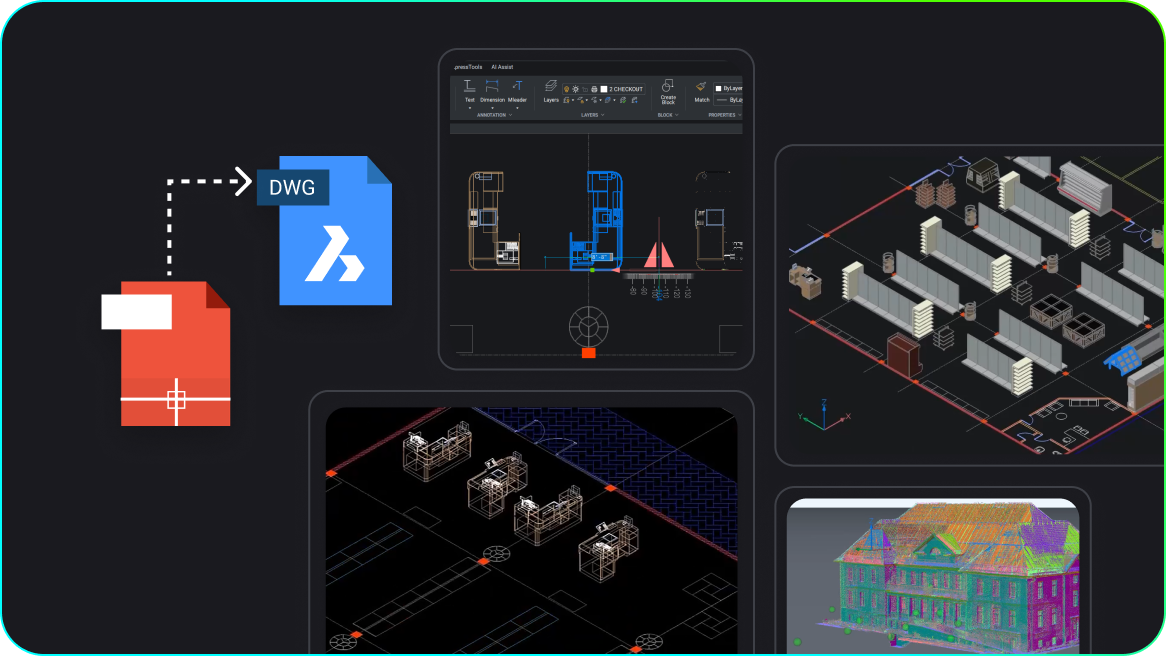
BricsCAD interface showing DWG file conversion, 2D floor plans, 3D warehouse layout, and a colorized point cloud building model.

현재 사용 중인 CAD 솔루션에서 원활하게 마이그레이션

기존의 메뉴, 명령어 스크립트, 사용자 설정 및 템플릿을 BricsCAD로 가져올 수 있습니다. 집처럼 편안한 새로운 작업 환경이 펼쳐집니다. 사용자의 작업 환경 및 다양한 타사 산업별 도구와의 호환성이 제공하는 이점을 경험해 보십시오.

가격 및 라이선스

전체적으로 더 큰 가치와 비용 절감

필요에 맞는 맞춤형 플랜을 이용하고 전문가의 지원을 받아 원활하고 효율적인 설계 프로세스를 경험하십시오.
BricsCAD 가격 알아보기
Flexible licensing -dark - no border

라이선스는 이렇게 구성되어 있으며

유연한 운영 비용으로 BricsCAD를 구독 및 임대하도록 선택합니다. 또는 평생 소유권과 저렴한 비용을 유지할 수 있도록 Maintenance가 포함된 일회성 영구 라이선스를 선택합니다.

Icon showing a user profile and a building/clipboard symbol, each with a key badge, separated by a colored slash.

지정된 사용자 없음

다른 CAD 솔루션과 달리 라이선스가 개인이 아닌 회사에 연결되어 있어 설계 프로젝트에 탁월한 유연성과 효율성을 제공합니다.

Two white group icons connected by green and teal bidirectional arrows, symbolizing collaboration or data exchange between teams.

다중 사용자 네트워크

다중 사용자 네트워크 라이선스로 리소스를 효율적으로 활용하면 라이선스가 네트워크 전체에 걸쳐 유동적으로 이동하여 팀 전체가 원활하게 액세스할 수 있습니다.

함께 일합시다

업계 최고의 지원

BricsCAD Maintenance는 업계 최고 수준의 제품 지원을 제공합니다. 숙련된 전문가들이 최고의 경험과 성공을 보장하고, 프로젝트가 순조롭게 진행되도록 생산성 유지를 돕기 위해 진심으로 노력합니다. 그뿐만 아니라, 누구나 BricsCAD의 폭넓은 온라인 도움말 센터와 자율 학습 자료를 이용할 수 있습니다.

BricsCAD 유지보수 서비스 알아보기
Isometric illustration of a blue computer screen displaying a warning triangle icon, surrounded by floating app icons.

우리의 고객

전 세계 CAD 사용자가 신뢰하는 제품

A man wearing glasses and a white shirt speaking, with a window in the background.

"BricsCAD는 합리적인 가격에 라이선스를 제공하면서도 이전 CAD 소프트웨어와 동일한 기능과 안정성을 제공합니다."

Masahiro Abe, 생산 엔지니어링 사업부, Mazda, 일본
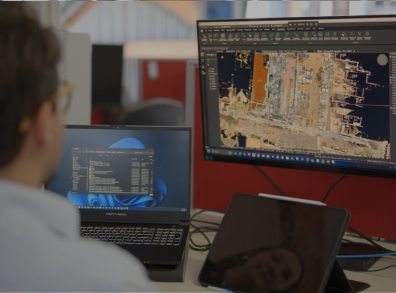
A person working at a desk with two monitors displaying BricsCAD CAD software, showing an aerial site map drawing.

"이메일이나 전화로 연락하면 담당자가 바로 지원 요구사항을 처리해 줍니다."

Michael Larobina - CEO, Realserve, 호주

A man in a blazer stands with arms crossed in front of a wall displaying a colorful collection of construction hard hats.

"(BricsCAD를 통해) 우리는 변화하는 시장의 요구에 가장 잘 부응할 수 있는 기술적 변화를 모색하던 중이었습니다."

Henrik Huth - 엔지니어링 성능 및 표준 부문 선임 이사, PERI, 독일

A man wearing glasses and a dark cardigan stands in front of a large aerial city map on the wall.

“우리는 모든 프로젝트 팀이... BricsCAD를 사용하기를 바라기 때문에, 소프트웨어가 사용자 친화적이고 배우기 쉬워야 한다는 점을 중요하게 생각합니다. 또한 하나의 플랫폼에 2D, 3D, BIM이 통합되어 있어 누구나 모델러로 성장할 수 있습니다.

Dieter Froyen, 업무 준비 책임자, Willemen Groep, 벨기에

30일 평가판

오늘 BricsCAD를 시작하십시오!

다음에서 사용 가능 Microsoft, Mac 및 Linux 로고
BricsCAD를 무료로 이용해 보십시오.
Six BricsCAD views showing scaffolding structures, a 2D elevation drawing, pipe joints, and a 3D building model.