브릭스캐드. 더 많은 가치를, 더 합리적인 비용으로! 기간 한정 15% 할인 혜택, 9월 30일까지! ⏰

프로모션 혜택받기

검색

BricsCAD 시작
CAD의 진정한 대안

인터페이스 사용자 지정부터 워크플로 가속화를 위한 고유 기능 테스트까지, BricsCAD 체험판을 최대한 활용하는 5가지 단계가 있습니다.
여정 시작
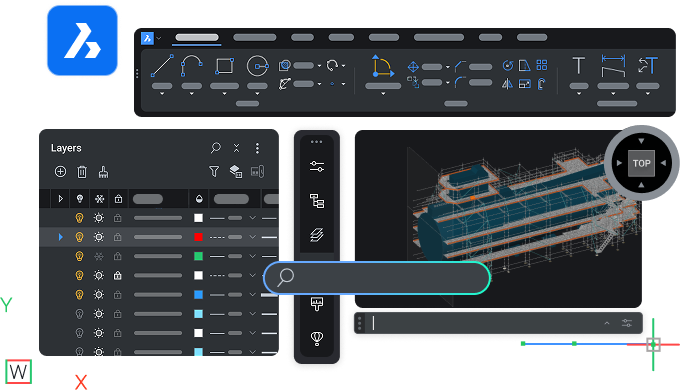
BricsCAD interface showing toolbar, layers panel, and a 3D model of a ship viewed from the top perspective.

시작하기

BricsCAD를 통한 생산성

N°1 download - Icon - White

BricsCAD 환경에 적응하기

원하는 속도로 BricsCAD를 학습하고 주요 기능을 이해합니다.

N°2 user questions - Icon - White

질문에 대한 답변 찾기

제품 설명서를 읽고 BricsCAD 지원팀에 문의하세요.

N°3 personalize workspace - Icon - White

원하는 방식으로 BricsCAD 설정하기

사용자 정의 및 기타 파일을 BricsCAD로 마이그레이션하고 작업 공간을 맞춤 설정합니다.

N°4 true CAD alternative  - Icon - White

진정한 CAD 대안 알아보기

설계부터 생산까지의 프로세스를 가속화하는 BricsCAD의 고유한 기능을 테스트해 보세요.

N°5 rocket  - Icon - White

적합한 라이선스 선택

BricsCAD 라이선스 옵션 및 제품 레벨을 비교하여 가장 적합한 라이선스를 선택하세요.

1단계

BricsCAD 환경에 적응하기

리소스

Graphic showing AutoCAD logo vs BricsCAD logo with V26 NEW badges, highlighting a software comparison.

AutoCAD®에서 BricsCAD로 이전

AutoCAD®와 BricsCAD의 주요 유사점 및 차이점.

Illustration of a monitor with a refresh and lightning bolt icon, a cursor, labeled V26 NEW on dark background.

BricsCAD Essentials

BricsCAD의 주요 특징과 기능에 관한 개요입니다.

White icon of a .dwg file on a dark background, representing a CAD drawing file format.

기능 비교

제품 레벨별로 구분하고 AutoCAD®와 비교하는 종합적인 BricsCAD 기능 목록입니다.

2단계

질문에 대한 답변 찾기

도움말 센터와 블로그에서 BricsCAD에 대해 자세히 알아보고 포럼에서 다른 사용자와 소통하세요.
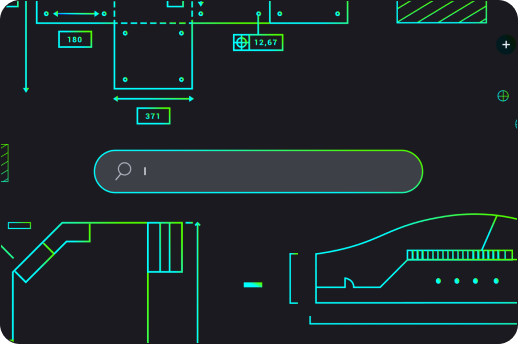
BricsCAD interface showing a dark-themed 2D mechanical drawing with a search bar overlay and cyan-green technical components.

리소스

White icon of a wrench and screwdriver crossed over each other on a dark background, symbolizing tools or settings.

도움말 센터

제품 설명서, 명령 참조, 기술 자료 및 추가 기술 리소스를 제공합니다.

White line illustration of a webpage wireframe with placeholder image and text blocks on a dark background.

Blog

최신 도구를 최대한 활용하여 더 빠르고 스마트하게 작업하는 데 도움이 되는 팁과 요령을 알아보세요.

White line icons on dark background showing two chat bubbles and a content card, representing communication or messaging.

포럼

해당 분야의 모범 사례를 공유하는 BricsCAD 사용자 커뮤니티입니다.

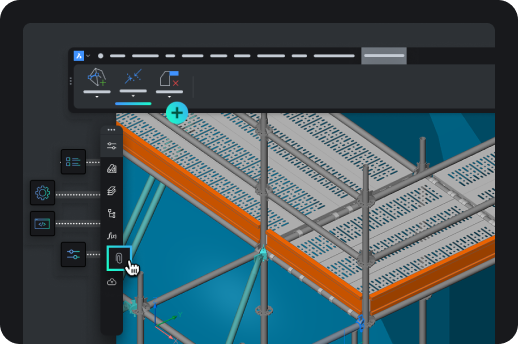
BricsCAD interface showing a 3D isometric model of an industrial shelving or scaffolding structure with toolbar icons.

3단계

원하는 방식으로 BricsCAD 설정하기

작업 공간에 자주 사용하는 도구와 설정을 포함합니다.

리소스
An arrow pointing from the AutoCAD letter A icon to the BricsCAD logo, symbolizing migration from AutoCAD to BricsCAD.

BricsCAD로 마이그레이션

사용자 정의 설정 및 기타 파일을 AutoCAD®에서 BricsCAD로 가져옵니다.

Icon showing a browser window with a pencil, rendered in teal and green on a dark background.

BricsCAD 사용자 정의

인터페이스 설정 등을 통해 작업 공간을 맞춤 설정하세요.

Six neon icons on dark background: location pin, factory, road curve, structure frame, gear, and fan, representing CAD industry use cases.

타사 응용 프로그램

자주 사용하는 도구를 통합하고 워크플로를 확장하며 산업별 사용자 정의 설정을 추가합니다.

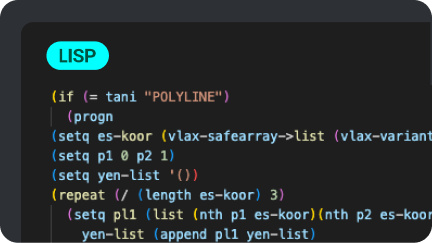
A dark-themed code editor displaying a LISP script for processing polyline data in BricsCAD, using colorful syntax highlighting.

LISP 루틴

BricsCAD에서 LISP 루틴을 마이그레이션, 생성 및 사용자 지정할 수 있습니다.

4단계

진정한 CAD 대안 알아보기

BricsCAD를 진정한 CAD 대안으로 만드는 고유한 기능과 AI 기반 도구를 사용해 보세요.
BricsCAD interface showing a 2D architectural drawing with toolbar, green square icons, and the BricsCAD logo on dark background.

리소스

Six paper planes growing in size, with the largest transforming into a rocket, symbolizing growth and progression.

BricsCAD의 이점

시스템 구성부터 고급 2D 도면 및 3D 모델링 도구까지 BricsCAD의 주요 이점을 설명합니다.

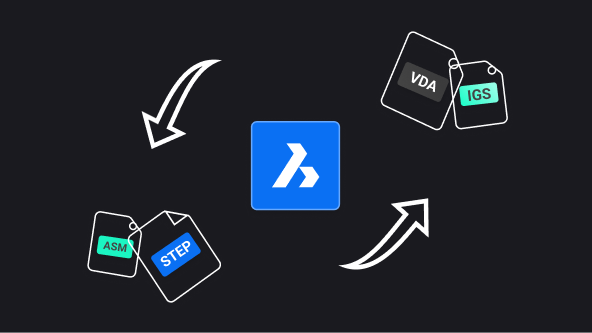
BricsCAD logo centered with arrows showing file format conversion between ASM, STEP, VDA, and IGS formats.

BricsCAD용 Communicator

다른 주요 CAD 소프트웨어에서 모델 및 PMI 데이터를 가져오거나 내보냅니다.

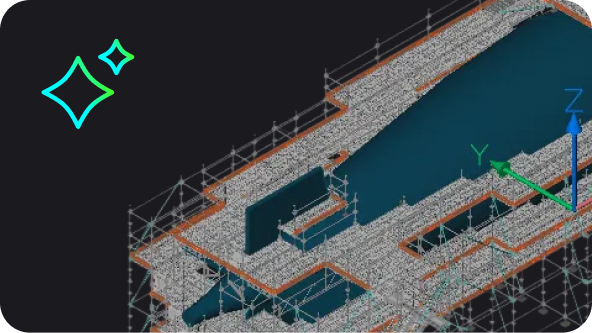
BricsCAD 3D model of a large industrial or architectural structure with scaffolding, shown in isometric view.

BricsCAD의 AI 기반 도구

BricsCAD의 AI 및 기계 학습이 클릭 수를 줄이고, 파일을 빠르게 수정하고, 시간을 절약하는 데 어떤 도움이 되는지 알아보세요.

BricsCAD Lite purchase illustration showing a shopping cart with app icons and a Buy Now button on a product page.

5단계

적합한 라이선스 선택

제품 레벨을 비교하고 라이선스 계획을 살펴보며 궁금한 점이 있으면 문의할 수 있습니다.
리소스

Abstract UI illustration showing a dark-themed selection panel with radio button options, one highlighted in blue with a cyan accent.

유연한 라이선스

제품 레벨 및 라이선스 옵션을 살펴볼 수 있습니다.

White outline icon of an open envelope with a document showing an at symbol, on a dark background.

개인 맞춤형 도움말

더 궁금한 사항이 있나요? 영업팀에 문의하세요.

White icon on dark background showing a location pin with two speech bubbles containing ellipsis dots, symbolizing local support or chat.

공식 파트너

해당 지역의 공인 리셀러를 찾아보세요.