라이브 방송에 참여하세요. BricsCAD V27 출시 00:00:00

지금 등록

검색

2026년 10월 20일, 16:00 - 17:00 CET

BricsCAD V27

온라인 이벤트에 참여하시어 최신 버전으로 어떻게 설계부터 최종 도면까지 더욱 빠르고 원활하게 진행할 수 있는지 알아보세요.

* 본 행사는 영어로 진행됩니다
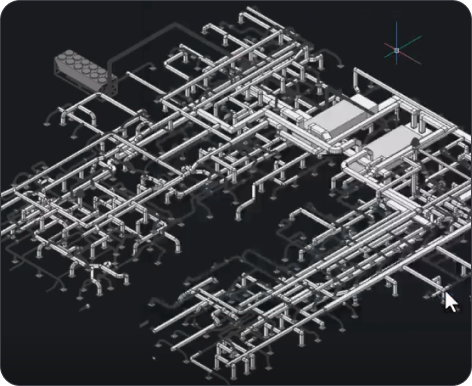
BricsCAD 3D CAD model showing a complex isometric piping and mechanical system layout on a dark background.
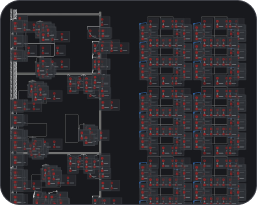
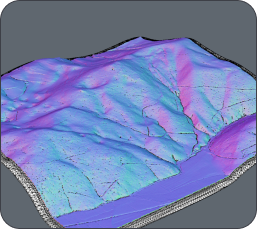
BricsCAD interface showing a dark-themed CAD drawing with floor plans and building layouts displayed in red and white lines.3D terrain model with colorful surface visualization in shades of purple, blue, and pink, showing elevation and topographic details.
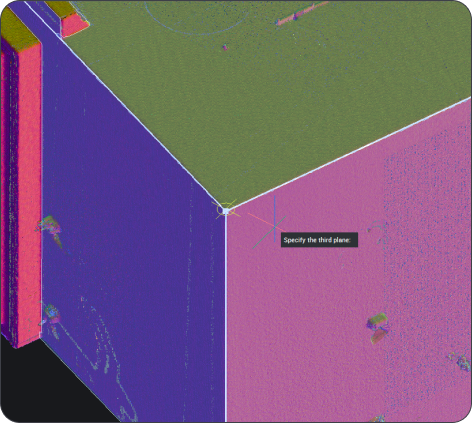
BricsCAD 3D point cloud scan of a building corner with a "Specify the third plane" prompt visible.
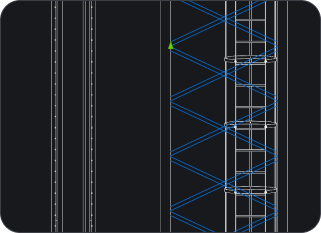
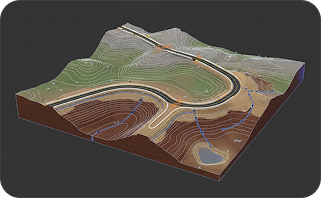
CAD drawing showing vertical structural elements with diagonal bracing patterns highlighted in blue on a dark background.3D terrain model showing an open-pit mine with winding roads, contour lines, and geological layers on a dark background.

온라인 출시

참여 시 혜택

A magnifying glass icon with a bell inside, suggesting notifications or alerts, on a dark background.

CAD에서 더 빠르게 작업하는 방법

더욱 빨라진 2D 성능, 더 스마트한 도면 상태 도구, 향상된 치수 측정, 동적 입력 등 고객 피드백을 반영하여 개선된 BricsCAD V27의 기능을 확인해 보세요.

White magnifying glass icon centered on a dark rounded rectangle background, representing a search function.

워크플로를 더 많이 연결하는 방법

팀에서 사용하는 데이터 및 파일 형식에 대한 지원이 확장되었으며, 향산된 호환성을 통해 기존 도면, 모델 및 라이브러리를 BricsCAD로 더 쉽게 가져올 수 있습니다.

White outline icon of two people on a dark background, representing a group or community.

V27의 실제 작동 모습

전 제품군의 라이브 데모를 시청하고, BricsCAD Assist를 미리 살펴보며, 제품 팀에 질문하여 궁금증을 해결하세요.

등록

신규 버전 런칭 행사 사전 예약하기

왜 BricsCAD V27인가? 믿을 수 있는 진짜 대안 CAD