라이브 방송에 참여하세요. BricsCAD V27 출시 00:00:00

지금 등록

검색

모든 필터 숨기기모든 필터 지우기

선택한 필터 없음



CAD DWG software

What does DWG-native CAD mean, and why does it matter?

DWG-native CAD helps teams make the most of existing drawings, collaborate across platforms and adopt new tools without disrupting established workflows.

Engineers discuss building plans

Connect BricsCAD to your PLM/PDM workflows with Maintenance

Connect BricsCAD with Autodesk® Vault® Pro and Bentley® ProjectWise® through Octave-built PLM/PDM connectors.

BricsCAD wireframe 3D model of a car body structure displayed with green, red, and white mesh lines on a dark background.

What’s unique to Octave BricsCAD V26.2? 10 exclusive capabilities

BricsCAD V26.2 includes 10 unique capabilities designed to reduce repetitive work, streamline complex tasks, and help you work more efficiently.

BricsCAD Learning  - Point Cloud Essentials

Point Clouds in BricsCAD: A course on turning scan data into CAD and BIM workflows

Learn how to import, process, explore, and model point cloud data in BricsCAD.

BricsCAD interface showing a 2D floor plan with labeled rooms like Kitchen, Office, Freezer, and Electrical Room with camera symbols.

13 upgrades for 2D drafting in BricsCAD V26 you should know about

Octave BricsCAD V26 introduces several upgrades that streamline everyday 2D drafting, enabling you to complete drawings more efficiently.

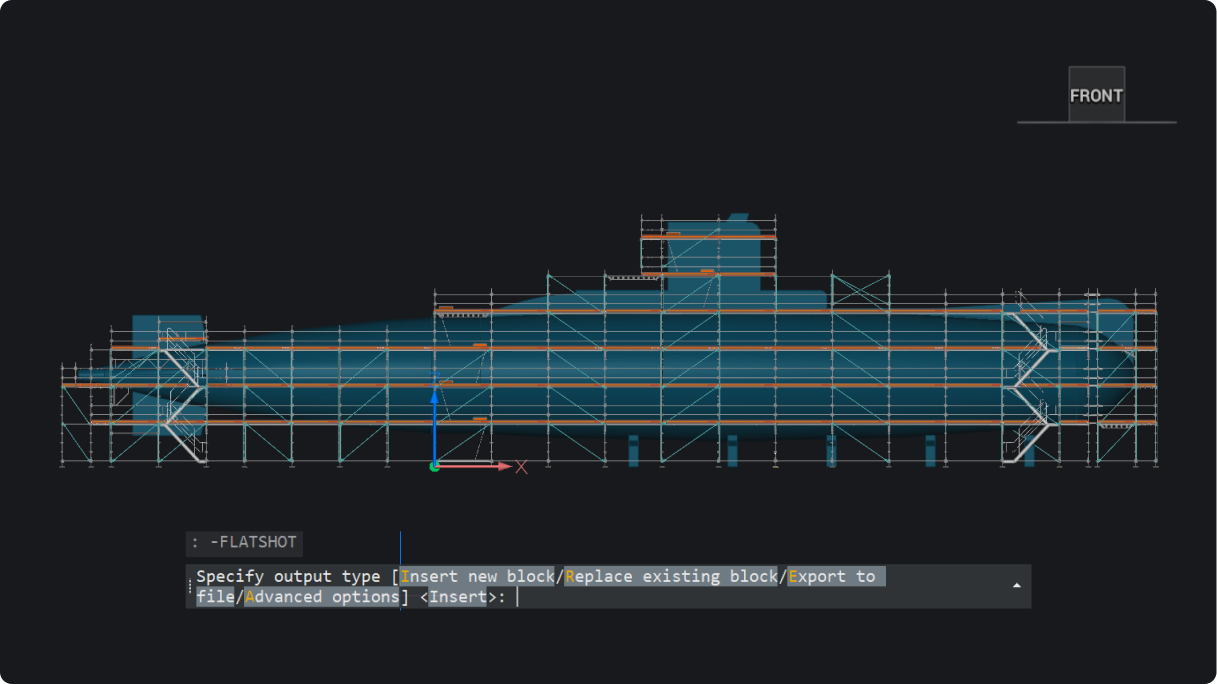
BricsCAD interface showing a front view of a submarine 3D model with scaffolding, and the FLATSHOT command active in the console.

What’s new in BricsCAD V26.2: 30 new and enhanced features

30 new and enhanced features for faster, smoother workflows across 2D, BIM, mechanical, and survey projects.

Projectwise for BricsCAD course

ProjectWise® for BricsCAD: A course on managing files, versions, and collaboration

Learn how to manage project data in ProjectWise®, directly inside BricsCAD and without the confusion.

팁과 게시물을 이메일로 직접 받으려면 가입 하세요.

30일 평가판

오늘 BricsCAD를 시작하십시오!

다음에서 사용 가능 Microsoft, Mac 및 Linux 로고

BricsCAD를 무료로 이용해 보십시오.
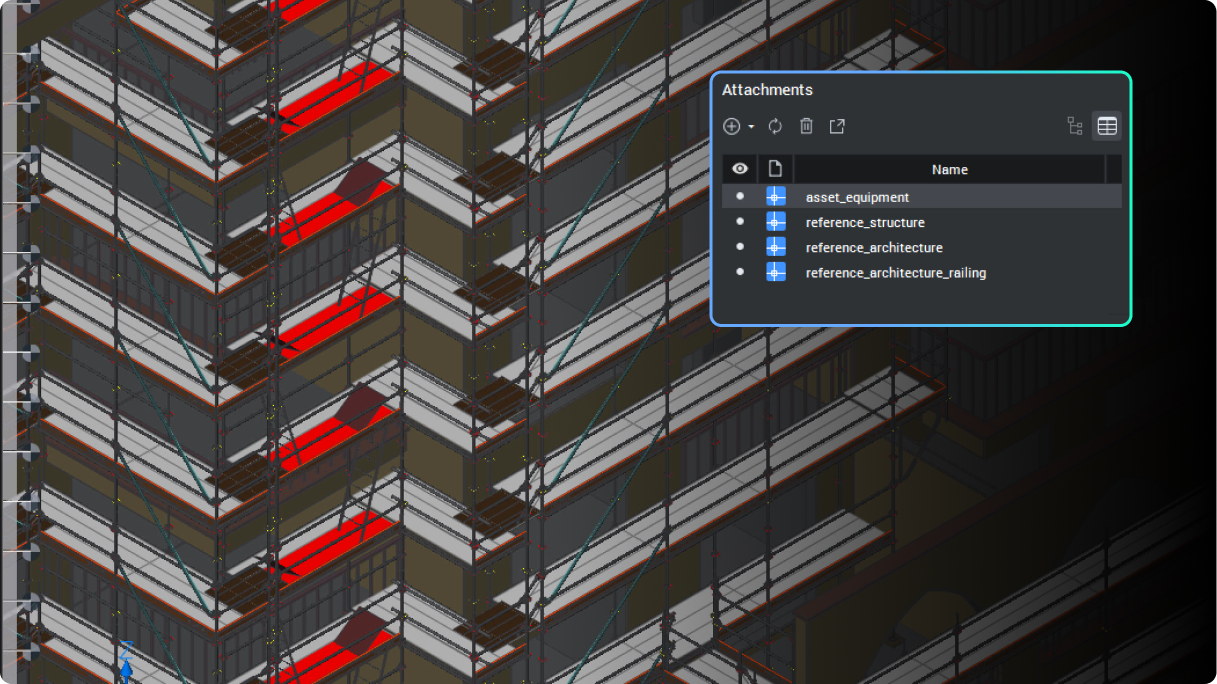
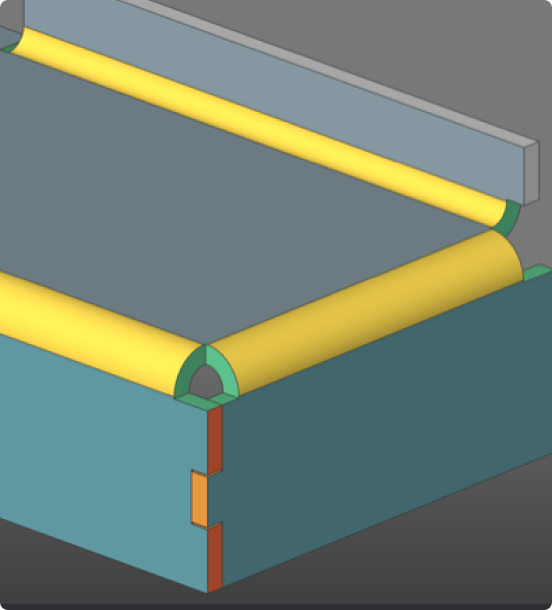
Six BricsCAD views showing scaffolding structures, a 2D elevation drawing, pipe joints, and a 3D building model.