Get started with BricsCAD
Work in native DWG with the tools you already know, keep your files and customizations intact, and discover a faster, more affordable way to design.
* Free 30-day trial, no credit card required.
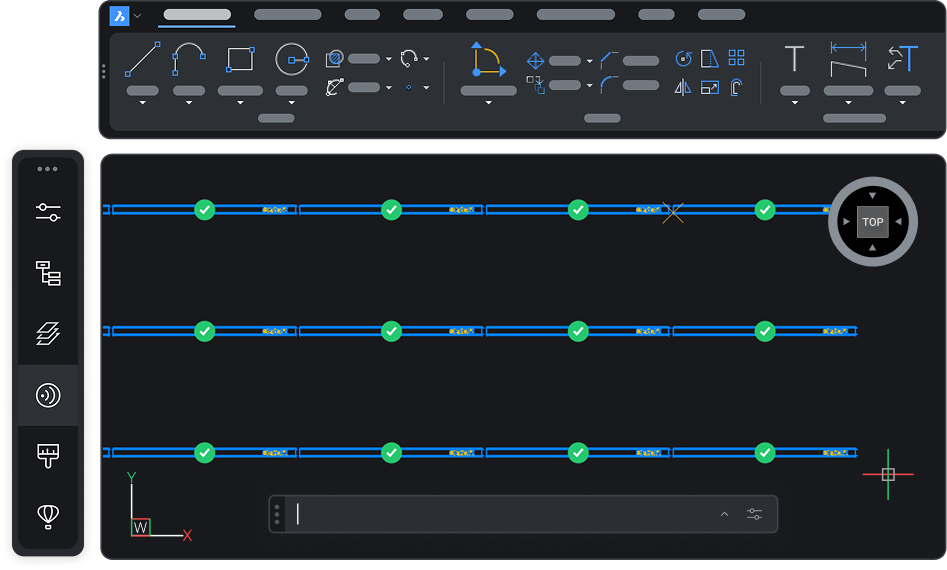
Perchè BricsCAD?
Try BricsCAD free for 30 days
Download the full software free for 30 days. No credit card, no commitment. Test it on your own drawings and see how it fits before you buy.
With your free trial, you get:

Ottimizzazione del design guidata dall'Intelligenza Artificiale
The complete toolset, not a limited demo

Previsione Intelligente dei Comandi
Open your existing files, no conversion

Apprendimento Adattivo
Trial Lite, Pro, Mechanical, or BIM to find your fit
Download BricsCAD
Before you download
Find answers to common questions before getting started with BricsCAD.
Can you download BricsCAD for free?
Are you curious about BricsCAD? You can try BricsCAD for free for 30 days. During the trial, you can access any BricsCAD license level from BricsCAD Lite right up to BricsCAD Ultimate. If you're a student or educator, you can download BricsCAD Ultimate for free with an academic license.
How do you install BricsCAD?
What are the system requirements to run BricsCAD?
Which BricsCAD license level is right for you?
Compare BricsCAD editions
Find the right BricsCAD for your work
Every edition is built on the same native-DWG core, then adds the tools for specific kinds of work—from 2D drafting to 3D modeling, mechanical design, and BIM. Compare what’s included in each to find your fit.
BricsCAD
Lite
Pro
BIM
Mechanical
Ultimate
Piattaforma CAD
The native-DWG core: familiar interface, customization, and automation.
Inclusa
Inclusa
Inclusa
Inclusa
Inclusa
Disegno 2D
Complete 2D drawing, drafting, and detailing.
Inclusa
Inclusa
Inclusa
Inclusa
Inclusa
Modellazione 3D
Direct 3D modeling and editing.
Non inclusa
Inclusa
Inclusa
Inclusa
Inclusa
Strumenti di rilievo
Surveying tools
Non inclusa
Inclusa
Inclusa
Inclusa
Inclusa
Nuvole di Punti
Import and reference laser-scan point clouds.
Non inclusa
Inclusa
Inclusa
Inclusa
Inclusa
Strumenti Meccanici
Parametric mechanical design and assembly modeling.
Non inclusa
Non inclusa
Non inclusa
Inclusa
Inclusa
Strumenti BIM
Model-based BIM authoring and documentation.
Non inclusa
Non inclusa
Inclusa
Non inclusa
Inclusa
Download and install BricsCAD
How to download and install BricsCAD in minutes
Getting started takes just a few steps. One download includes every BricsCAD edition, so you can install once and try it free for 30 days.

Create your free account
Register on the BricsCAD site and verify your email to unlock your download.

Download the installer
Choose your platform, language, and version, accept the terms of use, and download. A single file includes Lite, Pro, Mechanical, and BIM.

Run the installer
On first launch, start your 30-day trial with no key required, or enter your license. Pick a 2D or 3D profile and you're ready to go.

Launch and start designing
On first launch, start your 30-day trial with no key required, or enter your license. Pick a 2D or 3D profile and you're ready to go.
Scopri BricsCAD
Il Software CAD più Adatto alle Tue Esigenze Progettuali
BricsCAD consente agli esperti di creare rappresentazioni progettuali più accurate. Il CAD ha sostituito la stesura manuale del progetto, consentendo un migliore sviluppo, modifica e ottimizzazione. BricsCAD consente agli ingegneri di creare progetti più dettagliati e manipolarli virtualmente. Il software CAD calcola la relazione tra più materiali.
BricsCAD ha progettato la suite di strumenti definitiva per soddisfare le tue esigenze di progettazione. Dalle prime fasi di progettazione 2D ai modelli 3D finali utilizzati per la produzione o la costruzione, il nostro solido set di prodotti semplifica la creazione di un flusso di lavoro ottimizzato.
 €330/anno
Disegni e dettagli 2D concisi, compatibili e ad alte prestazioni.
 €710/anno
CAD professionale 2D e 3D - potente e flessibile.
 €998/anno
CAD Meccanico 2D & 3D per documentare i processi di produzione.
 €1,060/anno
CAD 2D & 3D per modellazione e documentazione di edifici.
 €1,176/anno
CAD integrato 2D e 3D per Meccanica, Edilizia e Rilievo.
Ottieni supporto
Supporto tecnico dedicato
Esperti di progettazione CAD che supportano la tua attività a livello professionale.
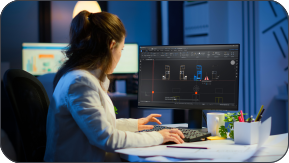
Esperti CAD a disposizione
Un supporto tecnico completo, focalizzato sul successo della tua applicazione.

Onboarding degli sviluppatori
Supporto per il porting della tua app su BricsCAD, l'aggiunta al catalogo e assistenza post lancio.

Rapporto commerciale autentico
Un'esperienza di sviluppo professionale supportata da una piattaforma e un'azienda che danno priorità agli sviluppatori.

Rapporto commerciale autentico
Un'esperienza di sviluppo professionale supportata da una piattaforma e un'azienda che danno priorità agli sviluppatori.
Prova di 30 giorni
Inizia a progettare in BricsCAD oggi!

Ho bisogno di più aiuto
Non hai trovato quello che cercavi?
Dal logo aziendale ufficiale Bricsys agli ultimi comunicati stampa, siamo qui per aiutarti.

Controlla il Centro Assistenza di BricsCAD
Hai domande specifiche? Cerca tra gli articoli della guida, i tutorial e il riferimento ai comandi.

Contatta il Supporto
Non hai trovato quello che cercavi? Contatta il supporto di BricsCAD.

Contatta il reparto Vendite
Domande su BricsCAD o su quale livello di prodotto BricsCAD è adatto alla tua attività? Siamo qui per aiutarti. Contattateci e vi risponderemo il più rapidamente possibile.
FAQ
Domande frequenti
Cosa è incluso nella trial gratuita di BricsCAD?
La trial ti dà accesso completo a BricsCAD Ultimate per 30 giorni, il che significa che tutte le funzionalità delle edizioni inferiori - Lite, Pro, BIM e Mechanical - sono sbloccate. Nessuna carta di credito richiesta. Dopo trenta giorni, puoi acquistare una licenza per continuare a usare il prodotto completo (non è necessario reinstallare; basta inserire la chiave nel Gestore Licenze).