브릭스캐드. 더 많은 가치를, 더 합리적인 비용으로! 기간 한정 15% 할인 혜택, 9월 30일까지! ⏰

프로모션 혜택받기

검색

BricsCAD® Pro V23의
새로운 기능

최신 릴리스는 여러분이 좋아하는 도구와 기능뿐만 아니라 생산성을 극대화할 수 있는 새로운 기능과 UI를 추가하고 개선합니다.

BricsCAD 다운로드

* 30일 무료 평가판을 시작하십시오, 결재가 필요하지 않습니다

BricsCAD V23.2 splash screen with logo, version number, and an abstract blue wave graphic.

향상된 기능 및 호환성

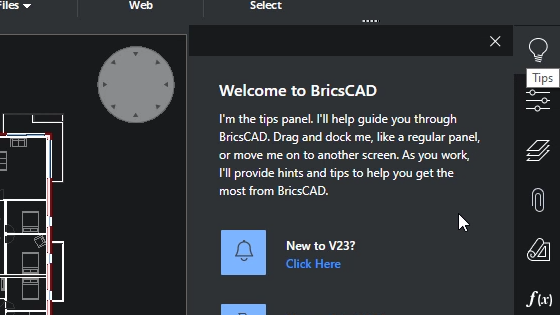
BricsCAD welcome tips panel overlay on a floor plan drawing, introducing the tips feature and a "New to V23?" prompt.

ENHANCED

즉시 사용 가능한 새로운 경험

BricsCAD의 신규 설치를 위한 직관적인 설정으로 사용자 경험이 향상되었습니다.
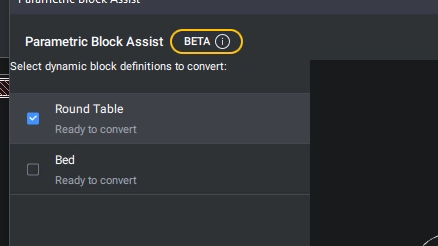
BricsCAD Parametric Block Assist panel in beta, showing Round Table and Bed blocks ready to convert.

NEW

동적 블록 변환기

PARAMETRICBLOCKASSIST 명령은 동적 블록을 BricsCAD의 우수한 파라메트릭 블록으로 변환합니다. (베타)
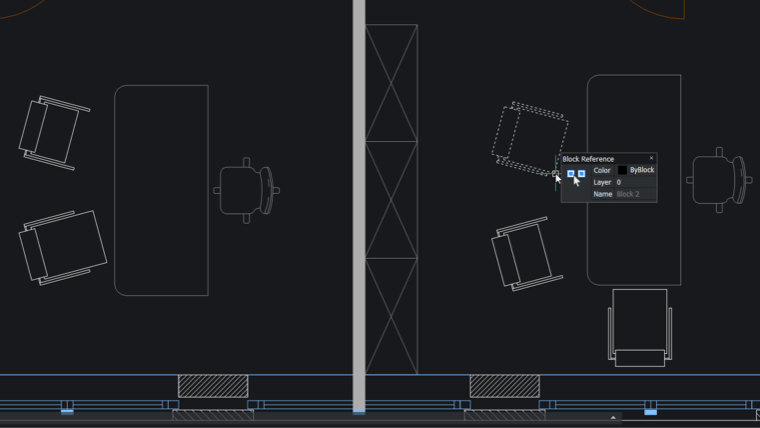
BricsCAD interface showing a 2D floor plan with furniture blocks and a Block Reference properties panel displaying Block 2.

NEW

2D 지오메트리를 위한 파라메트릭 BLOCKIFY

파라메트릭 BLOCKIFY 명령은 이제 2D 매개변수, 구속조건 및 대칭이동 선이 있는 파라메트릭 블록의 일반 2D 형상 변형을 인식합니다.
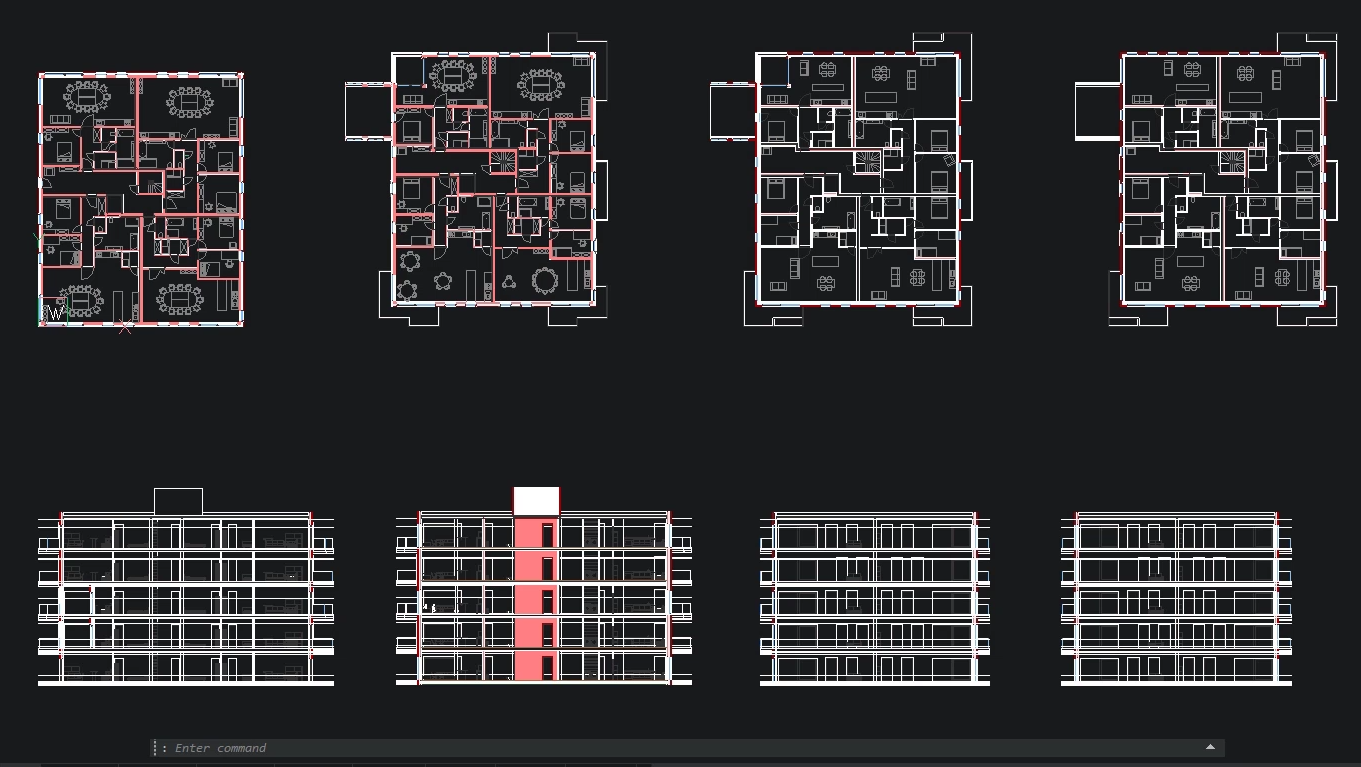
BricsCAD interface showing multiple building floor plans and facade elevations with highlighted sections in red.

ENHANCED

대형 테이블 성능

큰 테이블로 작업할 때 유용성과 성능이 향상되었습니다.
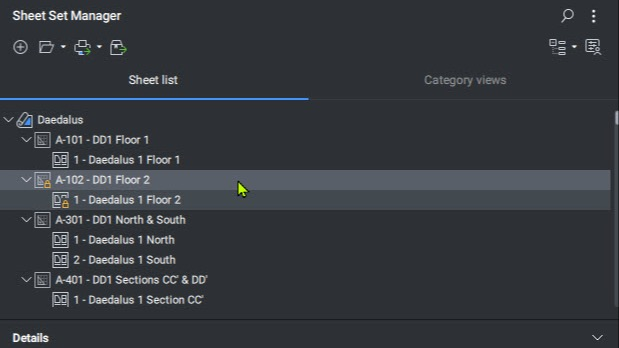
BricsCAD Sheet Set Manager panel showing a sheet list for the Daedalus project with floor plans and sections.

ENHANCED

시트 설정 관리자

SHEETSET 명령은 시간을 절약하는 다양한 새로운 기능을 제공합니다.
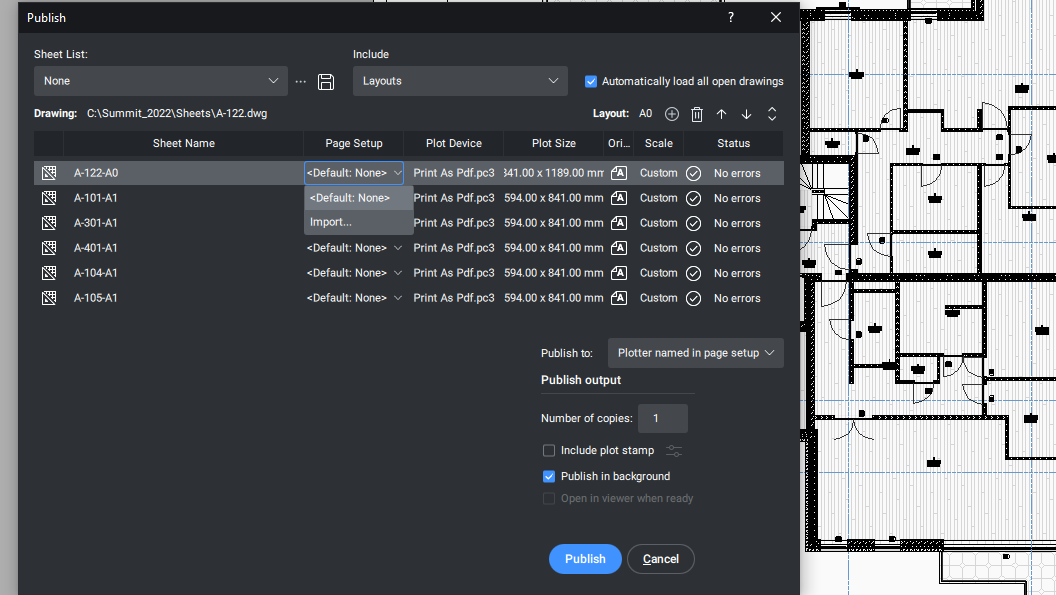
BricsCAD Publish dialog showing multiple architectural sheet layouts being configured for PDF output.

ENHANCED

PUBLISH 대화상자

PUBLISH 대화상자를 사용할 때 업데이트된 새로운 사용자 환경입니다.
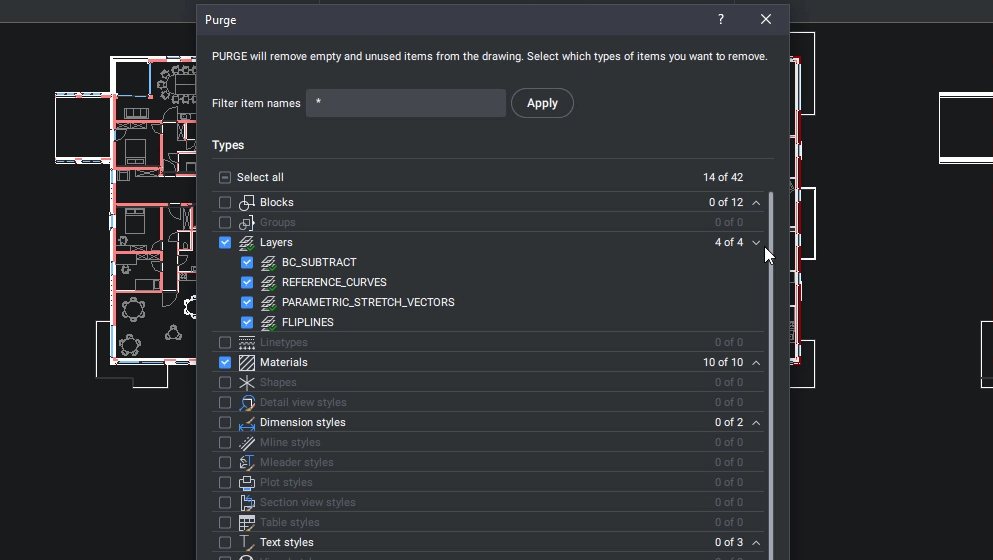
BricsCAD Purge dialog showing options to remove unused layers, materials, and blocks from a floor plan drawing.

NEW

PURGE 대화상자

새로운 대화상자 기능으로 PURGE 명령의 유용성이 향상되었습니다.
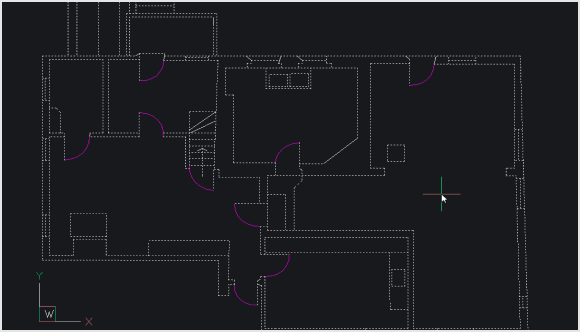
BricsCAD CAD interface displaying a 2D architectural floor plan with rooms, walls, and door swings on a dark background.

ENHANCED

2D 최적화

호와 선 사이의 작은 간격을 더 빠르고 효과적으로 수정하기 위해 OPTIMIZE 명령이 개선되었습니다.

새로운 도구, 기능 및 성능 향상
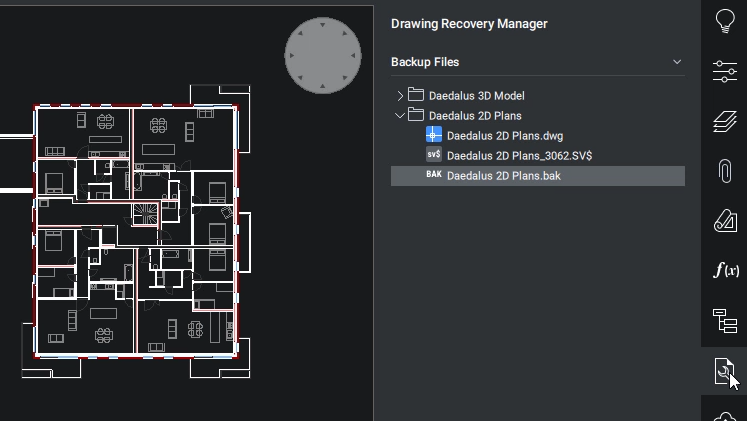
BricsCAD Drawing Recovery Manager showing backup files for a 2D floor plan with multiple rooms and corridors.

NEW

도면 복구 관리자

DRAWINGRECOVERY 명령을 사용하면 예기치 않은 문제가 발생할 경우 도면을 신속하게 복구할 수 있습니다.
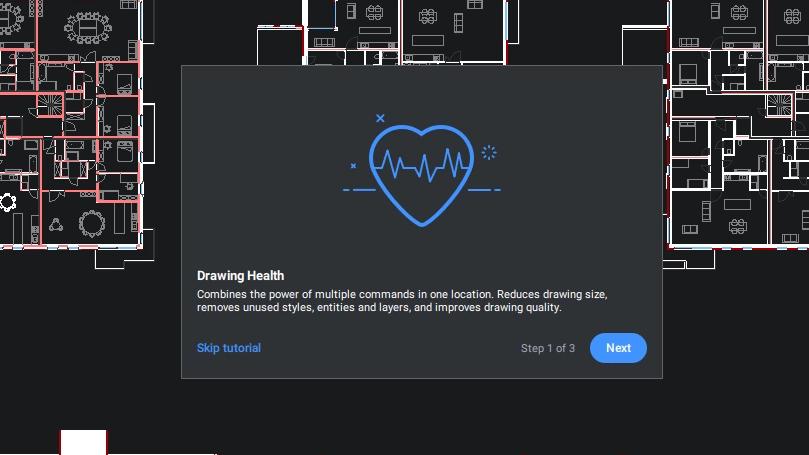
BricsCAD Drawing Health tutorial popup, step 1 of 3, with a heart icon overlay on a floor plan drawing.

NEW

도면 상태 관리

기존의 모든 최적화 도구를 편리한 단일 위치에 통합하여 도면을 정상 상태로 쉽게 유지할 수 있습니다.
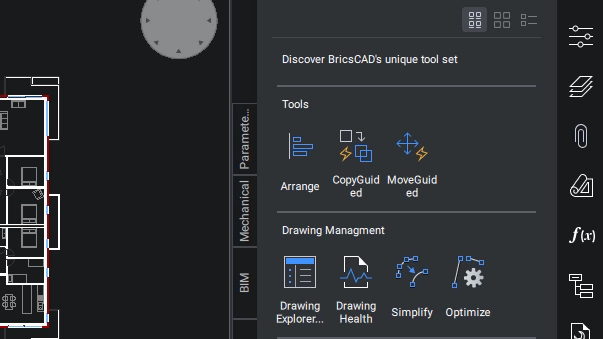
BricsCAD interface showing a floor plan drawing alongside a tools panel with Arrange, CopyGuided, MoveGuided, and Drawing Management options.

ENHANCED

향상된 도구 팔레트 패널

이제 도구 팔레트 명령에 도구 팔레트 패널에 대한 새로운 사용자 환경이 추가되었습니다.
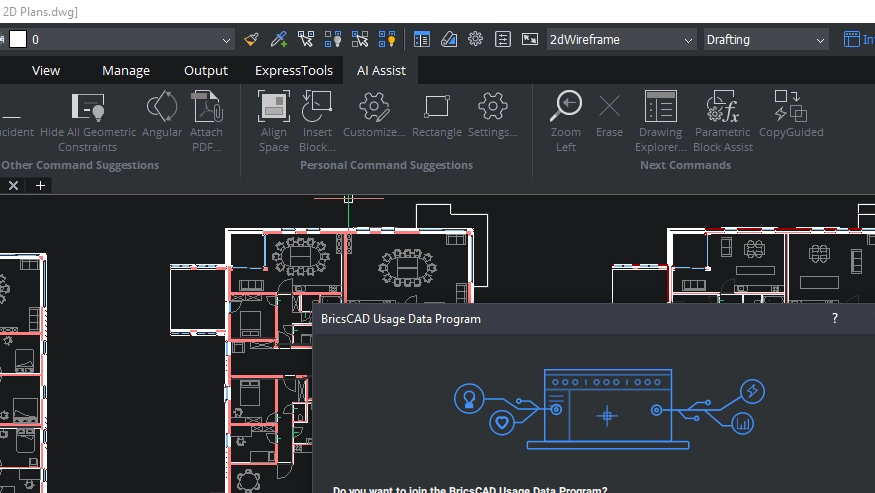
BricsCAD interface showing a 2D floor plan with a Usage Data Program dialog box overlaying the drawing.

NEW

명령 지원 리본 패널

AI-기반 지원 리본 패널은 일반적인 워크플로우 패턴을 기반으로 사용자에게 다음에 필요할 수 있는 명령을 제안합니다.
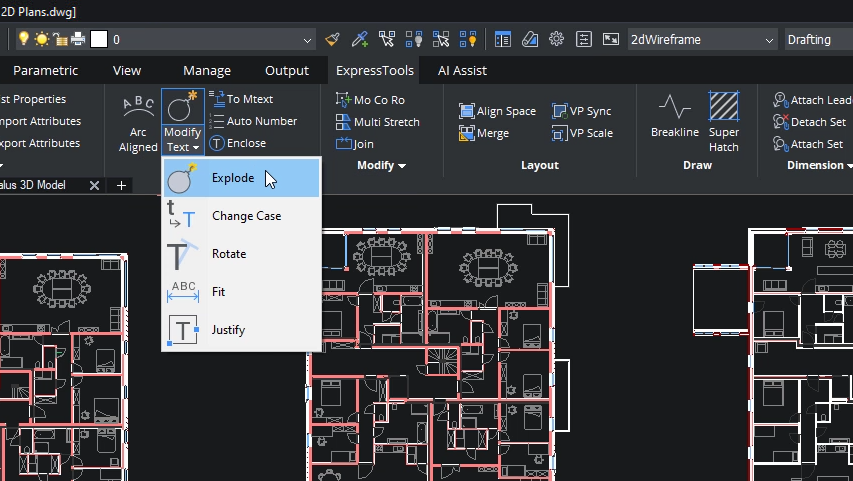
BricsCAD interface showing a 2D floor plan with the Modify Text dropdown menu open, highlighting the Explode option.

NEW

ExpressTools

인기 있는 타사 응용프로그램인 ExpressTools은 이제 BricsCAD의 기본 기능의 일부입니다.
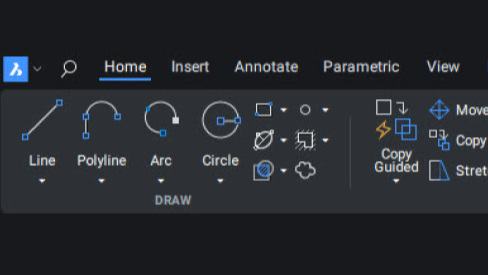
BricsCAD toolbar showing the Home tab with Draw tools including Line, Polyline, Arc, and Circle icons on a dark interface.

NEW

리본 기반 (Qt)

BricsCAD의 리본 UI는 더 나은 사용자 경험을 제공하기 위해 완전히 재 작업되었습니다.

최적화된 명령 및 워크플로
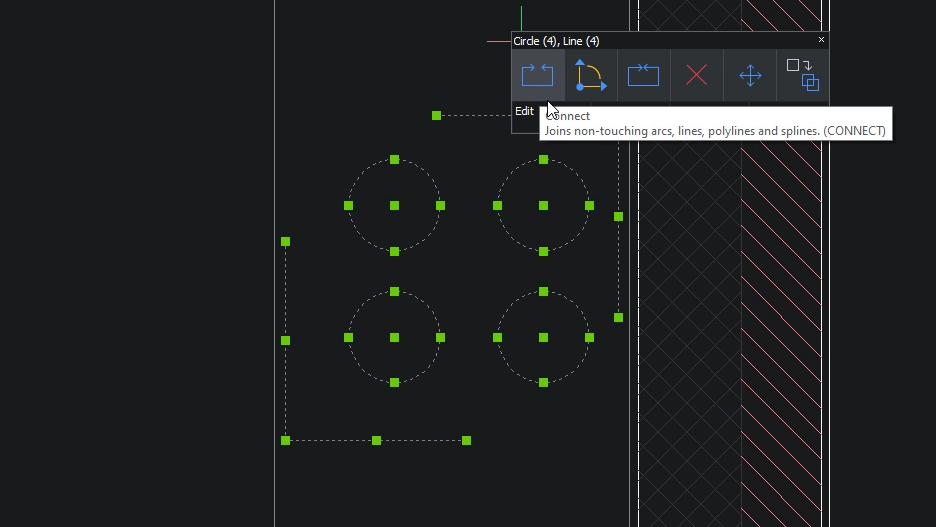
BricsCAD interface showing four selected circles with a Connect tool tooltip explaining it joins non-touching arcs, lines, polylines and splines.

NEW

CONNECT

CONNECT 명령은 터치하지 않는 두 객체를 결합합니다.
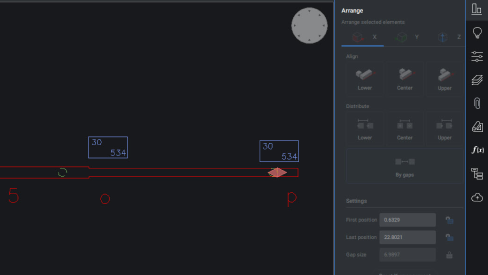
BricsCAD interface showing the Arrange panel with two dimension annotations aligned along a horizontal line in a 2D drawing.

ENHANCED

ARRANGE

새로운 사용자 인터페이스와 성능 향상은 ARRANGE 명령의 사용성을 향상 시킵니다.
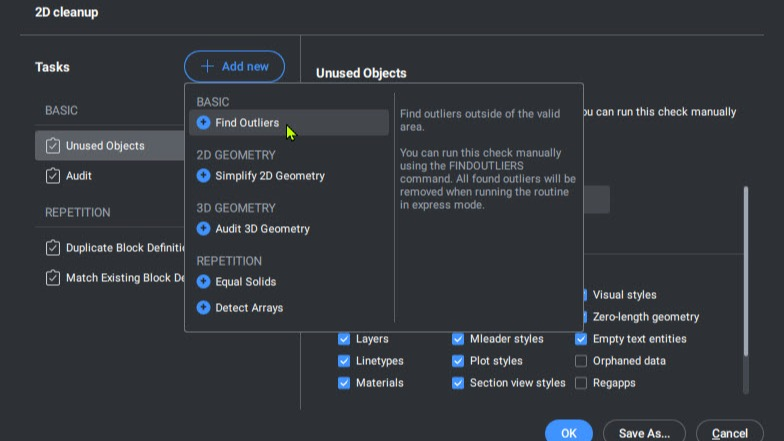
BricsCAD 2D Cleanup panel showing the Add New task dropdown menu with options like Find Outliers and Simplify 2D Geometry.

ENHANCED

FINDOUTLIERS

FINDOUTLIERS 명령은 사용자가 기본 도면 영역 외부에 있는 흩어진 데이터를 찾는데 도움을 주어 그래픽 성능을 향상 시킵니다.
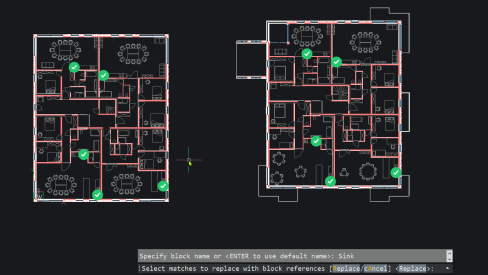
BricsCAD interface showing two office floor plans with block references highlighted, and a command prompt for replacing sink blocks.

ENHANCED

BLOCKIFY

BLOCKIFY는 이제 새로운 대칭 감지 엔진 덕분에 반복적인 요소를 보다 정확하게 감지합니다.