AI CAD Software
Intelligent design tools for faster engineering
* Free 30-day trial, no credit card required.
Bricscad AI
Smarter CAD for every workflow
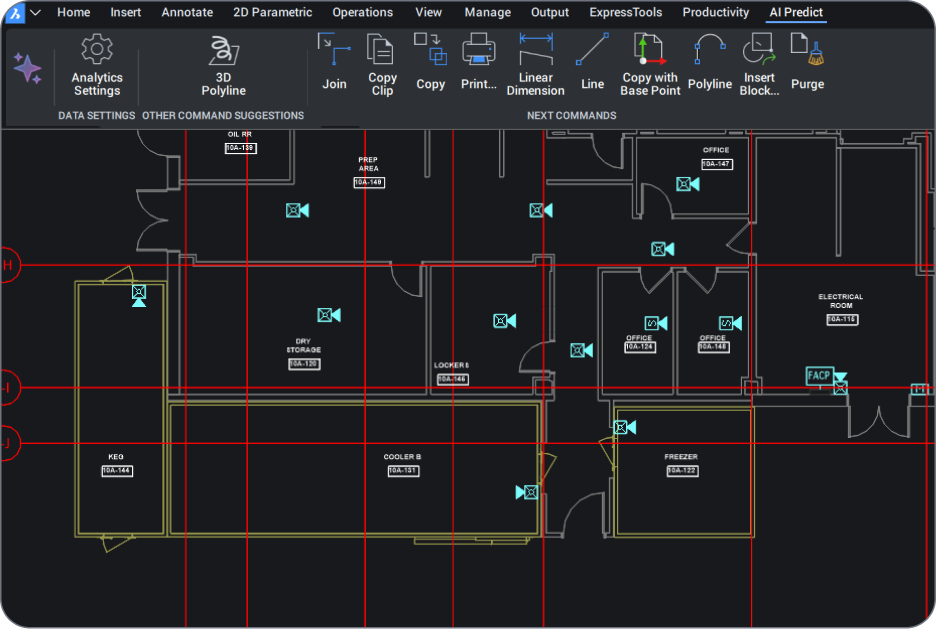
BricsCAD's AI CAD software transforms engineering and design workflows with intelligent, machine learning-powered tools that predict commands, automate repetitive tasks, and optimize designs in real-time.
Unlike expensive AI CAD design tools that restrict advanced features to premium tiers, BricsCAD includes AI-powered capabilities across all product levels - from Lite to Ultimate.
AI CAD Workflows
AI CAD in BricsCAD
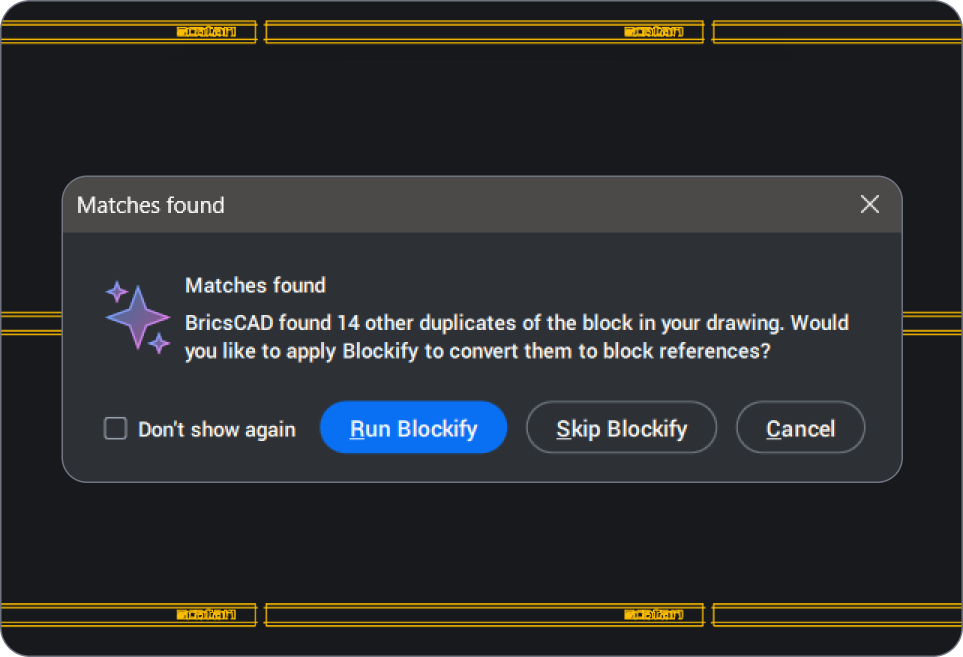
BricsCAD combines AI-powered automation with professional CAD tools to help engineers and designers work faster and reduce repetitive tasks while improving design accuracy. Intelligent features built directly into BricsCAD streamline drafting, modeling, BIM classification, and documentation without disrupting familiar DWG-based workflows.
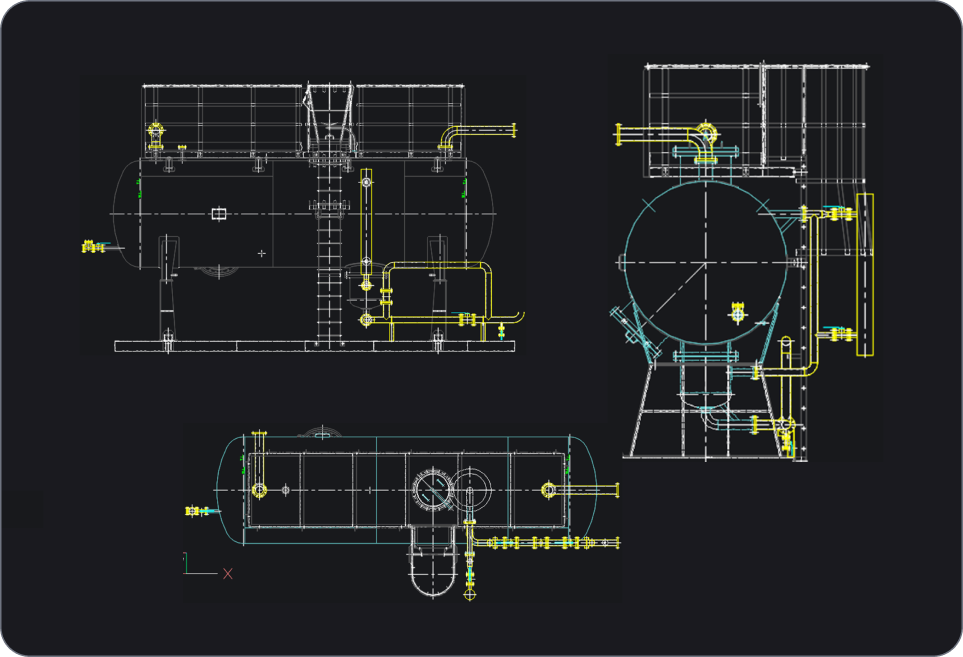
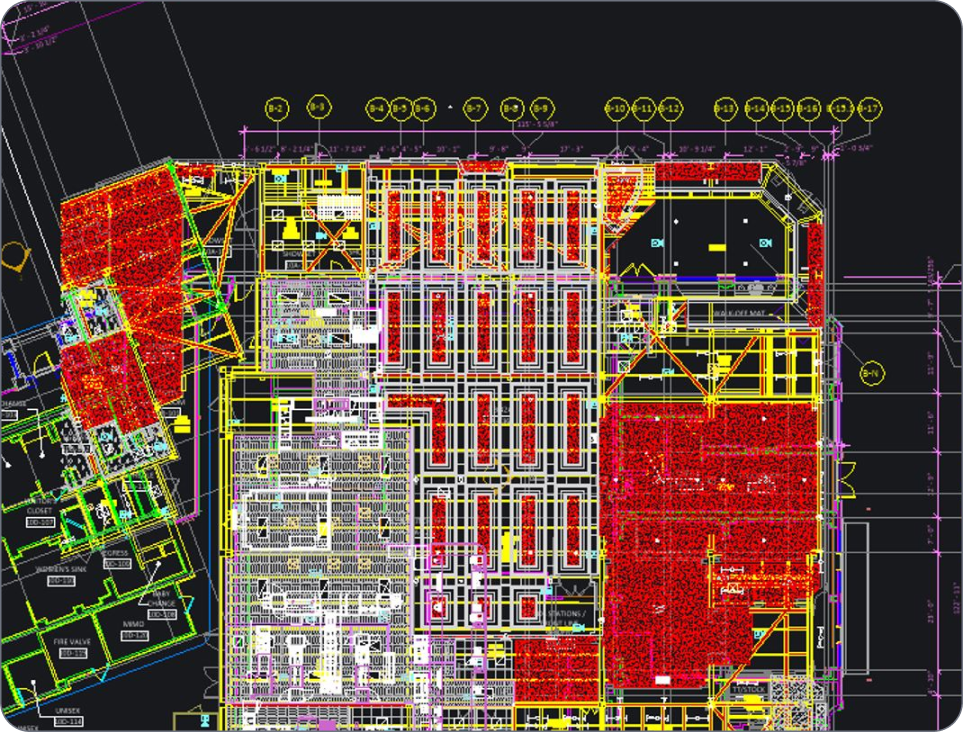
In BricsCAD, intelligent design tools can recognize geometry, automate repetitive modeling tasks, classify BIM elements, optimize drawings, and accelerate 2D and 3D workflows. Less time is spent on manual edits, which means more time for engineering and design.
AI CAD capabilities in BricsCAD
Key intelligent design capabilities in BricsCAD include:
- Automated drawing and geometry recognition
- AI-assisted BIM classification and modeling
- Parametric and rule-based design automation
- Automated drawing cleanup and optimization
- Faster 2D drafting and 3D modeling workflows
- Intelligent mechanical design and assembly tools
- Improved documentation consistency and productivity
BricsCAD has intelligent functionality across its product portfolio, helping teams improve productivity without adding unnecessary complexity.
Pourquoi faire confiance à BricsCAD ?
AI CAD software capabilities in BricsCAD
Modern design demands more than traditional CAD. BricsCAD's AI CAD software delivers intelligent automation that transforms how designers, engineers, and architects work. Our CAD AI capabilities predict commands, optimize drawings, and automate repetitive tasks, allowing you to focus on design intent rather than manual processes.

Optimisation des dessins pilotée par l'IA

Prédiction intelligente des commandes

Apprentissage adaptatif
Découvrir BricsCAD
Un logiciel de CAO
qui répond à tous vos besoins de conception
BricsCAD aide les experts à créer des représentations plus précises. La CAO a remplacé le dessin 2D manuel en améliorant le développement, la flexibilité et l'optimisation des projets. Les ingénieurs peuvent ainsi créer des plans plus détaillés et les manipuler en toute liberté de manière virtuelle. Le logiciel de CAO se charge en plus de vérifier les interferences entre les différents matériaux.
BricsCAD intègre la meilleure suite d'outils pour répondre à vos besoins de conception. Des premières étapes du Dessin 2D aux Modèles 3D finis utilisés pour la fabrication ou la construction, notre robuste ensemble de produits facilite la création d'un flux de travail rationalisé.


BricsCAD AI explained
BricsCAD’s AI features in action
AI CAD software combines computer-aided design with intelligent automation to help teams work faster and cut down on repetitive tasks. Features like automated drawing cleanup and AI-assisted modeling streamline workflows, so engineers and designers spend more time solving problems and less time on manual edits - all within the familiar, DWG-based environment of BricsCAD.
How does BricsCAD use Al?
We create unique, intelligent tools to enhance your CAD workflows. These AI-driven productivity tools include commands for:
· Quick 2D and 3D editing
· Drawing optimization
· BIM element classification
· Analyzing mechanical assemblies, parts and more
How does BricsCAD’s AI Predict work?
Will AI replace CAD design?
How is AI used in CAD?
What industries benefit most from AI CAD tools?
Can AI CAD software reduce design errors and improve accuracy?
How does BricsCAD AI compare to traditional CAD tools?

Besoin d'un coup de pouce ?
You can’t find what you’re looking for?
From the official BricsCAD logo set to the latest press releases, we are here to help.

Consultez le Centre d'aide de BricsCAD
Vous avez des questions spécifiques ? Consultez des articles d'aide, des tutoriels et des références de commandes.

Contactez le support
Vous ne trouvez pas réponse à votre question ? Contactez l'équipe de support de Bricsys.

Contactez le service commercial
Vous avez des questions sur BricsCAD ou avez besoin d'aide pour choisir le niveau de produit BricsCAD le mieux adapté à votre entreprise ? Nous sommes là pour vous aider. Contactez-nous et nous vous répondrons au plus vite.
FAQ
Foire aux questions
What's included in the BricsCAD free trial?
The trial gives you full access to BricsCAD Ultimate for 30 days, which means every feature of the lower editions - Lite, Pro, BIM and Mechanical - is unlocked too. No credit card required. After thirty days, you can purchase a license to keep using the full product (no reinstall needed; you simply enter your key in the License Manager).
Can I switch between different BricsCAD license levels during the trial?
How do I download and install BricsCAD?
What are the system requirements for BricsCAD?
What should I do if I encounter issues during installation?
Can I install BricsCAD on multiple devices?
Is BricsCAD compatible with DWG files?
Can I use BricsCAD for both 2D drafting and 3D modeling?
Where can I find tutorials or training for BricsCAD?
Évaluation de 30 jours
Créez de nouvelles conceptions
dans BricsCAD dès aujourd'hui !
