AI CAD Software
Intelligent design tools for faster engineering
* Free 30-day trial, no credit card required.
Bricscad AI
Smarter CAD for every workflow
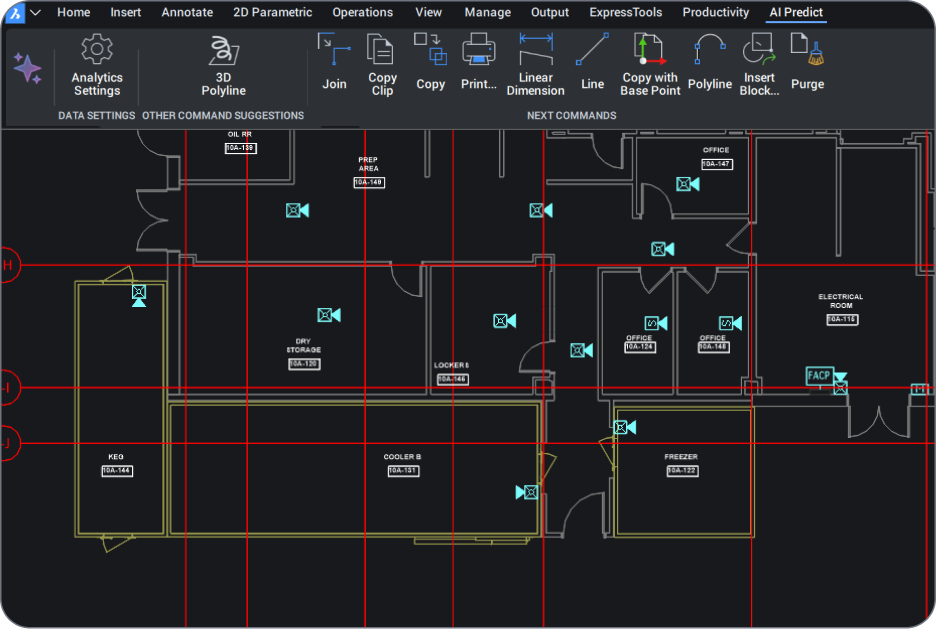
BricsCAD's AI CAD software transforms engineering and design workflows with intelligent, machine learning-powered tools that predict commands, automate repetitive tasks, and optimize designs in real-time.
Unlike expensive AI CAD design tools that restrict advanced features to premium tiers, BricsCAD includes AI-powered capabilities across all product levels - from Lite to Ultimate.
AI CAD Workflows
AI CAD in BricsCAD
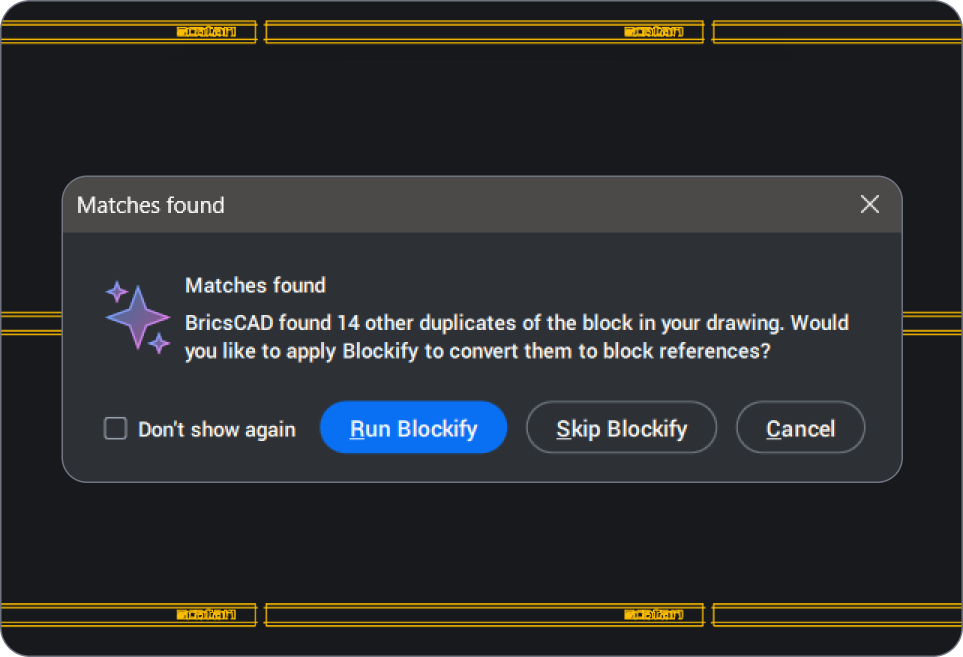
BricsCAD combines AI-powered automation with professional CAD tools to help engineers and designers work faster and reduce repetitive tasks while improving design accuracy. Intelligent features built directly into BricsCAD streamline drafting, modeling, BIM classification, and documentation without disrupting familiar DWG-based workflows.
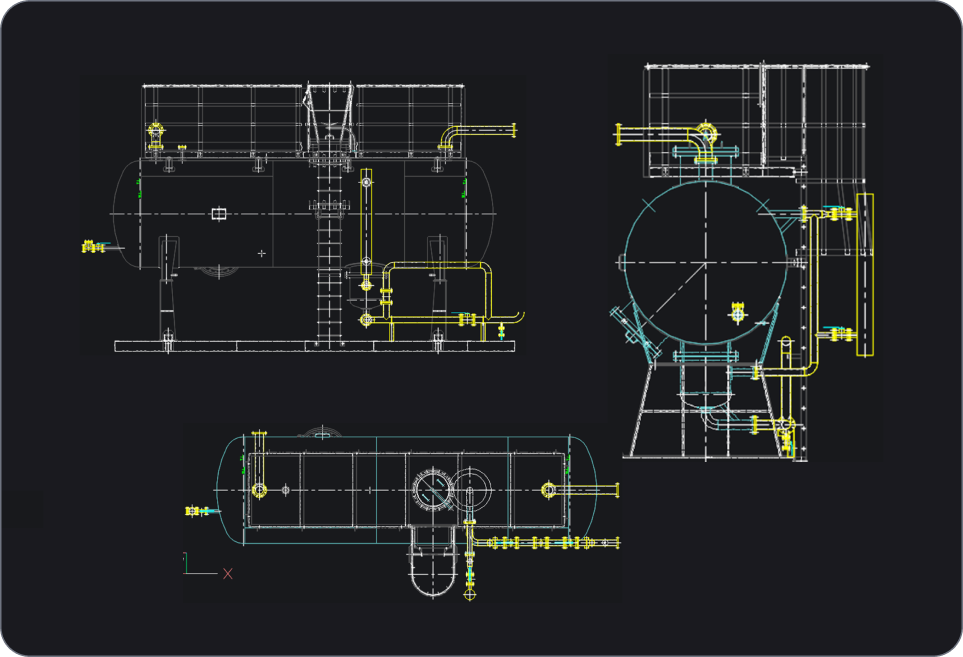
In BricsCAD, intelligent design tools can recognize geometry, automate repetitive modeling tasks, classify BIM elements, optimize drawings, and accelerate 2D and 3D workflows. Less time is spent on manual edits, which means more time for engineering and design.
AI CAD capabilities in BricsCAD
Key intelligent design capabilities in BricsCAD include:
- Automated drawing and geometry recognition
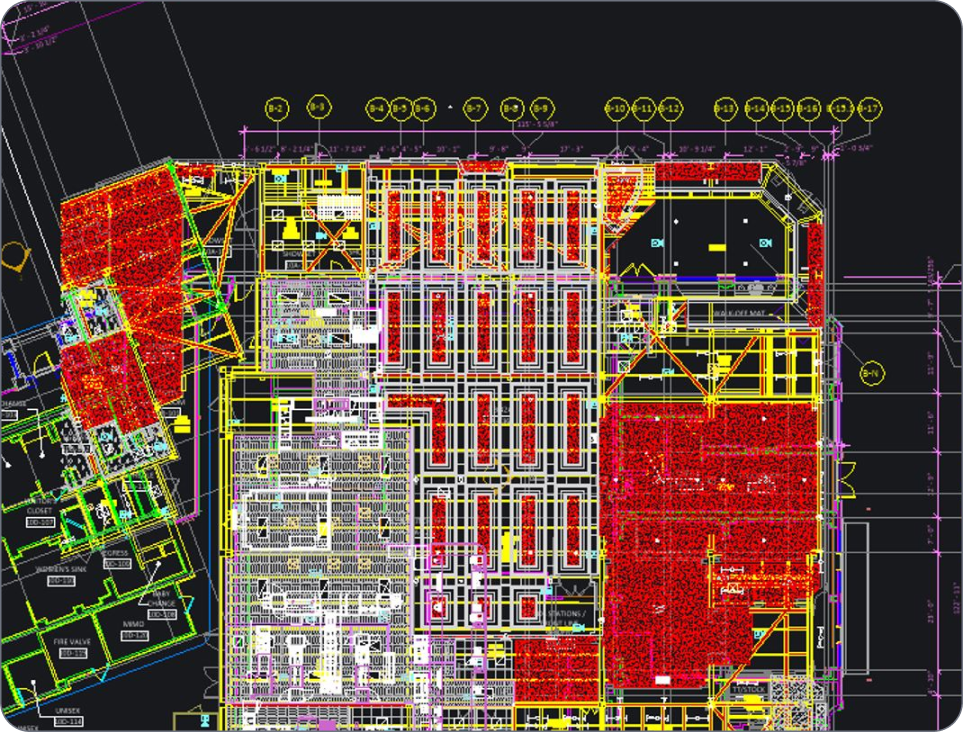
- AI-assisted BIM classification and modeling
- Parametric and rule-based design automation
- Automated drawing cleanup and optimization
- Faster 2D drafting and 3D modeling workflows
- Intelligent mechanical design and assembly tools
- Improved documentation consistency and productivity
BricsCAD has intelligent functionality across its product portfolio, helping teams improve productivity without adding unnecessary complexity.
Czemu BricsCAD?
AI CAD software capabilities in BricsCAD
Modern design demands more than traditional CAD. BricsCAD's AI CAD software delivers intelligent automation that transforms how designers, engineers, and architects work. Our CAD AI capabilities predict commands, optimize drawings, and automate repetitive tasks, allowing you to focus on design intent rather than manual processes.

Optymalizacja projektu oparta na sztucznej inteligencji

Inteligentne przewidywanie poleceń

Adaptacyjne uczenie się
Odkrywaj BricsCAD
Oprogramowanie CAD dostosowane do potrzeb projektowych
BricsCAD umożliwia ekspertom tworzenie dokładniejszych reprezentacji projektowych. CAD zastąpił ręczne projektowanie, umożliwiając lepszy rozwój, zmiany i optymalizację. BricsCAD umożliwia inżynierom tworzenie bardziej szczegółowych projektów i manipulowanie nimi wirtualnie. Oprogramowanie CAD oblicza wzajemne relacje między wieloma materiałami.
BricsCAD zaprojektował najlepszy zestaw narzędzi, aby spełnić Twoje potrzeby projektowe. Od najwcześniejszych etapów rysowania 2D po sfinalizowane modele 3D wykorzystywane do produkcji lub budowy, nasz solidny zestaw produktów ułatwia tworzenie usprawnionego przepływu pracy.


BricsCAD AI explained
BricsCAD’s AI features in action
AI CAD software combines computer-aided design with intelligent automation to help teams work faster and cut down on repetitive tasks. Features like automated drawing cleanup and AI-assisted modeling streamline workflows, so engineers and designers spend more time solving problems and less time on manual edits - all within the familiar, DWG-based environment of BricsCAD.
How does BricsCAD use Al?
We create unique, intelligent tools to enhance your CAD workflows. These AI-driven productivity tools include commands for:
· Quick 2D and 3D editing
· Drawing optimization
· BIM element classification
· Analyzing mechanical assemblies, parts and more
How does BricsCAD’s AI Predict work?
Will AI replace CAD design?
How is AI used in CAD?
What industries benefit most from AI CAD tools?
Can AI CAD software reduce design errors and improve accuracy?
How does BricsCAD AI compare to traditional CAD tools?

Potrzebujesz więcej pomocy?
You can’t find what you’re looking for?
From the official BricsCAD logo set to the latest press releases, we are here to help.

Sprawdź Centrum pomocy BricsCAD
Masz konkretne pytania? Przeszukuj artykuły pomocy, samouczki i odnośniki do poleceń

Skontaktuj się z pomocą techniczną
Nie znalazłeś tego, czego szukałeś? Skontaktuj się z pomocą techniczną Bricsys

Skontaktuj się z Działem Sprzedaży
Pytania dotyczące programu BricsCAD lub poziomu licencji BricsCAD, która jest odpowiednia dla Twojej firmy? Jesteśmy tutaj, aby pomóc. Skontaktuj się z nami, a my odpowiemy tak szybko, jak to możliwe.
FAQ's
Często Zadawane Pytania
What's included in the BricsCAD free trial?
The trial gives you full access to BricsCAD Ultimate for 30 days, which means every feature of the lower editions - Lite, Pro, BIM and Mechanical - is unlocked too. No credit card required. After thirty days, you can purchase a license to keep using the full product (no reinstall needed; you simply enter your key in the License Manager).
Can I switch between different BricsCAD license levels during the trial?
How do I download and install BricsCAD?
What are the system requirements for BricsCAD?
What should I do if I encounter issues during installation?
Can I install BricsCAD on multiple devices?
Is BricsCAD compatible with DWG files?
Can I use BricsCAD for both 2D drafting and 3D modeling?
Where can I find tutorials or training for BricsCAD?
30-dniowy okres próbny
Zacznij projektować
w BricsCAD już dziś!
