BricsCAD V27
デザインから生産までの流れをスピードアップする新たな機能
デザインから生産までの流れをスピードアップする新たな機能
最新機能
BricsCAD V27 の新機能
一般的な設計、ファイルの作成とインポート、図面の最適化と編集、詳細図作成と注釈、および公開に関する新機能や機能強化が盛り込まれています。反復作業を削減し、設計から完成図面までのプロセスをよりスムーズに進めるのに役立つ最新機能についてご紹介します。
フィルター:
BricsCAD Lite
強化
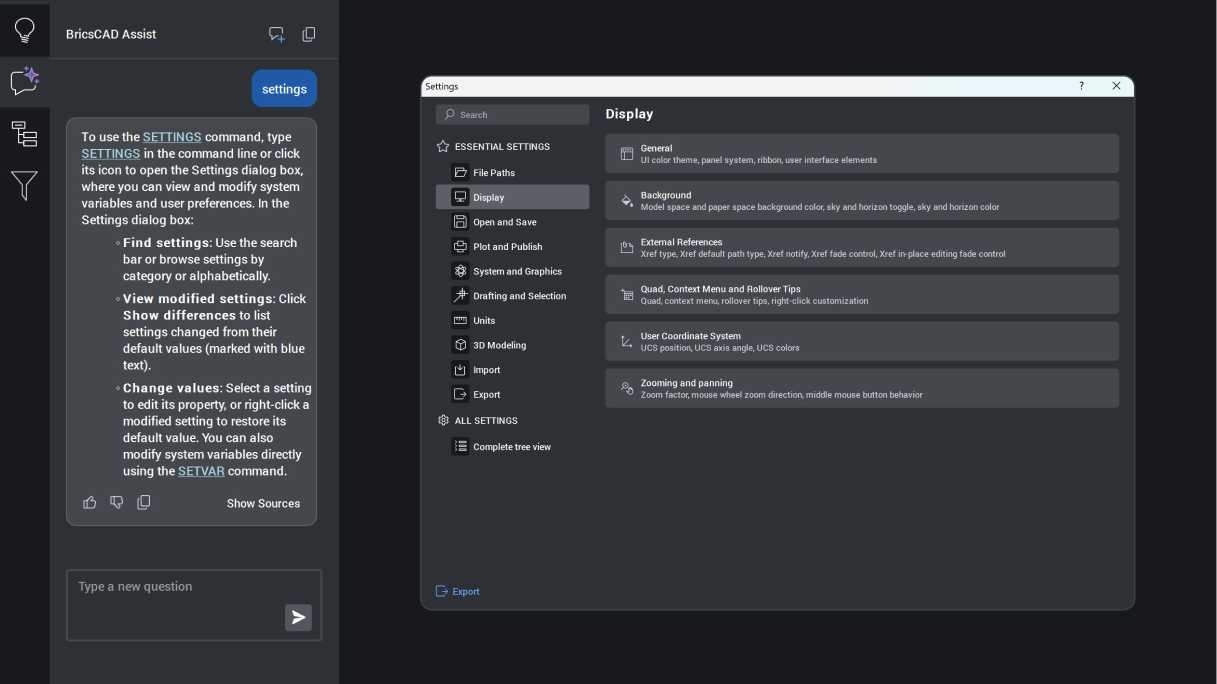
BricsCAD Assist
AI‑driven chat panel that helps users quickly find documentation, how‑to tips, and guidance, all integrated directly into the BricsCAD interface.
Unique to BricsCAD
BricsCAD Lite
実験的
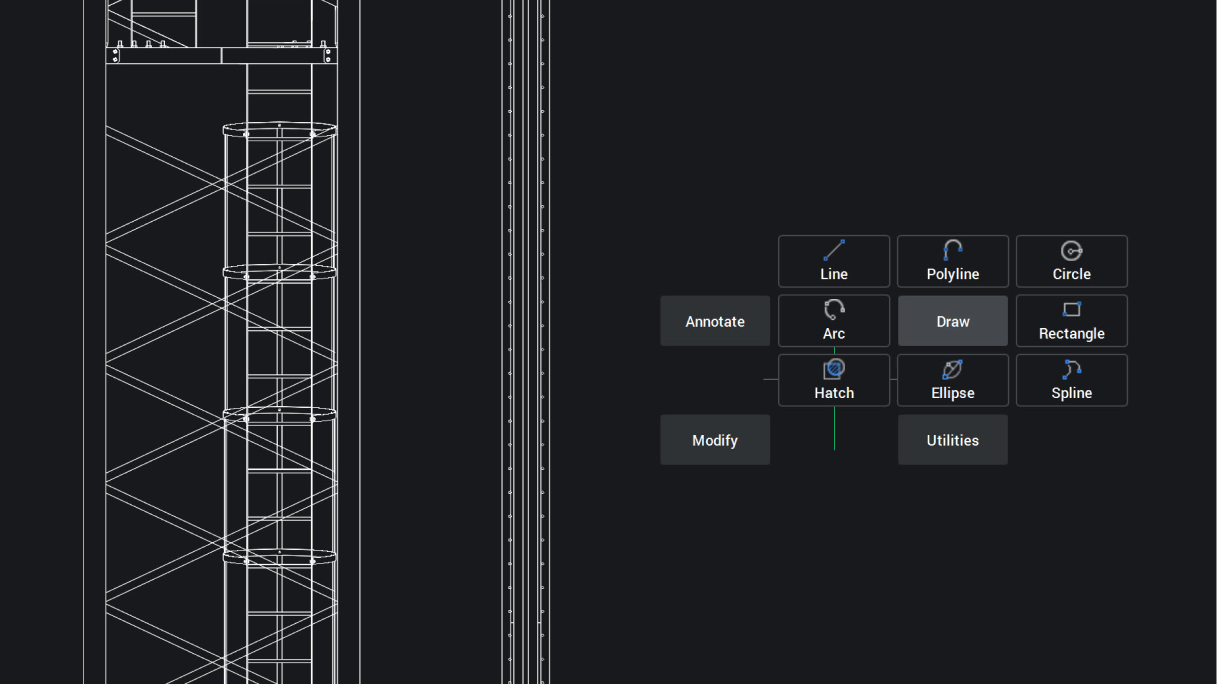
クアッドカーソルマーキングメニュー
クアッドは、2Dエンティティに対するマーキングメニュージェスチャーを提供するようになり、状況に応じたコマンドとのより迅速で予測可能なインタラクションを可能にし、生産性を向上させます。
BricsCADに固有
BricsCAD Lite
NEW
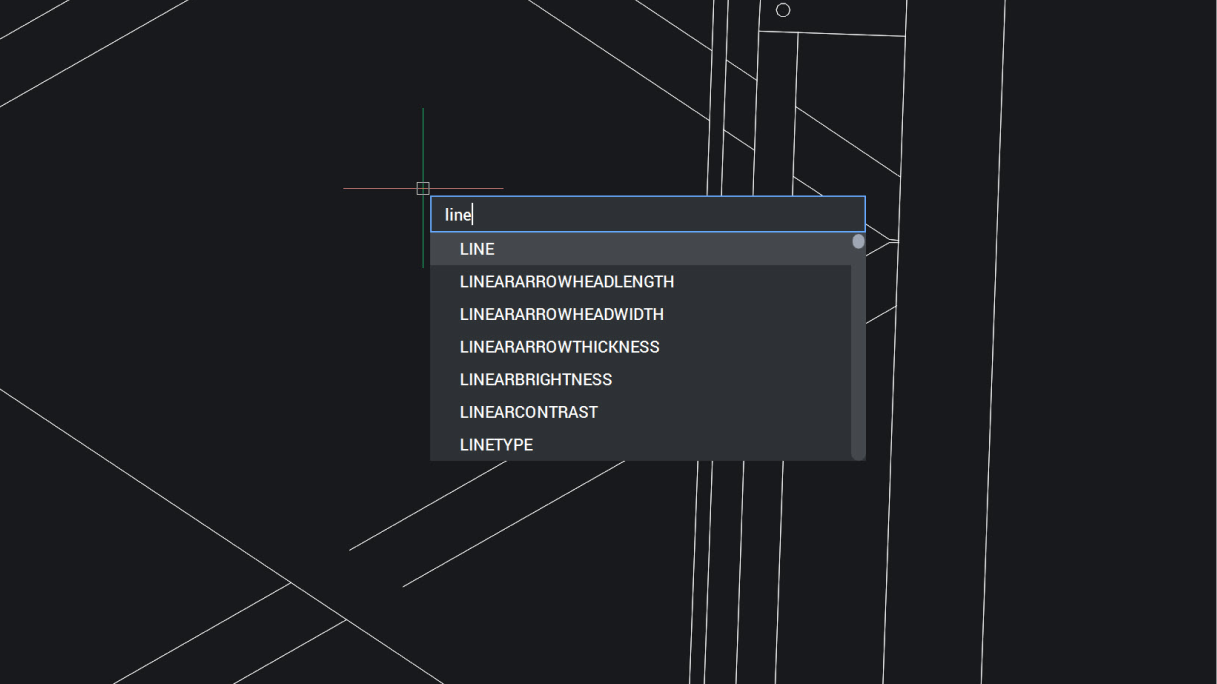
カーソル位置でのダイナミック入力
ダイナミック入力はカーソル位置に情報を表示するため、コマンドラインではなく作業に集中でき、より速く正確な入力が可能になります。
BricsCAD Lite
強化
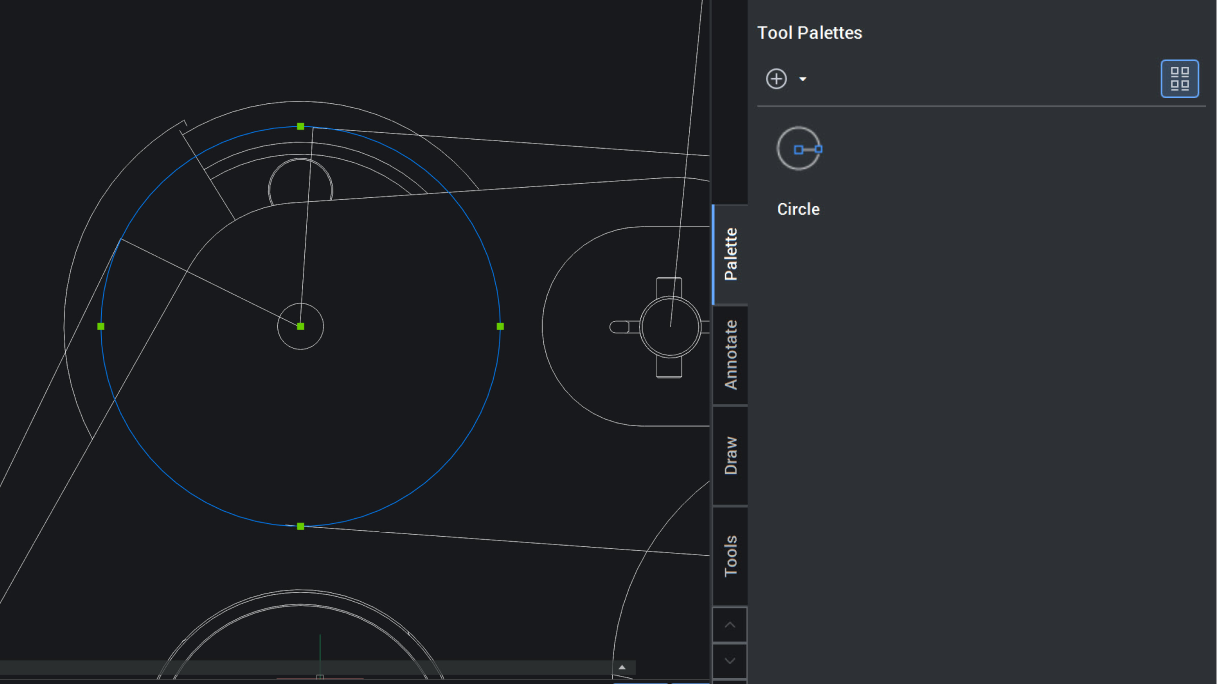
カスタマイズ可能なツールパレット
モデル空間から直接ツールパレットを素早くカスタマイズできるため、セットアップ時間と労力を削減し、よく使うツールにすばやくアクセスできます。
BricsCAD Pro
強化
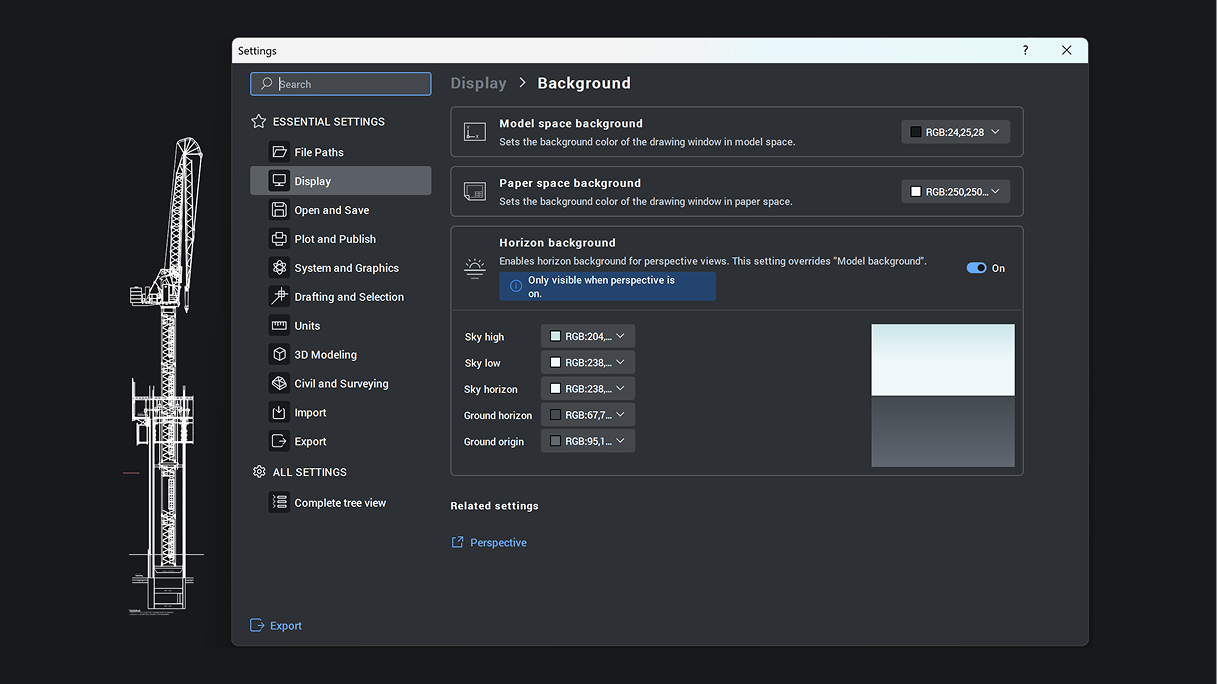
設定ダイアログ
重要な設定項目をタブで整理し、検索可能なインターフェース。変更された設定のみを表示し、一つずつリセットするか、完全にデフォルト設定に戻すかを選択できます。
BricsCAD V27.
Get the latest version