Join us live. BricsCAD V27 launching in 00:00:00

今すぐ登録

2026年10月20日 16:00~17:00(中央ヨーロッパ時間)

BricsCAD V27

オンラインイベントにご参加いただき、最新バージョンが設計から完成図面までの作業をいかに迅速かつスムーズに進めるのに役立つか、ご覧ください。

* 英語でのイベントとなります。
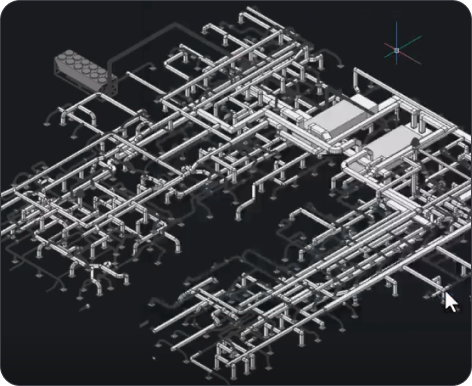
BricsCAD 3D CAD model showing a complex isometric piping and mechanical system layout on a dark background.
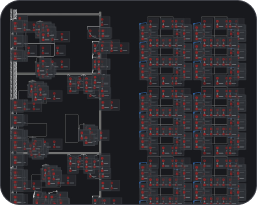
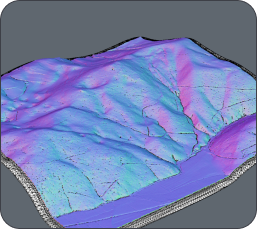
BricsCAD interface showing a dark-themed CAD drawing with floor plans and building layouts displayed in red and white lines.3D terrain model with colorful surface visualization in shades of purple, blue, and pink, showing elevation and topographic details.
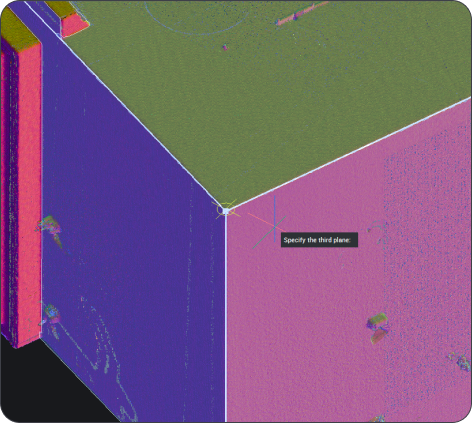
BricsCAD 3D point cloud scan of a building corner with a "Specify the third plane" prompt visible.
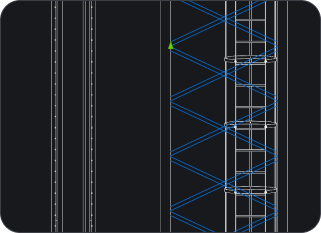
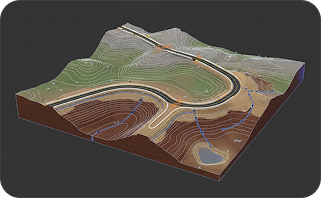
CAD drawing showing vertical structural elements with diagonal bracing patterns highlighted in blue on a dark background.3D terrain model showing an open-pit mine with winding roads, contour lines, and geological layers on a dark background.

オンライン発売

学習内容

A magnifying glass icon with a bell inside, suggesting notifications or alerts, on a dark background.

CADでより速く作業する方法

お客様からのフィードバックに基づいて改善されたBricsCAD V27の特長をご覧ください。2Dパフォーマンスの向上、よりスマートな図面健全性ツール、強化された寸法記入機能、ダイナミック入力など、様々な機能が追加されています。

White magnifying glass icon centered on a dark rounded rectangle background, representing a search function.

ワークフローの連携をさらに強化する方法

チームが使用するデータ形式やファイル形式へのサポートが拡張され、既存の図面、モデル、ライブラリをBricsCADに簡単に取り込めるようになった互換性の向上についてもご確認ください。

White outline icon of two people on a dark background, representing a group or community.

V27が実際に動作している様子

当社の製品ラインナップ全体にわたるライブデモをご覧いただき、BricsCAD Assistの概要をご確認の上、製品チームに直接ご質問ください。

登録する

ローンチイベントへの参加を今すぐ予約!

BricsCAD V27が真のCAD代替手段である理由をご覧ください。