BricsCADより多くの成果を、より少ないコストで。9月30日まで15%オフ。⏰

キャンペーンお申込

検索

BricsCADへようこそ
業界で選ばれる代替CAD

インターフェイスのカスタマイズからワークフローを加速する独自の機能のテストまで、BricsCAD トライアルを最大限に活用するための 5 つのステップ
旅を始めましょう
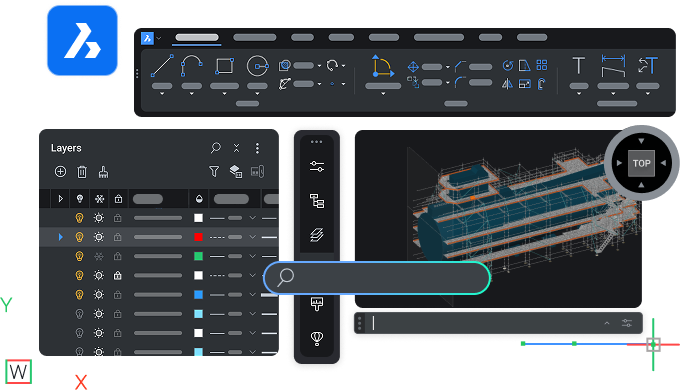
BricsCAD interface showing toolbar, layers panel, and a 3D model of a ship viewed from the top perspective.

始めましょう

BricsCADのはじめの一歩

N°1 download - Icon - White

BricsCADに慣れる

自分のペースで BricsCAD を学習し、主要な機能を理解しましょう。

N°2 user questions - Icon - White

質問への回答を見つける

製品ドキュメントを読み、BricsCAD サポートにお問い合わせください。

N°3 personalize workspace - Icon - White

BricsCADを好みに合わせて設定

カスタマイズやその他のファイルを BricsCAD に移行し、ワークスペースをカスタマイズします。

N°4 true CAD alternative  - Icon - White

真のCAD代替品を発見

BricsCAD の独自の機能をテストして、設計から製造までのプロセスを加速します。

N°5 rocket  - Icon - White

最適なライセンスを選択してください

BricsCAD のライセンス オプションと製品レベルを比較して、最適なものを選択してください。

Step 1

BricsCADに慣れる

お役立ち情報

Graphic showing AutoCAD logo vs BricsCAD logo with V26 NEW badges, highlighting a software comparison.

AutoCAD ®からBricsCADへ

AutoCAD ®と BricsCAD の主な類似点と相違点。

Illustration of a monitor with a refresh and lightning bolt icon, a cursor, labeled V26 NEW on dark background.

BricsCADの必須基礎

BricsCAD の主な機能と機能の簡単な概要。

White icon of a .dwg file on a dark background, representing a CAD drawing file format.

機能比較

BricsCAD の機能の包括的なリスト(製品レベル別、AutoCAD ®との比較)。

Step 2

質問への回答を見つける

ヘルプ センターやブログで BricsCAD について詳しく学び、フォーラムで他のユーザーと交流しましょう。
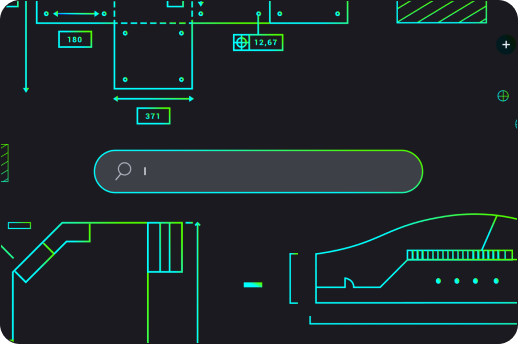
BricsCAD interface showing a dark-themed 2D mechanical drawing with a search bar overlay and cyan-green technical components.

お役立ち情報

White icon of a wrench and screwdriver crossed over each other on a dark background, symbolizing tools or settings.

ヘルプセンター

製品ドキュメント、コマンド リファレンス、ナレッジ ベース、およびその他の技術リソース。

White line illustration of a webpage wireframe with placeholder image and text blocks on a dark background.

ブログ

最新のツールを最大限に活用して、より速く、よりスマートに作業するためのヒントとコツ。

White line icons on dark background showing two chat bubbles and a content card, representing communication or messaging.

フォーラム

各分野のベストプラクティスを共有する BricsCAD ユーザーのコミュニティ。

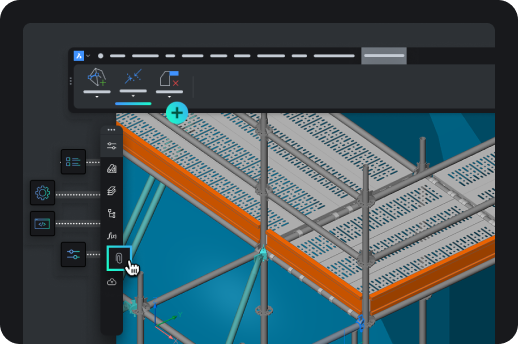
BricsCAD interface showing a 3D isometric model of an industrial shelving or scaffolding structure with toolbar icons.

Step 3

BricsCADを好みに合わせて設定

お気に入りのツールと設定をワークスペースに含めます。

お役立ち情報
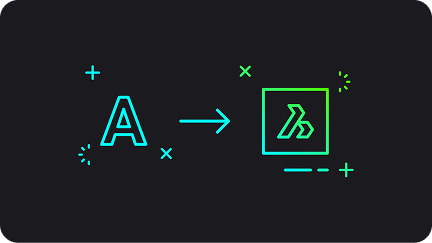
An arrow pointing from the AutoCAD letter A icon to the BricsCAD logo, symbolizing migration from AutoCAD to BricsCAD.

BricsCADへの移行

AutoCAD® から BricsCAD にカスタム設定やその他のファイルを移行できます。

Icon showing a browser window with a pencil, rendered in teal and green on a dark background.

BricsCAD カスタマイズ

インターフェース設定などを通じてワークスペースをカスタマイズします。

Six neon icons on dark background: location pin, factory, road curve, structure frame, gear, and fan, representing CAD industry use cases.

サードパーティ製アプリケーション

お気に入りのツールを統合してワークフローを拡張し、業界に合わせたカスタマイズを追加します。

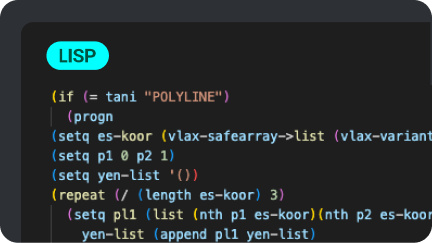
A dark-themed code editor displaying a LISP script for processing polyline data in BricsCAD, using colorful syntax highlighting.

Lispルーチン

BricsCAD で LISP ルーチンを移行、作成、カスタマイズします。

Step 4

業界で選ばれる代替CAD

BricsCAD が業界で選ばれる代替CADとなる理由である、独自の機能と AI ベースのツールをお試しください。
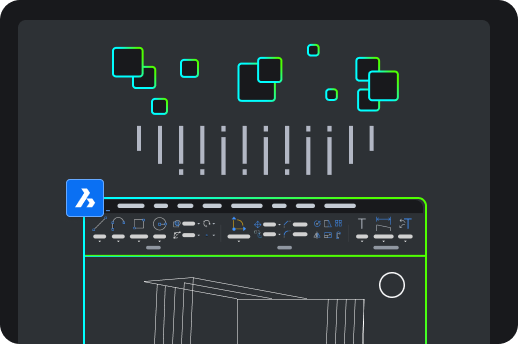
BricsCAD interface showing a 2D architectural drawing with toolbar, green square icons, and the BricsCAD logo on dark background.

お役立ち情報

Six paper planes growing in size, with the largest transforming into a rocket, symbolizing growth and progression.

BricsCADの利点

システム構成から高度な 2D 描画および 3D モデリング ツールに至るまで、BricsCAD の主な利点をご紹介します。

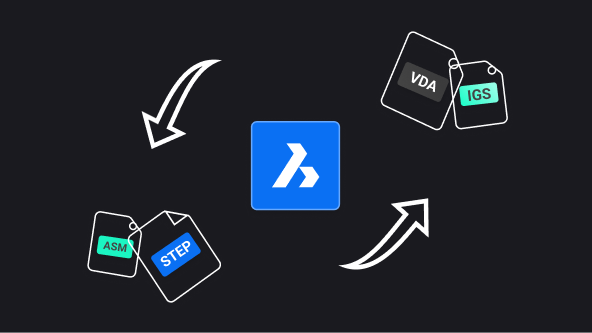
BricsCAD logo centered with arrows showing file format conversion between ASM, STEP, VDA, and IGS formats.

Communicator for BricsCAD

他の主要な CAD ソフトウェアからモデルと PMI データをインポート/エクスポートします。

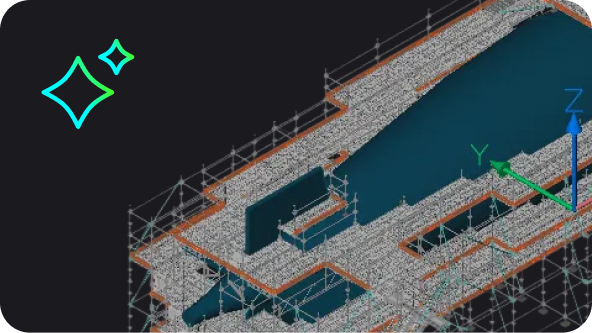
BricsCAD 3D model of a large industrial or architectural structure with scaffolding, shown in isometric view.

BricsCADのAI駆動ツール

BricsCAD の AI と機械学習が、クリック数を減らし、ファイルを素早く修正し、時間を節約するのにどのように役立つかを説明します。

BricsCAD Lite purchase illustration showing a shopping cart with app icons and a Buy Now button on a product page.

Step 5

自分に合ったライセンスを選ぶ

製品レベルを比較し、ライセンス プランを確認し、ご質問があればお問い合わせください。
お役立ち情報

Abstract UI illustration showing a dark-themed selection panel with radio button options, one highlighted in blue with a cyan accent.

フレキシブルなライセンス体系

製品レベルとライセンスオプションを調べる。

White outline icon of an open envelope with a document showing an at symbol, on a dark background.

パーソナライズされたサポート

まだご不明な点はありますか? 弊社の営業チームまでお問い合わせください。

White icon on dark background showing a location pin with two speech bubbles containing ellipsis dots, symbolizing local support or chat.

公式パートナー

お住まいの地域の販売代理店を探す