BricsCAD V27が利用可能になりました

新機能を確認

BricsCAD® V23の新機能

最新のV23では、これまでご利用頂いてきたツールや機能の改善、生産性をさらに高める新機能やUIが追加されています。

BricsCADをダウンロード

* 30日間の無料トライアルを開始、クレジットカードは不要です。

BricsCAD V23.2 splash screen with logo, version number, and an abstract blue wave graphic.

機能性・互換性の向上

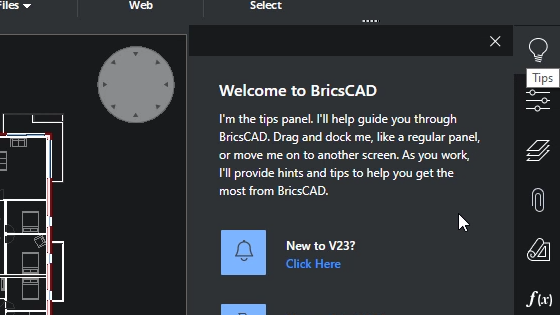
BricsCAD welcome tips panel overlay on a floor plan drawing, introducing the tips feature and a "New to V23?" prompt.

強化

既成概念にとらわれない新しい体験

BricsCADの新規インストールのための直感的なセットアップによるユーザーエクスペリエンスの向上
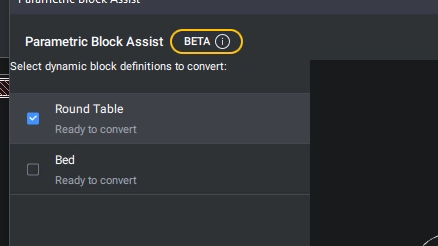
BricsCAD Parametric Block Assist panel in beta, showing Round Table and Bed blocks ready to convert.

NEW

ダイナミックブロックコンバータ

PARAMETRICBLOCKASSISTコマンドは、動的ブロックをBricsCADの上位のパラメトリックブロックに変換します。(ベータ版)
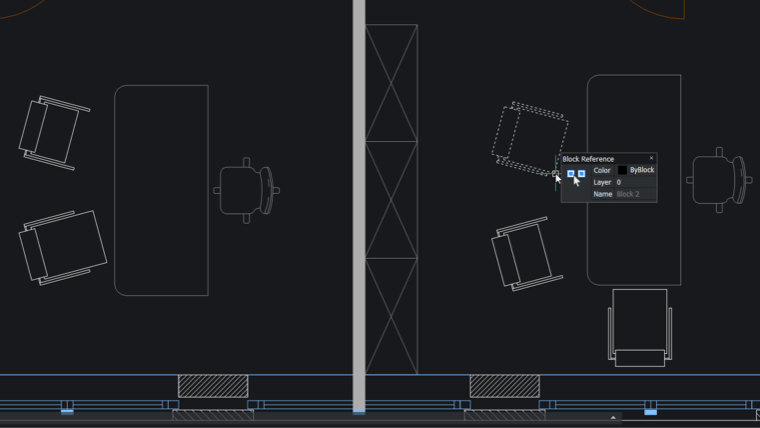
BricsCAD interface showing a 2D floor plan with furniture blocks and a Block Reference properties panel displaying Block 2.

NEW

2D ジオメトリのパラメトリック ブロック化

[パラメトリック ブロック化]コマンドは、2D パラメータ、拘束、およびフリップ ラインを持つパラメトリック ブロックのプレーンな 2D ジオメトリ バリエーションを認識するようになりました。
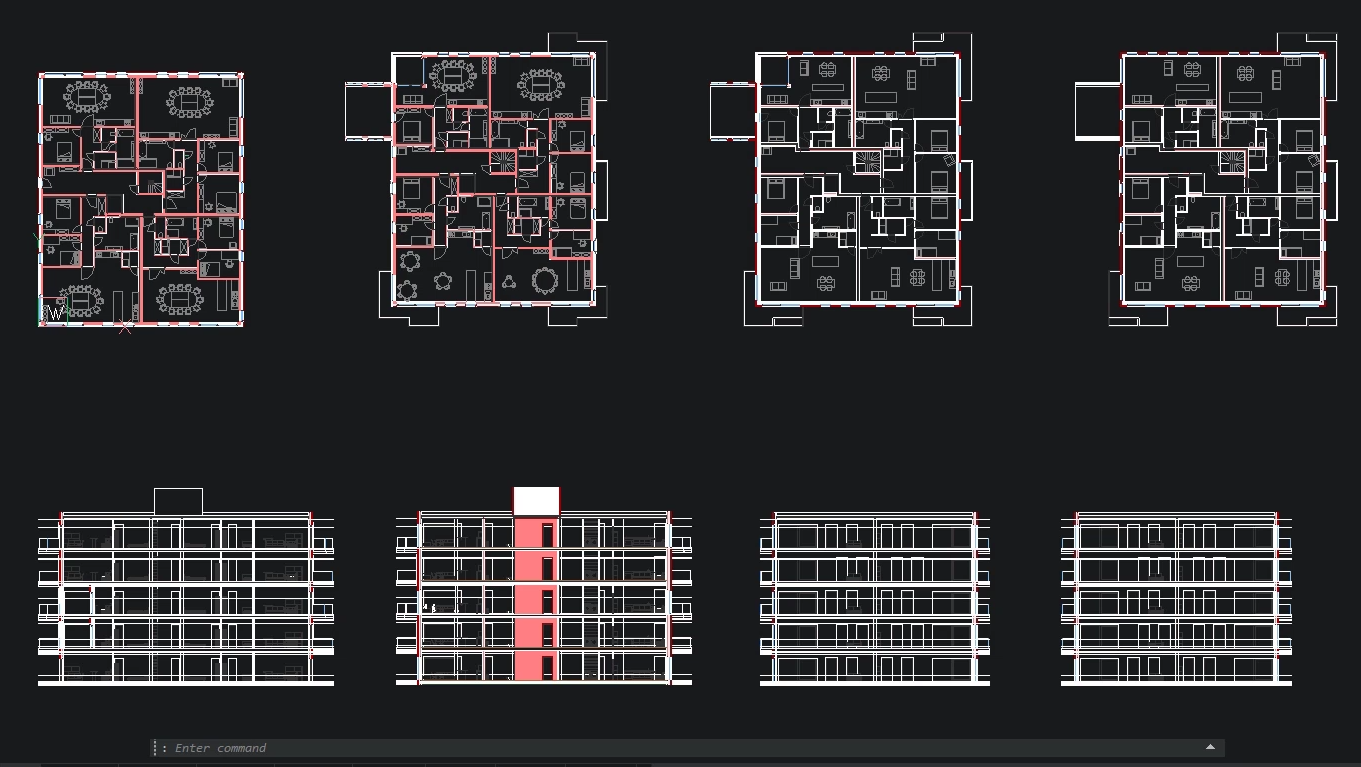
BricsCAD interface showing multiple building floor plans and facade elevations with highlighted sections in red.

強化

大きな表の性能

大きな表を操作する際の使いやすさとパフォーマンスの向上
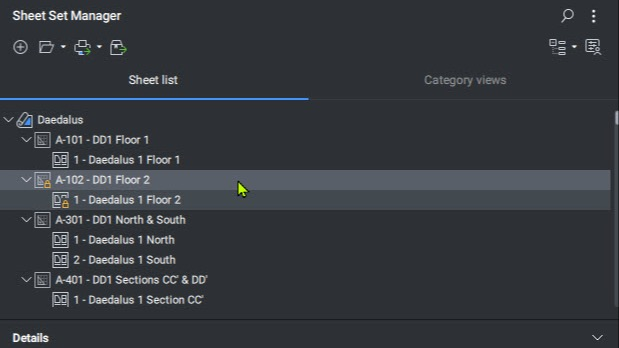
BricsCAD Sheet Set Manager panel showing a sheet list for the Daedalus project with floor plans and sections.

強化

シートセット管理

SHEETSET[シートセット管理]コマンドには、時間を節約できるさまざまな新機能が用意されています。
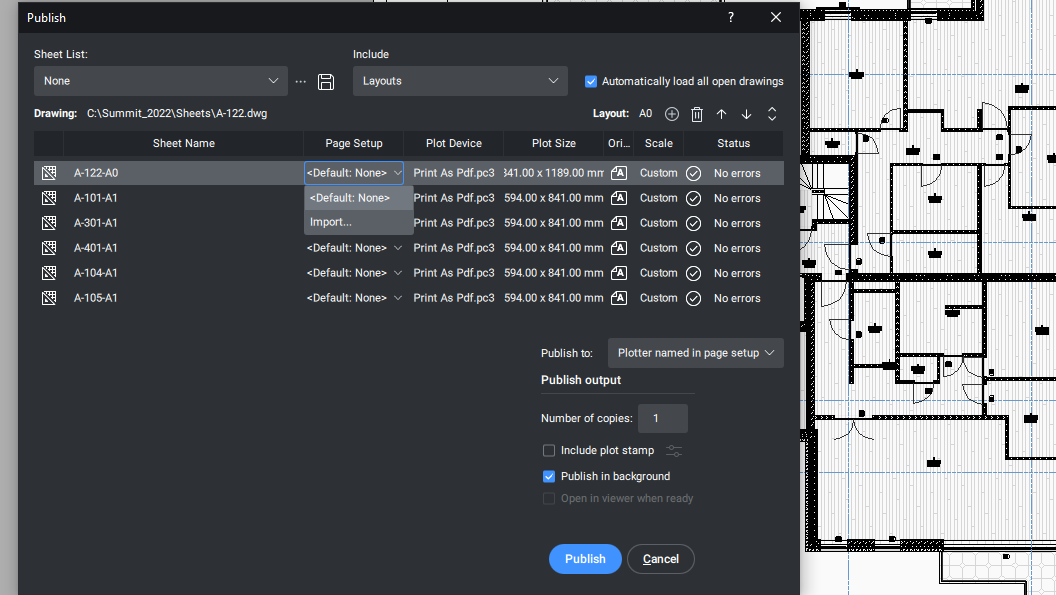
BricsCAD Publish dialog showing multiple architectural sheet layouts being configured for PDF output.

強化

パブリッシュダイアログ

[パブリッシュ] ダイアログを使用する際の新しい更新されたユーザー エクスペリエンス
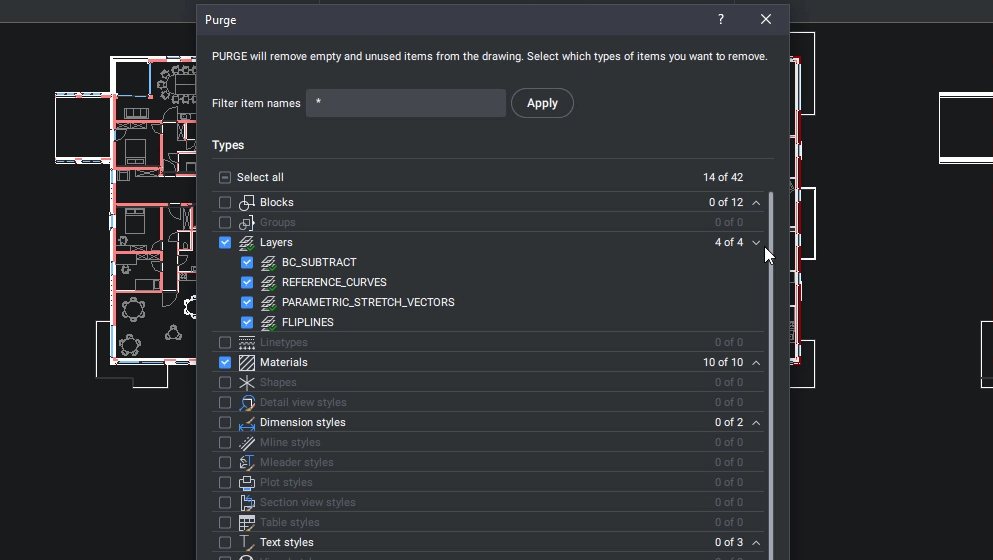
BricsCAD Purge dialog showing options to remove unused layers, materials, and blocks from a floor plan drawing.

NEW

PURGEダイアログ

PURGEコマンドのダイアログ機能を追加し、使い勝手を向上
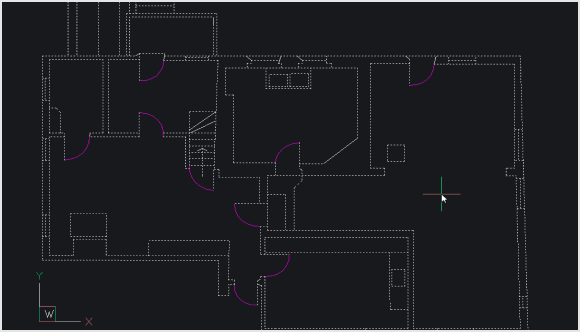
BricsCAD CAD interface displaying a 2D architectural floor plan with rooms, walls, and door swings on a dark background.

強化

2D の最適化

OPTIMIZEコマンドの改良により、円弧と直線の間の小さな隙間をより速く、より効果的に修正できるようになりました。

新しいツール、機能、パフォーマンスの強化
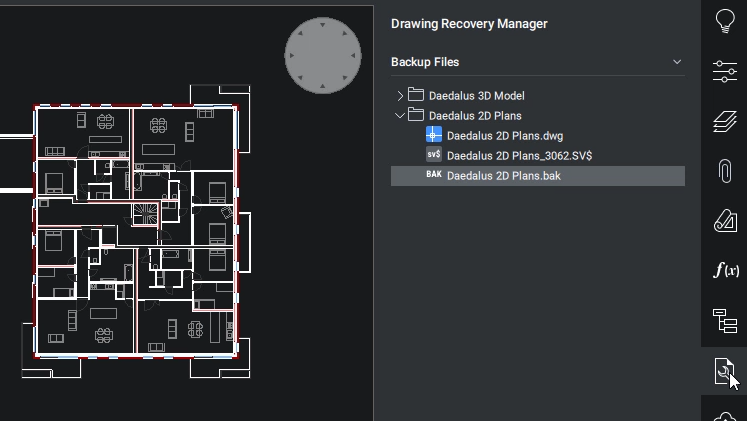
BricsCAD Drawing Recovery Manager showing backup files for a 2D floor plan with multiple rooms and corridors.

NEW

ドローイングリカバリーマネージャー

DRAWINGRECOVERY コマンドは、予期しない問題が発生した場合に図面を迅速に修復するという安心感を提供します。
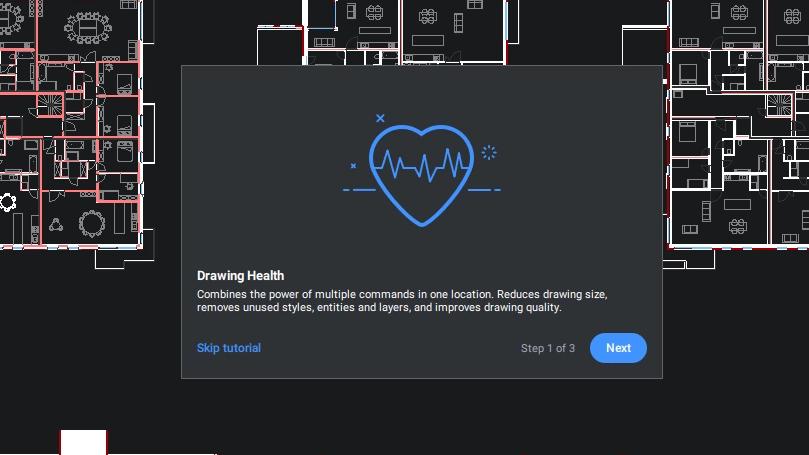
BricsCAD Drawing Health tutorial popup, step 1 of 3, with a heart icon overlay on a floor plan drawing.

NEW

図面の健康診断

既存のすべての最適化ツールを1つの便利な場所にまとめて、図面を健全に保つことを容易にします。
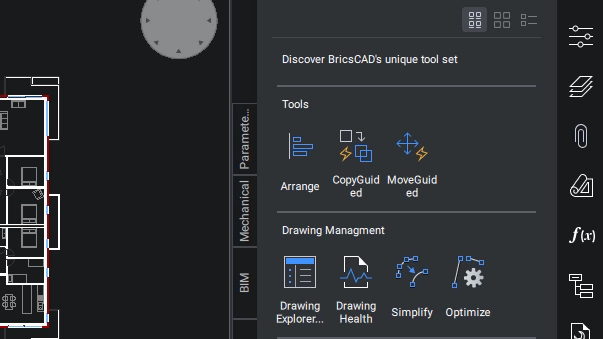
BricsCAD interface showing a floor plan drawing alongside a tools panel with Arrange, CopyGuided, MoveGuided, and Drawing Management options.

強化

改善されたツールパレットパネル

TOOLPALETTES コマンドで、[ツール パレット]パネルの新しいユーザ エクスペリエンスが追加されました。
BricsCAD interface showing a 2D floor plan with a Usage Data Program dialog box overlaying the drawing.

NEW

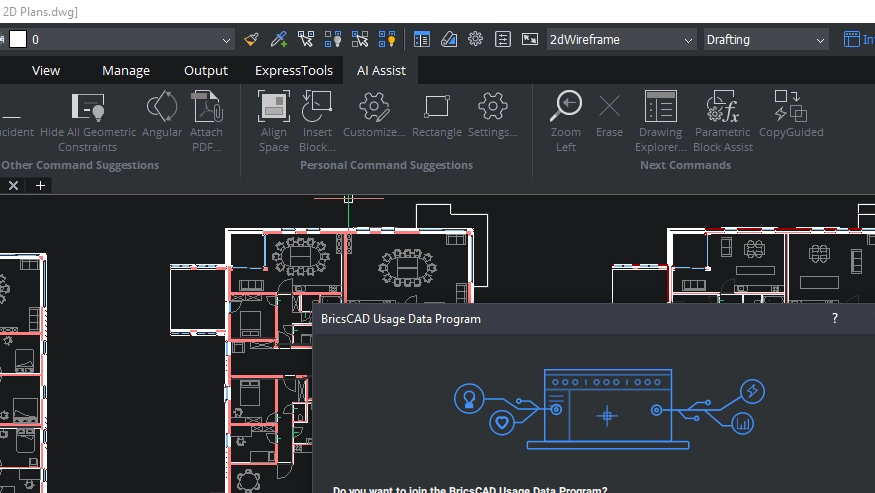
コマンド アシスト リボン パネル

AI を利用したアシスト リボン パネルは、一般的なワークフロー パターンに基づいて、ユーザーが次に必要とする可能性のあるコマンドを提案します。
BricsCAD interface showing a 2D floor plan with the Modify Text dropdown menu open, highlighting the Explode option.

NEW

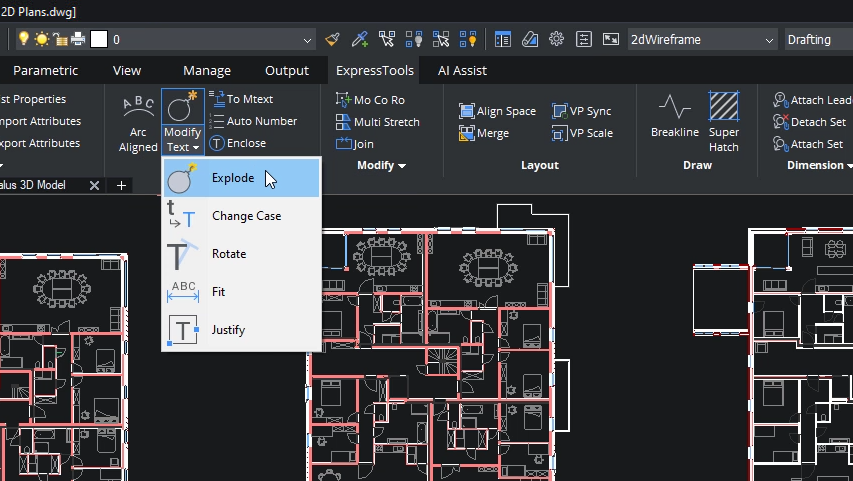
エクスプレスツール

人気のあるサードパーティアプリであるエクスプレスツールは、BricsCADに標準搭載されました。
BricsCAD toolbar showing the Home tab with Draw tools including Line, Polyline, Arc, and Circle icons on a dark interface.

NEW

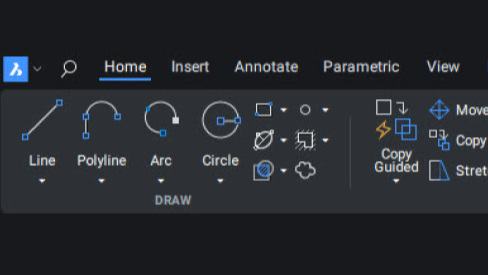
リボンファンデーション(Qt)

BricsCADのリボンUIは、ユーザーエクスペリエンスを向上させるために完全に作り直されました。

最適化されたコマンドとワークフロー
BricsCAD interface showing four selected circles with a Connect tool tooltip explaining it joins non-touching arcs, lines, polylines and splines.

NEW

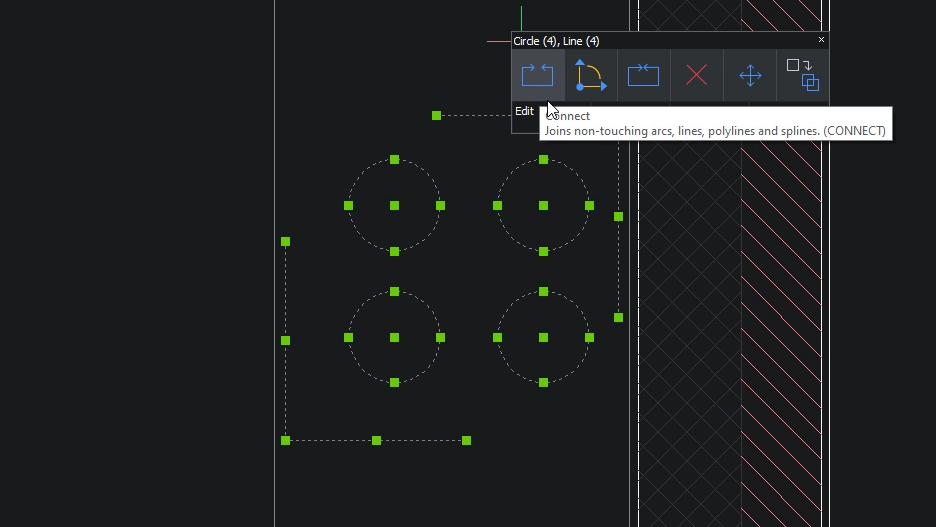
接続コマンド

CONNECTコマンドは、接触していない2つのエンティティを結合します。
BricsCAD interface showing the Arrange panel with two dimension annotations aligned along a horizontal line in a 2D drawing.

強化

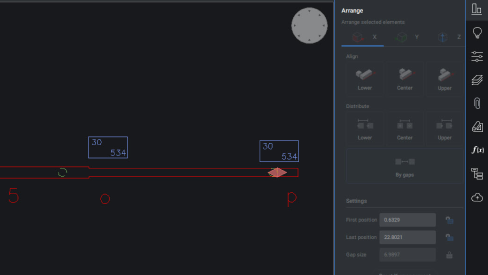
ARRANGE

新しいユーザー インターフェイスとパフォーマンスの強化により、ARRANGE コマンドの使いやすさが向上しています。
BricsCAD 2D Cleanup panel showing the Add New task dropdown menu with options like Find Outliers and Simplify 2D Geometry.

強化

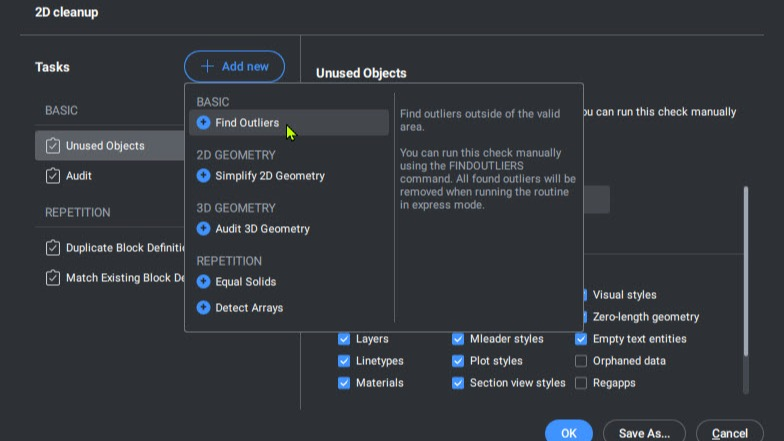
FINDOUTLIERS

FINDOUTLIERS [FINDOUTLIERS] コマンドは、ユーザがプライマリ作図領域の外側にある漂遊データを見つけるのに役立ち、グラフィックスのパフォーマンスを向上させます。
BricsCAD interface showing two office floor plans with block references highlighted, and a command prompt for replacing sink blocks.

強化

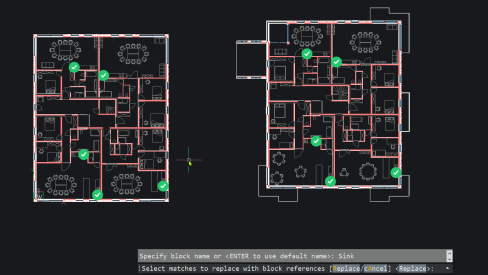
BLOCKIFY

BLOCKIFYは、新しい対称性検出エンジンのおかげで、反復要素をより正確に検出するようになりました。