BricsCAD。以更低成本,交付更多成果。9 月 30 日前立享 85 折優惠⏰

取得優惠

搜尋

真正值得信賴的 CAD 選擇

正在尋找 3D CAD軟體嗎? 了解BricsCAD®

一套專業的 CAD 和建模工具 專為設計師、創新者和工程師打造。

下載免費的 BricsCAD 試用版
BricsCAD Block Reference panel showing Edit, Modify, Select, and 2D Constraints tool icons on a dark background.
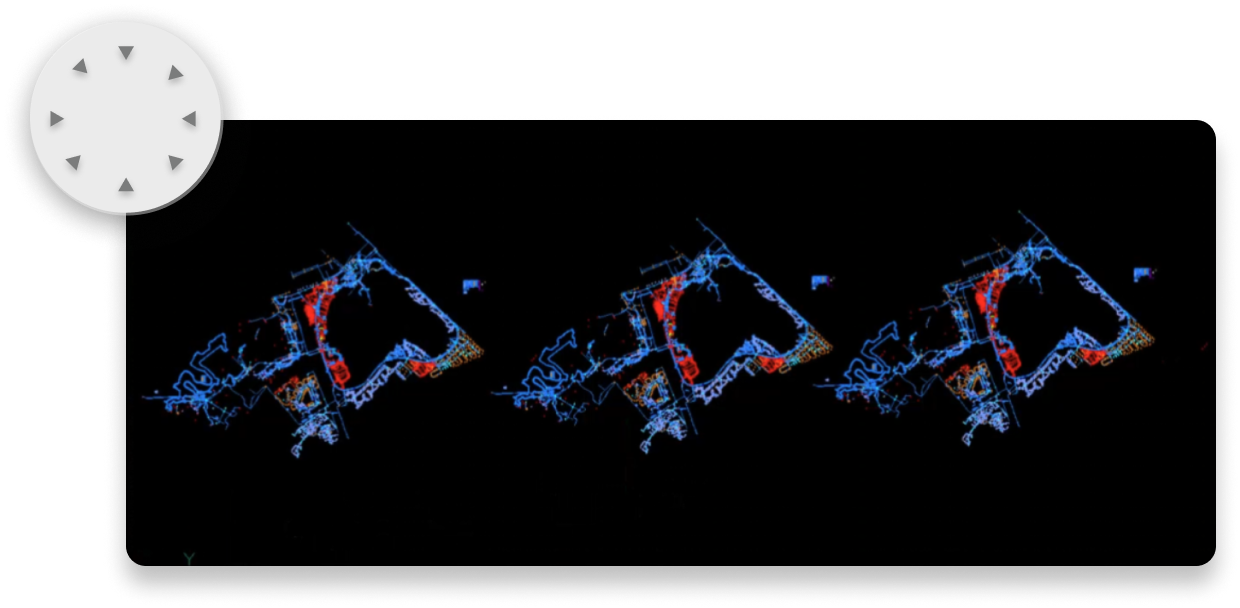
BricsCAD interface showing three repeated colorful point cloud scans of a complex structure on a black background.
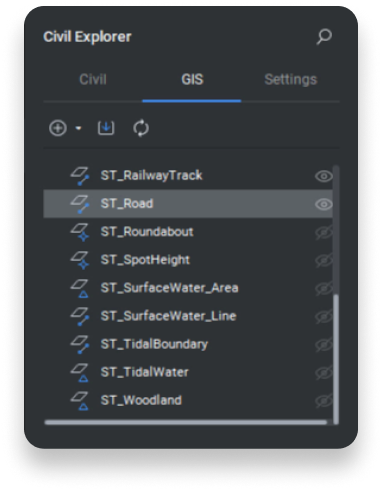
BricsCAD Civil Explorer panel showing the GIS tab with a list of spatial layers including roads, railways, and water features.
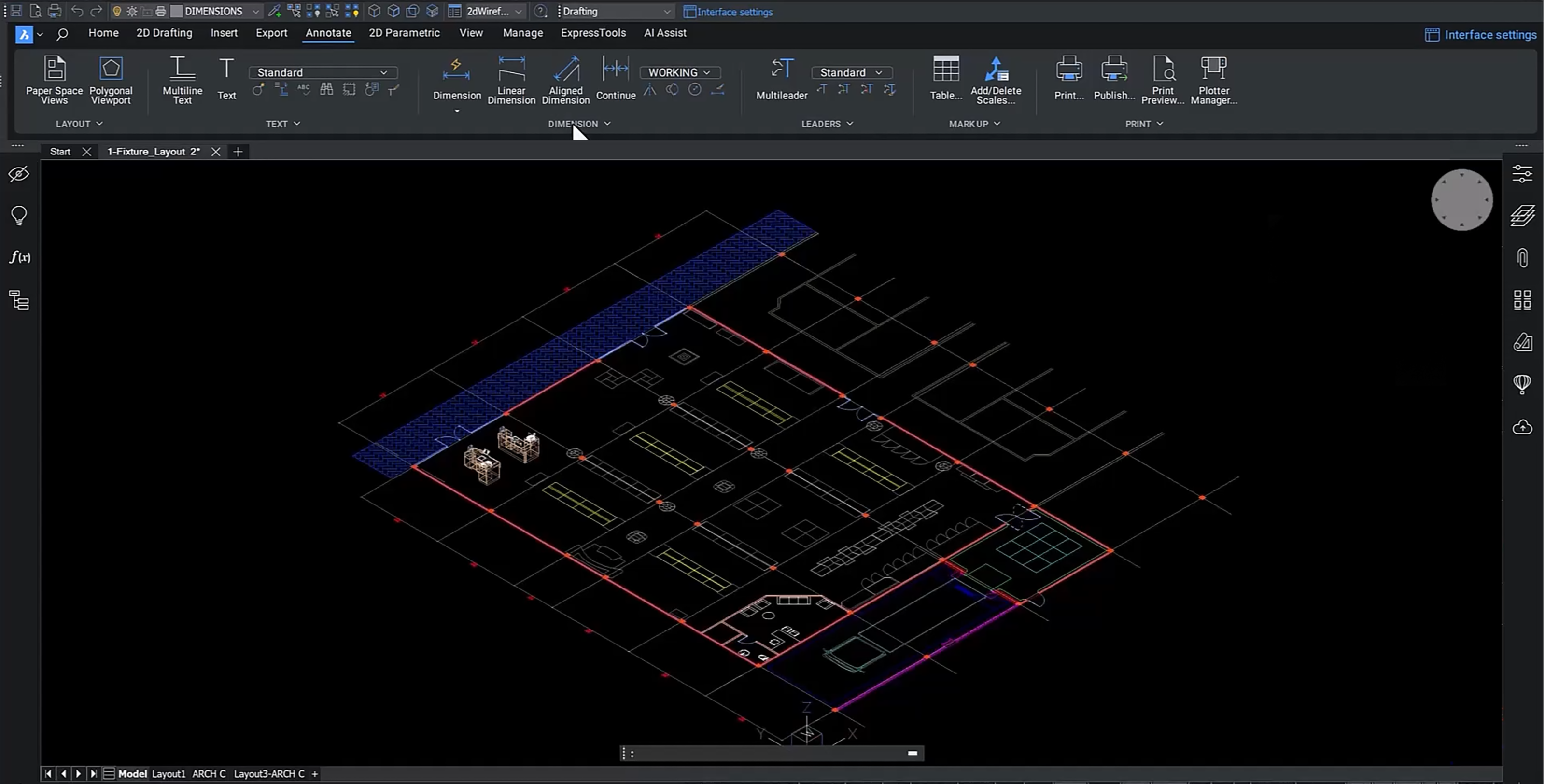
BricsCAD toolbar showing the Home tab with Build, Draw, Modify, Section, Classify, View, and Select tool groups.

3D CAD Software

熟悉且相容的 3D CAD 軟體

在尋找 3D CAD 軟體時,BricsCAD 是希望更快解決設計問題的專業人士的最終選擇。BricsCAD 採用最新的技術,並專注於簡化的設計方法,充滿了優質功能。
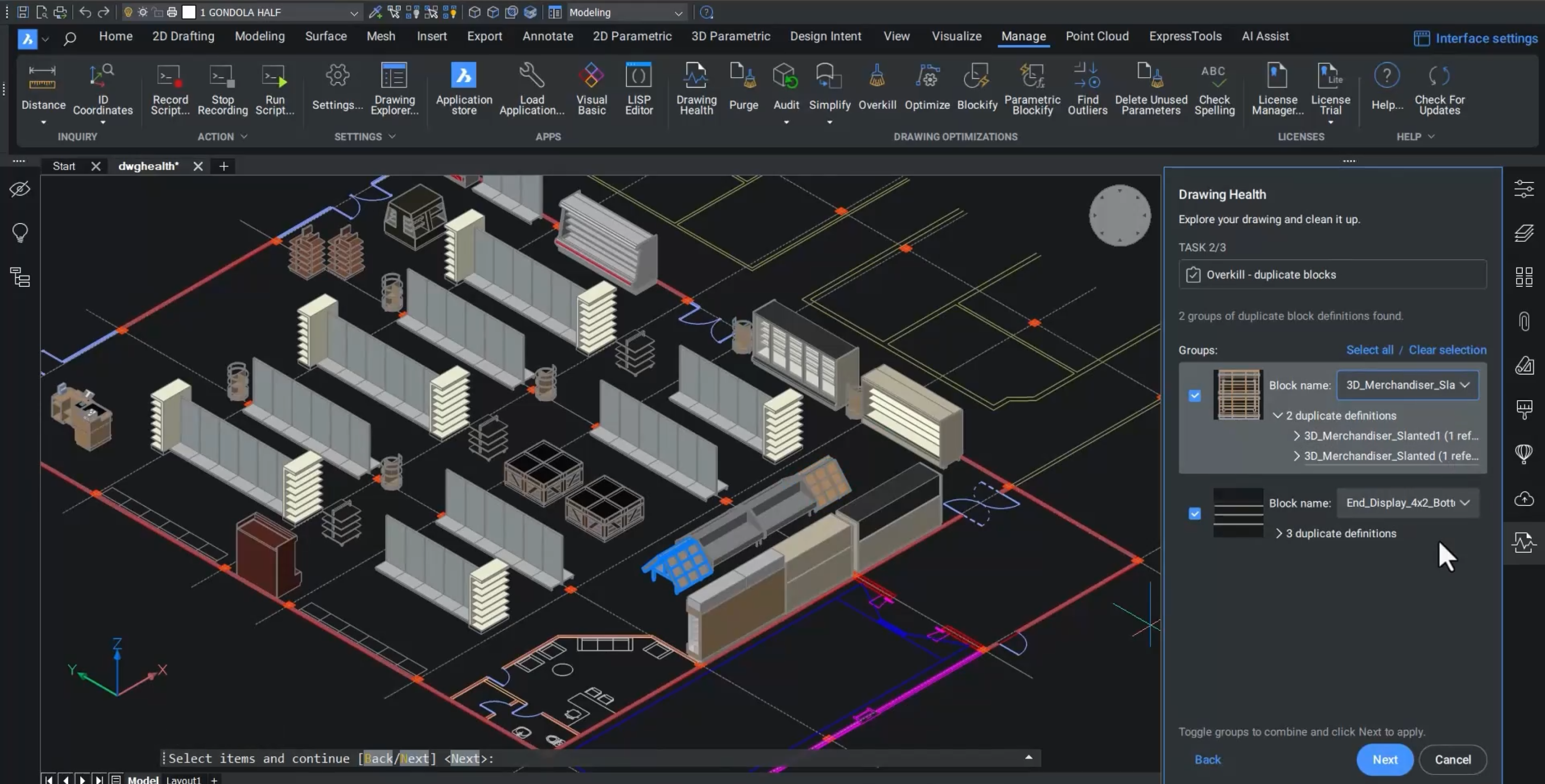
BricsCAD Pro interface 3D
BricsCAD Pro interface 2D
2D

Easily switch to BricsCAD

切換到 BricsCAD 並節省經費:

今年要做的最簡單、最好的事情
A DWG file format icon with a gradient outline in cyan and green on a dark background.

讀取、寫入並儲存為 .DWG

BricsCAD 的 .dwg相容性強化設計文件,改善 2D 繪圖工作流程。您可以直接開啟和儲存 .dwg 檔案,確保與 AutoCAD® 的無縫相容性,達到高效率的協作。

Flexible licensing -dark - no border

透過我們靈活的授權節省經費

BricsCAD 提供靈活的 CAD 授權:選擇永久、訂閱、網路或單機選項。 BricsCAD 永久授權的價格約為 AutoCAD® 訂閱年費的一半,在滿足您需求的同時,還能大幅節省成本。

A cyan-to-green gradient lightning bolt icon centered on a dark background.

體驗增強的性能

開啟 500 多個 DWG 檔案的速度提升 2.7 倍,執行進階 LISP 例程的速度提升 2.8 倍。BricsCAD 使用多核心 CPU 加速繪圖負載,強化細部檢視的建立與渲染,在現代硬體上達到最佳效能。

Icon illustration of a DWG file and a browser window with overlapping squares, representing CAD file compatibility.

快速上手,提高生產力

BricsCAD 熟悉的環境與 AutoCAD® 2022 指令、指令碼、巨集和功能表完全相容。您現有的設定可以無縫執行,不需要變更印表機、範本、圖塊或工作紙集,只要將它們帶入 BricsCAD 即可。

Three sparkle stars with a cyan-to-green gradient on a dark background, symbolizing AI or magic features.

人工智能驅動的工具讓工作更聰明

BricsCAD® 不只是 AutoCAD® 的替代軟體;它是使用人工智慧和機器學習來強化工作流程的進化 CAD 軟體。享受先進的功能和持續的更新,讓您的工具在所有專案中保持最先進的地位。

Two file icons labeled CTB and STB with a cursor arrow, representing plot style table file formats in CAD software.

即點即用配置

在 BricsCAD 中,所有標準規劃和自訂應用程式都能順暢運作 (例如 CTB/STB 檔案、圖層狀態、樣板)。只需將 BricsCAD 指向它們的伺服器位置,或將它們複製到您本機上的相應資料夾即可。

讓我們開始吧

您的 BricsCAD 之旅

Download icon - White

立即下載

只需點擊幾下即可在 Windows、Mac 或 Linux 上安裝 BricsCAD。

Calendar icon - White

30 天試用

免費試用真正值得信賴的 CAD — 無需信用卡。

Visit the Help Center icon - White

如有需要,請造訪「協助中心」

立即尋找答案。瀏覽我們全面的文章、指南和常見問題。

Cart icon - White

從電子商店購買

立即購買 BricsCAD - 基於 DWG 的多合一真正 CAD 替代方案。

Fluor -  Black
SNCF logo - Black
Mitsubishi Electric logo - Black
PERI logo - Black
Subsea 7 logo - Black
Mazda logo
Jan De Nul Group logo - Black
Volvo logo
閱讀我們的客戶故事

我們的客戶

受到全球CAD用戶的信賴

A man wearing glasses and a white shirt speaking, with a window in the background.

「BricsCAD 以合理的價格提供授權,但具有與我們以前的 CAD 軟體相同的功能和穩定性。」

Masahiro Abe - 生產工程部, 日本,馬自達

A person working at a desk with two monitors displaying BricsCAD CAD software, showing an aerial site map drawing.

" 我們可以透過發送電子郵件或撥打電話,立即有人回應並處理我們的支援需求。"

Michael Larobina - 首席執行官, Realserve,澳洲

A man in a blazer stands with arms crossed in front of a wall displaying a colorful collection of construction hard hats.

「(使用 BricsCAD)我們在尋求一種技術變革,它將在不斷變化的市場需求中為我們提供最佳服務」。

Henrik Huth - 工程效能與標準資深總監, PERI,德國

A man wearing glasses and a dark cardigan stands in front of a large aerial city map on the wall.

「我們希望所有的專案團隊...都能使用 BricsCAD,因此該軟體的易用性和易學性是非常重要的,而我們發現它正是如此。此外,在一個平台上整合 2D、3D 和 BIM,可以讓一個人成長為建模師。」

Dieter Froyen,工作準備主管, Willemen Groep,比利時

資源

您找到要找的東西了嗎?

A DWG file format icon with a gradient outline in cyan and green on a dark background.

正在搜尋與 .DWG 相容的 CAD 軟體?

BricsCAD 是您熟悉的、基於 DWG 的 CAD 平台,您會有賓至如歸的感覺。

BricsCAD logo with a blue icon and white text on a dark background.

BricsCAD 是什麼?

了解 BricsCAD 及其工具集如何幫助您更快地完成專案。

BricsCAD logo on a dark background with colorful question marks, suggesting a FAQ or help-related topic.

為什麼是 BricsCAD?

正在尋找真正值得信賴的 CAD 選擇?改用 BricsCAD 可節省時間和金錢。

30 天試用

今天就開始使用 BricsCAD 進行設計吧!

免費試用 BricsCAD
Six BricsCAD views showing scaffolding structures, a 2D elevation drawing, pipe joints, and a 3D building model.