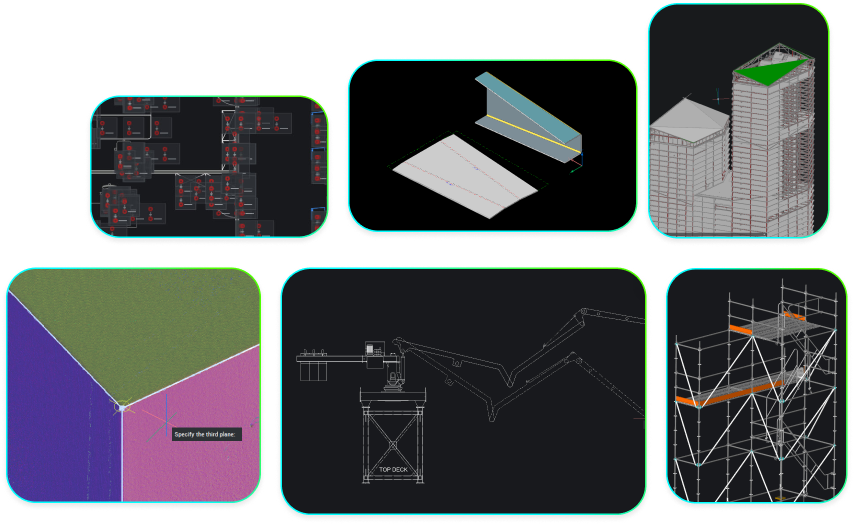
What does DWG-native CAD mean, and why does it matter?
DWG-native CAD helps teams make the most of existing drawings, collaborate across platforms and adopt new tools without disrupting established workflows.

🚀 BricsCAD v27 jau atvyko!
DWG-native CAD helps teams make the most of existing drawings, collaborate across platforms and adopt new tools without disrupting established workflows.
Filtruoti pagal:

Connect BricsCAD to your PLM/PDM workflows with Maintenance
Connect BricsCAD with Autodesk® Vault® Pro and Bentley® ProjectWise® through Octave-built PLM/PDM connectors.

What’s unique to Octave BricsCAD V26.2? 10 exclusive capabilities
BricsCAD V26.2 includes 10 unique capabilities designed to reduce repetitive work, streamline complex tasks, and help you work more efficiently.

Prisiregistruokite, kad patarimai ir straipsniai būtų išsiųsti tiesiai į jūsų pašto dėžutę


Point Clouds in BricsCAD: A course on turning scan data into CAD and BIM workflows
Learn how to import, process, explore, and model point cloud data in BricsCAD.
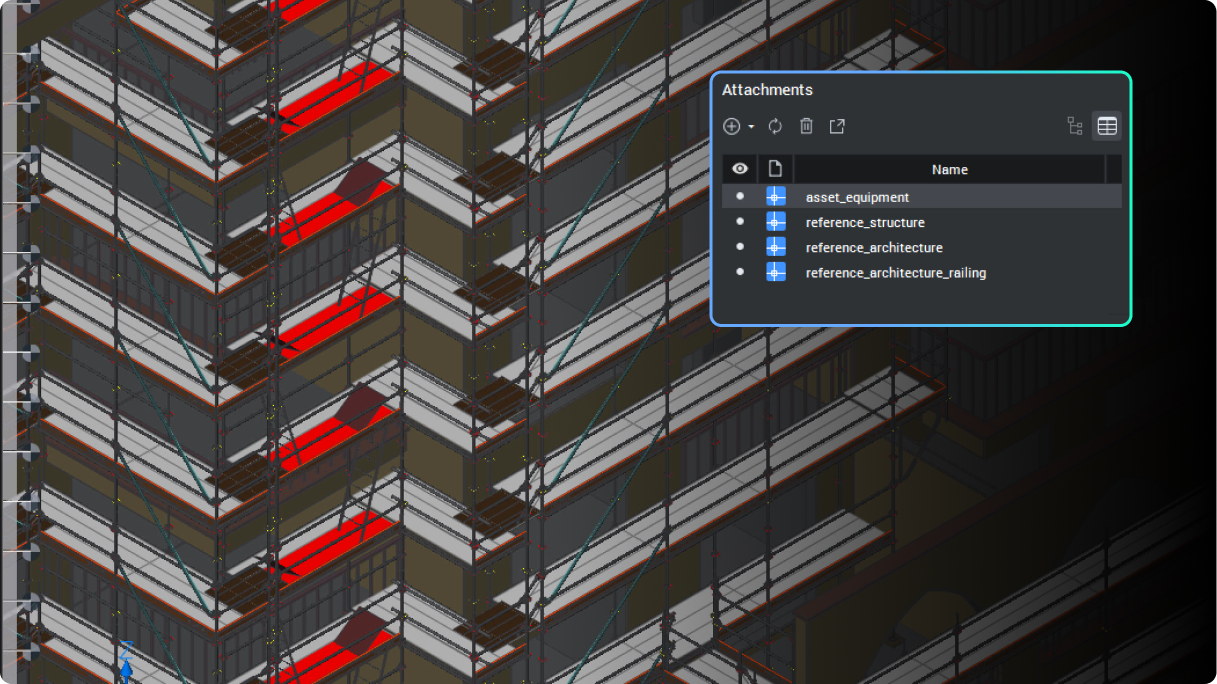
BricsCAD's BIM toolset Q&A: Per seat, per job
BIM adoption no longer has to be a bet-the-business decision.

13 upgrades for 2D drafting in BricsCAD V26 you should know about
Octave BricsCAD V26 introduces several upgrades that streamline everyday 2D drafting, enabling you to complete drawings more efficiently.

BricsCAD's survey toolset Q&A: One DWG environment, from field to finish
Octave BricsCAD's land surveying tools take survey teams from raw field data to finished, standards-based drawings without leaving DWG.

The real cost of letting your BricsCAD Maintenance lapse
Staying on BricsCAD Maintenance keeps you on the latest version, inside the upgrade window, fully supported, and clear of a costly rebuy.
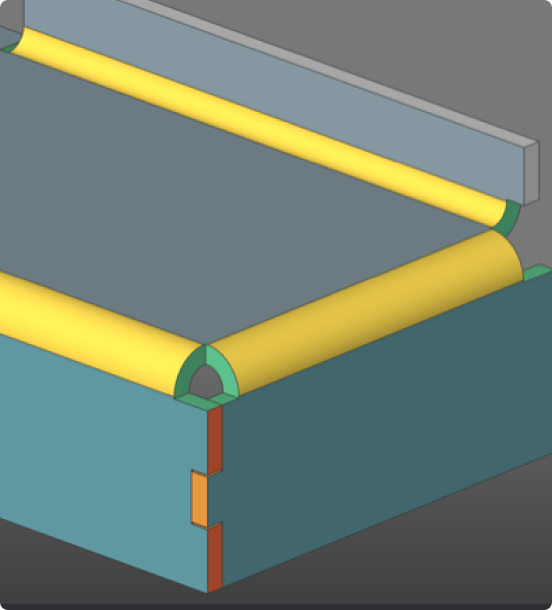
BricsCAD Mechanical Q&A: Get 3D capability without the platform switch
Find out how BricsCAD Mechanical helps manufacturing teams move into 3D without leaving their DWG workflows behind.
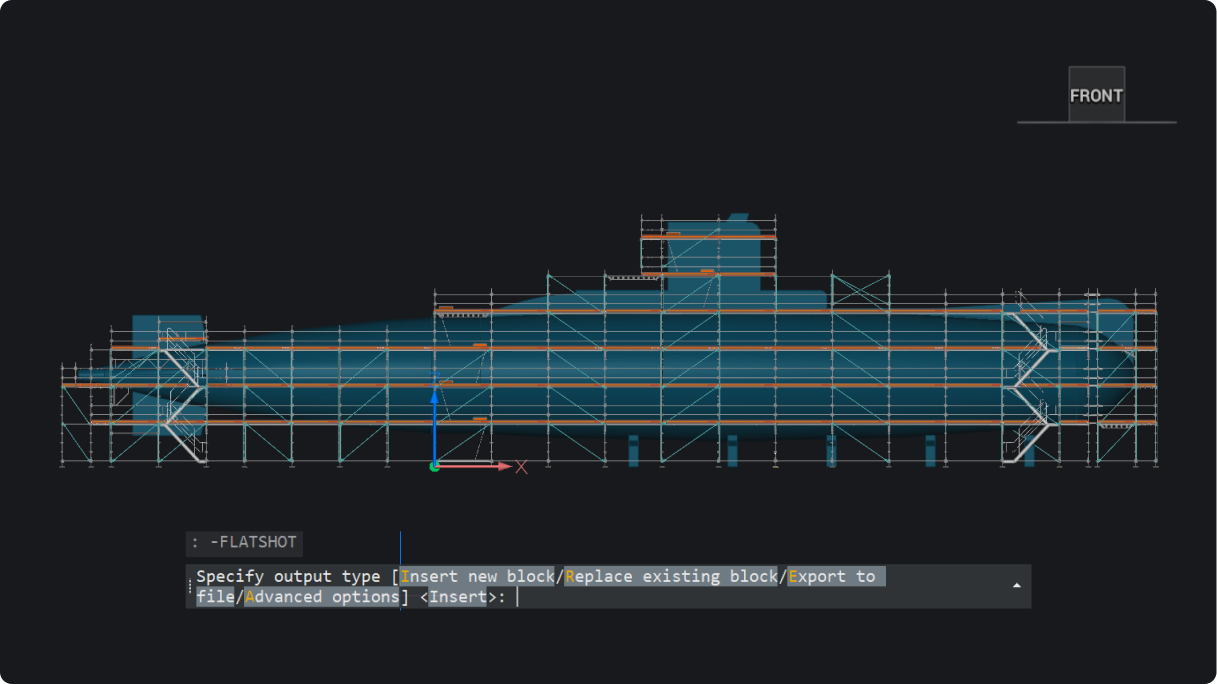
What’s new in BricsCAD V26.2: 30 new and enhanced features
30 new and enhanced features for faster, smoother workflows across 2D, BIM, mechanical, and survey projects.
ProjectWise® for BricsCAD: A course on managing files, versions, and collaboration
Learn how to manage project data in ProjectWise®, directly inside BricsCAD and without the confusion.

What’s new for subcontractors in Octave BricsCAD V26?
BricsCAD BIM V26 keeps subcontractors aligned by connecting project data in one consistent environment.
Prisiregistruokite, kad patarimai ir straipsniai būtų išsiųsti tiesiai į Jūsų pašto dėžutę
30 dienų bandomasis laikotarpis