Nieuw in
BricsCAD® V23
Onze nieuwste release voegt toe aan en verbetert de tools en functies waar u van houdt, evenals nieuwe functionaliteit en gebruikersinterface om uw productiviteit een boost te geven.
* Gratis proefperiode van 30 dagen, geen creditcard vereist.
Verbeterde functionaliteit en compatibiliteit
VERBETERD
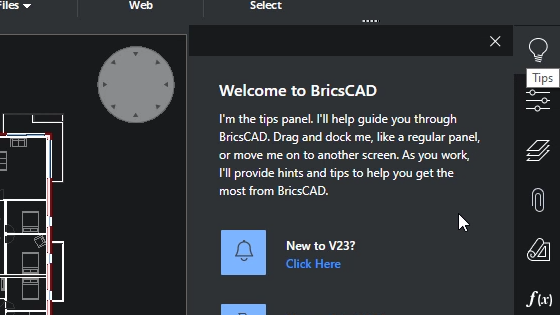
Nieuwe out-of-the-box ervaring
Verbeterde gebruikerservaring met een intuïtieve set-up voor nieuwe installaties van BricsCAD
Nieuw
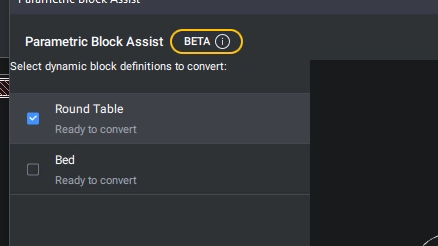
Dynamic Block Convertor
De opdracht PARAMETRICBLOCKASSIST converteert dynamische blokken naar de superieure parametrische blokken van BricsCAD. (BETA)
Nieuw
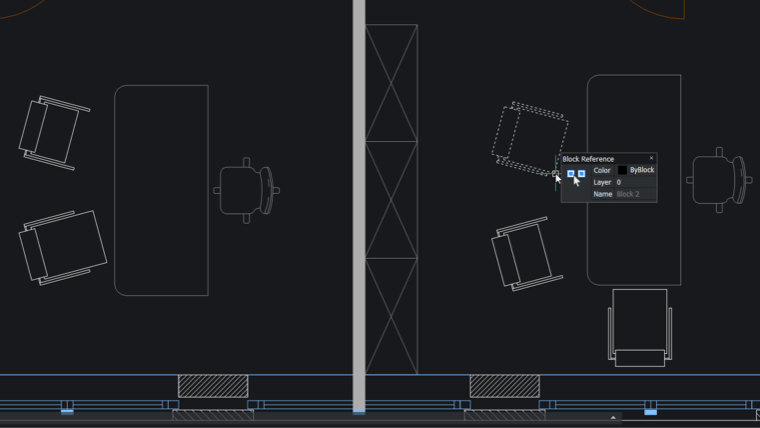
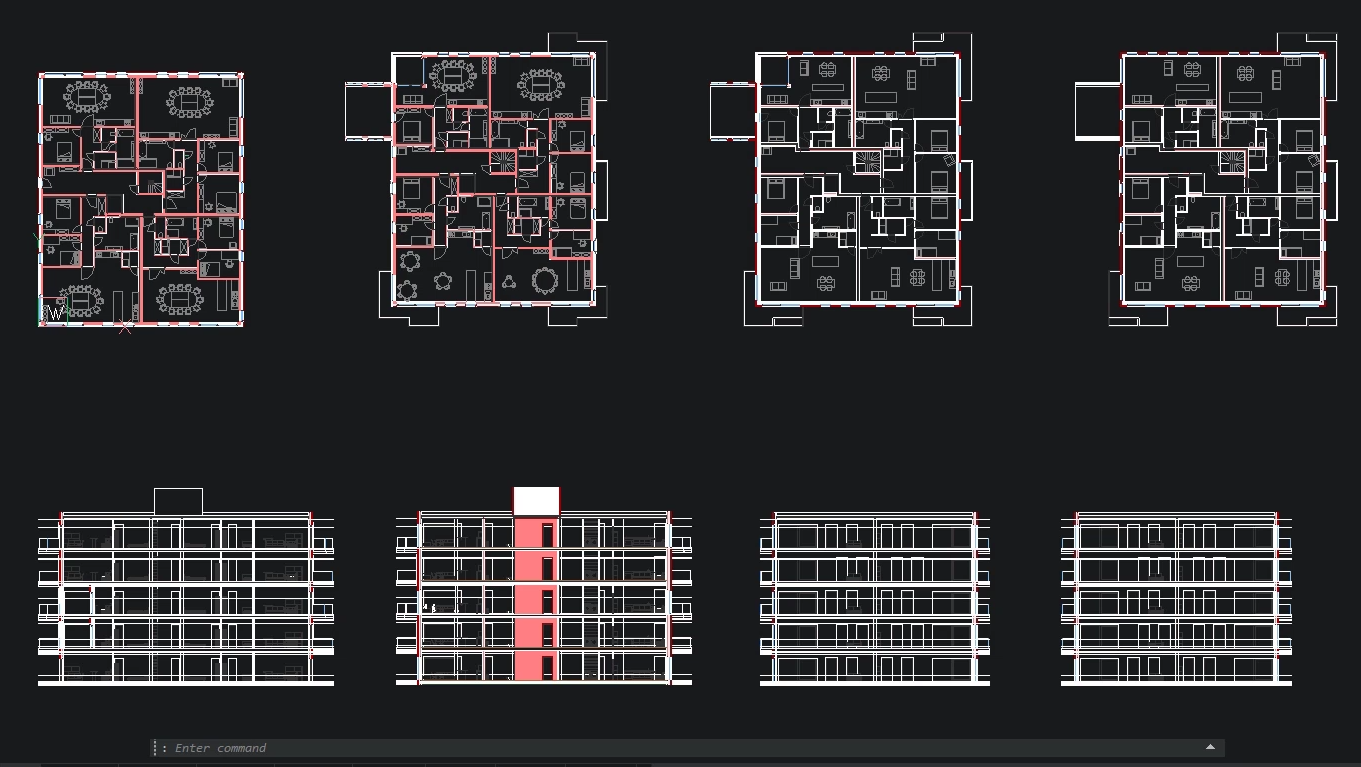
Parametrische BLOCKIFY voor 2D-geometrie
Het Parametric Blockify commando herkent nu gewone 2D geometrie variaties van parametric blocks met 2D parameters, constraints en flip lines.
VERBETERD
Prestaties van grote tabellen
Verbeterde bruikbaarheid en prestaties bij het werken met grote tabellen
VERBETERD
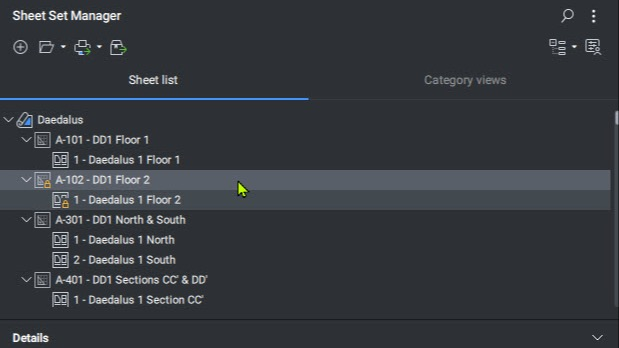
Sheet Set Manager
De opdracht SHEETSET biedt een verscheidenheid aan nieuwe, tijdbesparende functies.
VERBETERD
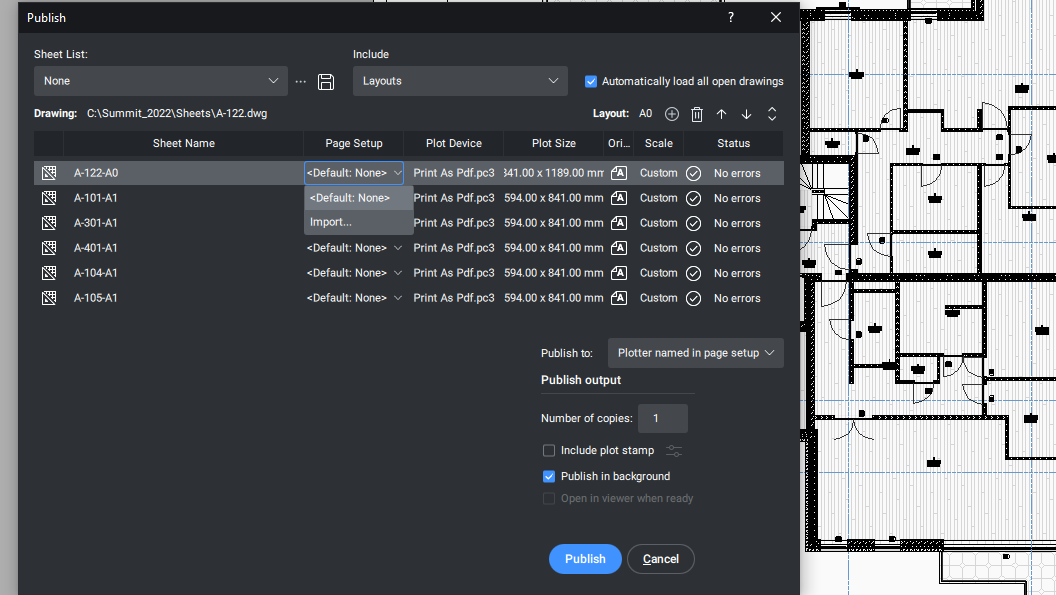
Dialoogvenster PUBLICEREN
Nieuwe bijgewerkte gebruikerservaring bij het gebruik van het PUBLICATIE-dialoogvenster
Nieuw
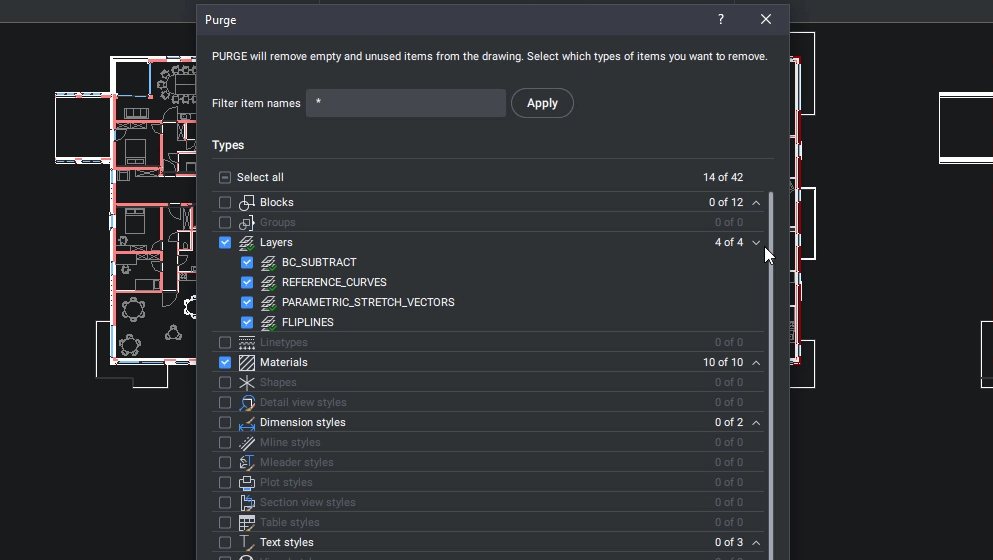
PURGE-dialoogvenster
Verbeterde bruikbaarheid van het PURGE-commando met nieuwe dialoogfunctie
VERBETERD
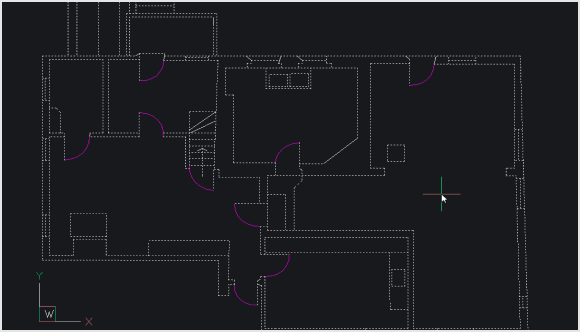
OPTIMIZE 2D
Verfijningen aan de opdracht OPTIMALISEREN om kleine openingen tussen bogen en lijnen sneller en effectiever op te lossen.
Nieuwe tools, functies en prestatieverbeteringen
Nieuw
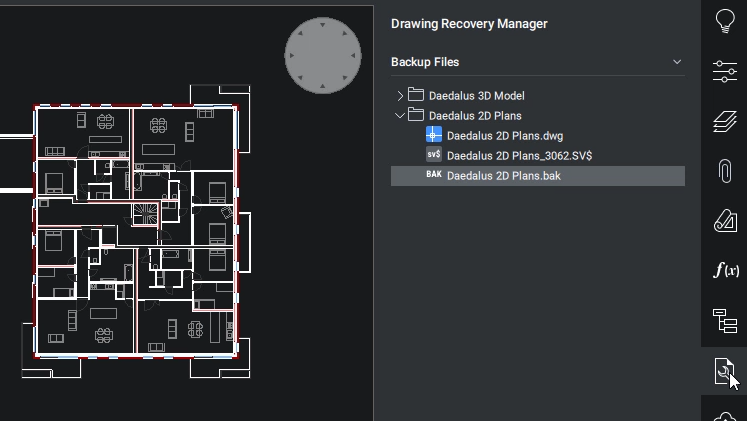
Tekening Herstel Manager
De opdracht DRAWINGRECOVERY biedt de zekerheid dat een tekening snel kan worden hersteld in het geval van een onvoorzien probleem.
Nieuw
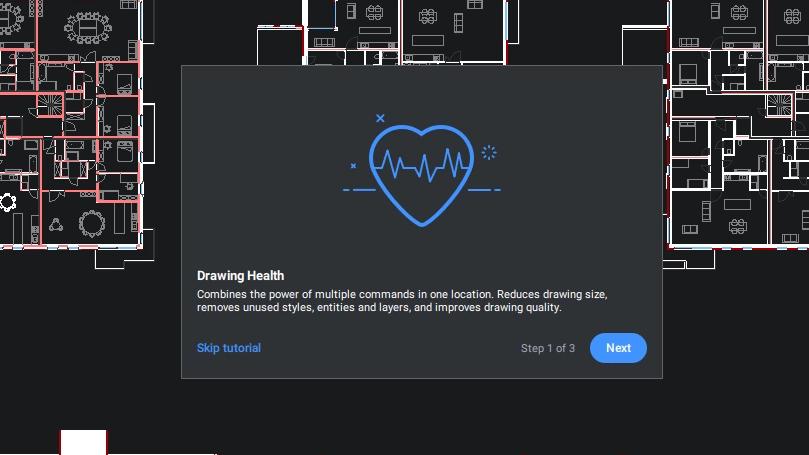
Tekenen van gezondheidsmanagement
Brengt alle bestaande optimalisatietools samen op één handige plek om het eenvoudiger te maken om tekeningen gezond te houden.
VERBETERD
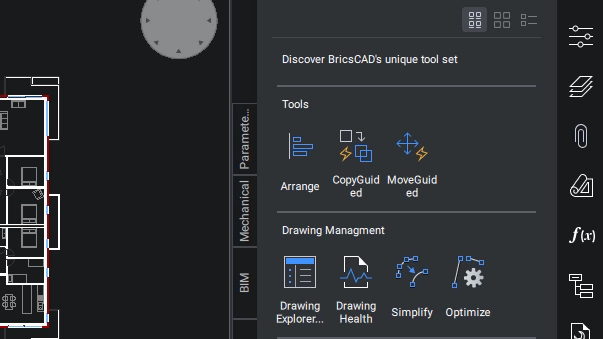
Verbeterd gereedschapsvenster
De opdracht TOOLPALETTES heeft nu een nieuwe gebruikerservaring voor het paneel Tool Palettes.
Nieuw
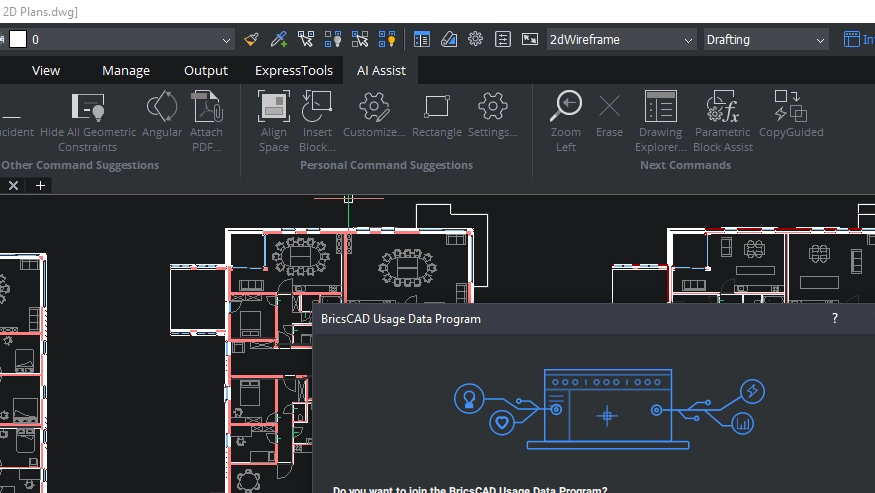
Command Assist Ribbon Panel
Het AI-ondersteunde ribbon panel suggereert opdrachten die een gebruiker waarschijnlijk als volgende nodig heeft op basis van typische workflow patronen.
Nieuw
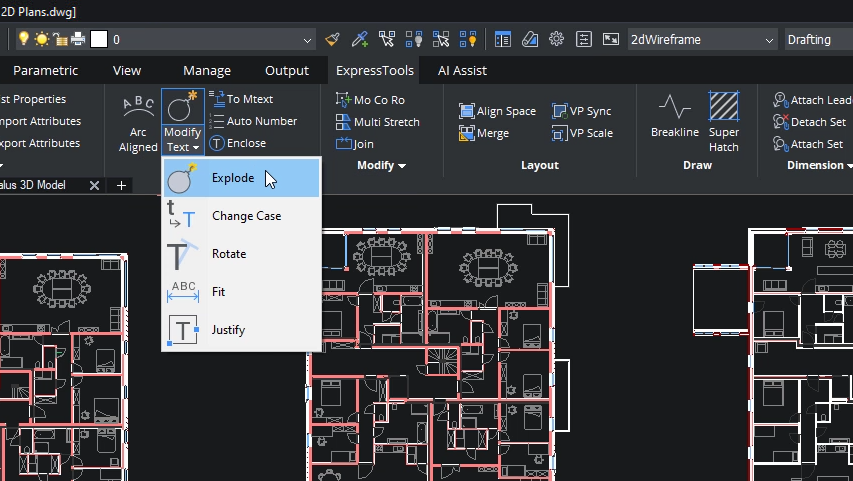
ExpressTools
ExpressTools, een populaire app van derden, maakt nu deel uit van de native functionaliteit van BricsCAD.
Nieuw
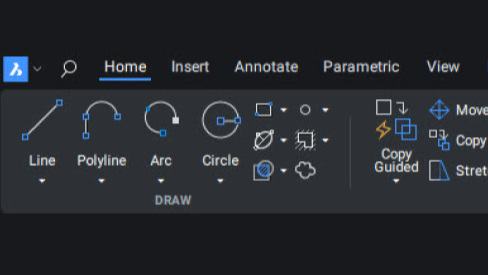
Ribbon Foundation (Qt)
De Ribbon UI van BricsCAD is volledig herwerkt om een betere gebruikerservaring te bieden.
Geoptimaliseerde commando's en workflows
Nieuw
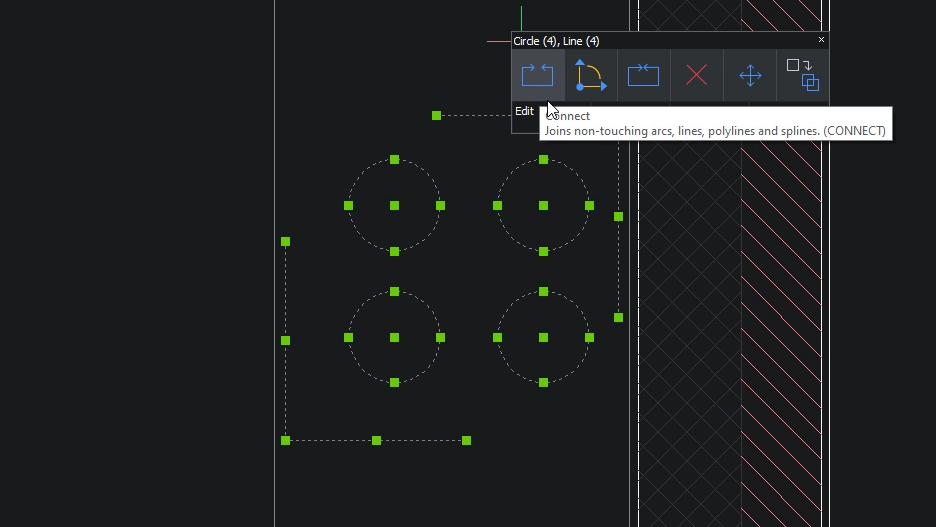
AANSLUITEN
Het CONNECT commando voegt twee entiteiten samen die elkaar niet raken.
VERBETERD
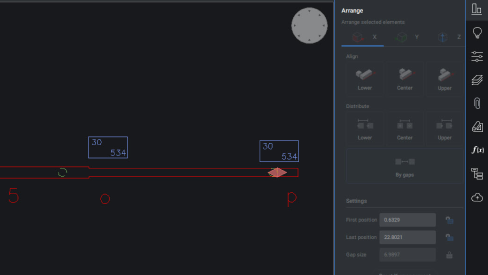
ARRANGE
Een nieuwe gebruikersinterface en prestatieverbeteringen verbeteren de bruikbaarheid van het ARRANGE commando.
VERBETERD
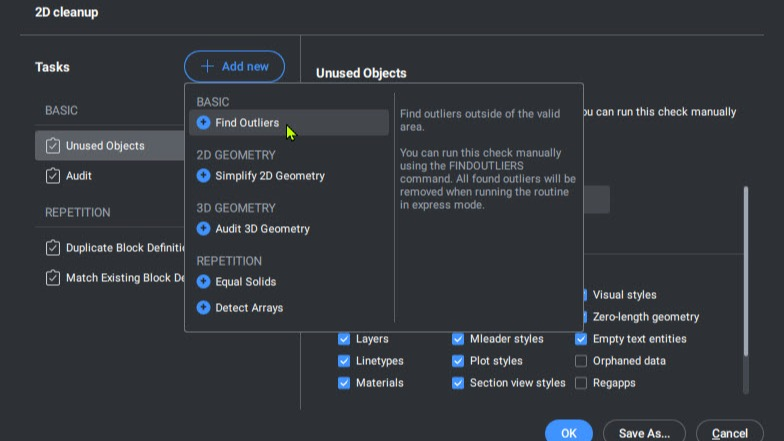
FINDOUTLIERS
De opdracht FINDOUTLIERS helpt gebruikers om verdwaalde gegevens te vinden die buiten hun primaire tekengebied liggen, waardoor de grafische prestaties worden verbeterd.
VERBETERD
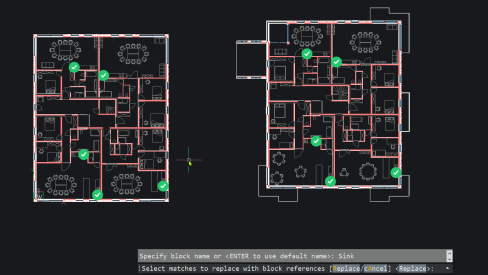
BLOCKIFY
Dankzij onze nieuwe symmetrie detectie engine detecteert BLOCKIFY nu nauwkeuriger repeterende elementen.