
BricsCAD V27 Launch
Get to know the latest version
* Event in English
Tutorial sessions
See more of BricsCAD V27 in action
Go beyond the keynote with focused product demos covering the latest capabilities for general design, manufacturing, building subcontracting, and land surveying.
Filter by:
BricsCAD
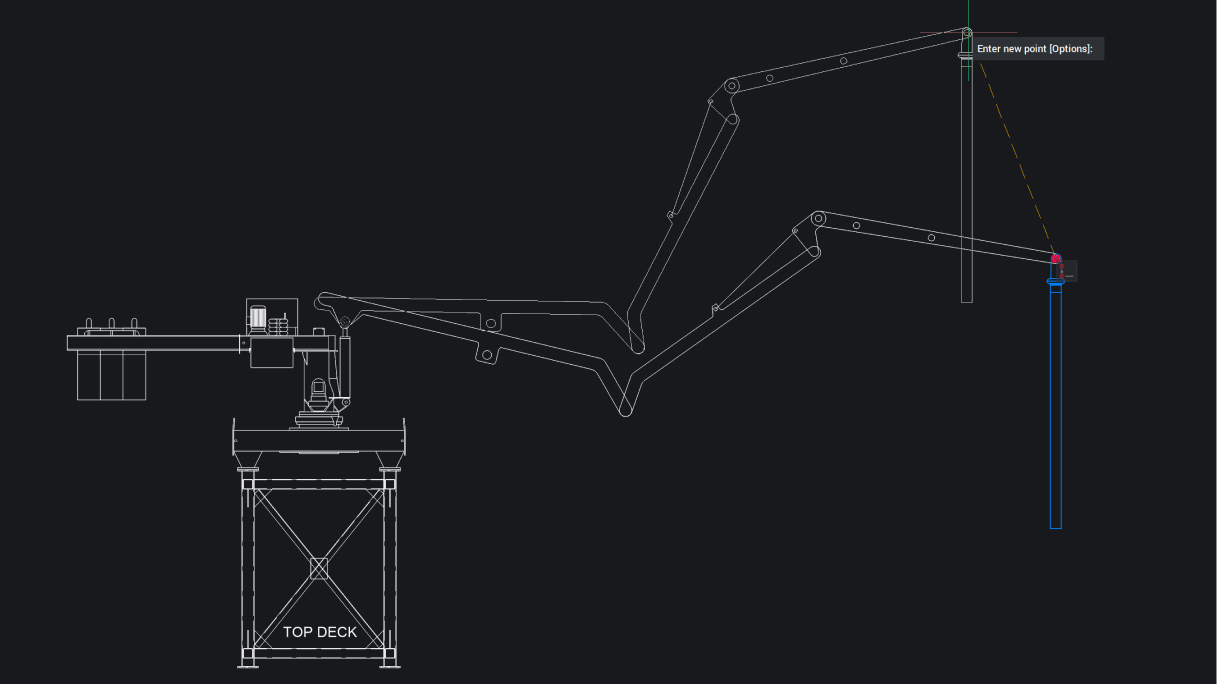
Faster, smarter design with 2D blocks & constraints
Build efficiency and intelligence into 2D constrained data, making it easier to visualize 2D mechanisms and predict design interferences.
Tutorial
BricsCAD
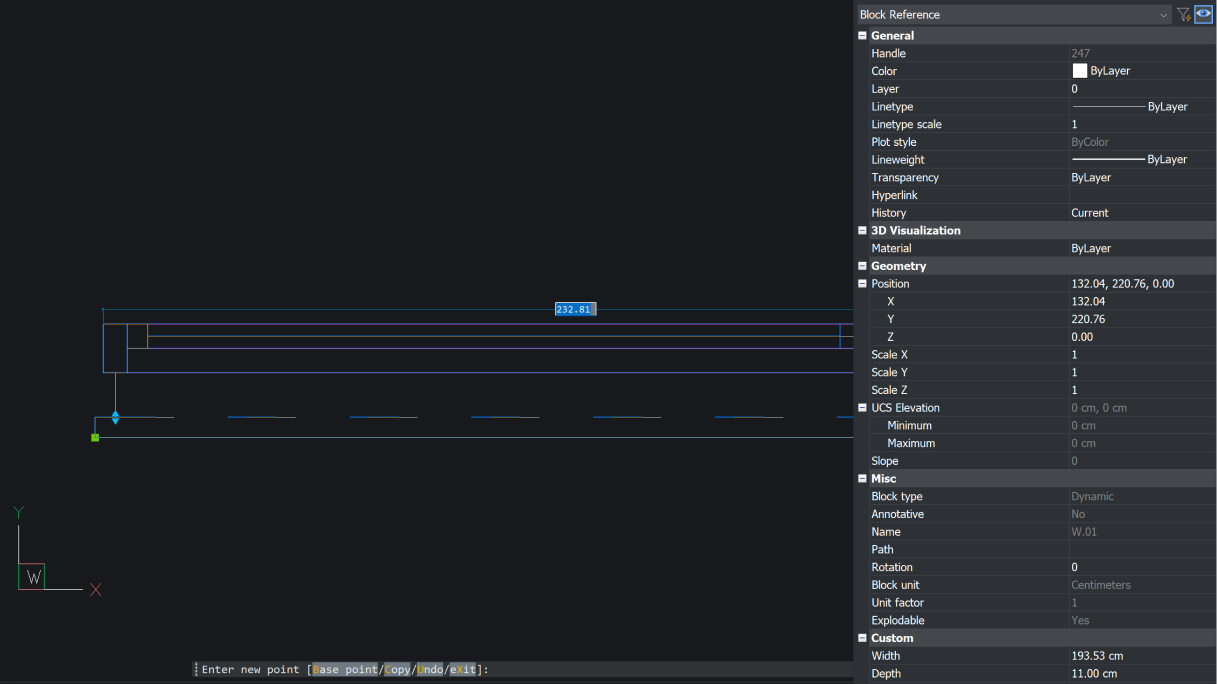
Enhanced compatibility for Dynamic Blocks in BricsCAD
Simplify the migration of Dynamic Block libraries from other CAD software with new capabilities for inserting, editing, and constraining blocks in BricsCAD.
Tutorial
BricsCAD
UX enhancements for simplified workflow
Work faster with new and enhanced features to the BricsCAD interface, including tool palettes, dynamic input at cursor, and the Quad.
Tutorial
BricsCAD
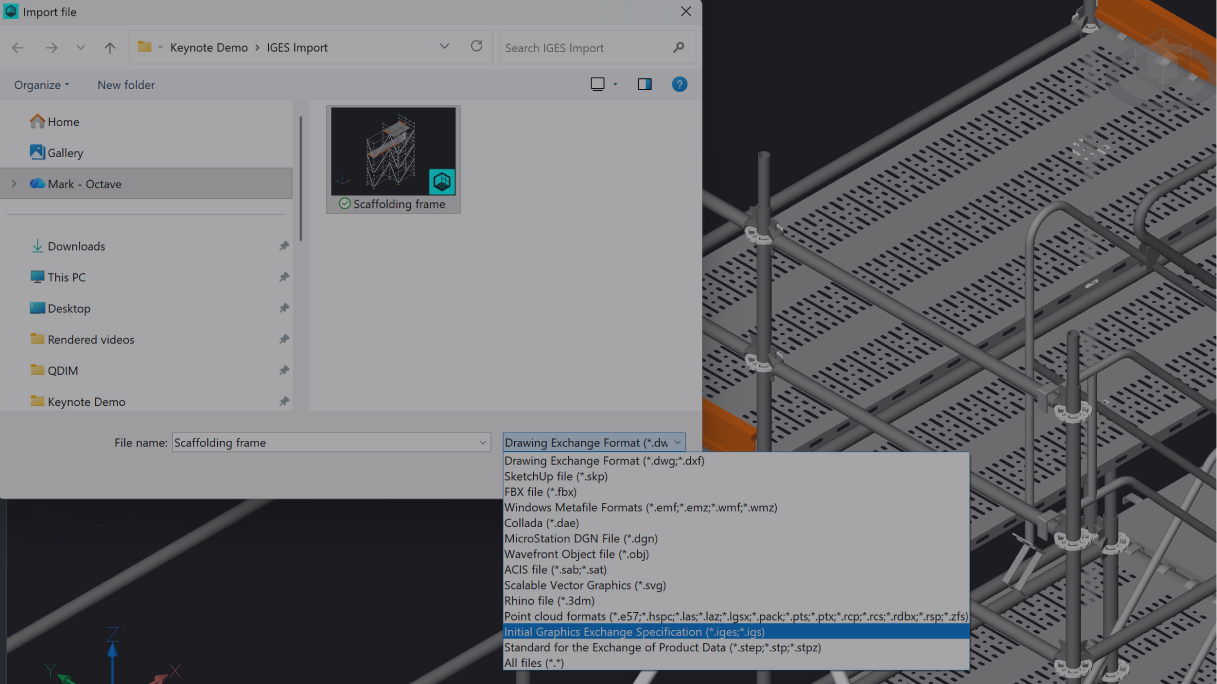
Leverage general file formats for detailed 2D documentation
Use neutral file exchange format, making it easier to create detailed 2D documentation for enhanced project collaboration without rework.
Tutorial
BricsCAD
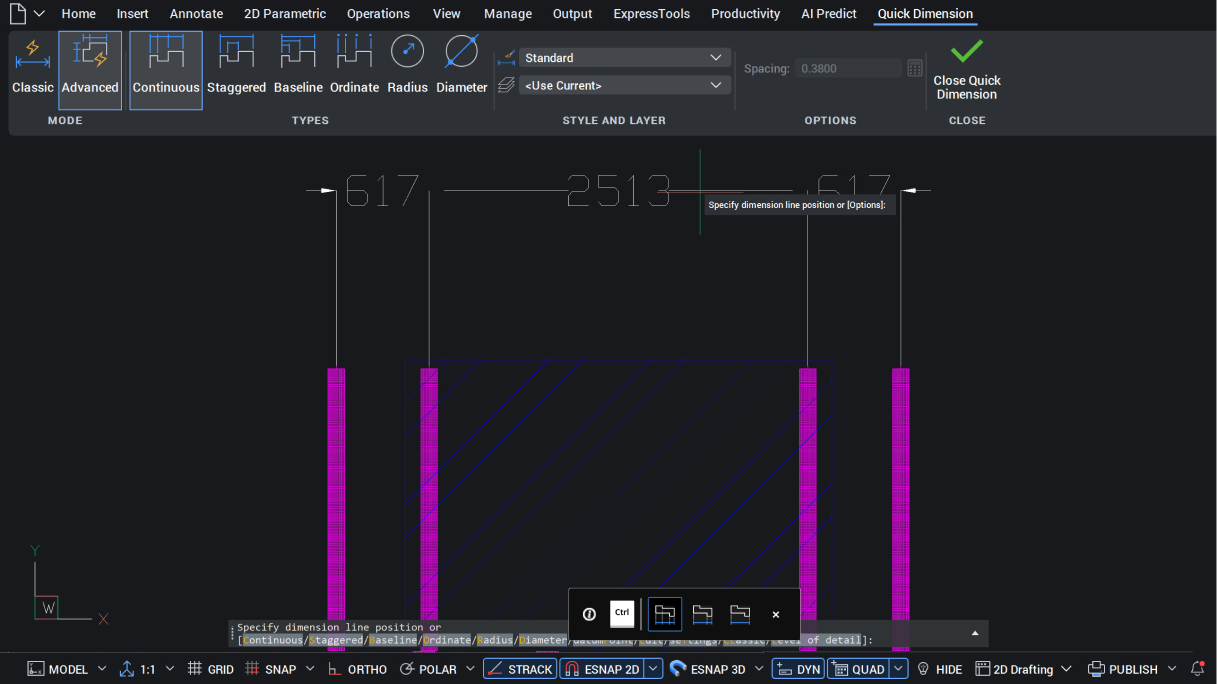
Smarter, faster dimensioning with QDIM
Reduce dimensioning time with fewer mouse clicks using QDIM in blocks, Paper Space, viewports, and ViewBase.
Tutorial
BricsCAD
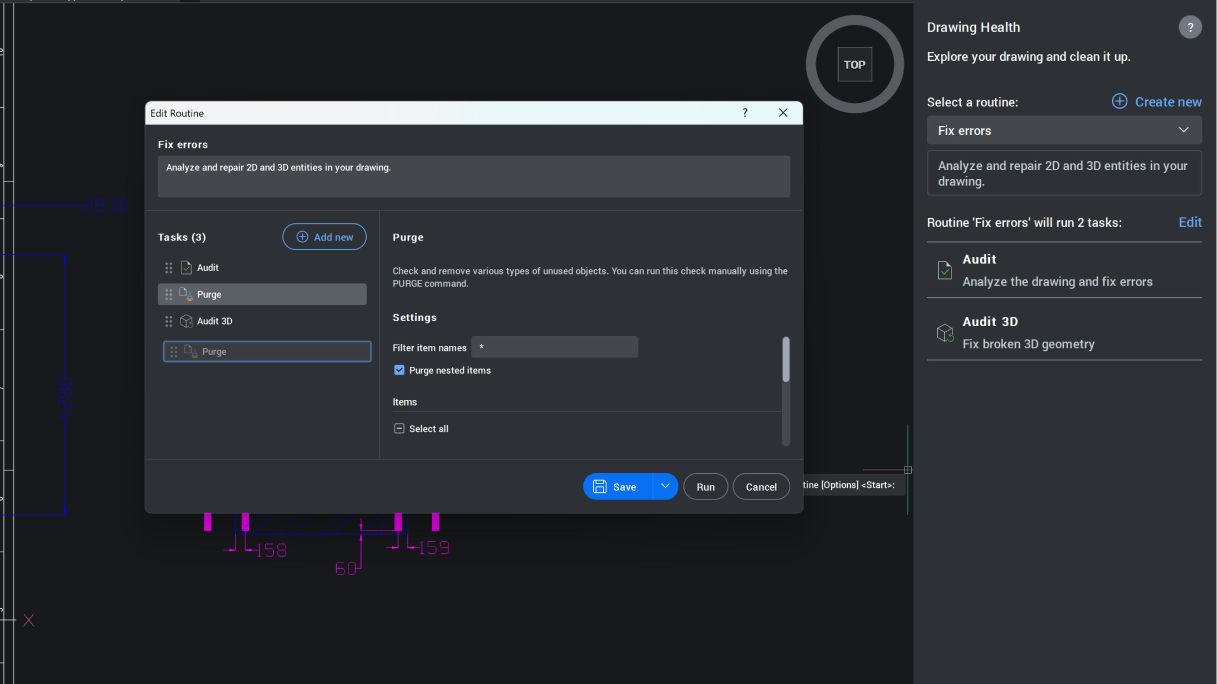
Clean drawings, happy users
Gain greater control over drawing health checks to match project needs and workflows, especially on complex or iterative drawings.
Tutorial
Survey tools
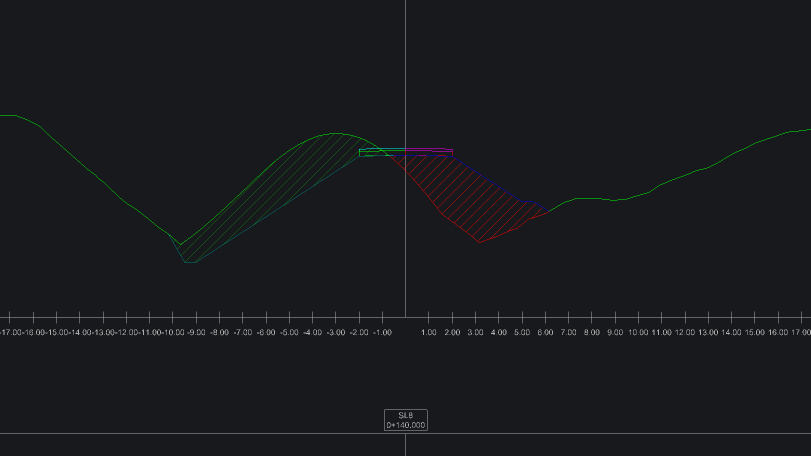
Calculate earthworks from section-based workflows
Calculate cut, fill, and structural volumes directly from section data, producing reliable quantity reports in a single workflow.
Tutorial
Survey tools
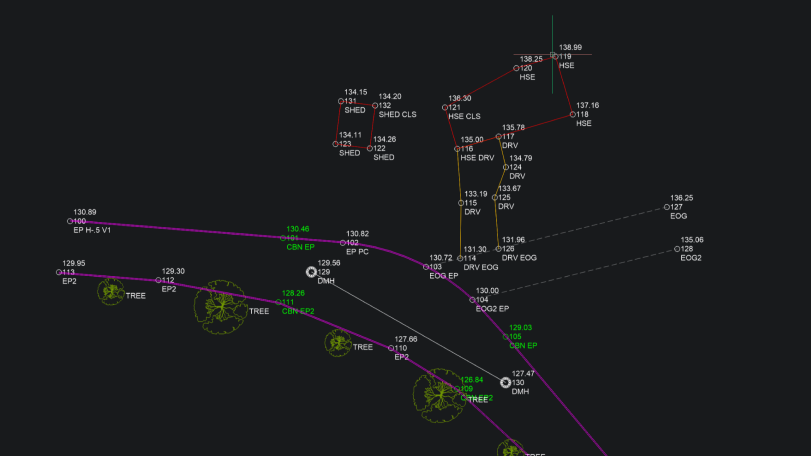
Accelerate survey mapping with Auto Mapping
Automatically create linework from survey codes with enhanced Auto Mapping, including code search, bulk editing, and smarter processing.
Tutorial
Survey tools
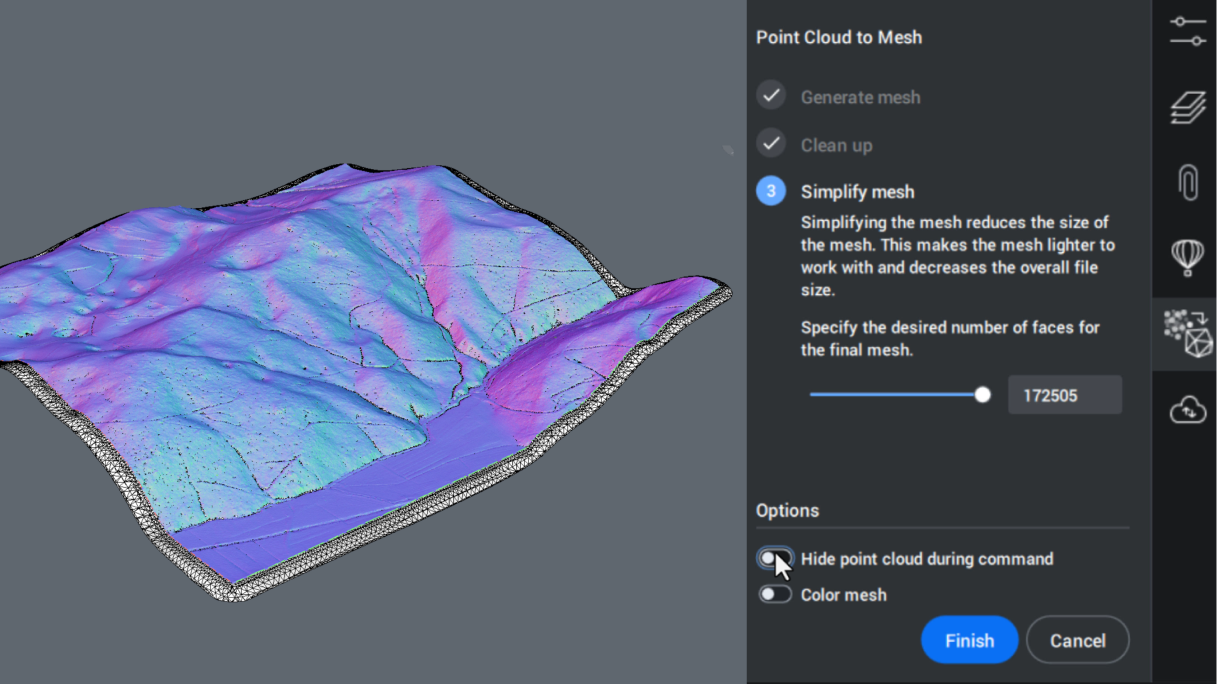
Share point cloud data more easily with mesh objects
Overcome point cloud coordination challenges by generating lightweight mesh objects, with up to 80% smaller files, and full compatibility with other civil engineering products.
Tutorial
Survey tools
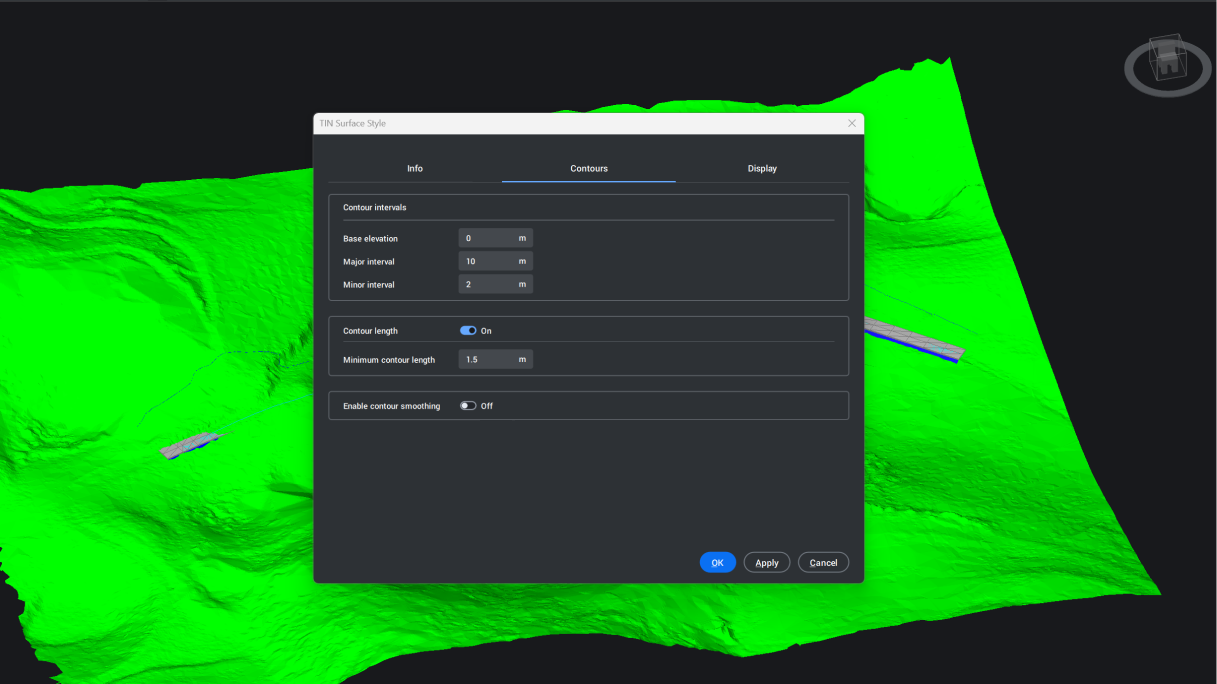
Enhance terrain visualization with TIN surfaces
Improve terrain visualization with smoother contour lines and flexible TIN surface styles for design, analysis, and presentation.
Tutorial
BIM toolset
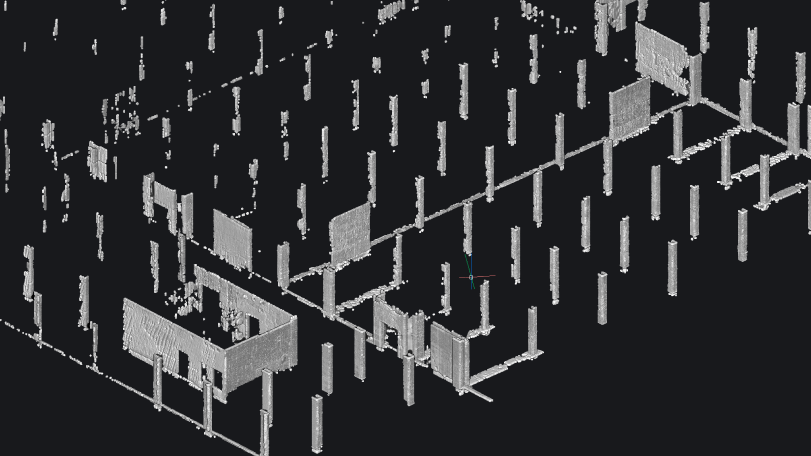
Quickly model field data for as-built verification
Take scan data of as-built conditions on site and quickly verify it against geometry modeled during design.
Tutorial
BIM toolset
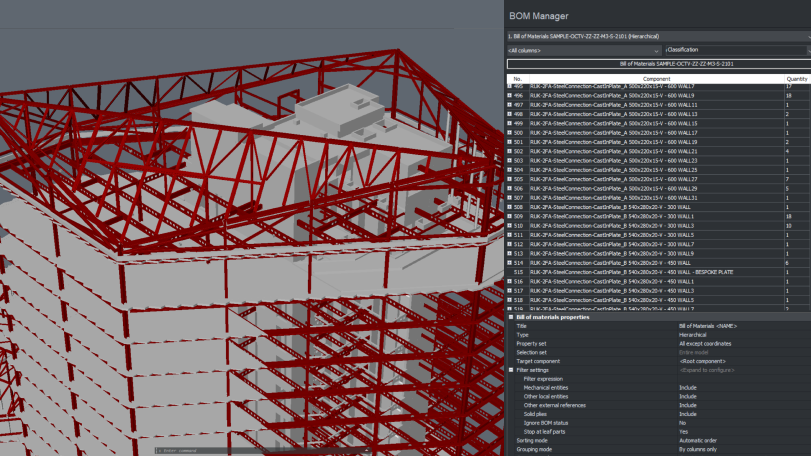
Streamline property creation and propagation
Keep DWG drawings and embedded BIM data aligned across tools and assets, from BOM extraction to bulk property updates.
Tutorial
Mechanical toolset
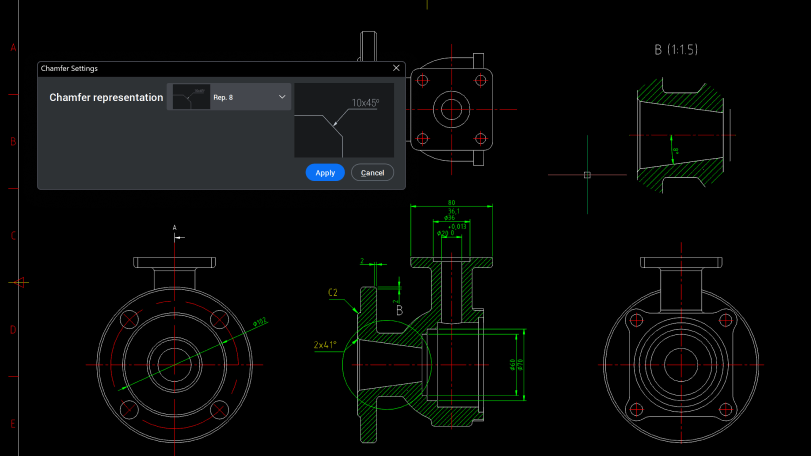
Manufacturing dimensioning with Power Dimensions
Discover how Power Dimensions provides a dedicated workflow for creating, editing, and refining manufacturing dimensions efficiently and confidently.
Tutorial
Mechanical toolset
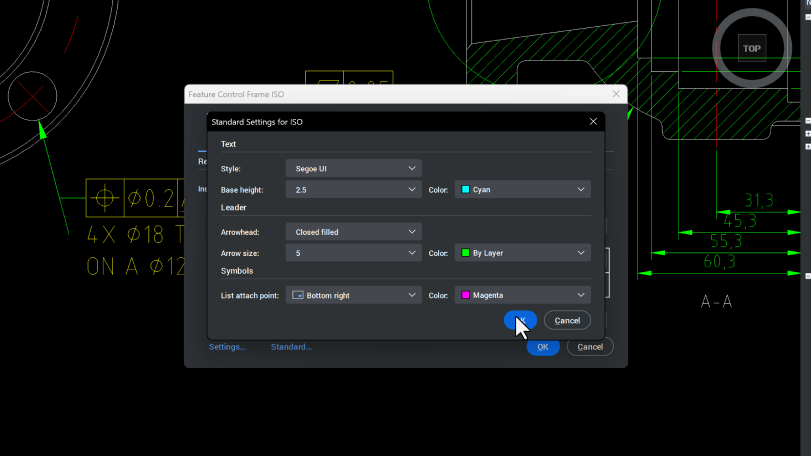
Control styling of manufacturing drawings
Configure text and leader styles for mechanical symbols to create consistent manufacturing documentation that meets user company standards.
Tutorial
Mechanical toolset
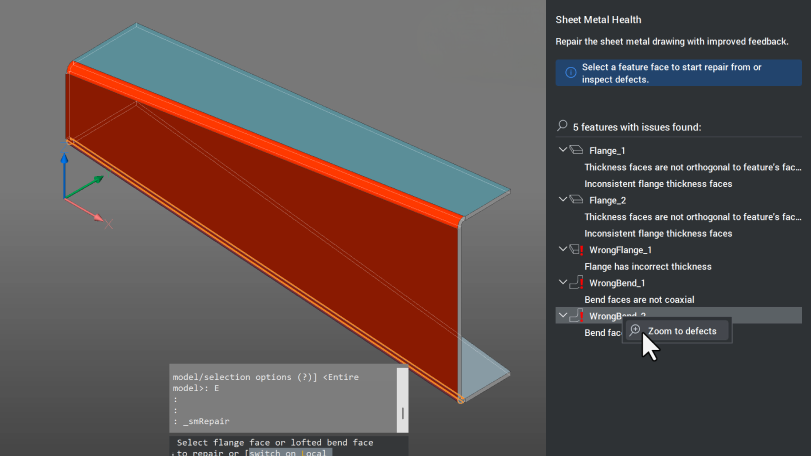
Converting, repairing, and unfolding sheet metal
Learn how to convert imported solids into recognized sheet metal parts, repair, and generate accurate flat patterns for manufacture.
Tutorial
Mechanical toolset
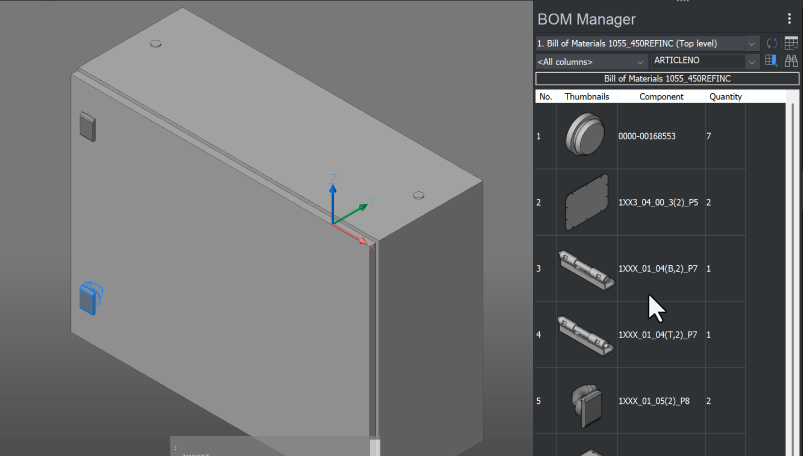
Working with CAD data from multiple platforms
Import, work with, and export mechanical CAD data while preserving assembly structure and design intent.
Tutorial