True CAD alternative
Try BricsCAD® today: Free for 30 days
Professional CAD and modeling tools, made affordable DWG compatibility, familiar interface & flexible licensing


One Design Platform for everyone
All product levels of BricsCAD are built on a single design platform offering 6 functional toolsets
 BricsCAD
Design Platform

2D drafting

3D modeling

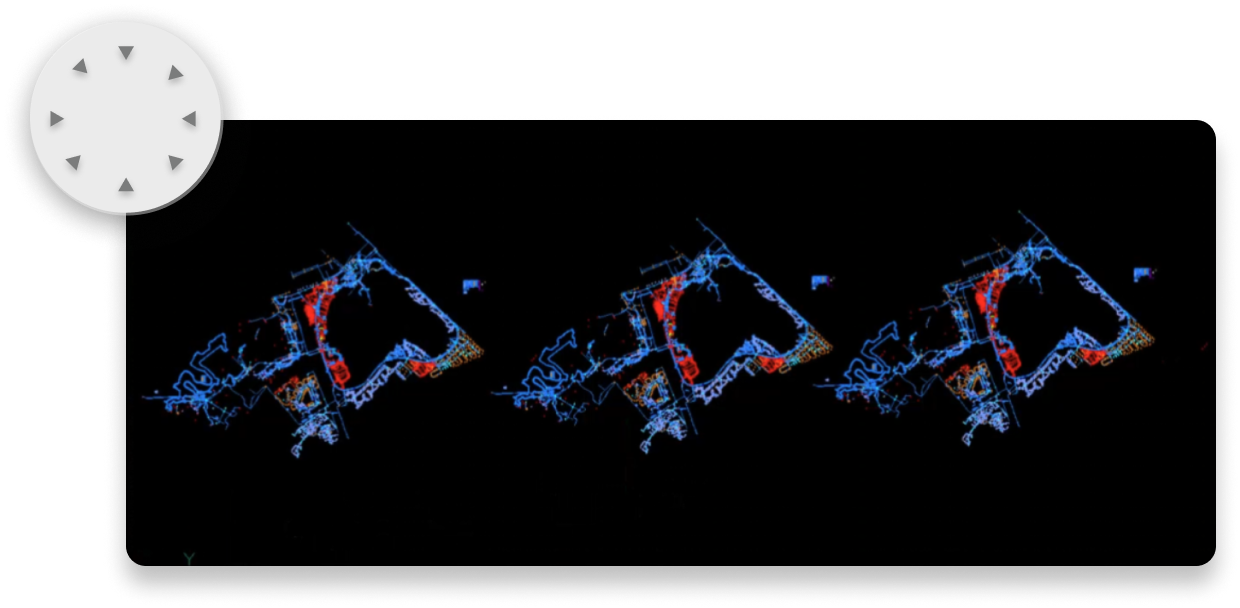
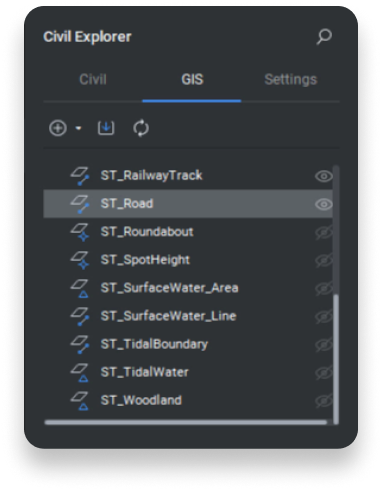
Surveying

BIM

Mechanical
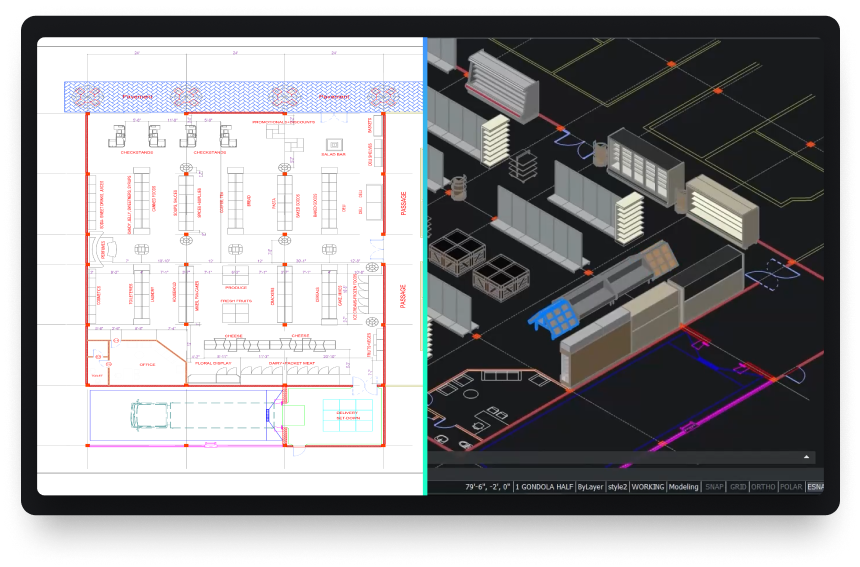
Powerful design platform
Quickly transform any design concept into production-ready deliverables.

THE LICENSING ADVANTAGE
Own your license. Own your savings.
Why rent your software? A BricsCAD Pro perpetual license is a one-time purchase. Compare that to the mandatory annual subscription for AutoCAD®.
BricsCAD Pro
Perpetual license
AutoCAD®
Annual subscription
Total savings over 5 years:
€8,565
Years
Number of licenses
1
€2,660
BricsCAD®
€11,225
AutoCAD®
The prices of BricsCAD versions shown here are for stand-alone licenses, and the total prices shown in the chart include annual Maintenance.
The price of AutoCAD shown here is the annual subscription fee.
OUR CLIENTS
Trusted by CAD users worldwide
 Source: www.g2.com/bricscad


"It is a credo that drives us towards producing strong products... BricsCAD is a part of that, as we use the program for the 2D design of our factories’ assembly lines and equipment."
Shinya, Assistant Manager. Mazda, Japan
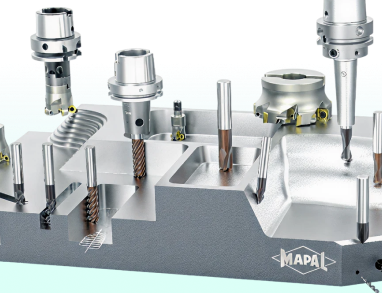

"I started searching for DWG-supporting systems... BricsCAD had the best support on handling the LISP files that we had. We had a big bunch of LISP applications to create our tools and so the decision went to BricsCAD."
Marcus, CAD/CAM Development. MAPAL, Germany


"With BricsCAD's powerful features and affordability, we estimate we've cut our construction design costs by 50%."
Juan, Director. Tecinci, Paraguay


"First of all, I can say that BricsCAD's software is an indisputable replacement for our existing 2D CAD software. We have not experienced any major problems with usability since its introduction."
Makoto, ICM Division. EBARA Corporation, Japan


"BricsCAD helps us maintain high-quality service and productivity while optimizing costs. It provides the stable, reliable platform we need for our in-house AlsiCAD plugin."
José, Technical Office Engineer. Alsina, Spain







Compare the BricsCAD product levels
BricsCAD

Native DWG
LISP routines
3rd Party Applications
30 day trial
Start designing in BricsCAD today!

data exchange
Seamless integration and comprehensive compatibility
BricsCAD lets you exchange design data freely across all project stakeholders and all major file formats.
DWG

AutoCAD®

DXF

DGN

MicroStation/
Bentley

Excel/
spreadsheet

STL

FBX

DWF/DWFx

SVG

Collada

OBJ

WMF/EMF

BMP

DWT
Extra supported file formats and integrations, part of BricsCAD Pro

Adobe/
Acrobat
3D PDF

Unreal Engine

STEP

IGES

Sketchup

Bentley ProjectWise

SHP

KML

GML

LandXML

Leica JPRJ
Extra supported Point Cloud formats, part of BricsCAD Pro

LAS/LAZ

E57
PTS/PTX
Leica Cyclone

RCP/RCS Autodesk ReCap

LGSX

ZFS

RDBX

RSP/PACK
Supported mechanical vendor file types, part of the Mechanical toolset

AutoCAD Mechanical

Autodesk Inventor

Solidworks

CATIA

Creo

Siemens NX
Siemens Solid Edge
Siemens Parasolid
Siemens JT

SAT/SAB (ACIS)
Supported BIM file types, part of the BIM toolset

IFC

Revit

Rhino

Navisworks
BCF